 Skava
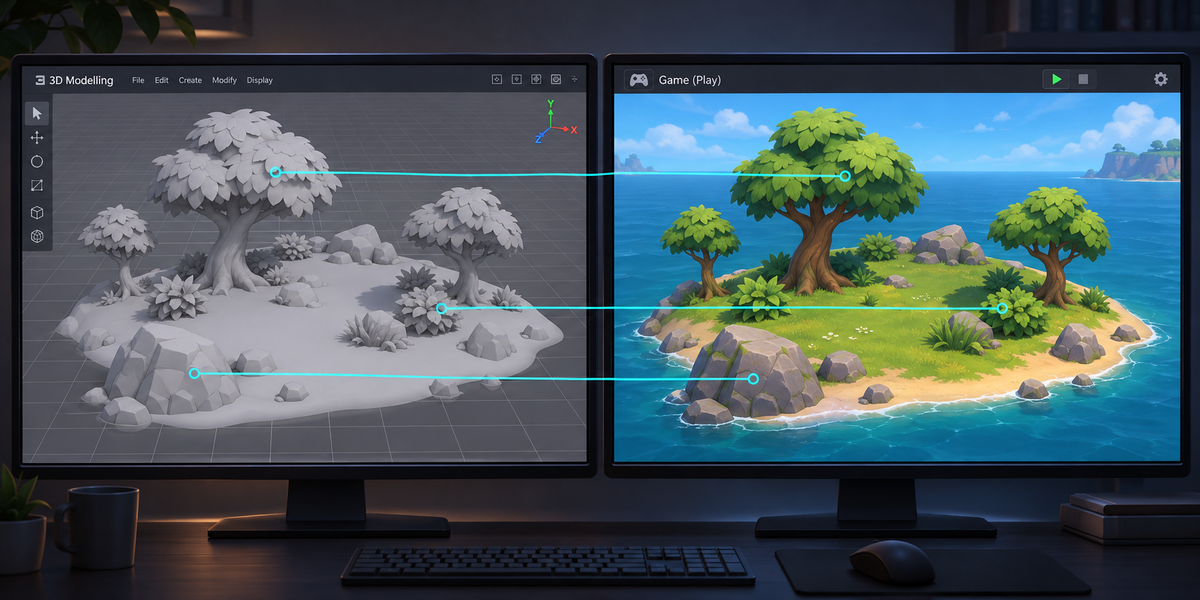

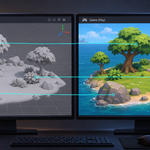
Your Blender scatter in Unity as real prefabs, every copy in its place
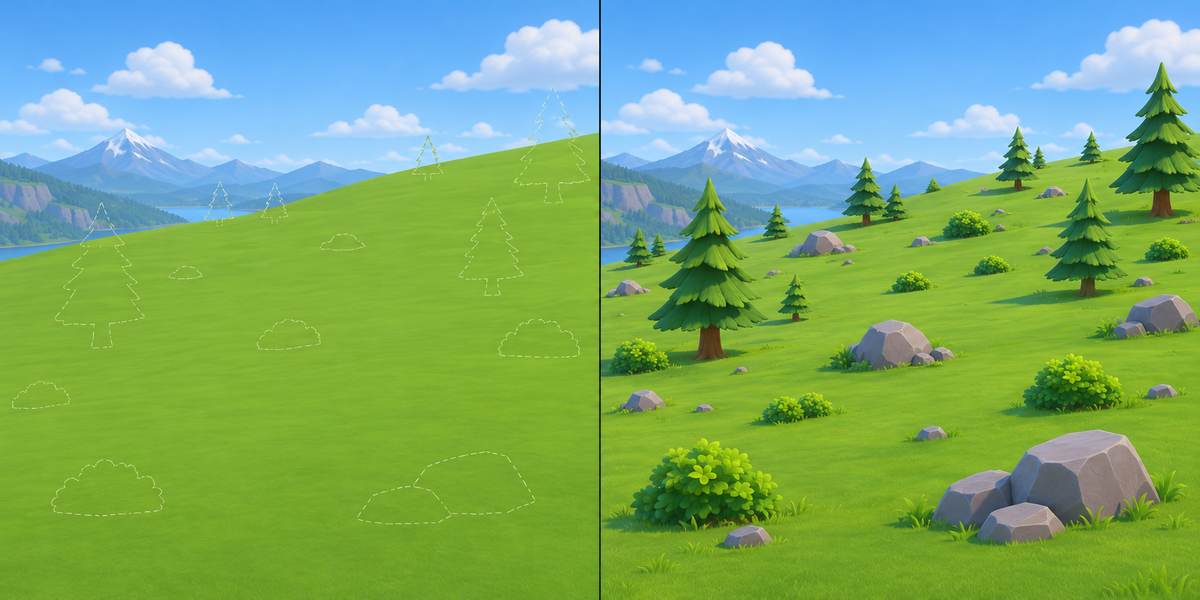
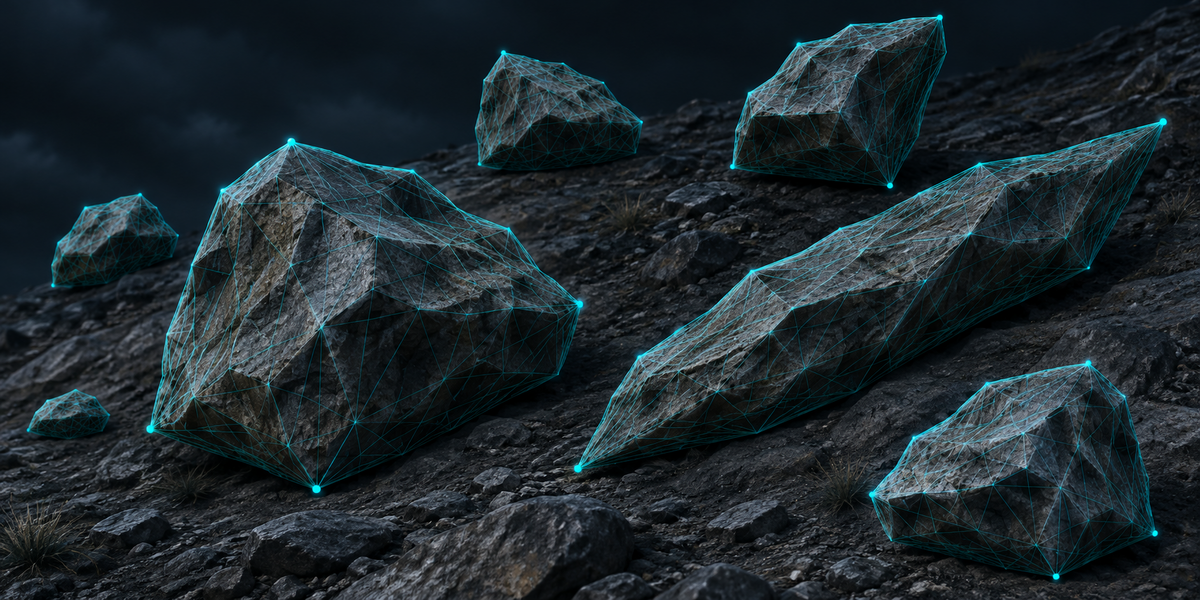
You scattered rocks, trees and props with Geometry Nodes, particles or collection instances. Then you export an FBX for Unity, and the copies are gone: Blender's FBX and glTF exporters write Geometry Nodes instances as nothing. On our test scene 160 of 203 copies were silently missing, and the scatter surface arrived as a bare plane. Realizing the instances bakes every copy into one heavy mesh, with nothing left to edit as a prefab.
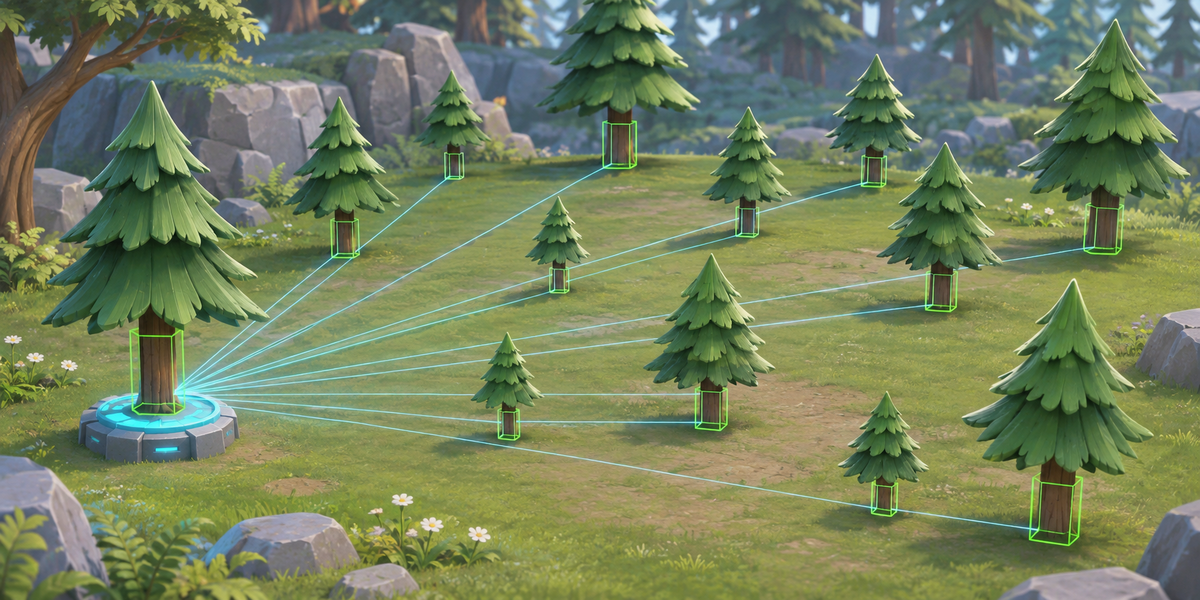
PrefabForge carries every copy Blender draws into Unity as a prefab instance in the same place, and proves it, copy by copy, in millimetres. Each repeated thing is written once as its own FBX; a passport records where every copy stands. In Unity, Set Up makes one prefab per source and places one instance per copy; Check measures them all against Blender.
What comes along
- Geometry Nodes instances: objects, whole collections, and geometry built inside the node tree (each different shape becomes its own source).
- Particle systems that render objects or collections, collection instances, vertex and face instancing, and copies inside copies.
- Mirrored copies (negative scale), and skewed copies: a copy scaled unevenly and then turned cannot be drawn by one Unity Transform, so it goes inside a holder object that draws exactly the same shape.
- Scenes in centimetres or any unit scale: one Blender metre comes in as one Unity unit, and Check fails if it does not.
- Textures: each image once, next to the models. Blender's FBX exporter loses a texture whose colour is mixed (Mix nodes, a Principled inside a node group, a Mix Shader); PrefabForge writes a simple stand-in with the same images under the same name, and names the material.
Your prefabs stay yours
- Set Up makes each prefab once and never writes over it again: add colliders, LODs and scripts, and every copy has them.
- Change the scatter in Blender and export again: each source keeps its file name, so the prefabs stay linked (a source is known by the name of the object it repeats, or by the shape of node-tree geometry). Set Up places the copies anew and leaves your prefabs and your own objects under the set alone; objects you hung under a single copy move, in the same place, under "Kept from earlier copies". Changes made to one copy alone are not kept: make them on the prefab.
Measured, not promised
- Check takes Blender's far points of every source, finds them on the prefab in Unity, and compares each copy with where Blender draws it. A copy passes within 0.5 mm, measured at up to ten far points of every source (not every vertex): on a copy 10 cm across that sees a turn of about half a degree, on a 1 cm pebble a turn of a few degrees still passes. It fails on a copy moved, turned or scaled away from Blender, a copy missing from the set, copies Blender no longer has, a copy duplicated by hand or switched off, a prefab with no mesh left, a copy that is an instance of another prefab, an empty material slot, or a wrong unit scale; moving the whole set is fine. The report goes to the Console and next to the passport.
- On our test scene (Geometry Nodes scatter, particles, a collection instance, node-tree geometry, nested, mirrored and skewed copies): 304 copies, the worst 0.001 mm off, from Blender 4.2 and 5.2, in Unity 6 on macOS (Built-in) and Windows (URP).
- On 45 real CC0 models scattered with Geometry Nodes and particles: 1676 copies of 223 sources, the worst 0.007 mm off, from Blender 5.2 (1641 copies of the 41 models that open in Blender 4.2, the worst 0.009 mm), in Unity 6 URP on Windows; 244 of 253 material slots came with their base texture (the other 9 have no base texture in Blender either: a glass and a lens whose colour is a plain value, a bust and rig widgets with no material).
- Check is tested by breaking things on purpose: a copy moved by 1 mm, turned by 0.2°, scaled by 0.2%, deleted, a material slot emptied, a skew holder removed, the import scale changed by 1%, one copy too many, one copy swapped for a prefab of the same shape with other UVs, a copy duplicated by hand, a copy switched off, the prefab's mesh taken out: each one fails Check.
Limits
- Copies of empties, lights and cameras, of Curves (hair), point clouds and volumes, of geometry without faces (Unity draws only faces) and copies scaled to zero are counted and named, not carried.
- PrefabForge carries what the viewport draws. Scan names what makes it differ from the render: hidden objects, particles displayed as anything but Rendered or below 100%, a particle system off in the viewport, fewer child particles in the viewport, Simplify's child particle and Subdivision limits, objects disabled in viewports inside what collection instances and particles repeat, a lower Subdivision modifier level in the viewport on repeated objects, and Geometry Nodes modifiers on for one and off for the other.
- Per-copy attributes (a random colour per instance) are not carried: every copy uses its source's materials. Tints and blends between textures stay in Blender.
- The scatter surface itself is not exported: export your models as usual.
The Unity scripts are MIT licensed: ship them in your games, closed source or not.
Blender 4.2 to 5.2. Unity 6 (Built-in and URP tested). No Python packages, no cloud, no account, no AI model.