PrefabForge — Your Geometry Nodes Scatter, Particles and Collection Instances in Unity as Real Prefabs, Every Copy in Its Place, Measured
 Skava
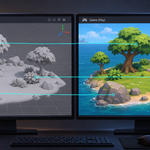
Why are my Geometry Nodes instances missing in Unity?
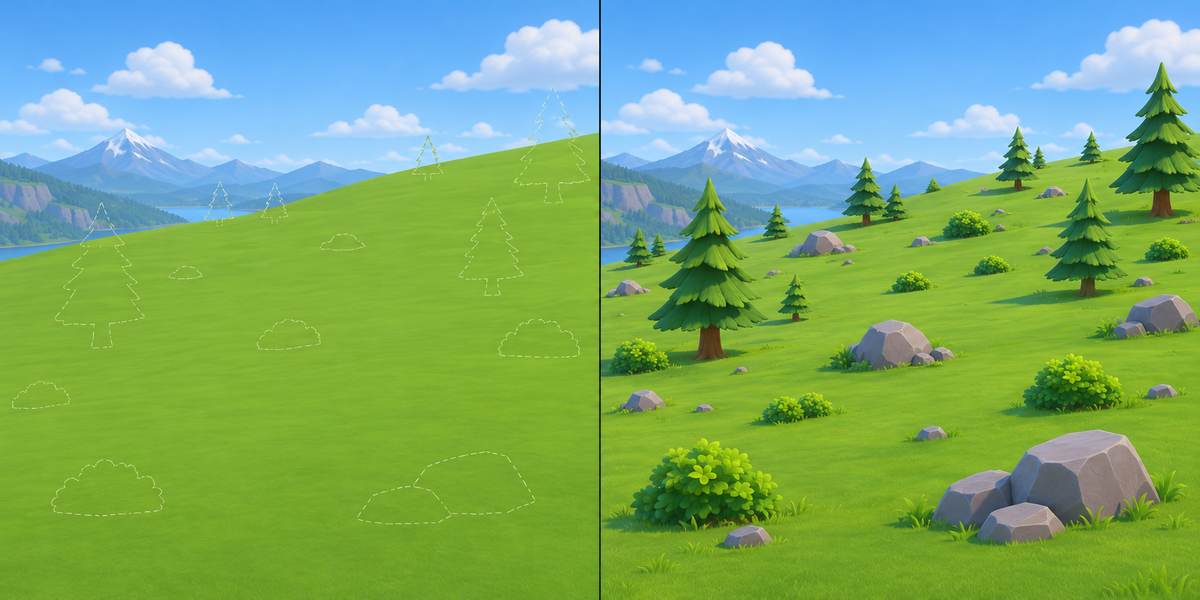
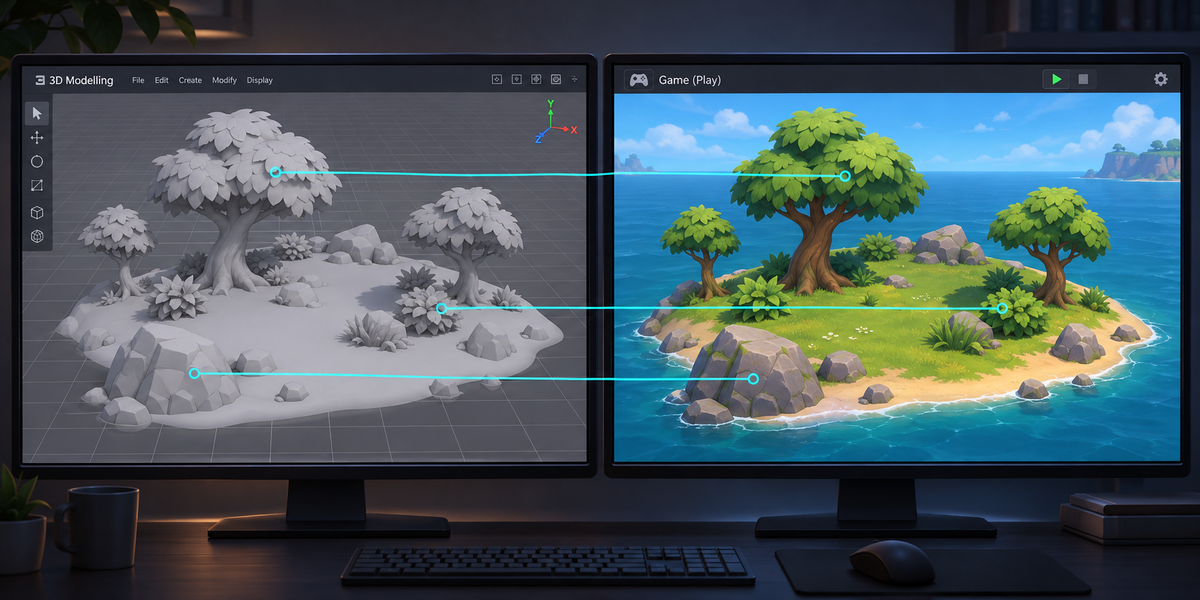
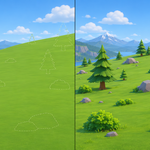
Blender's FBX and glTF exporters write the copies made by Geometry Nodes as nothing. On our test scene 160 of 203 copies were silently missing from the FBX, and the scatter surface arrived as a bare plane.
Why not just Realize Instances?
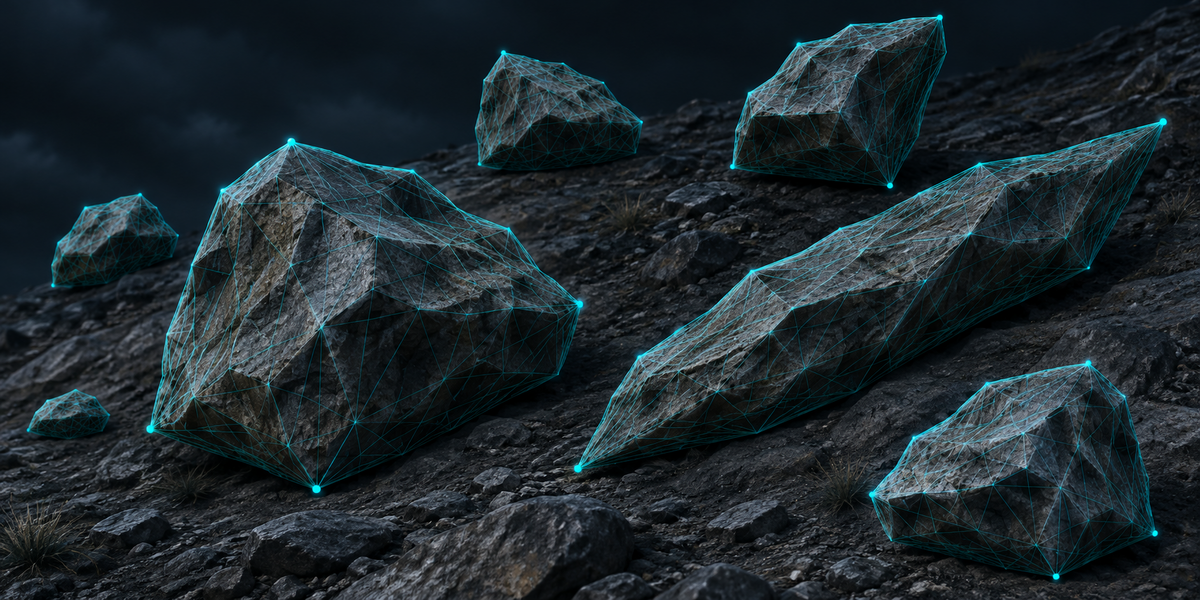
That bakes every copy into one mesh: heavy, one draw for everything, and no prefab to add a collider or a script to. PrefabForge keeps each source once and places prefab instances.
What does it carry?
Geometry Nodes instances (objects, collections and geometry built in the node tree), particle systems that render objects or collections, collection instances, vertex and face instancing, copies inside copies, mirrored and skewed copies, in any unit scale.
What does Check measure?
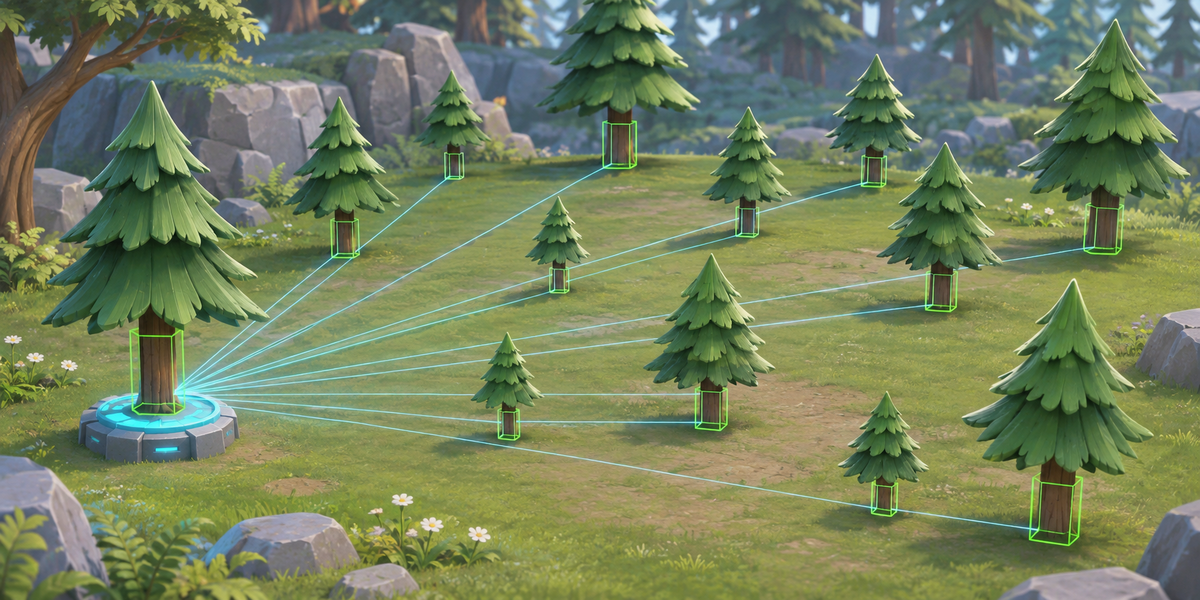
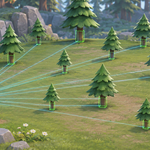
Every copy: its prefab's vertices at Blender's far points of the source, against where Blender draws them. A copy passes within 0.5 mm, measured at up to ten far points per source, so very small objects can turn a few degrees and still pass. On our test scenes the worst copy was 0.001 mm off (304 copies) and 0.007 mm off (1676 copies of 45 real models). It also fails on a copy duplicated by hand, switched off or swapped for another prefab, and on copies Blender no longer has.
Can I edit the prefabs?
Yes. Set Up makes each prefab once and never writes over it; add colliders, LODs and scripts. Export again under the same name after changing the scatter: the prefabs stay linked and your edits on them stay (renaming the object a source repeats makes it a new source). Edits to one copy alone are not kept when Set Up places the copies anew; objects hung under a copy are moved under "Kept from earlier copies".
What about materials and textures?
Unity makes the materials from the FBX, with each texture copied once next to the models. When a material mixes its colour in nodes, PrefabForge writes a stand-in with the same images and names the material; tints and blends stay in Blender.
Can I ship the Unity scripts in my game?
Yes. The Blender add-on is GPL, but the Unity scripts are MIT licensed (the license file is written next to them): you may ship them in your games, closed source or not. They contain no Blender source code.
Does it need AI, a cloud or an account?
No. Everything runs locally, in Blender and in Unity.
Have questions about this product?
Login to message
| Published | 1 day ago |
| Blender Version | 4.2 - 5.2 |
| Extension Type | N/A |
| License | GPL |
Discover more products like this
instances Game Engine fbx game-dev collection instance Level Design scatter unity particles Export prefab geometry nodes