Egret Studios LLC


Primal Core Features
Fast Quad Remeshing
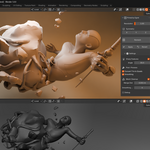
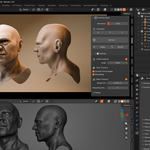
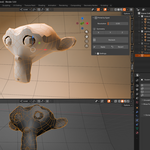
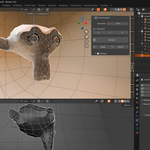
Primal converts triangulated or messy geometry into clean quad-dominant topology directly inside Blender. Designed for fast iteration and minimal setup, it helps simplify complex meshes in seconds.
Intelligent Topology Adaptation
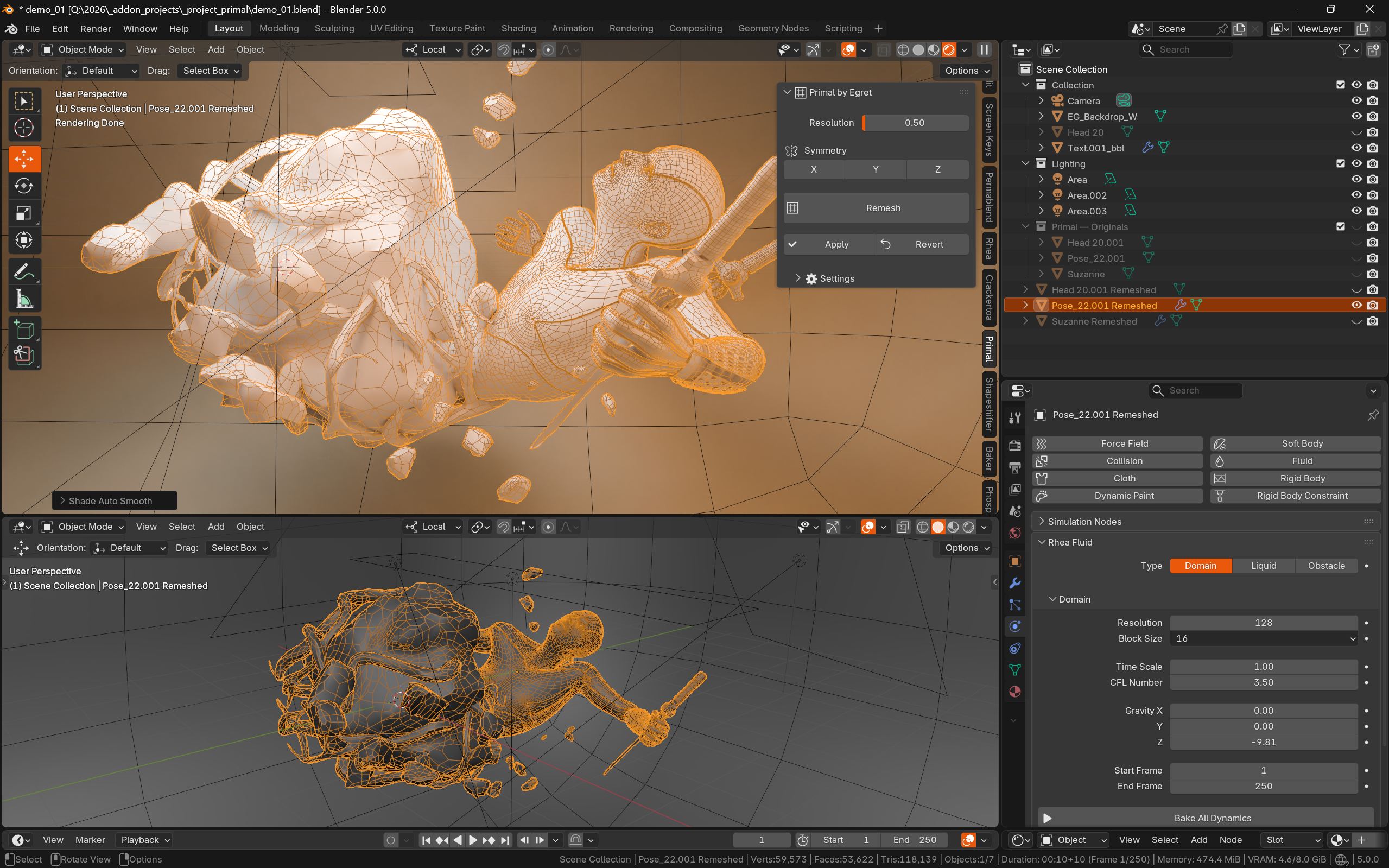
Primal analyzes the surface structure of the mesh and adapts quad flow to better preserve forms, silhouettes, curves, and surface transitions for cleaner and more usable topology.
Adjustable Resolution Control
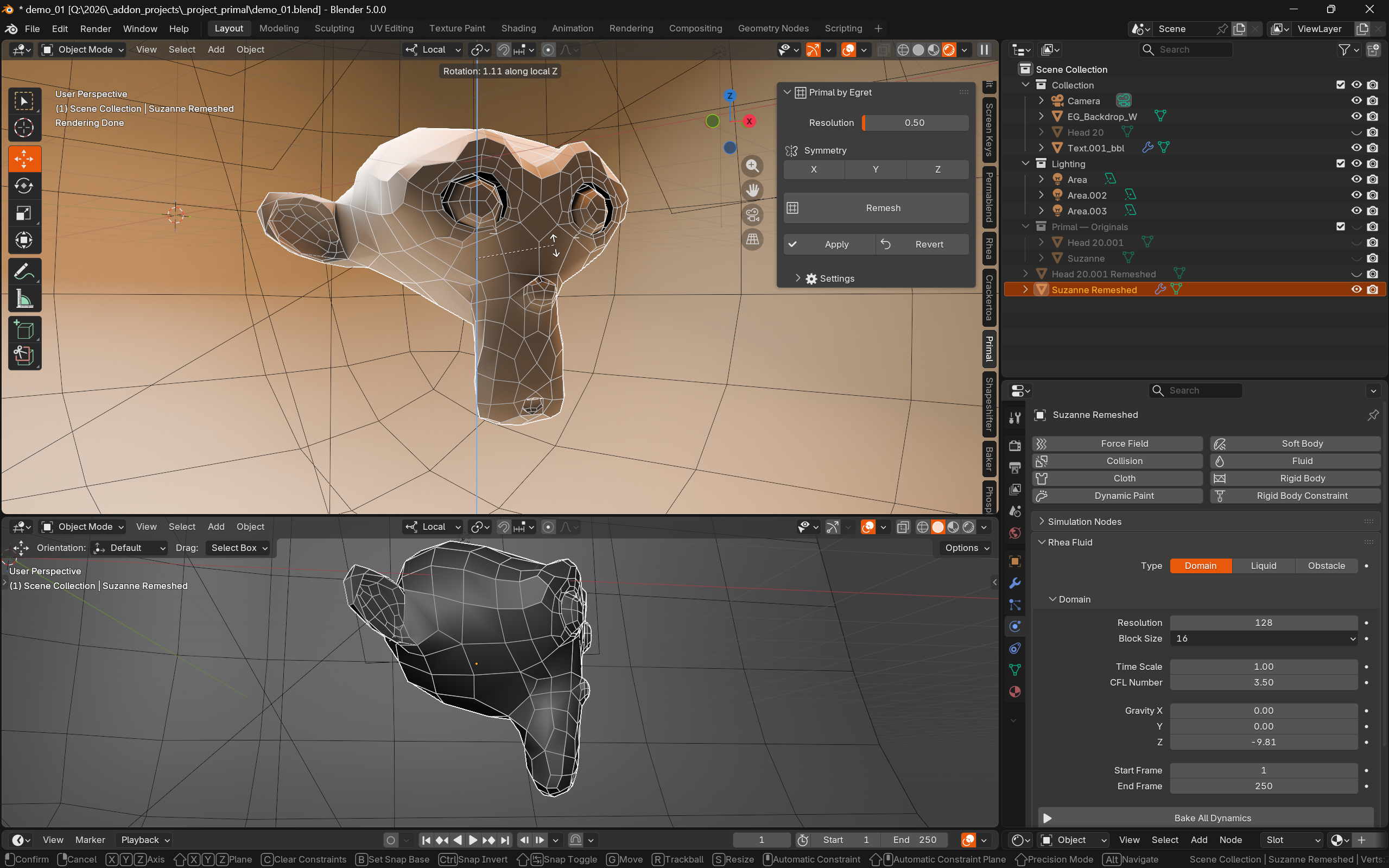
The Resolution parameter allows precise control over mesh density. Lower values produce denser and cleaner topology, while higher values reduce polygon count for optimization workflows. This makes Primal suitable for both high-quality remeshing and low-poly asset generation.
Symmetry Support
Primal supports X, Y, and Z symmetry remeshing. When enabled, the mesh is mirrored during processing and a Mirror modifier is automatically added afterward, making it ideal for characters, vehicles, weapons, and other symmetrical assets.
Sharp Feature Preservation
Sharp Features detection helps preserve hard-surface edges and mechanical details during remeshing. Primal can automatically detect and preserve sharp angles, UV seams, material boundaries, mesh borders, and face-set boundaries for cleaner hard-surface topology.
Automatic Mesh Cleanup
Primal includes optional cleanup operations that improve the final mesh after remeshing. This includes vertex merging, normal recalculation, removal of degenerate geometry, tris-to-quads conversion, and smoothing passes to reduce manual cleanup work afterward.
Non-Destructive Workflow
Before remeshing, Primal automatically creates a backup of the original mesh. Users can either permanently apply the remeshed result or revert back to the original mesh at any time before applying, allowing for safe experimentation and fast iteration.