 Domenas
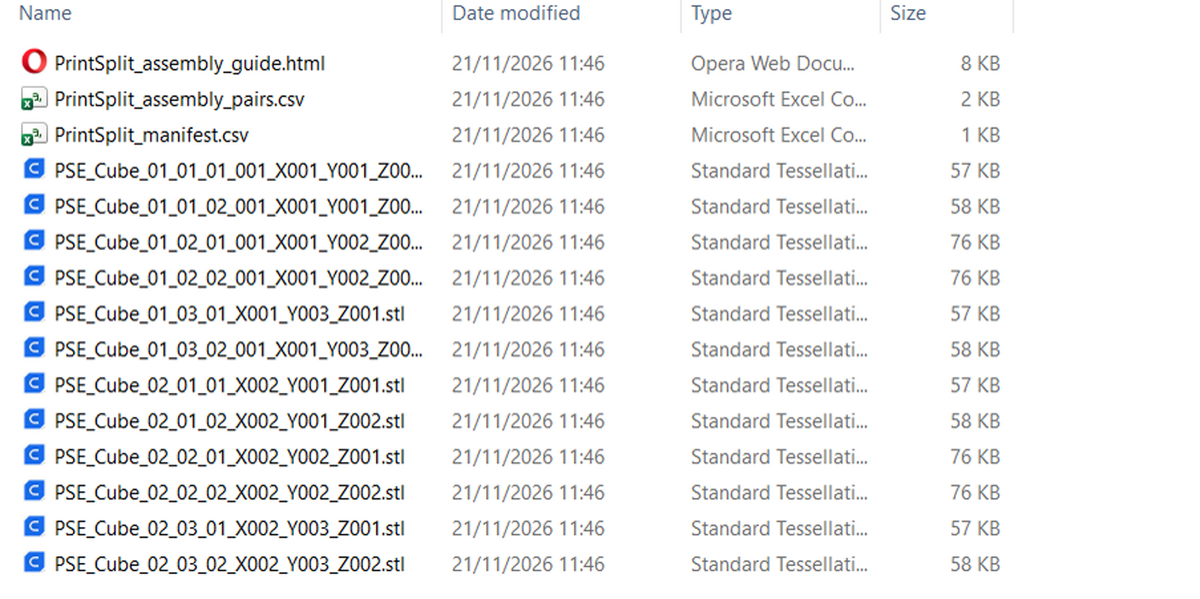
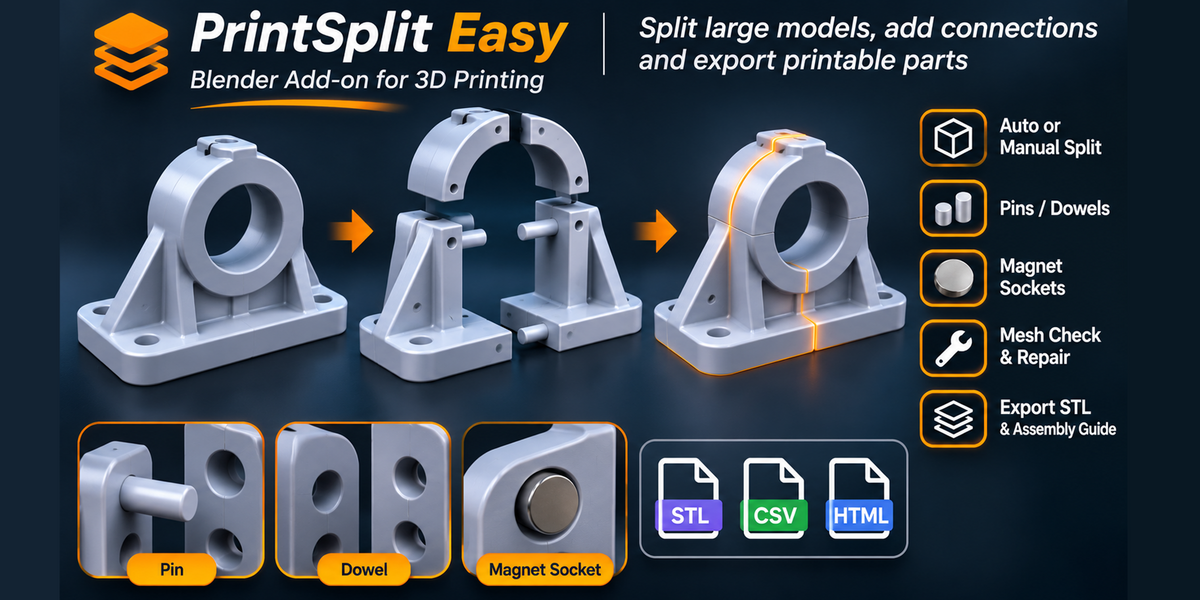
What types of connectors can I create?
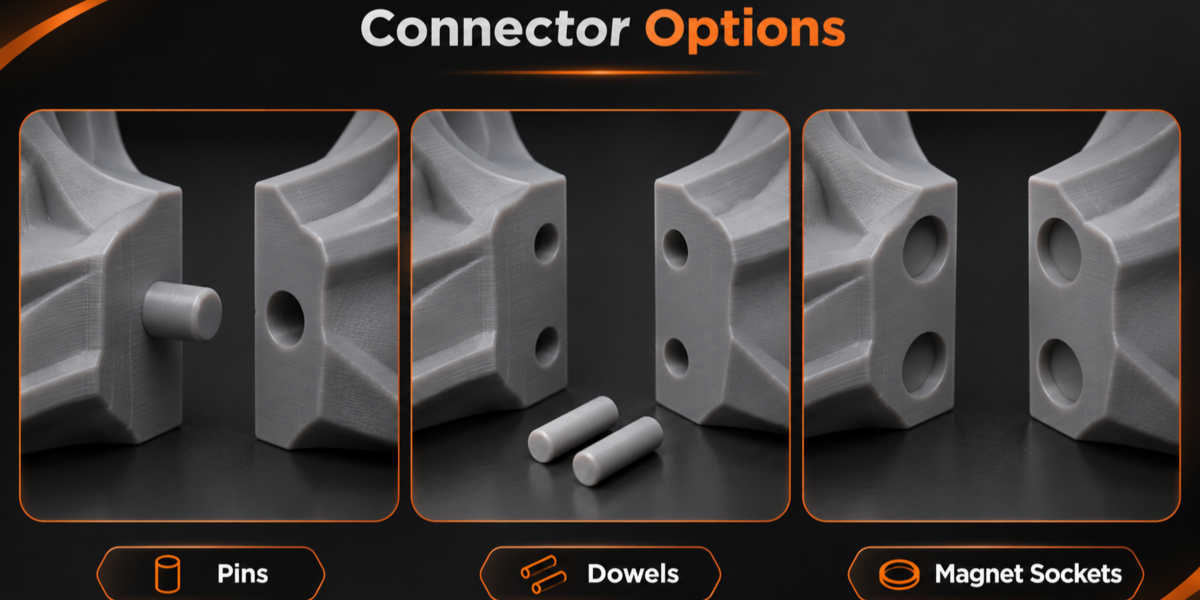
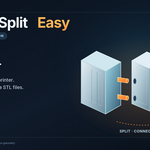
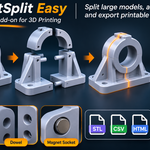
PrintSplit Easy supports attached cylindrical pins, separate connecting dowels, and pockets for disc magnets. Connector placement depends on the available geometry, and the add-on reports joints that could not be created.
Can PrintSplit Easy automatically split a model to fit my 3D printer?
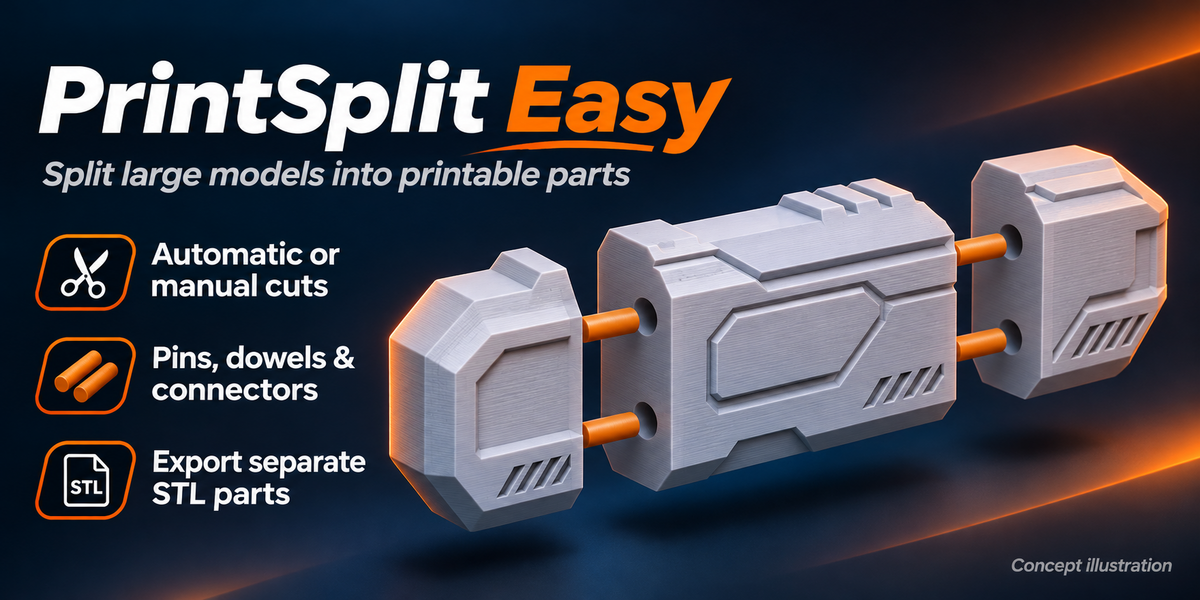
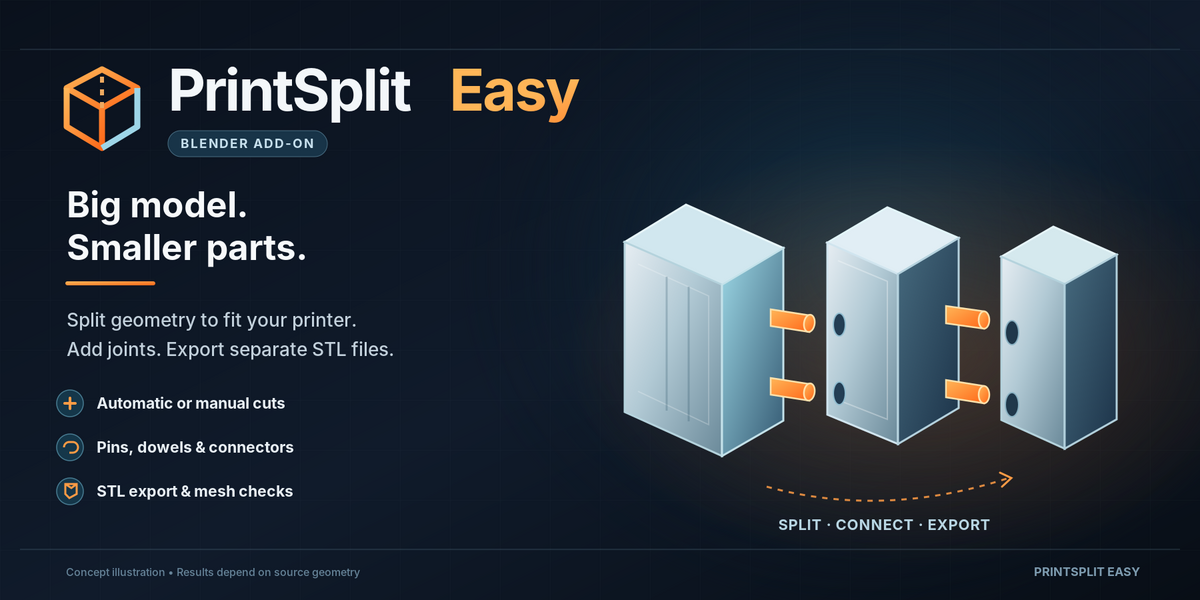
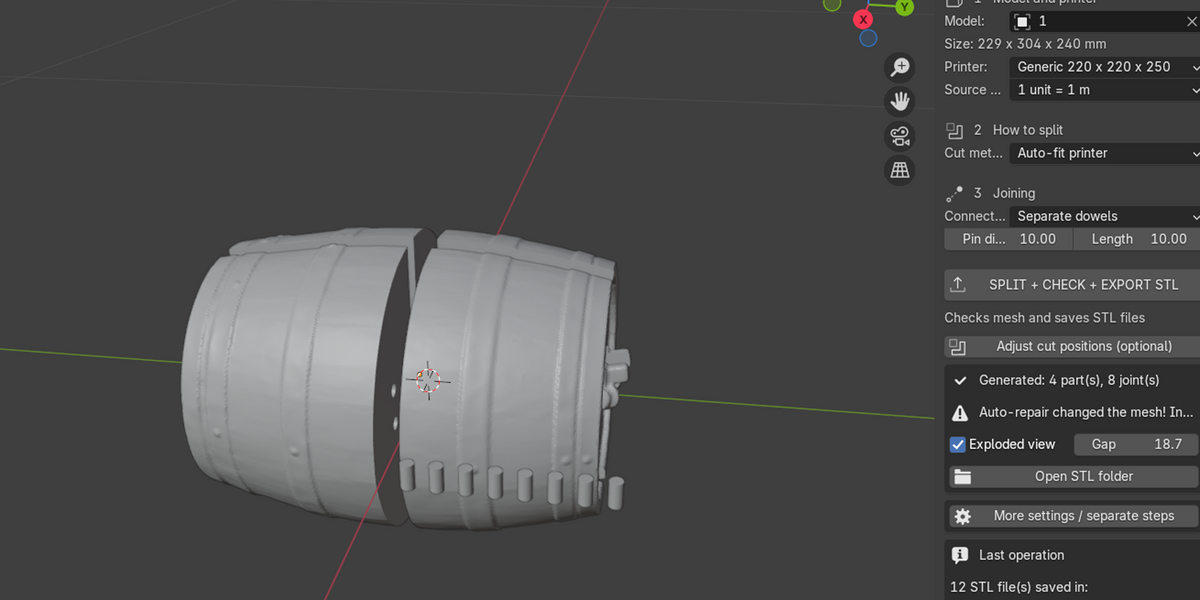
Yes. The Auto-fit printer mode plans X/Y/Z-aligned cuts based on your selected printer dimensions. You can also use manual cuts or adjustable cutting guides. Always verify the generated parts in your slicer.
Do I need advanced Blender skills to use PrintSplit Easy?
No. PrintSplit Easy is designed around a simple workflow: select your model, choose your printer, select a connection type, and export. Advanced settings are available when you need more control.
Have questions about this product?
Login to message
| Blender Extension Compatible | Yes |
| Published | about 5 hours ago |
| Blender Version | 4.3 - 4.5 |
| Extension Type | Add-on |
| License | GPL |

Discover more products like this
cut planes 3d print preparation pins Mesh Cutting STL export printer size magnet sockets Model Splitting 3d printing dowels mesh repair auto split