 NetMetropolis


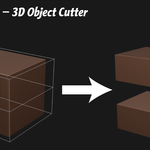
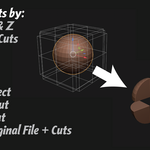
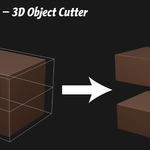
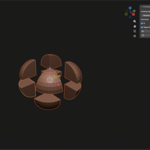
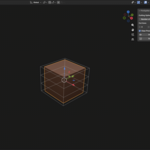
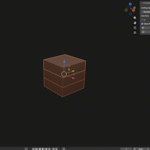
Preparing large models for 3D printing can be tedious, especially when you need precise, evenly spaced cuts. PrintSplitter streamlines this workflow by allowing you to divide any mesh into perfectly sized printable sections directly inside Blender.
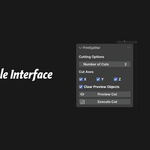
With a simple interface in the 3D View sidebar, you can select the number of cuts and the axis direction, preview the slicing planes, and generate clean parts in seconds.
PrintSplitter automatically calculates the model’s bounding box to ensure cuts are evenly distributed across the geometry, while slightly extending the cutting volumes beyond the mesh to guarantee reliable boolean operations.
Whether you’re preparing sculptures, mechanical parts, cosplay props, or large terrain pieces, PrintSplitter makes breaking models into printer-friendly sections fast and reliable.
Key Features
Evenly split models into multiple printable parts
Cut along X, Y, or Z axes
Multi-axis slicing support
Live preview of cut locations
Automatic bounding-box alignment
Overshoot boolean cuts for reliable results
Clean mesh duplication and slicing workflow
Designed specifically for 3D printing preparation
Ideal For
Large model printing
Resin printer build limits
FDM printer build limits
Cosplay prop segmentation
Miniature terrain splitting
Production asset preparation