PrintSplitter — Fast Model Splitting for 3D Printing in Blender
 NetMetropolis


1. Why are my cuts uneven?
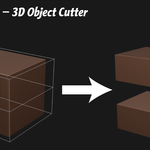
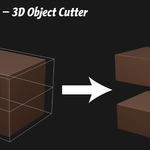
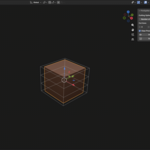
Cuts are based on the object’s bounding box. If the model isn’t centered or has large empty space around it, the distribution may appear uneven. Applying transforms and cleaning the mesh usually resolves this.
2. Can I slice along multiple axes at once?
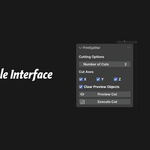
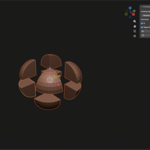
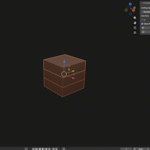
Yes. Enabling multiple axes will create a grid of parts. For example, 2 cuts on X and 2 cuts on Y will produce 4 pieces.
3. Why does the original model disappear after slicing?
The original mesh is simply hidden, not deleted. You can unhide it in the Outliner if needed.
4. Will this work with complex models?
Yes, but boolean operations depend on mesh quality. Non-manifold geometry or open surfaces may cause imperfect results.
5. Does PrintSplitter modify my original model?
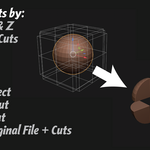
No. The tool duplicates the object and performs cuts on the copies, leaving the original intact.
$5.99
Have questions about this product?
Login to message
| Published | 7 months ago |
| Blender Version | 5.0 |
| Extension Type | N/A |
| License | GPL |
Discover more products like this
one click split addon slice split 3d slice cut cut mode blender slice addon