 DUCKLABO

Version 1.3.3 - Sep 23, 2026
Fixed:
- Fixed an issue where saving Pillar Settings could fail in Blender 5.1 and later due to changes in how Geometry Nodes modifier inputs are accessed.
----------------------------------------
Version 1.3.2 - August 2026
Fixed:
- Fixed an issue where Auto Pillars might not correctly refresh their normal direction after being moved when the Distance Ruler feature was enabled.
Version 1.3.1 - Aug 23, 2026
New:
- Added a Distance Ruler feature for checking the distance between pillars.
Improved:
- Improved Multi-Pillar placement to reduce overly dense pillar placement on gentle slopes and continuous overhang areas.
- Improved Multi-Pillar placement to reduce unintended internal pillar generation on objects with overlapping meshes.
Fixed:
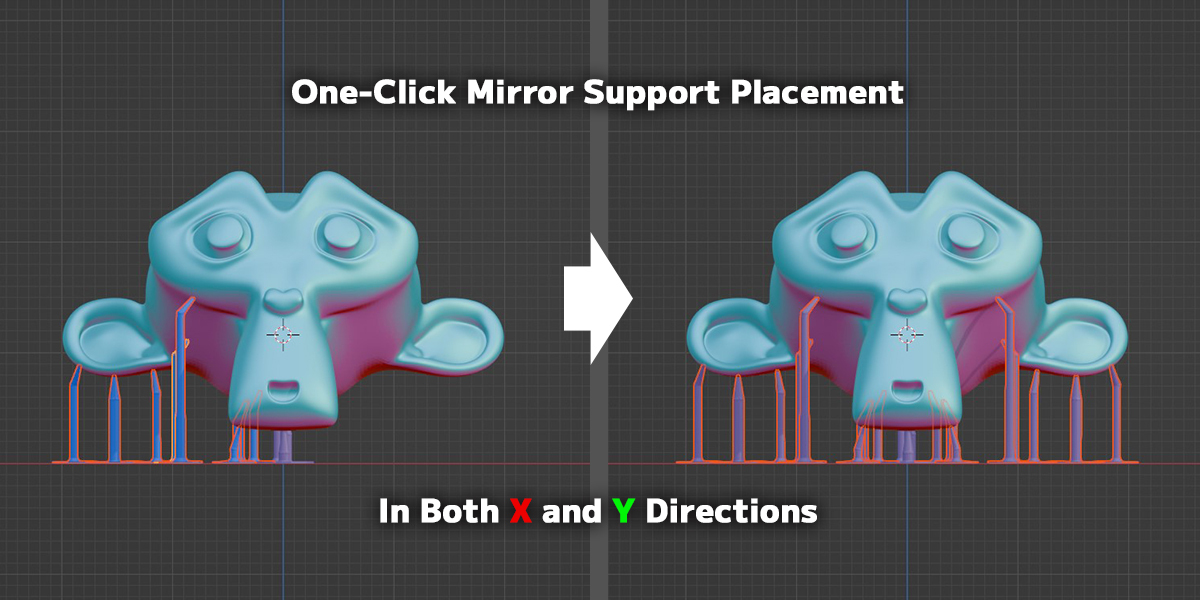
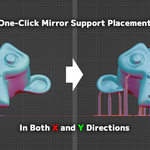
- Fixed an issue in Blender 5.1 and later where mirrored pillars could have flipped normal directions after Mirror Placement.
Version 1.3.0 - Aug 11, 2026
New:
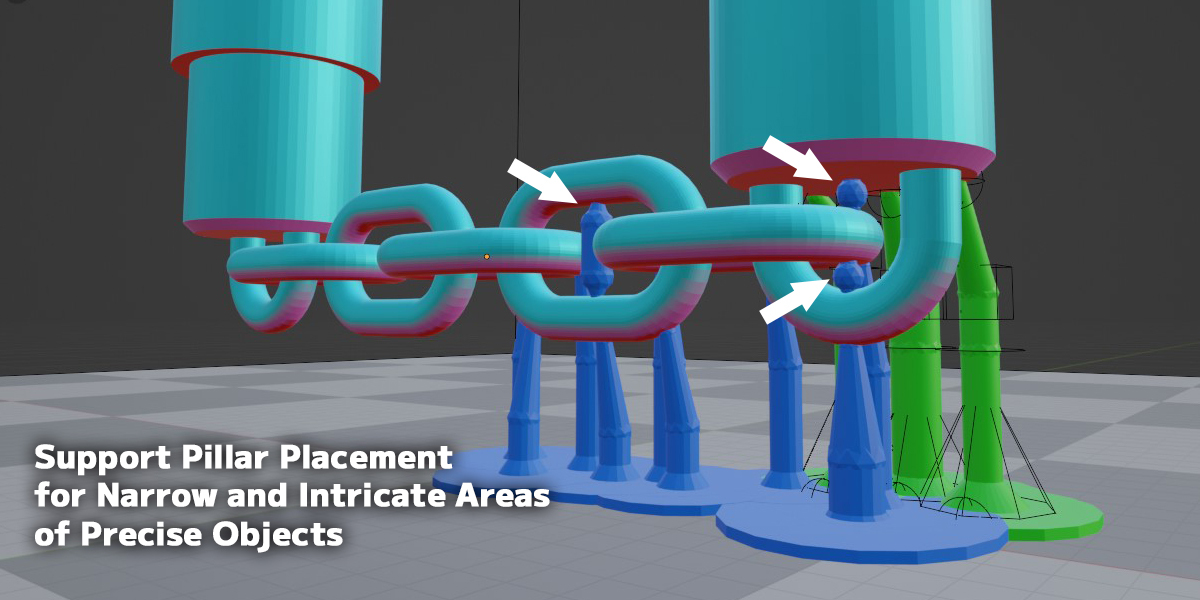
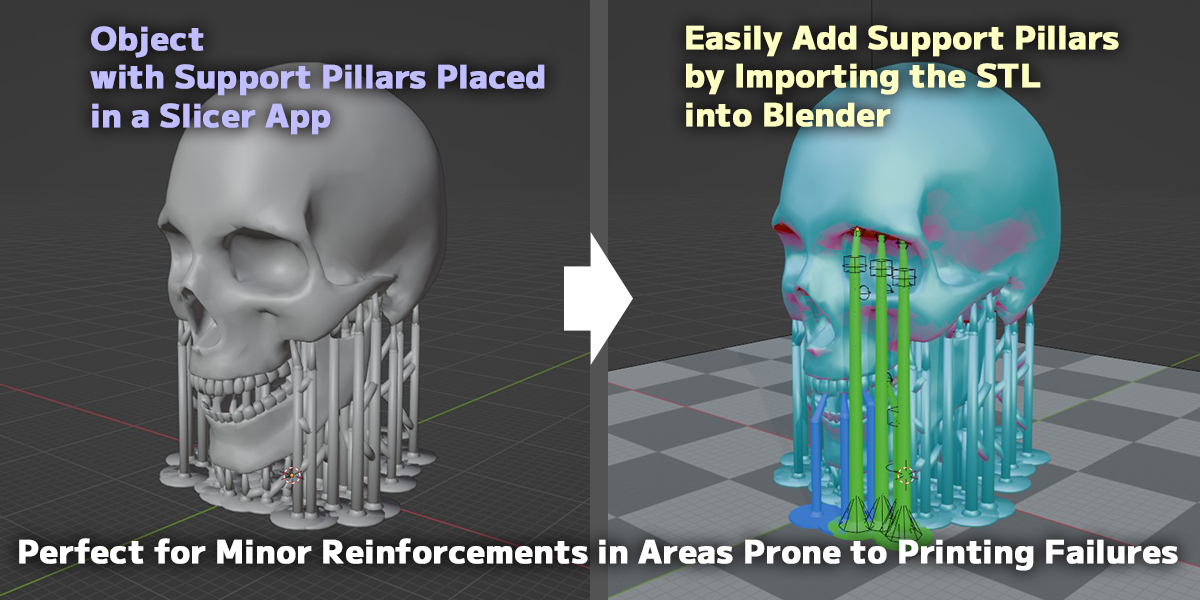
- Added a new Multi-Pillar placement algorithm. In addition to standard automatic pillars, the new system can initially generate manual-style pillars and narrow-area pillars based on the target object's shape.
- Added a Placement Marker display/hide feature.
- Added an option to use only Critical pillars for Multi-Pillar placement and Placement Marker display.
- Added a Ball Tip option that rounds and enlarges the pillar tip.
- Added an Auto Decimate feature for high-polygon models during [Prepare Pillar Layout].
- Added an option to automatically run Base Connection when [Fix Pillar Layout] is executed.
- Added a toggle for turning Special Snap ON/OFF.
- Added support for automatically regenerating Multi-Pillars. Existing non-FIX pillars are replaced when [Multi-Pillars] is run again, while FIX pillars are preserved.
- Added Shift-select support for selecting related pillars, bridges, and handles in bulk.
Improved:
- Greatly improved candidate generation accuracy for Multi-Pillar placement.
- Improved Bridge Pillars performance and target-related pillar detection.
- Improved Bridge Pillars behavior to reduce bridges passing through the target object.
- Bridge Pillars can now also be used to convert a single selected pillar into a FIX pillar.
- Improved bridge generation for very low pillars and pillars that are too close to each other.
- Improved selection preservation after several operations.
- Improved the Copy Layout UI and workflow.
- Improved the [Prepare Pillar Layout] / [Fix Pillar Layout] UI and workflow.
- Improved overhang display behavior in Blender 4.5 and later.
- Reviewed pillar and bridge generation processes to improve overall processing speed.
- Improved Single Pillar placement so repeated placement creates nearby pillars on the target surface instead of repeatedly placing them at the same point.
- Improved Base Connection controls, including direct updating from the Connecting Plate Width setting.
Fixed:
- Fixed an issue where Geometry Nodes input values could not be read or set correctly in Blender 5.2.
- Fixed an issue where raft-style Base Connection could shift toward the scene origin.
- Fixed an issue where overhang display could appear jagged in Blender 4.5 and later.
- Fixed an issue where very low pillars could protrude below the build plate without being clearly indicated.
Compatibility:
- Confirmed to work with Blender versions 3.6 through 5.2.
Version 1.2.1 - Feb 3, 2026
New:
- Added a raft option for Base Connection. The Base Connecting Plate Width is used as the raft expansion width.
Version 1.2.0 - Jan 25, 2026
New:
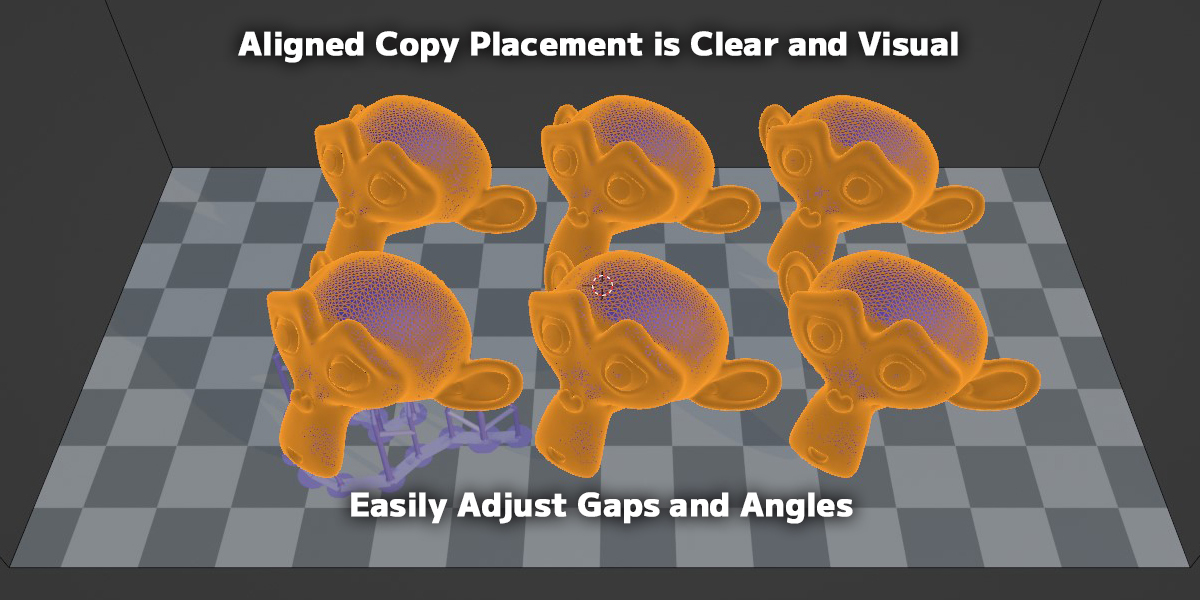
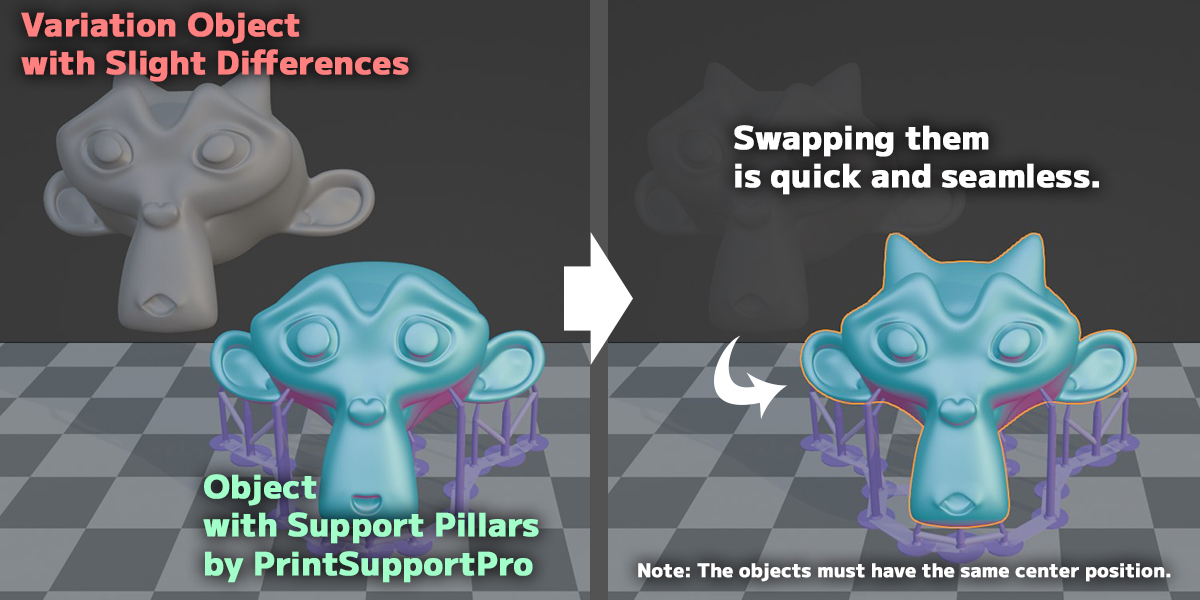
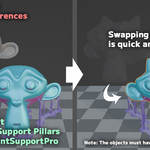
- Added a Quick Swap toggle option. When enabled, Quick Swap allows you to swap objects in a single action, including automatic alignment to target or FIX objects, using just the Swap button.
- Multiple selected objects can now be exported as separate STL files into a single folder, with each file named after its object.
- Added an option to move objects to the world XY origin during STL export.When enabled, each object is temporarily moved to the XY origin for export and then restored to its original position.
Improved:
- Improved Quick Swap and Align Position behavior with clearer selection rules.
- Added user-friendly warning messages instead of errors when invalid object selections are used.
Compatibility:
- Confirmed to work with Blender versions 3.6 through 5.0.1.
Version 1.1.1 – November 12, 2025
New / Improved
-
Improved compatibility with objects that already have Geometry Nodes or Subdivision Surface modifiers.
When attempting to run [Prepare Pillar Layout] on such objects, a clear warning message is now displayed to prevent setup errors caused by shape changes after applying or removing these modifiers. -
STL Export: Now fully compatible with Blender’s built-in STL Exporter.
The legacy “STL format (legacy)” extension is no longer required when exporting selected objects to STL.
Compatibility
-
Confirmed to work with Blender versions 3.6 through 4.5.4.
(Backward compatible with 4.1 and newer versions that support the modern STL exporter.)
Version 1.1.0 - May 20, 2025
New:
- Added a grid overlay to the overhang areas during [Prepare Pillar Layout] mode. This visual aid shows millimeter spacing, making it easier to align and position pillars accurately.
Improved:
- [Load Pillar Settings] now supports multi-selection even when no active object is set. As long as all selected objects are valid pillars, the operation can be executed. This allows smoother workflows when using the [Pillar] selection button for batch setup.
Compatibility:
- Confirmed to work with Blender versions 3.6 through 4.4.3.
Have questions about this product?
Login to message
| Blender Extension Compatible | Yes |
| Sales | 60+ |
| Published | almost 2 years ago |
| Blender Version | 3.6 - 5.2 |
| Extension Type | Add-on |
| License | GPL |
Discover more products like this
DLP Printing 3d printing Resin Printing Symmetry Tools Print Preparation SLA Printing Support Pillars STL Editing