Pro Measure 2.1.1
 CreateVisions


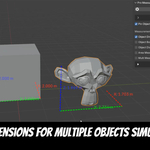
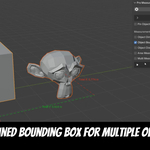
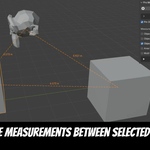
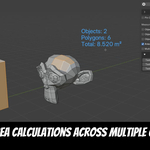
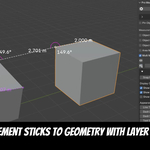
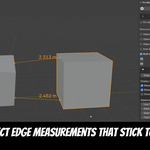
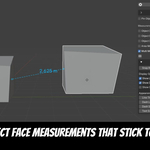
Yes, no problem. Even models with millions of polygons work smoothly. The very first time you start a measurement in a heavy scene, Pro Measure needs a few seconds to get ready, you will see two small blinking dots next to "Multi Measurements". Once they stop, you can measure as usual, and from then on everything is instant.
Yes. All measurements are stored inside your .blend file. Save as usual, and when you reopen the project everything is right where you left it, the display even turns itself back on automatically..
Sometimes old files are left behind and block the installation. This fixes it:
- Close Blender.
- Delete the ProMeasure folder. You find it here (replace with your Blender version, e.g. 4.5):
Windows: %APPDATA%\Blender Foundation\Blender\\extensions\user_default\ProMeasure
macOS: ~/Library/Application Support/Blender//extensions/user_default/ProMeasure
Linux: ~/.config/blender//extensions/user_default/ProMeasure - Start Blender again.
- Drag the zip file from Superhive into the Blender window.
Have questions about this product?
Login to message
| Blender Extension Compatible | Yes |
| Sales | 30+ |
| Dev Fund Contributor | |
| Published | about 1 year ago |
| Blender Version | 4.3 - 5.2 |
| Extension Type | Add-on |
| Render Engine Used | Cycles, Eevee |
| License | GPL |
Discover more products like this
exact measurements measurement measurement tool dimension lines Measure Tool better measure bounding box measurement overlay measurements measure measure objects easy measurement