 PolyForge
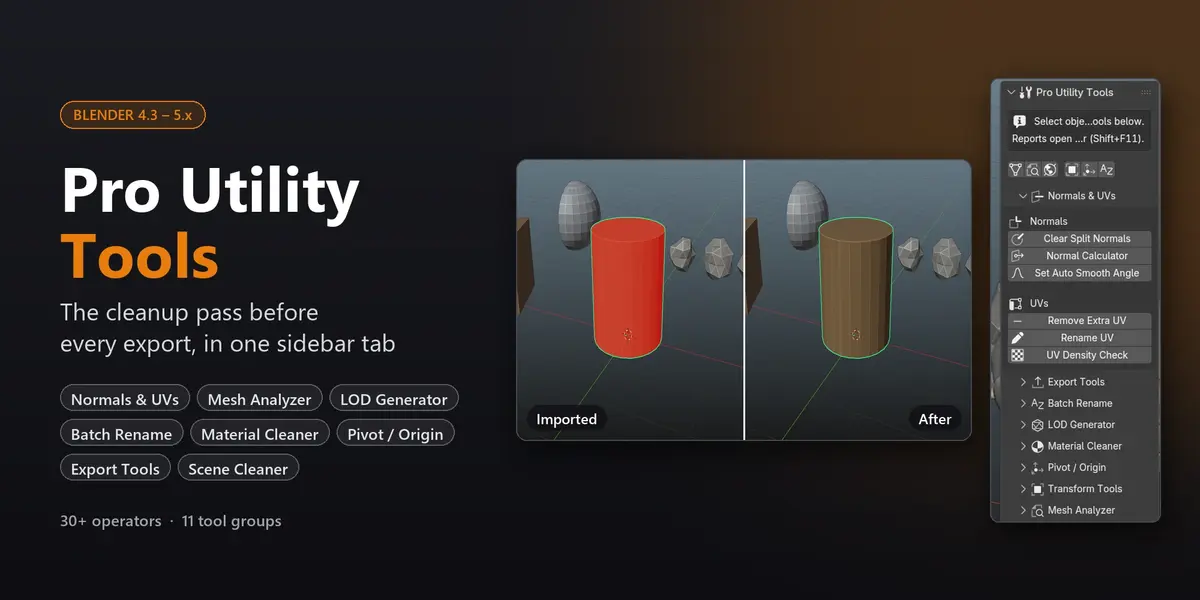
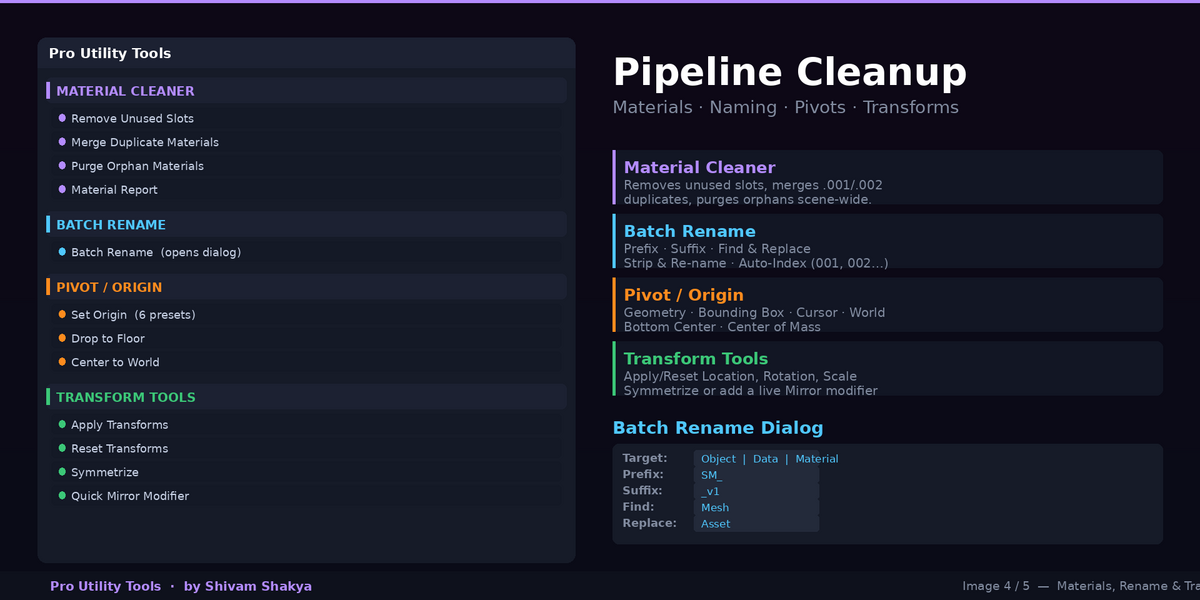
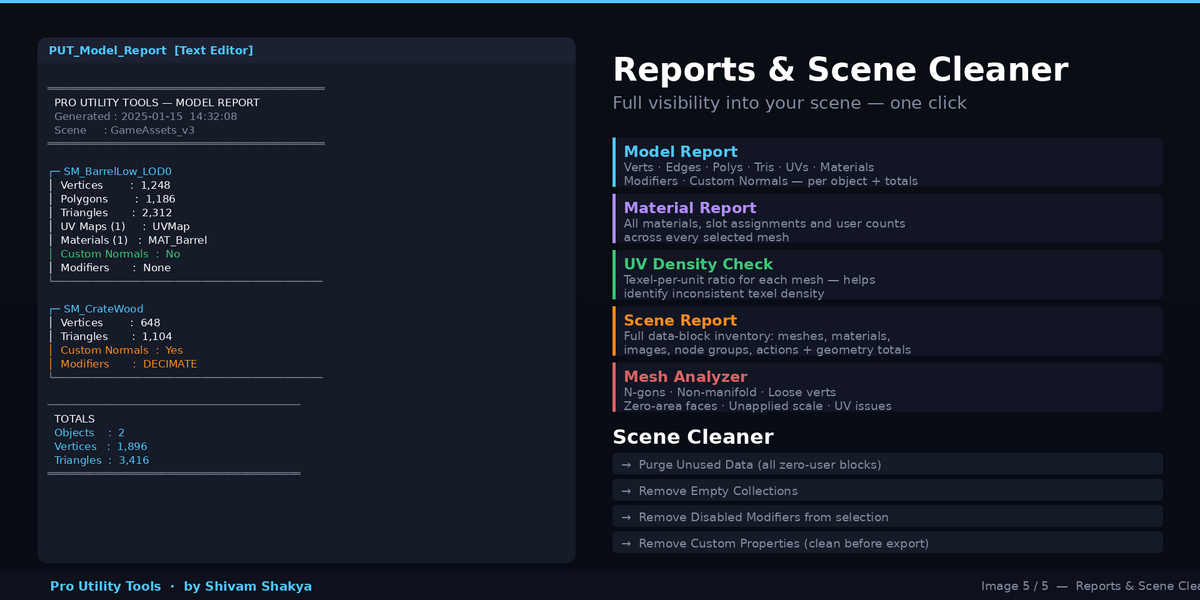
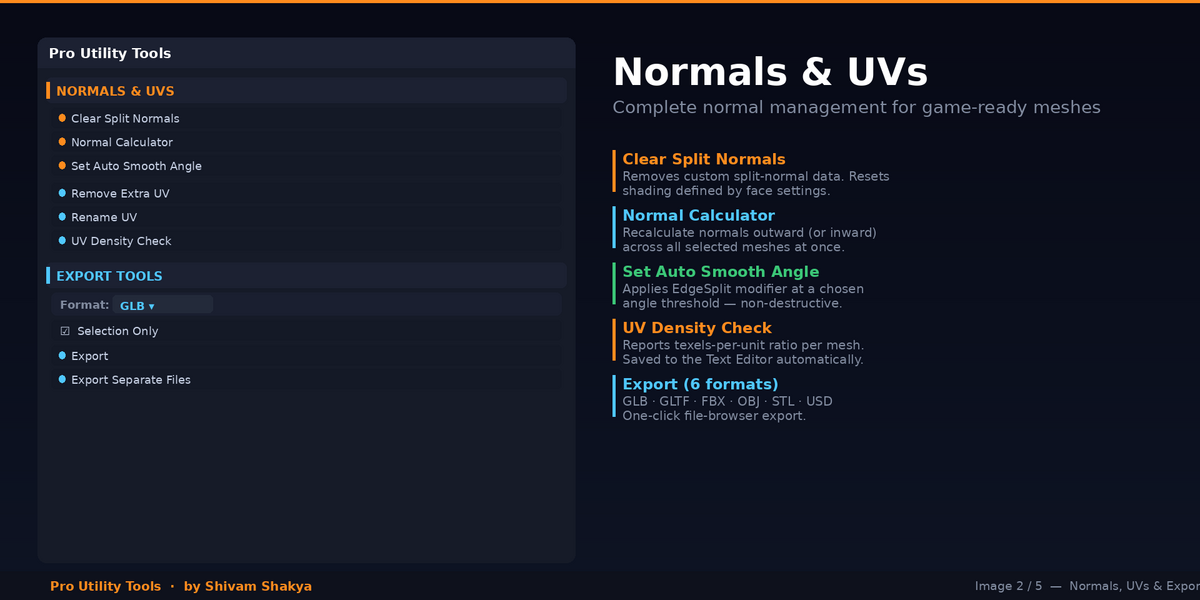

Blender 4.3 or newer. It's tested in Blender 5.1. It's pure Python, so there's nothing to compile and nothing extra to install.
No. Mesh Analyzer and all the reports only read your scene. Tools that change data run only when you click them, and they support Undo (Ctrl+Z). The two purge tools also ask for confirmation first; you can turn that off in the add-on preferences.
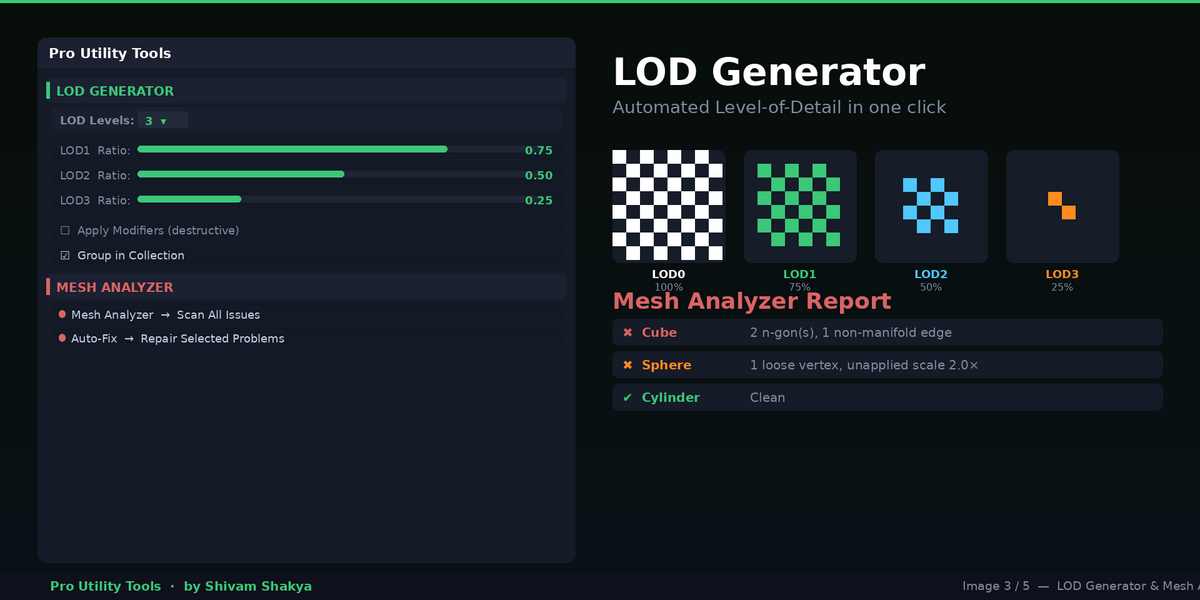
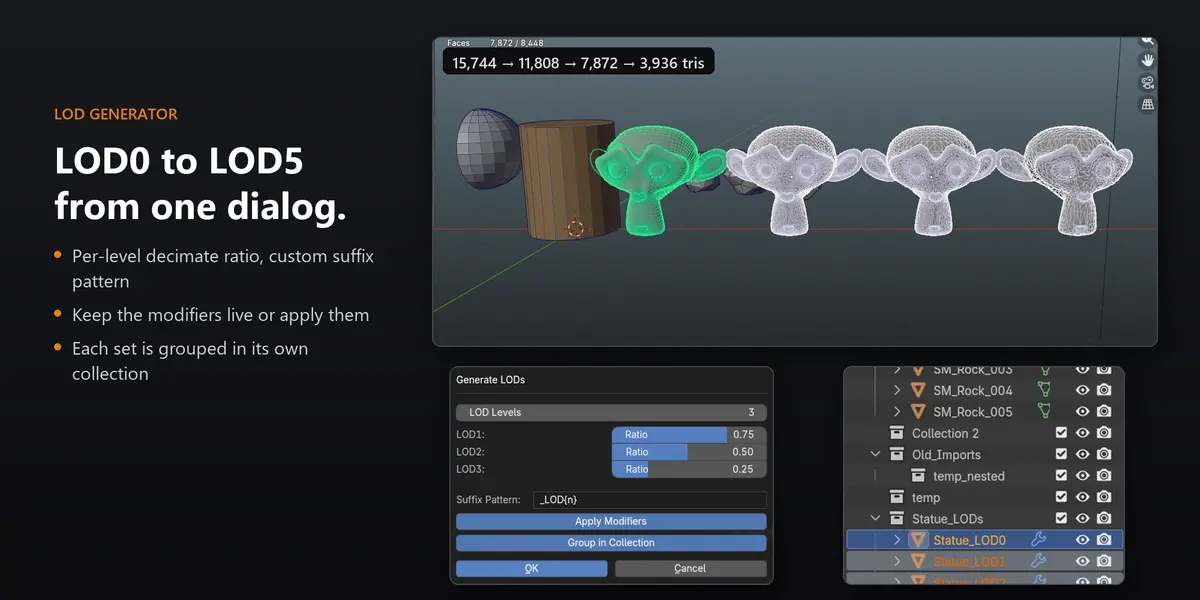
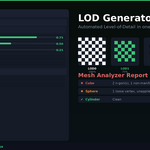
No. Your original object is renamed to _LOD0 and left as it is. LOD1 and up are copies with a Decimate modifier. The modifier stays live unless you turn on Apply Modifiers.
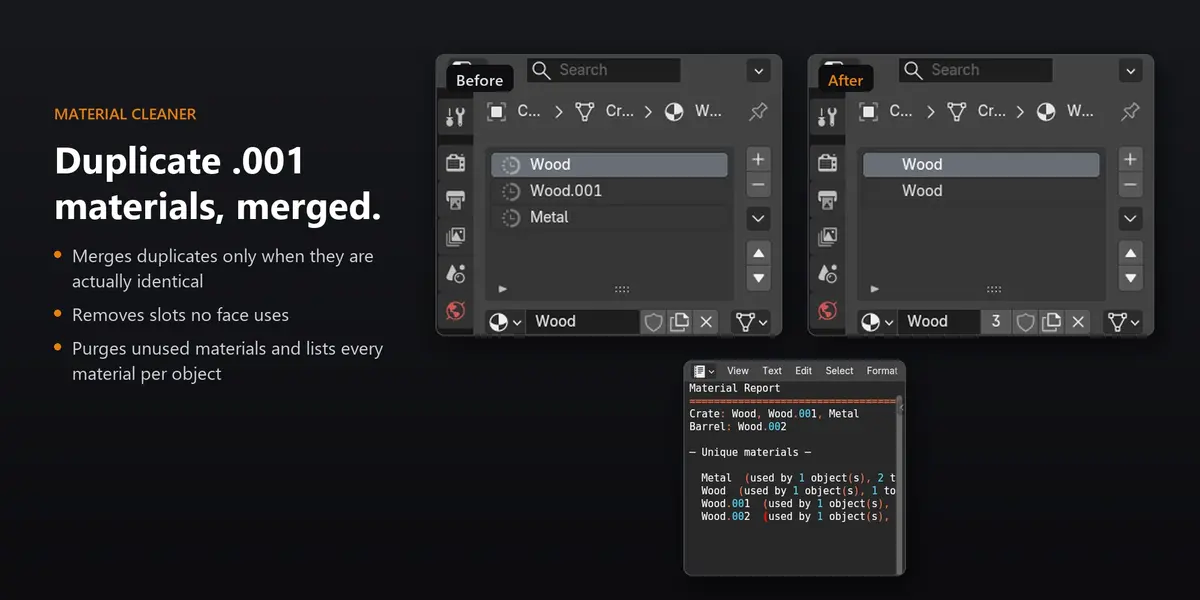
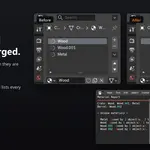
By default it merges a copy only when it's identical to the original (same viewport settings and node tree), so materials you changed on purpose are safe. The warning lists the ones it kept. If you want to merge by name anyway, turn off Only Identical in the operator's redo panel.
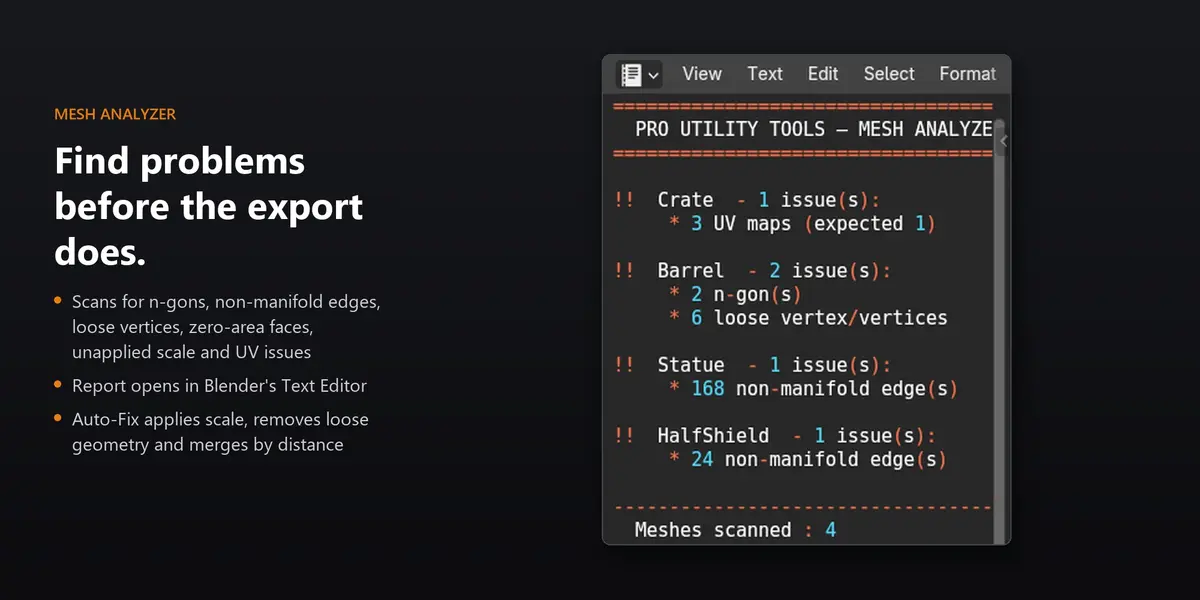
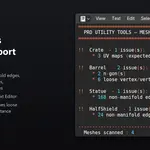
Into Blender's Text Editor (Shift+F11), as text blocks named PUT_Model_Report, PUT_Scene_Report, PUT_Material_Report, PUT_Mesh_Analyzer and UV_Density_Report. They're also printed to the system console. You can save them from the Text Editor like any text file.
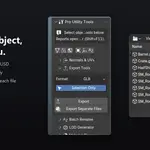
GLB or FBX. Export Separate Files writes one file per selected mesh, named after the object, which is handy for modular kits.
No. It makes no network connections and uses only what ships with Blender.
Have questions about this product?
Login to message
| Published | about 3 hours ago |
| Blender Version | |
| Extension Type | N/A |
| Render Engine Used | Blender-Internal |
| License | GPL |

Discover more products like this
batch-rename normals Export scene cleaner Game asset blender addon material cleaner mesh-analyzer LOD mesh tools