 PolyForge
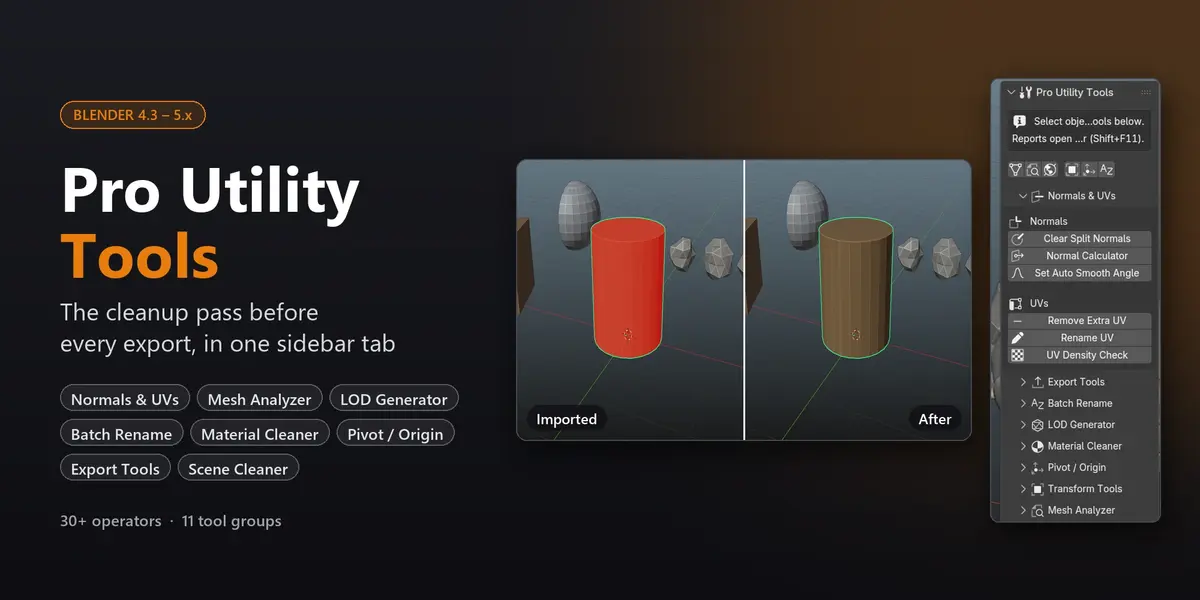
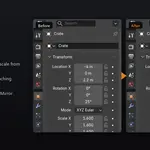
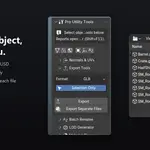
The cleanup pass before every export, in one sidebar tab
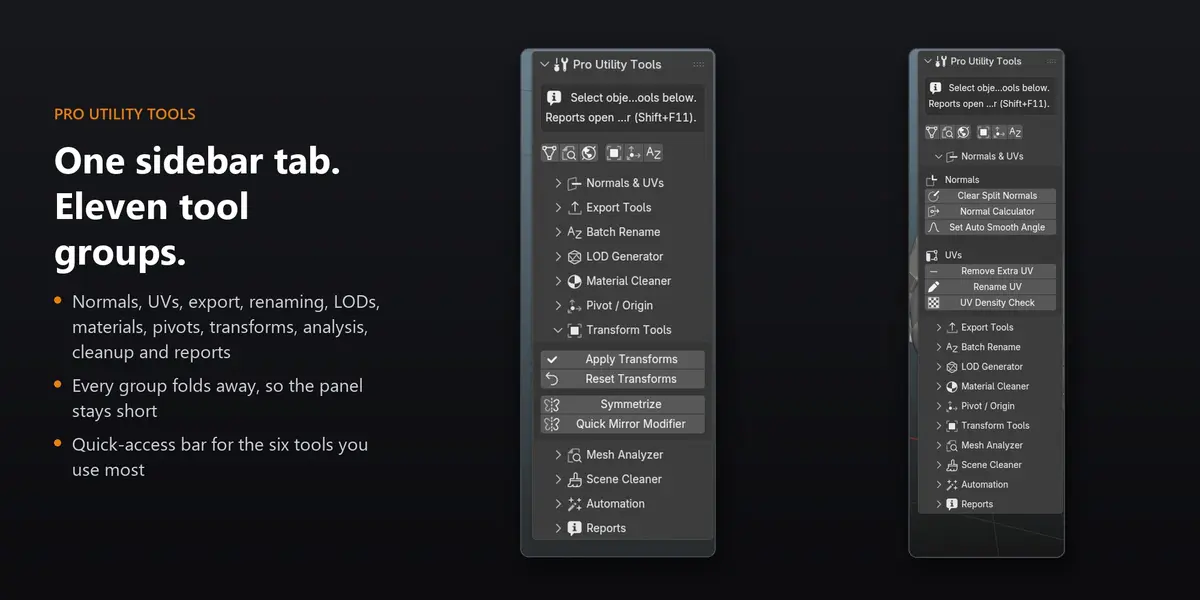
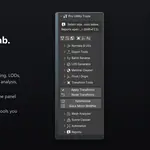
Pro Utility Tools gathers the small jobs that sit between modelling and export into one tab in the 3D Viewport sidebar: fixing normals, trimming UV maps, applying scale, naming, building LODs, cleaning materials and checking the mesh. Over 30 operators in 11 groups. Each one does a single job and tells you what it changed.
Twenty tools, one messy scene
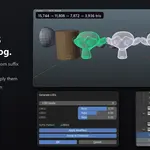
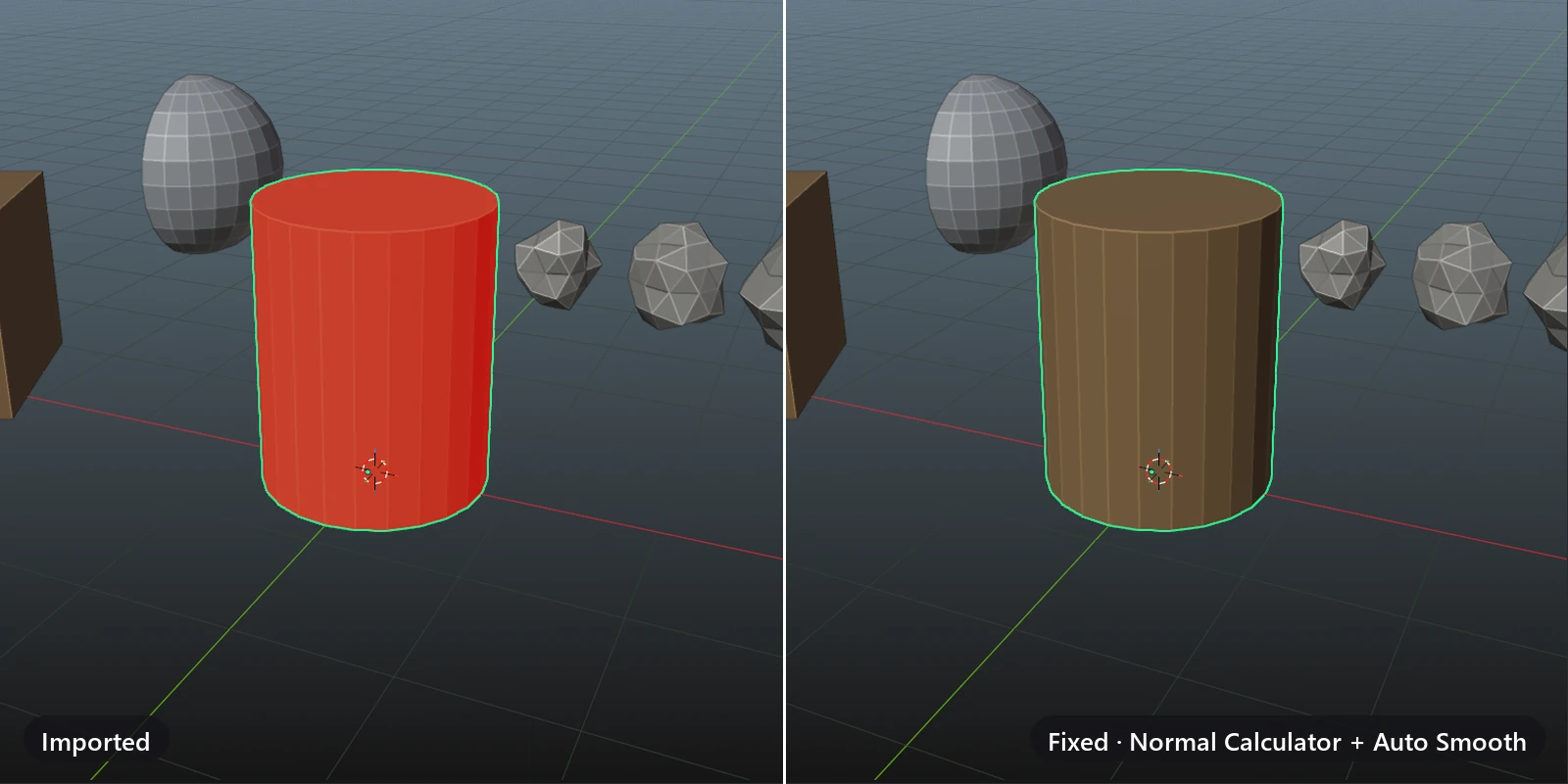
Every tile is the same imported scene after one tool has run on it, captured straight from Blender: flipped normals, unapplied scale, stray UV maps, duplicate materials and names like Cube.001. Pick the job and it's done in a click.
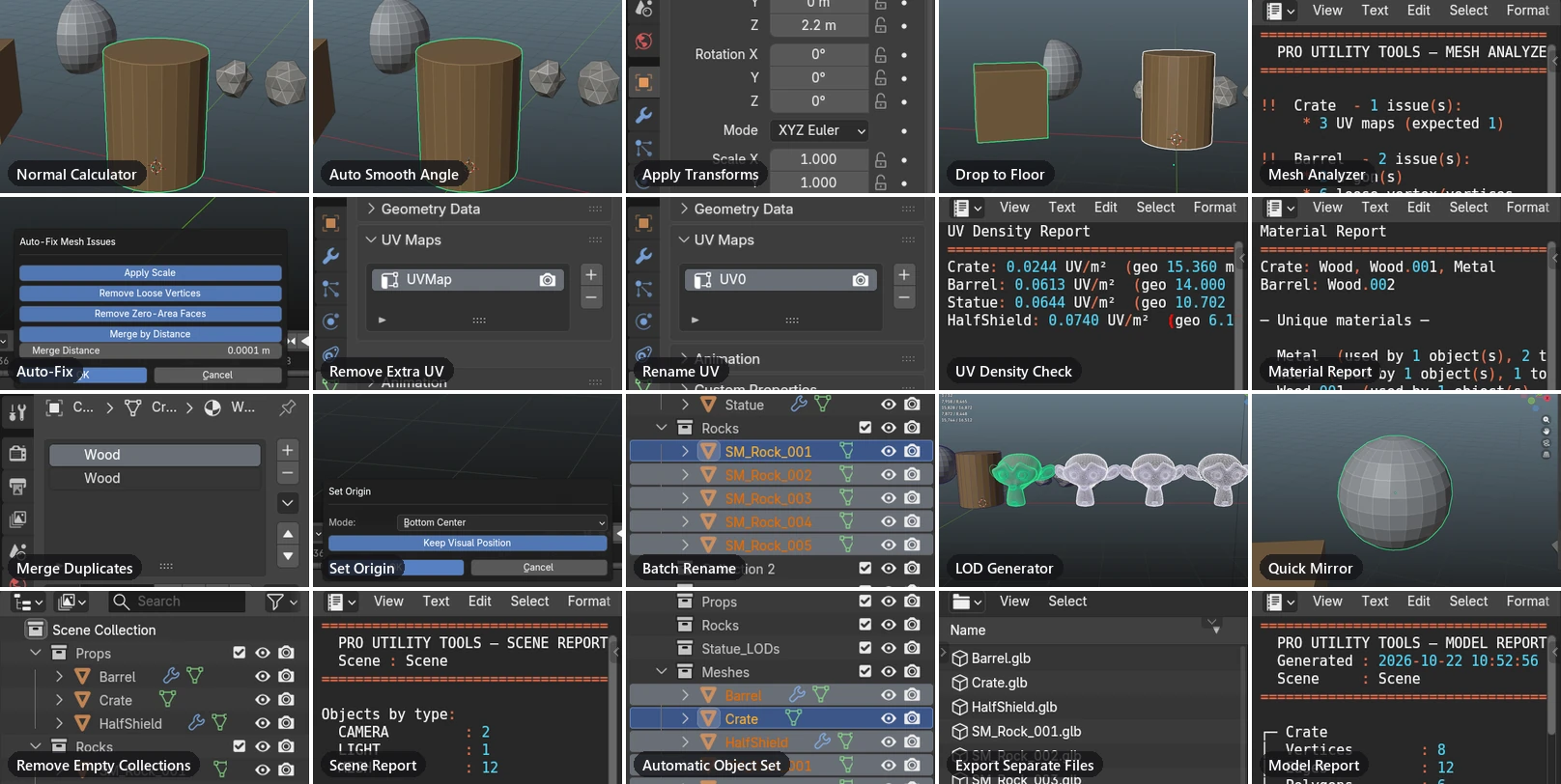
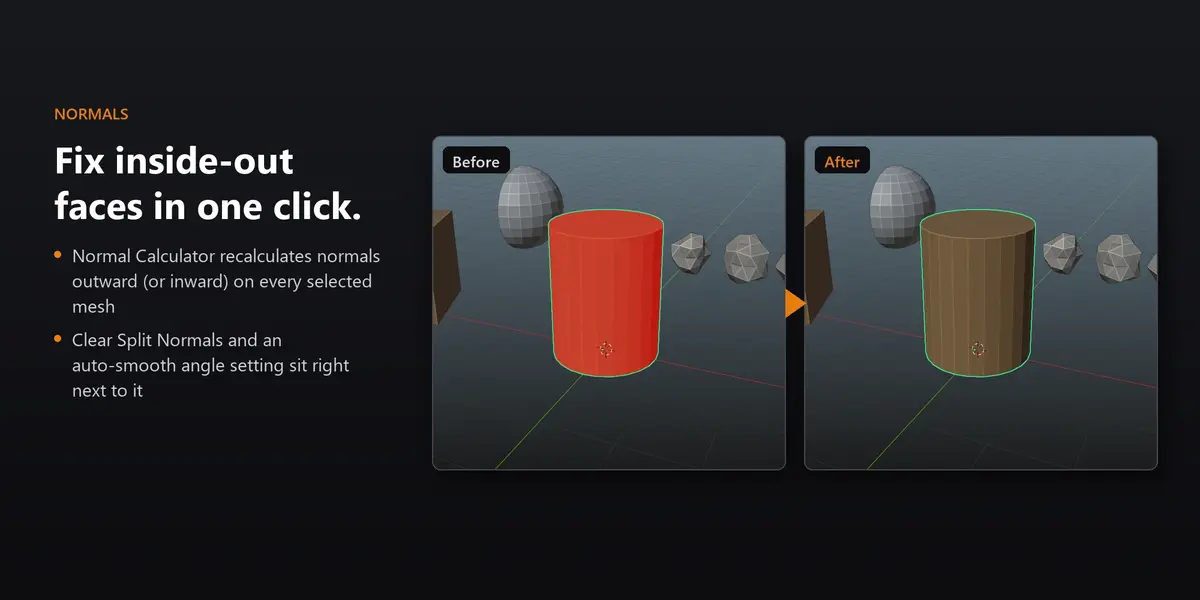
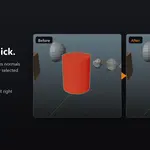
- Normal Calculator — inside-out faces turned the right way round.
- Auto Smooth Angle — smooth sides, with sharp edges where the angle says so.
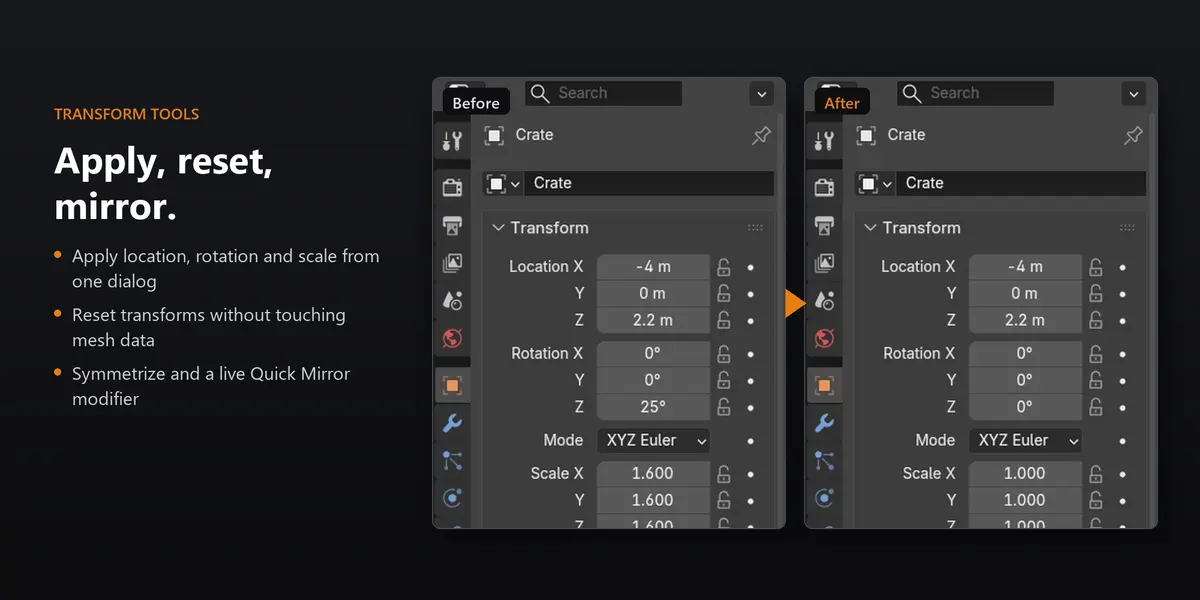
- Apply Transforms — rotation and scale baked in, scale back to 1.0.
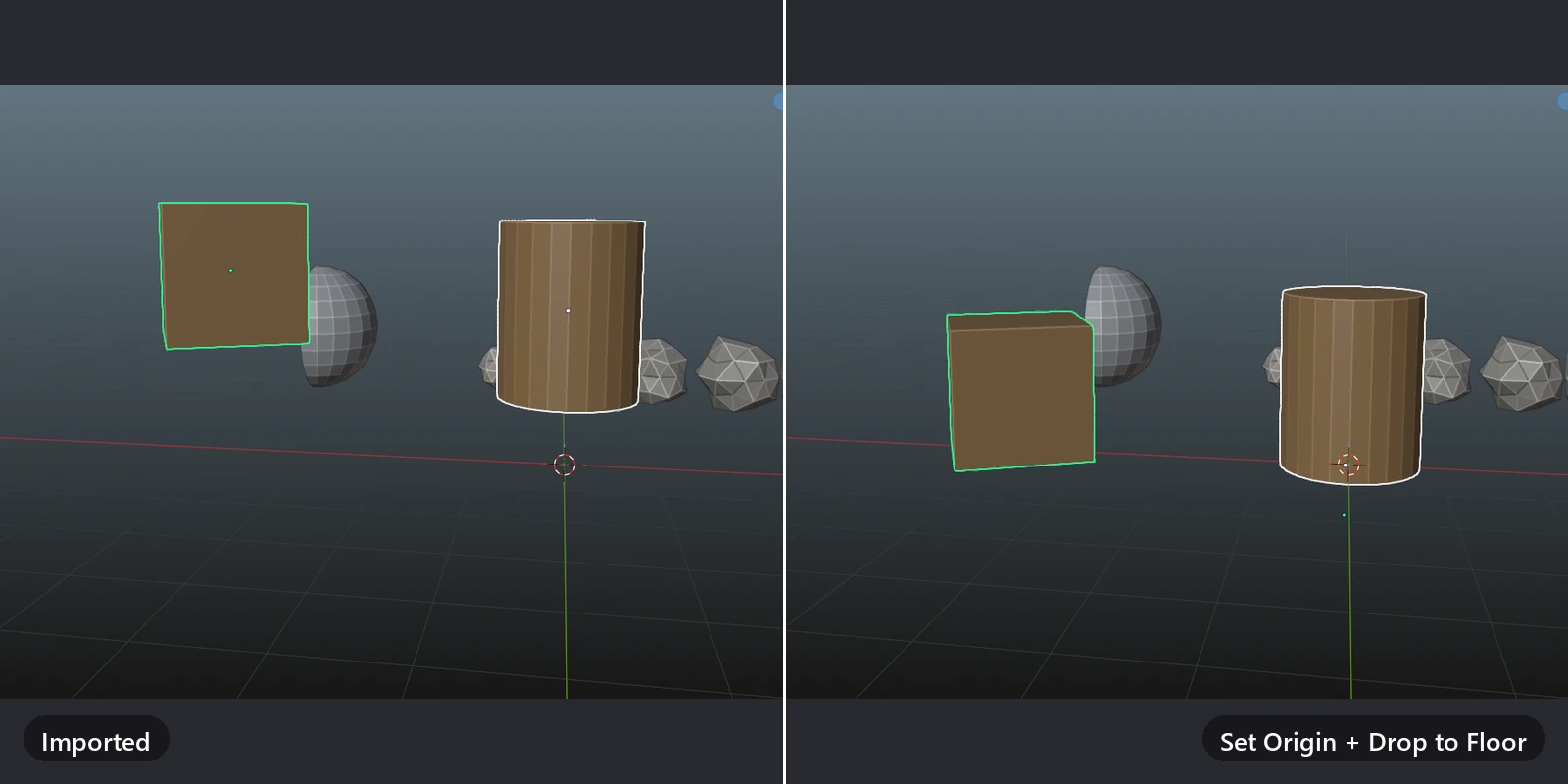
- Drop to Floor — lowest point on Z = 0, origin at the base.
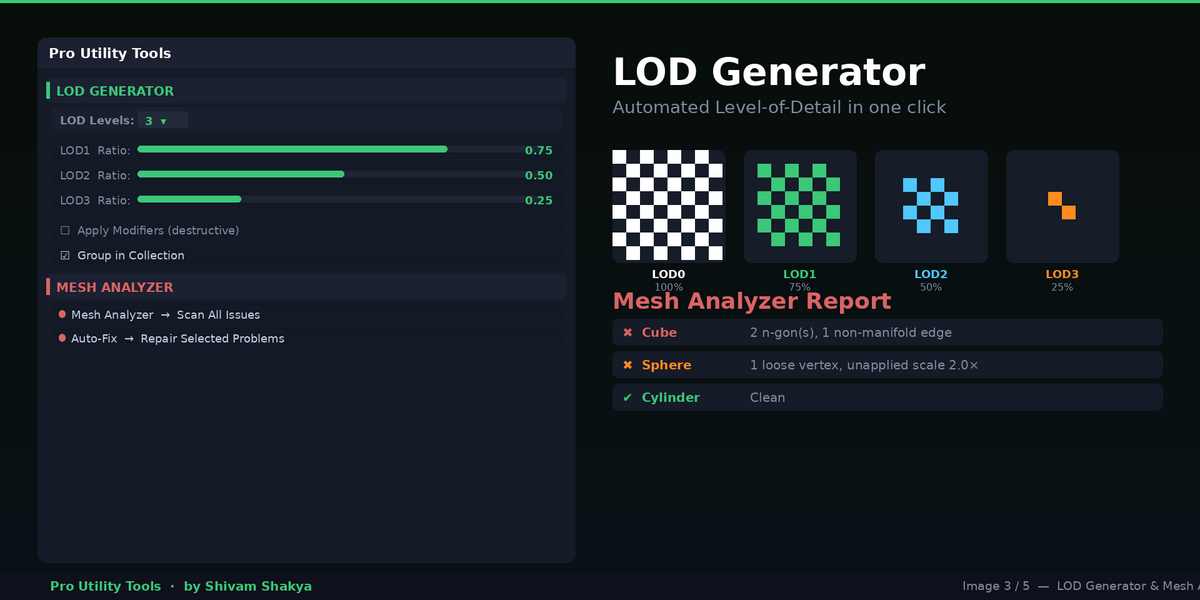
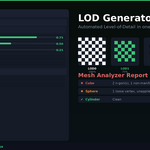
- Mesh Analyzer — every problem listed, object by object.
- Auto-Fix — scale, loose vertices, zero-area faces and doubles in one pass.
- Remove Extra UV — three UV maps down to one.
- Rename UV — the channel renamed to UV0 on every selected mesh.
- UV Density Check — texel density compared across meshes.
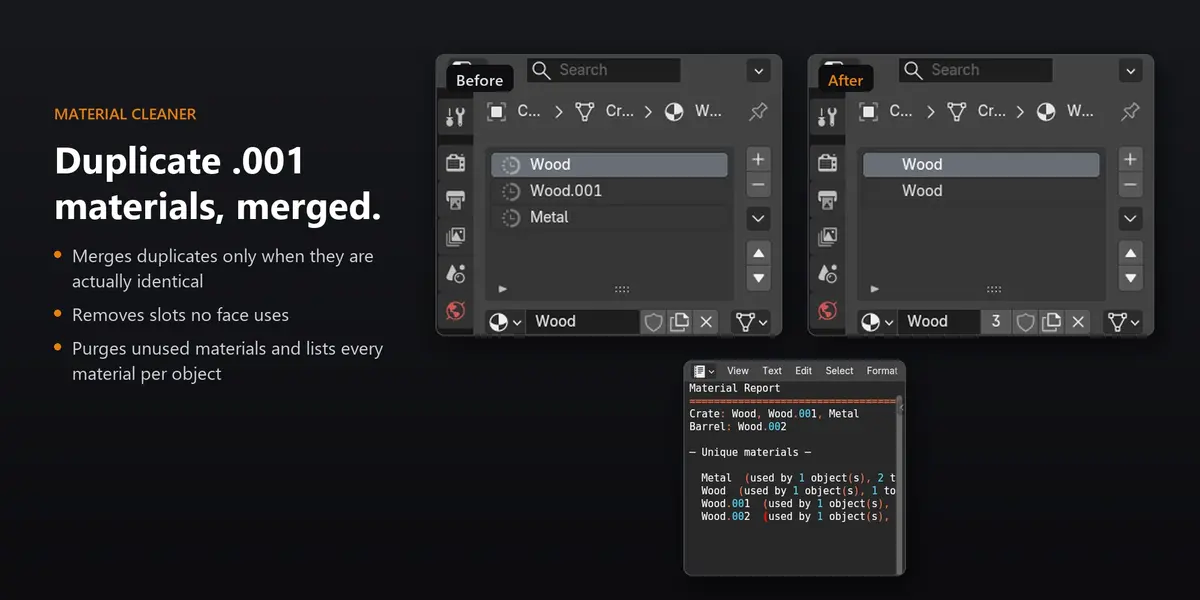
- Material Report — every material on every object, with user counts.
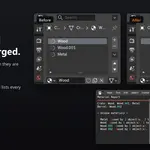
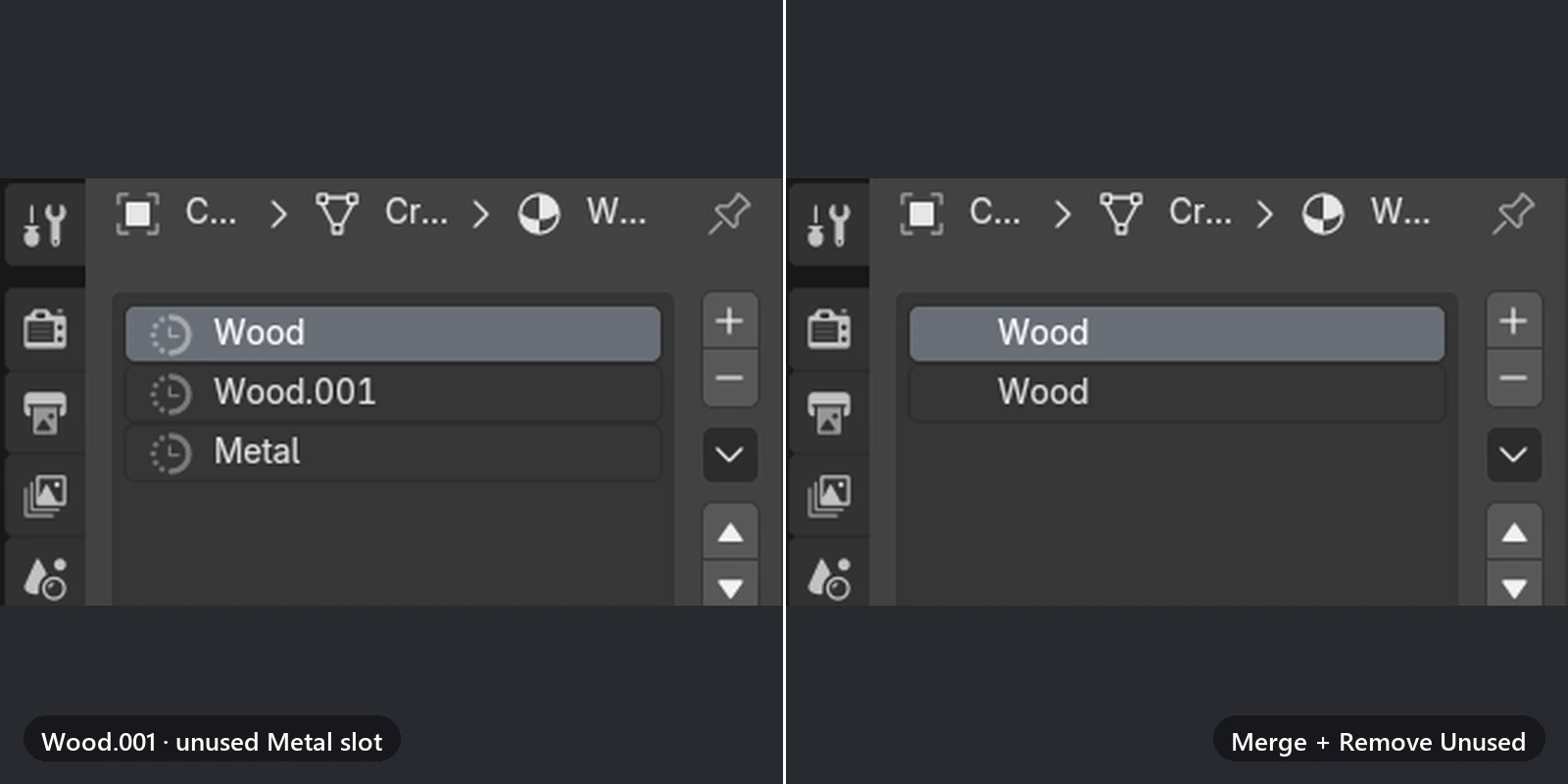
- Merge Duplicates — Wood.001 folded back into Wood.
- Set Origin — six presets, one origin per object.
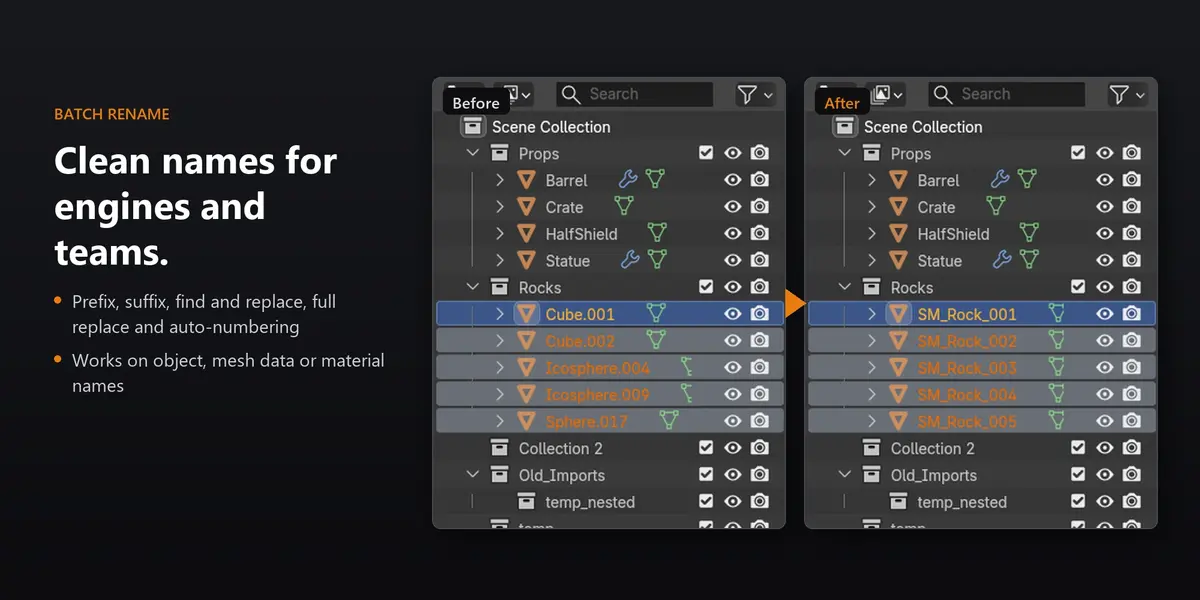
- Batch Rename — Cube.001 and friends become SM_Rock_001 to 005.
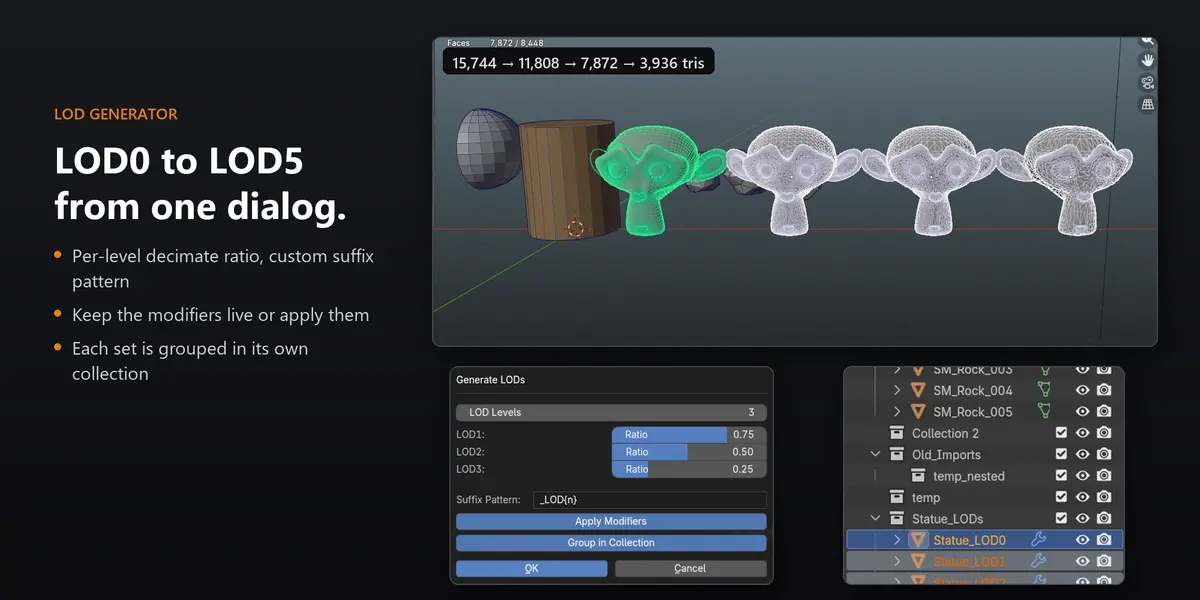
- LOD Generator — four levels from one mesh.
- Quick Mirror — half a part, mirrored live.
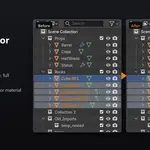
- Remove Empty Collections — leftover import folders gone.
- Scene Report — object types, data-blocks and triangle totals.
- Automatic Object Set — meshes, lights and cameras sorted into collections.
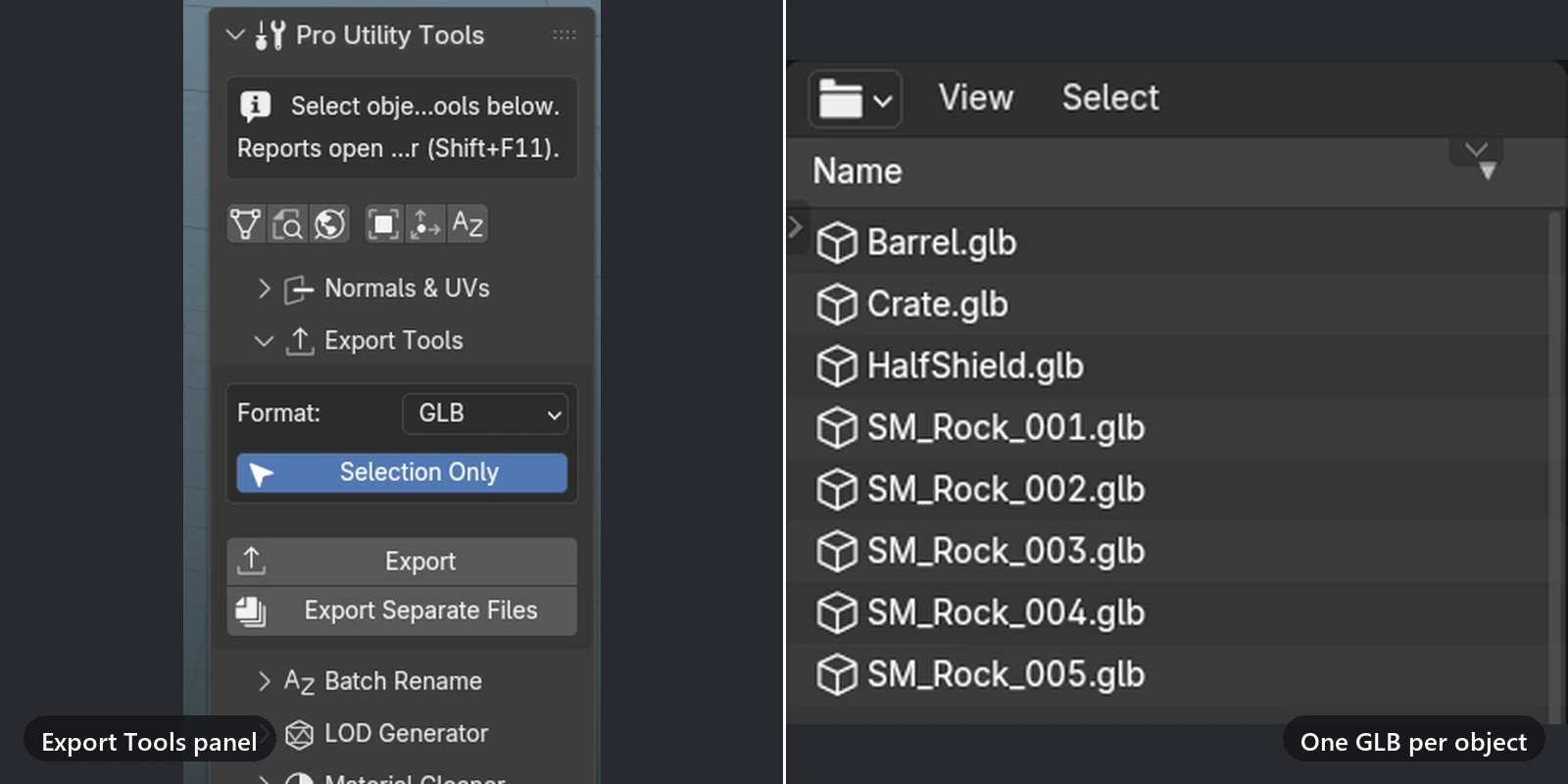
- Export Separate Files — one GLB per object, named after it.
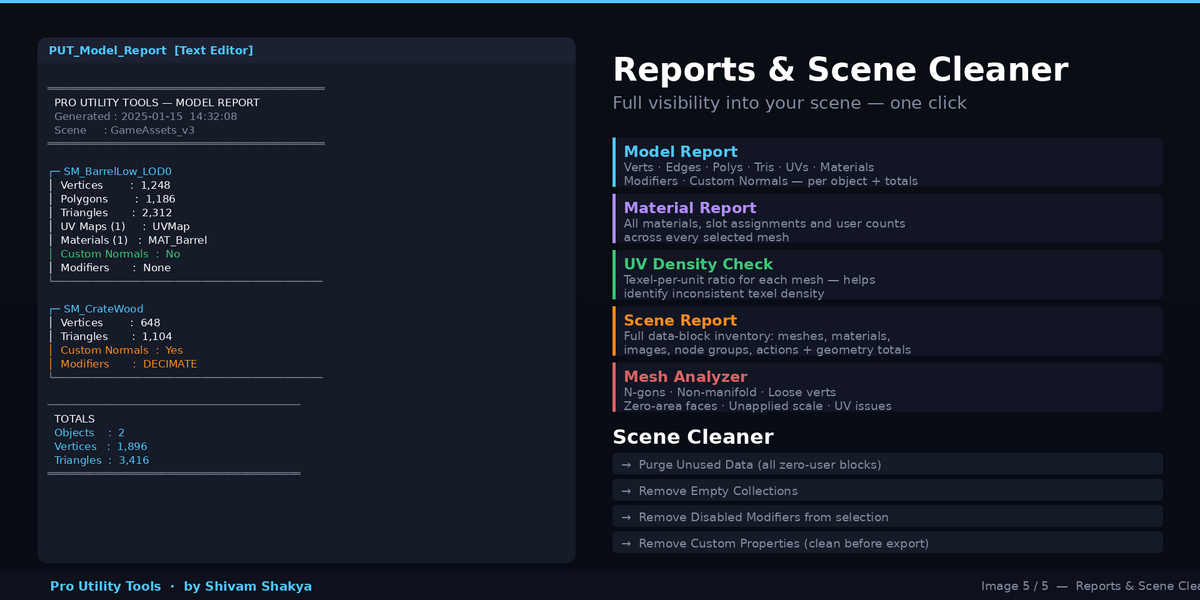
- Model Report — vertices, triangles, UVs, materials and modifiers per object.
Know what's wrong before you export
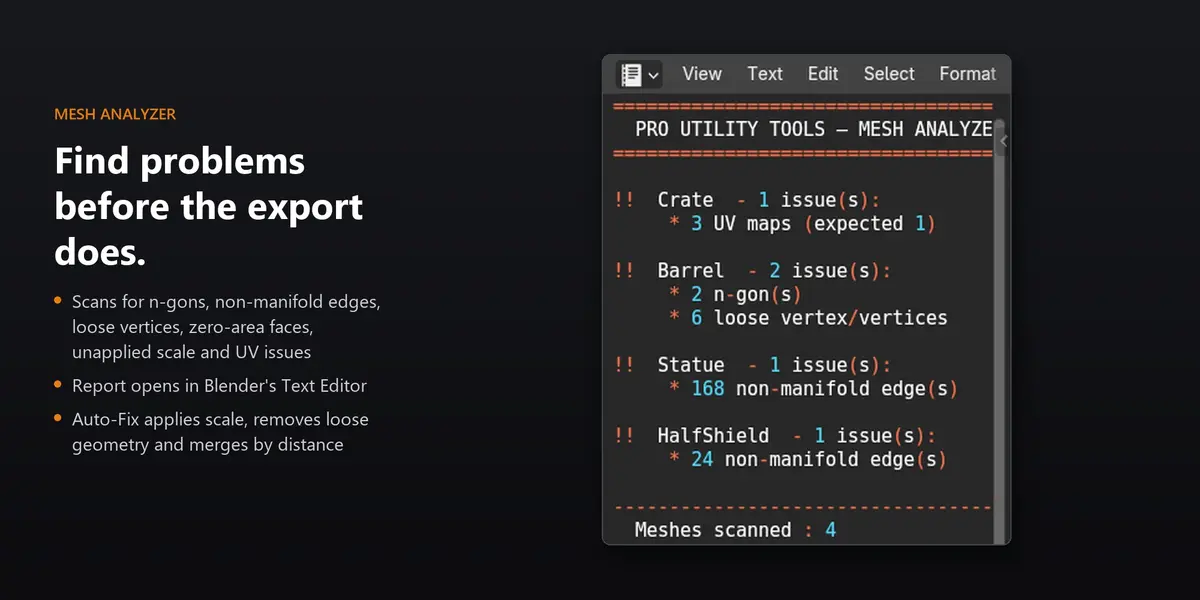
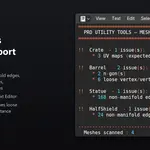
Mesh Analyzer scans the selected meshes and writes a plain report to the Text Editor, one block per object. It only reads; nothing changes until you choose to fix it.
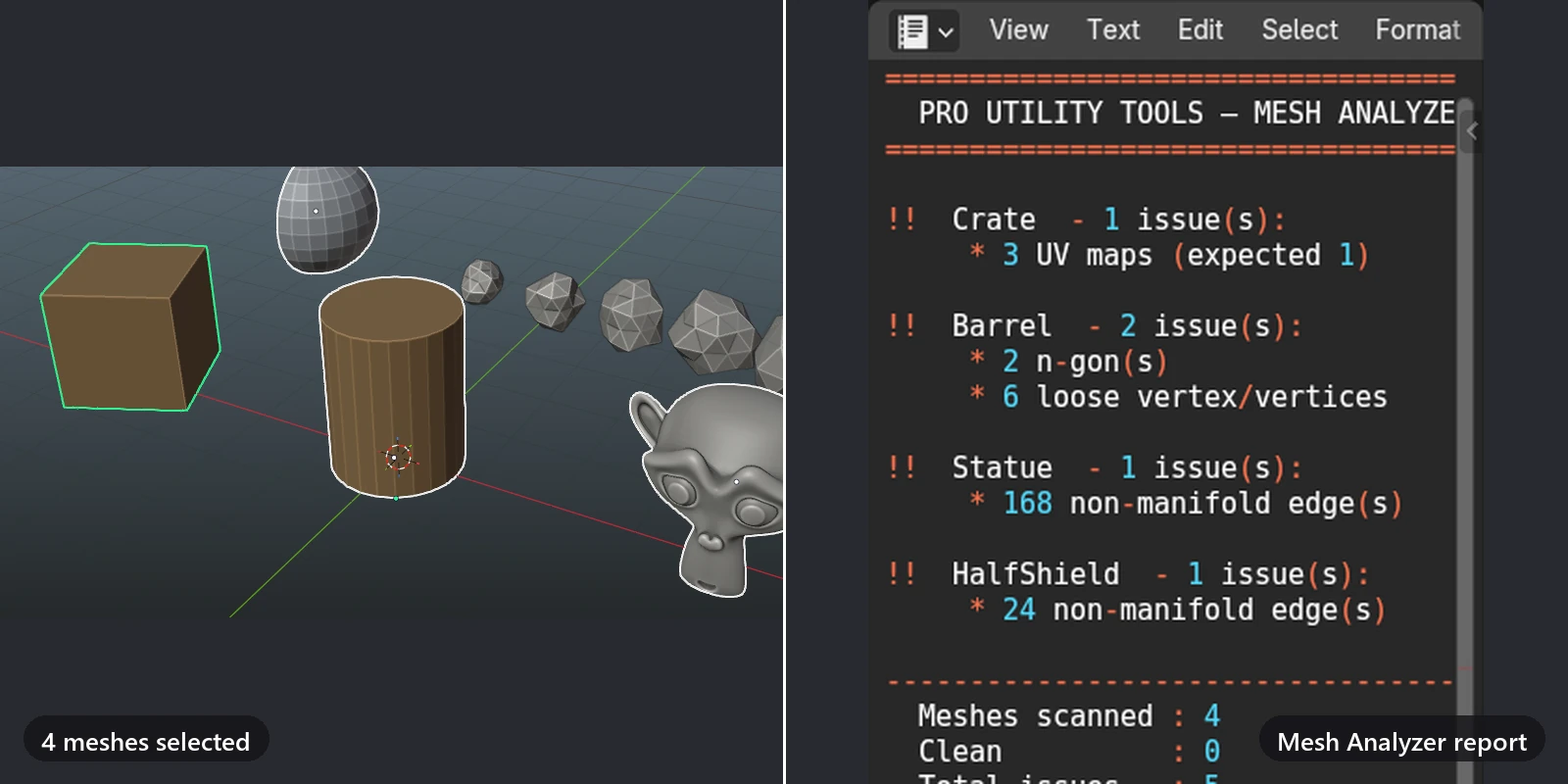
- N-gons, non-manifold edges, loose vertices and zero-area faces
- Unapplied scale, missing UV maps and extra UV maps
- Auto-Fix applies scale, removes loose vertices and zero-area faces, and merges by distance. Every step has its own toggle
Fix the usual problems in one click
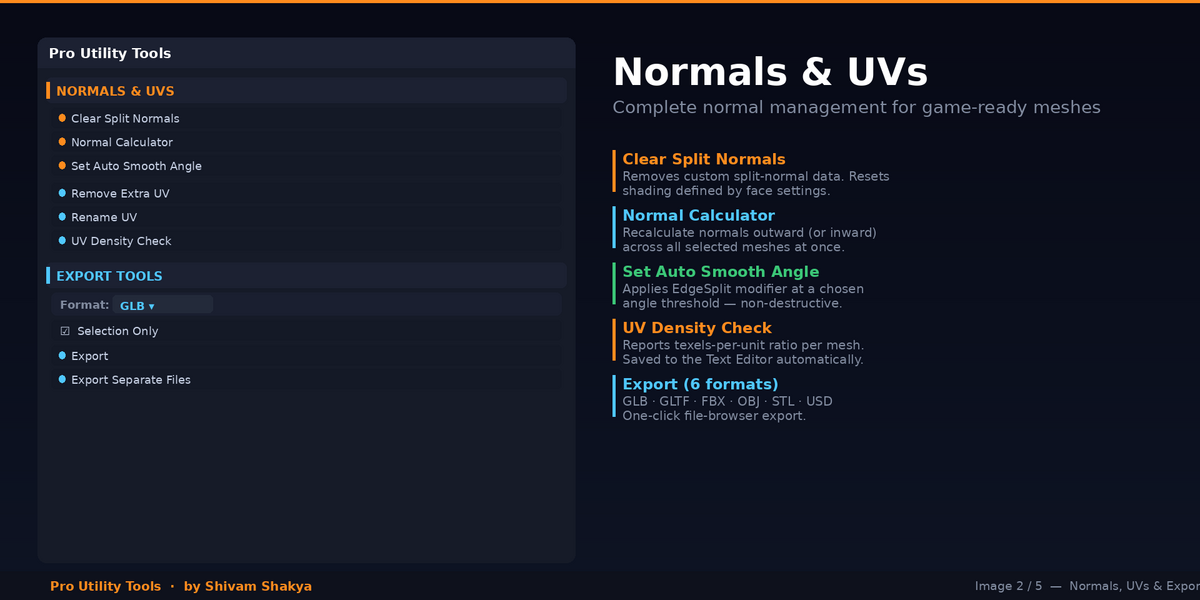
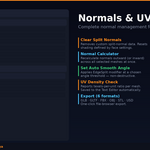
- Normal Calculator recalculates normals outward (or inward) on every selected mesh
- Clear Split Normals and Set Auto Smooth Angle sit right beside it
- Remove Extra UV keeps the UV channel you choose, and skips any mesh that doesn't have it instead of deleting everything
- Rename UV standardises channel names; UV Density Check compares UV area with surface area
Transforms and pivots that behave
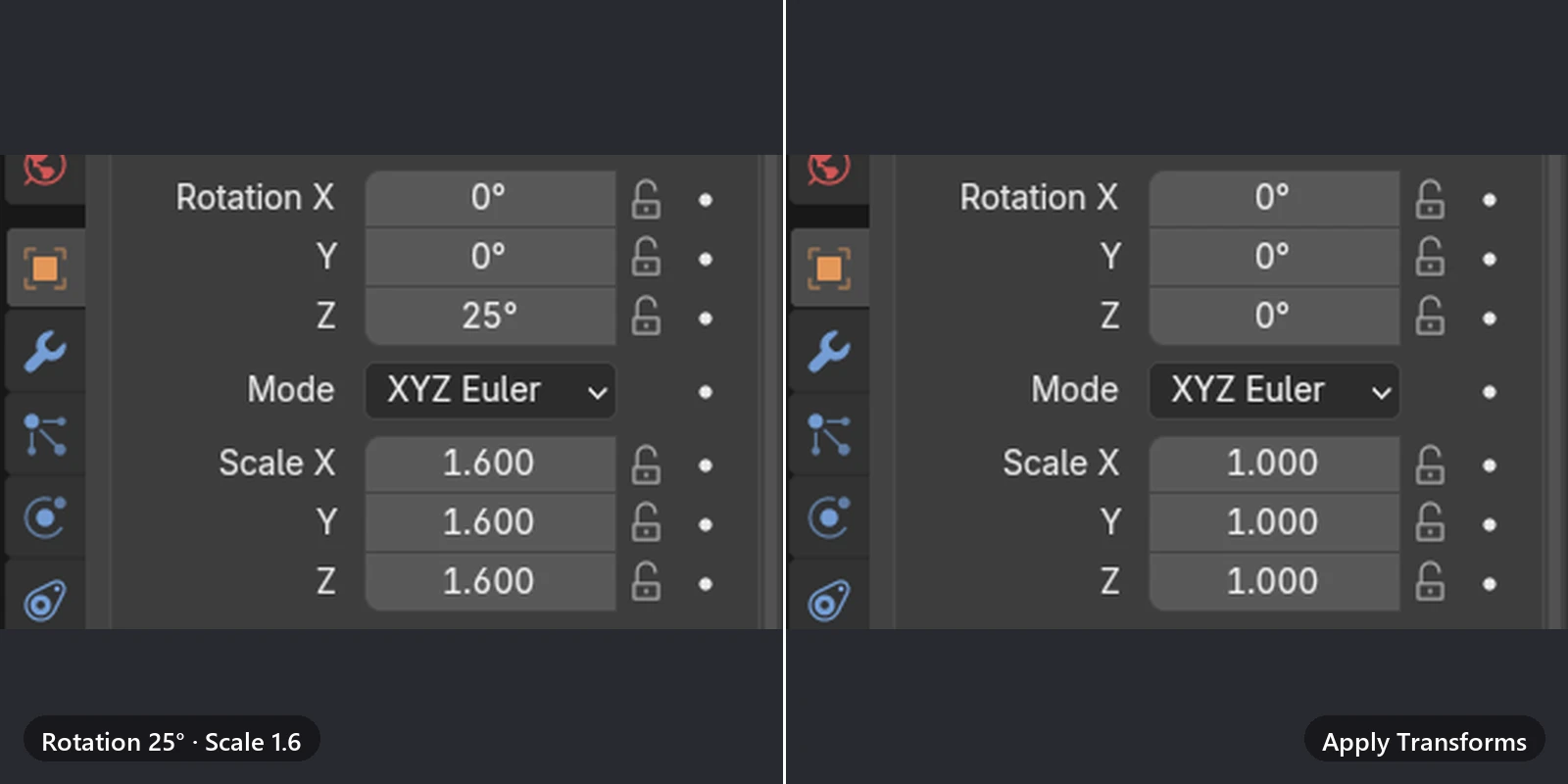
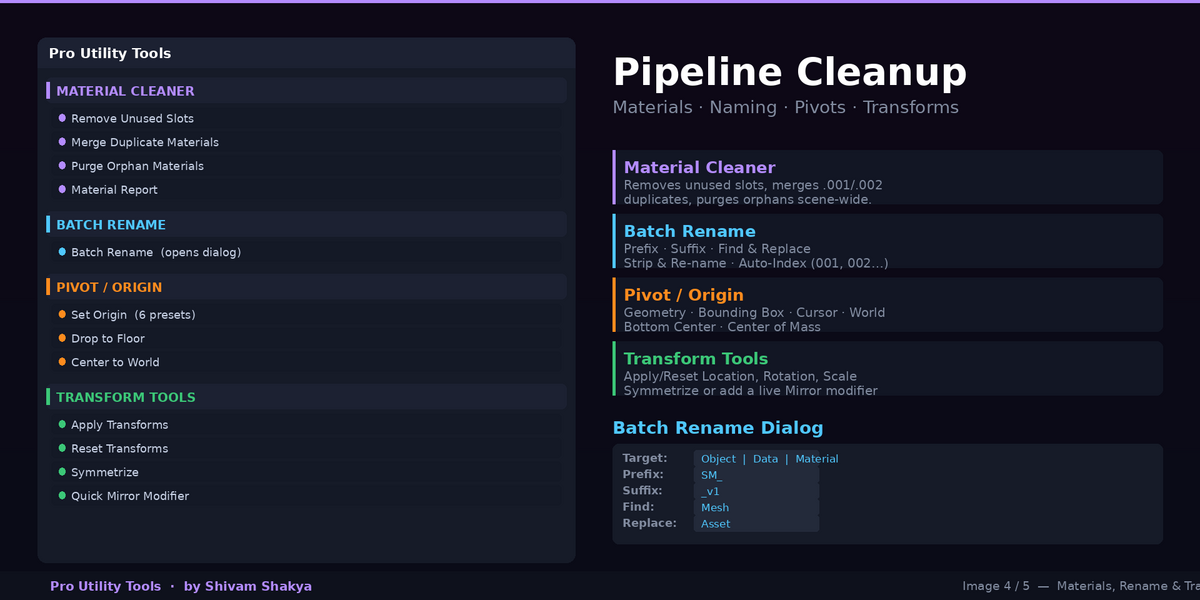
- Apply Transforms with separate Location, Rotation and Scale toggles; Reset Transforms without touching mesh data
- Set Origin: Geometry, Bounds, 3D Cursor, World, Bottom Center or Center of Mass, set per object even with many selected
- Drop to Floor puts each object's lowest point on Z = 0 and its origin at the base
- Center to World, Symmetrize and a live Quick Mirror modifier
Names, materials and a tidy scene
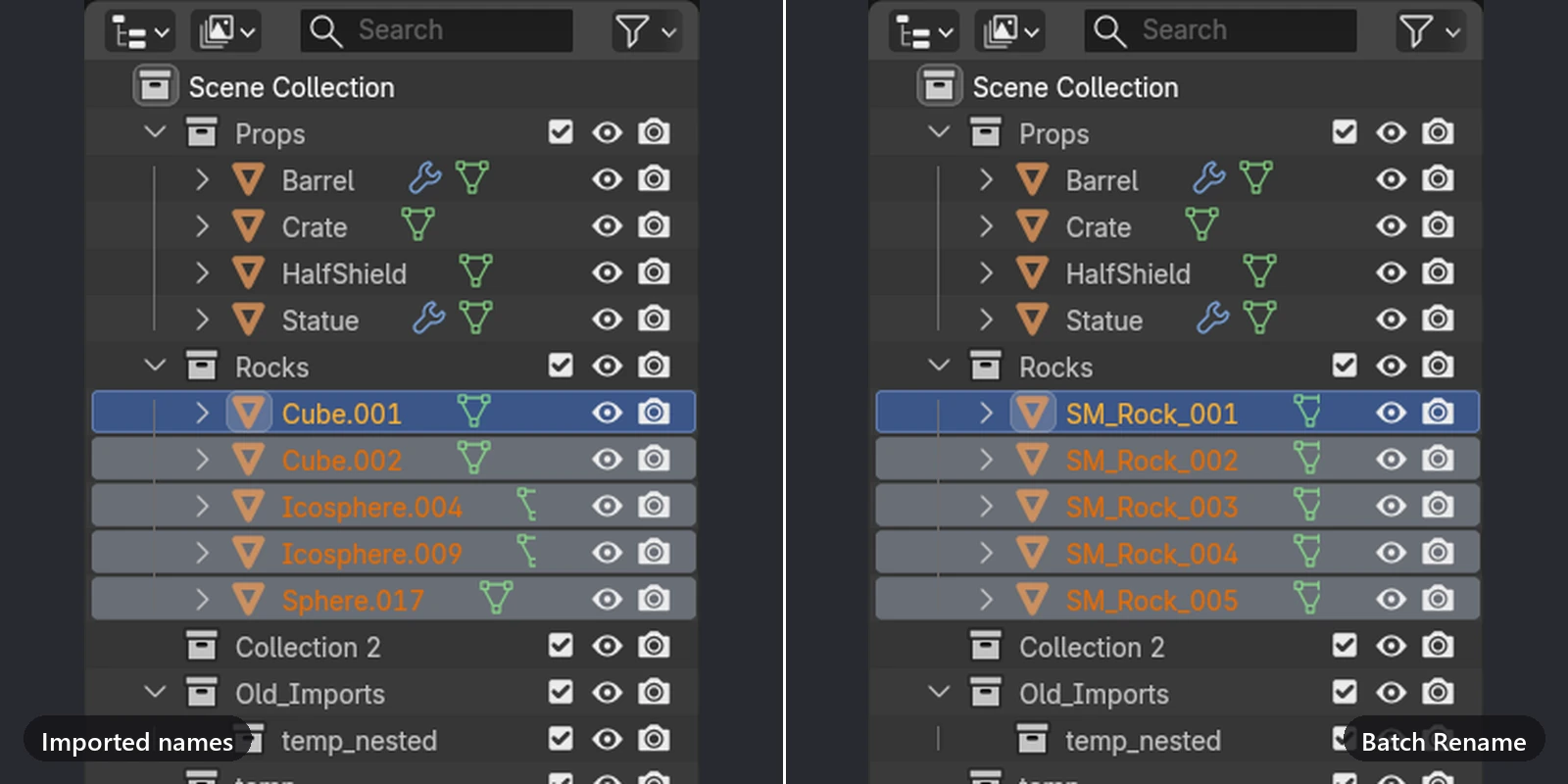
- Batch Rename: prefix, suffix, find and replace, full replace and numbering, on object, mesh data or material names
- Merge Duplicate Materials folds Wood.001 into Wood only when the two are actually identical
- Remove Unused Slots, Purge Orphan Materials (materials only) and a Material Report
- Remove Empty Collections, Disabled Modifiers and Custom Properties, plus Purge Unused Data
From one mesh to a game-ready set
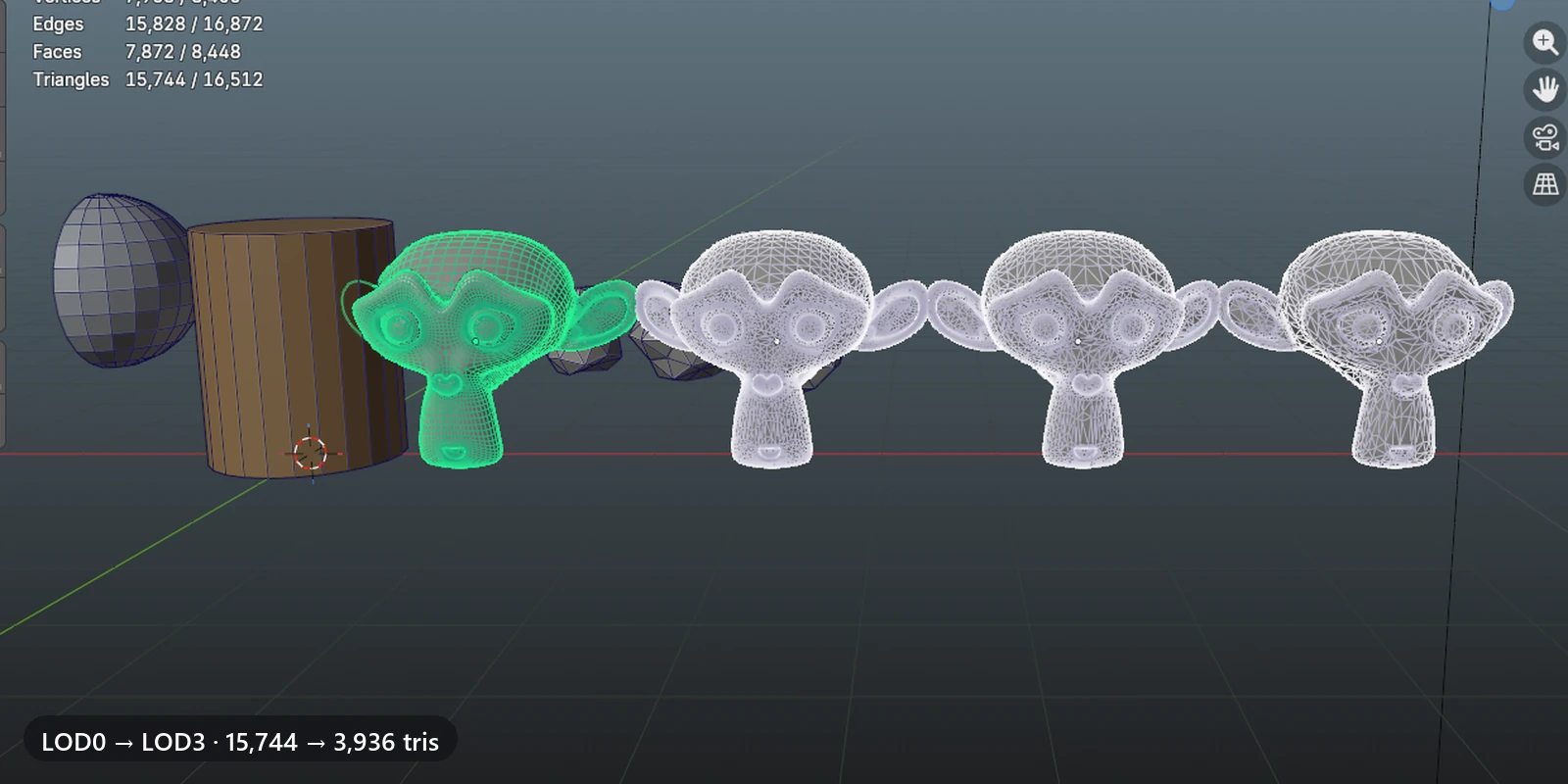
- LOD Generator: up to five levels with a ratio per level, a suffix pattern, apply or keep live, grouped in a collection
- Export to GLB, glTF, FBX, OBJ, STL or USD, the whole scene or the selection
- Export Separate Files writes one file per object, named after the object
- Automatic Object Set sorts objects into Meshes, Lights and Cameras collections; Multi-Camera Render renders a still from every camera
Reports you can keep
Model Report, Scene Report, Material Report and UV Density Check are written to Blender's Text Editor, so you can read them next to the viewport, save them or paste them into a ticket.
What you get
- The add-on as a zip, installed from Preferences › Add-ons › Install from Disk
- 30+ operators in 11 collapsible groups, plus a quick-access bar for the six most used
- Preferences for extended tooltips, confirmation before destructive tools, and a default export folder
Requires Blender 4.3 or newer; tested in Blender 5.1. Pure Python with no compiled parts, no network access and no extra dependencies. Tools that remove data ask first (you can turn this off in Preferences), and editing tools support Undo. Licensed GPL-3.0.
