blenderustad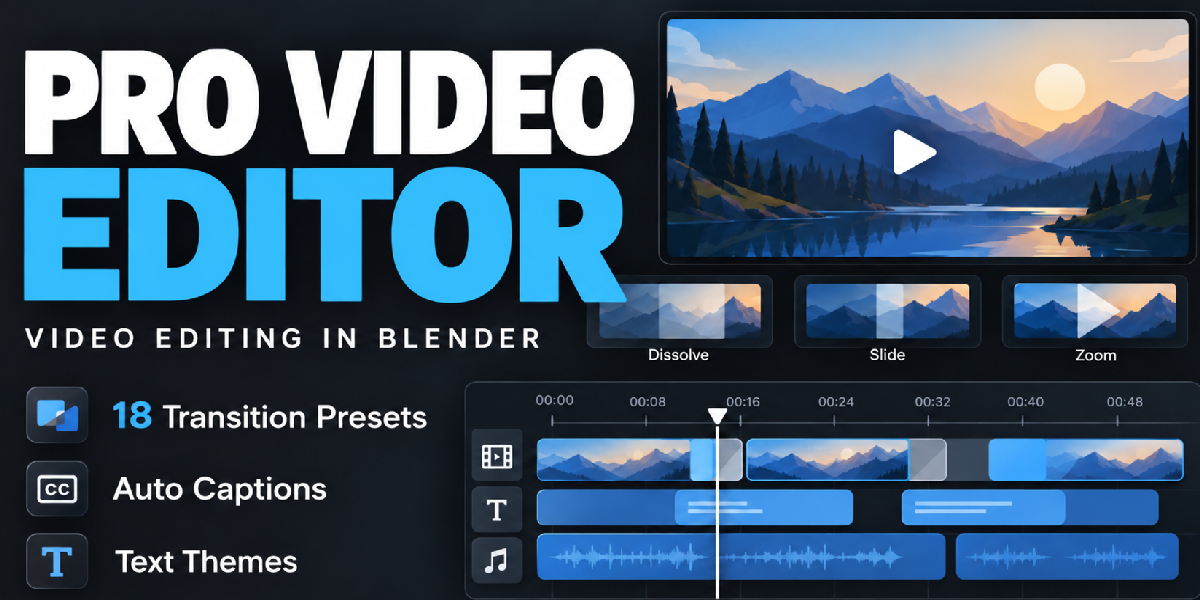
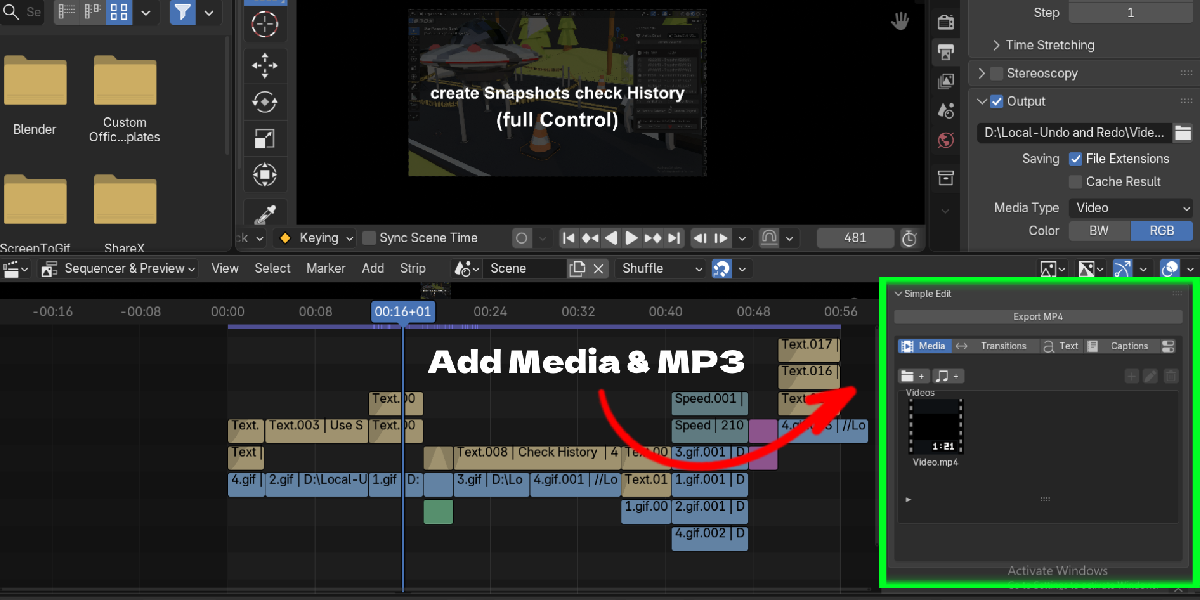
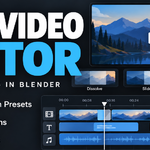
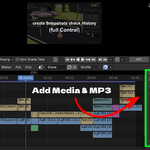
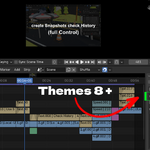
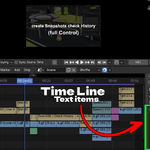
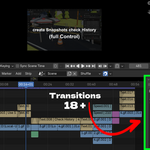
Pro Video Editor turns Blender's Video Sequencer into a simpler editing workspace. Everything lives in one sidebar tab: import your clips, drop them on the timeline, add transitions and titles, generate captions and export an MP4.
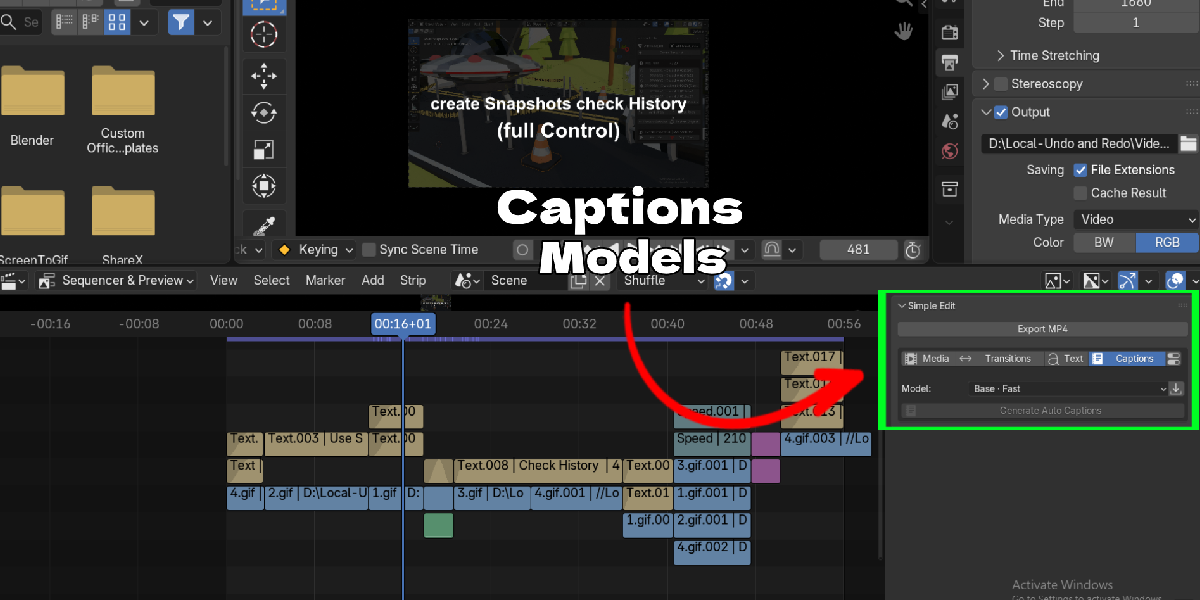
Captions run on your own computer. After a one-time model download, the add-on transcribes speech from a video or audio strip on the CPU. There is no subscription, no API key and your media is never uploaded.
It is made for people who already open Blender every day and want to cut a tutorial, a devlog or a short without switching to another editor.
Key Features
- Media library: Import video, images and audio once, then add them to the timeline at the playhead with one click. Rename, filter by type, and relink missing files.
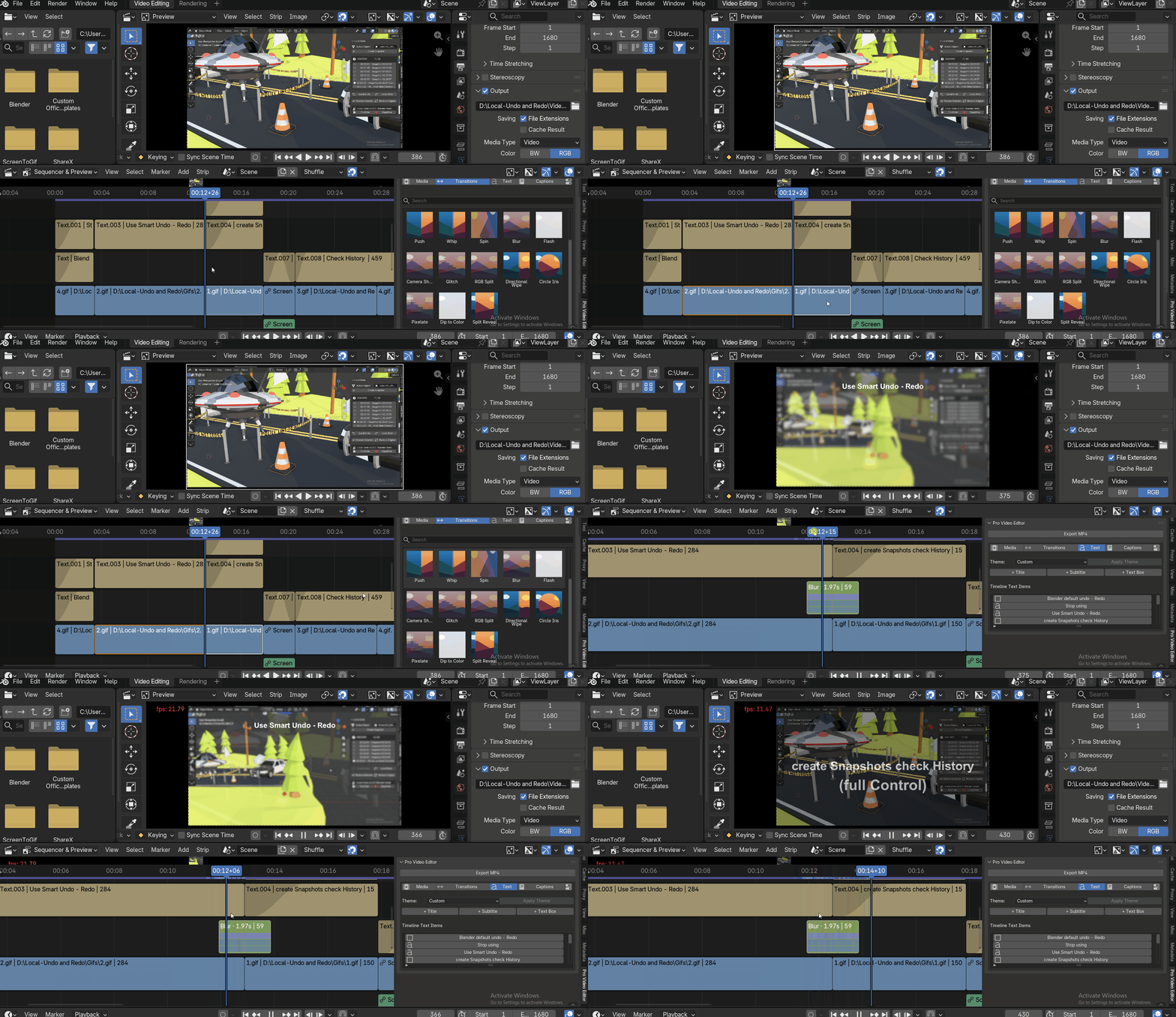
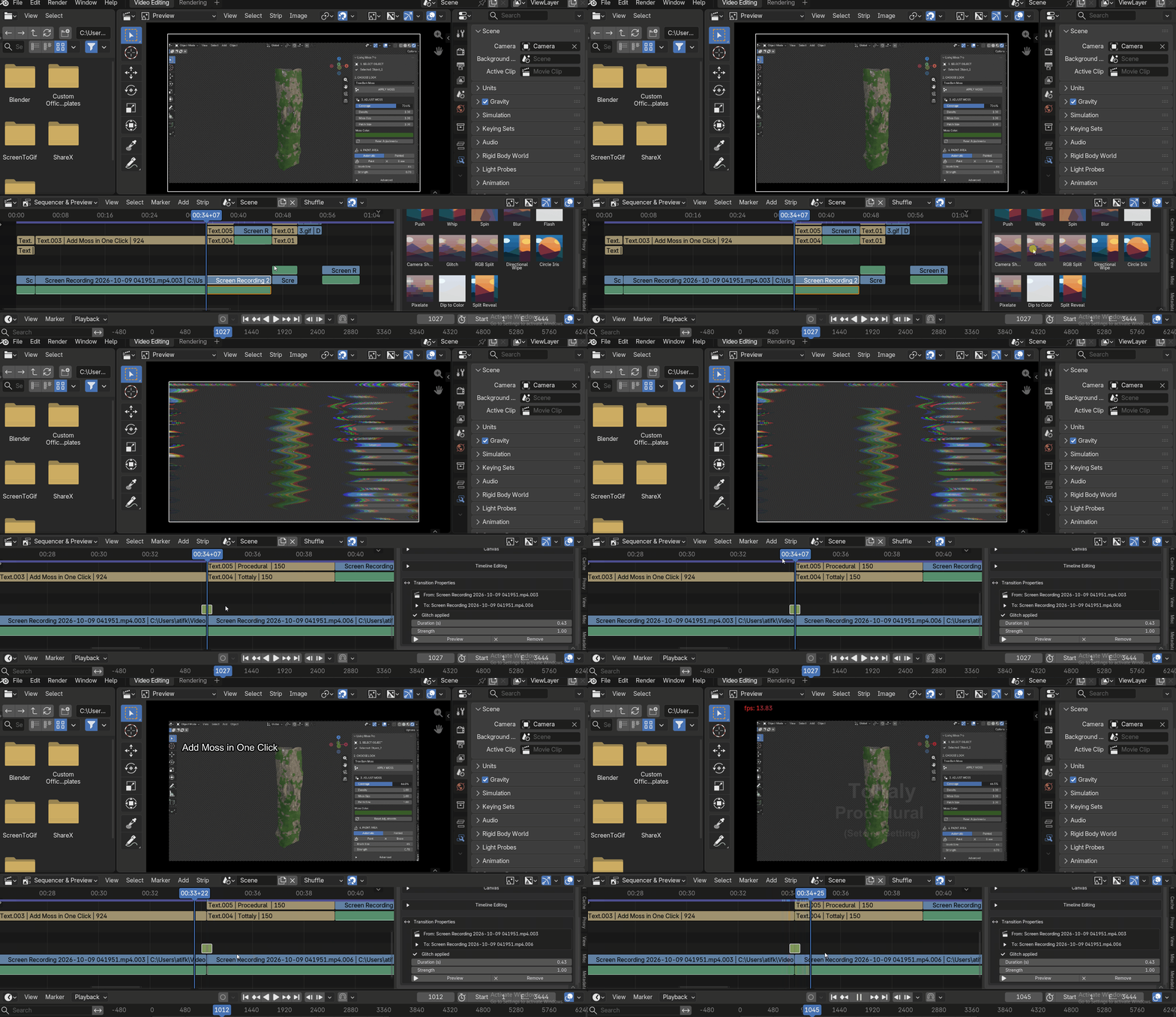
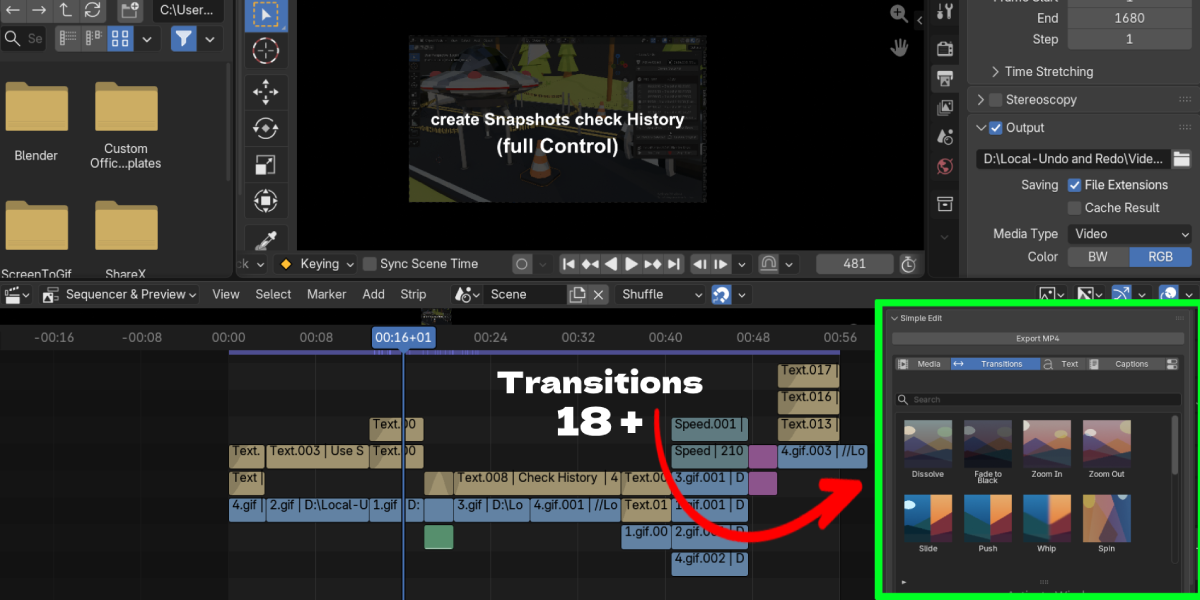
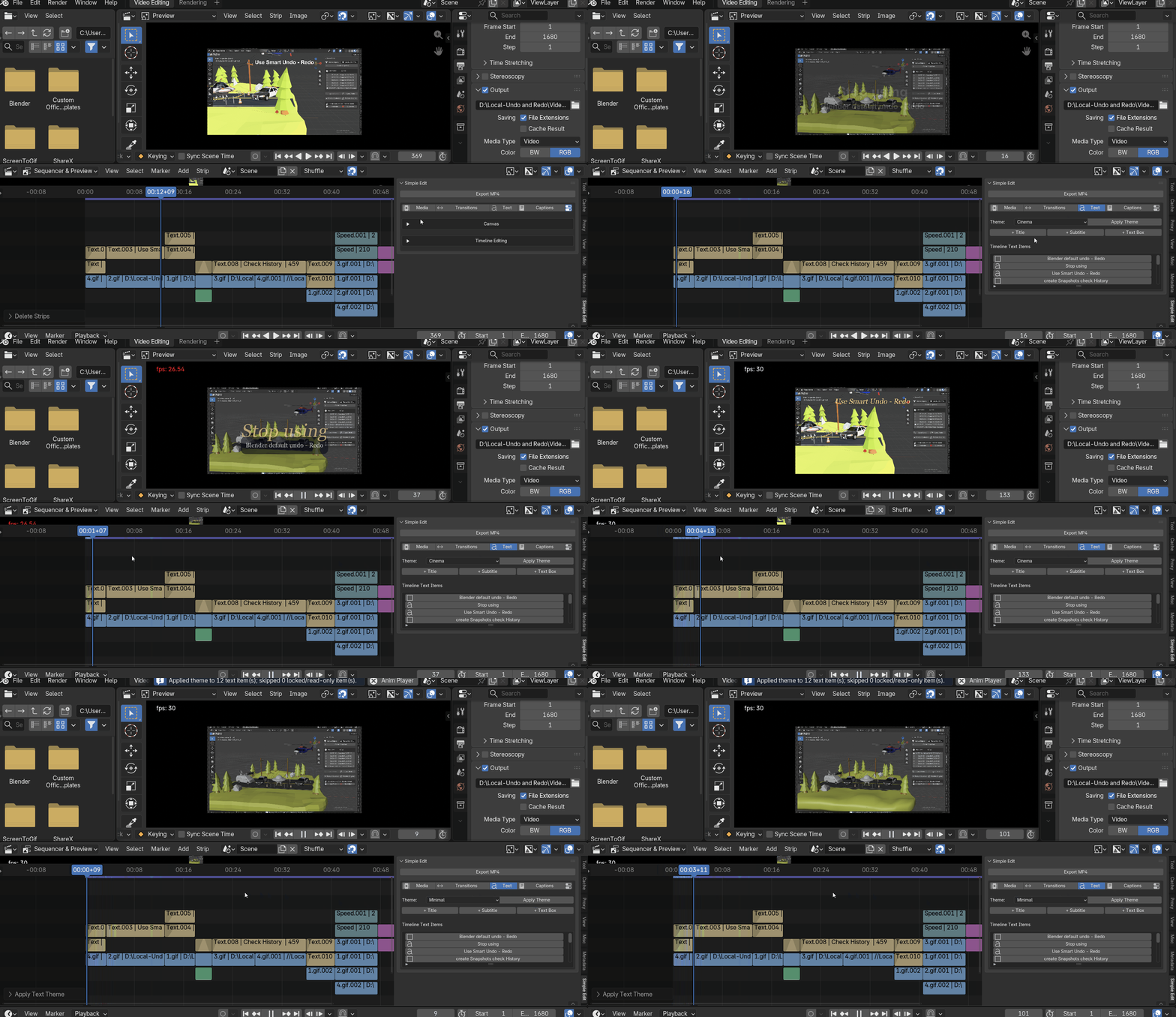
- 18 transition presets: Dissolve, Fade to Black, Zoom In/Out, Slide, Push, Whip, Spin, Blur, Flash, Camera Shake, Glitch, RGB Split, Directional Wipe, Circle Iris, Pixelate, Dip to Color and Split Reveal. Pick a thumbnail and it is applied at the cut. Adjust duration and strength, preview, replace or remove.
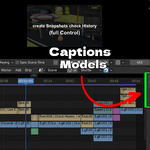
- Local auto captions: Generate captions from speech with faster-whisper models (Base, Small, Medium, plus English-only versions). Auto language detection, a singing / music mode, and an editable transcript. Captions become normal Blender text strips.
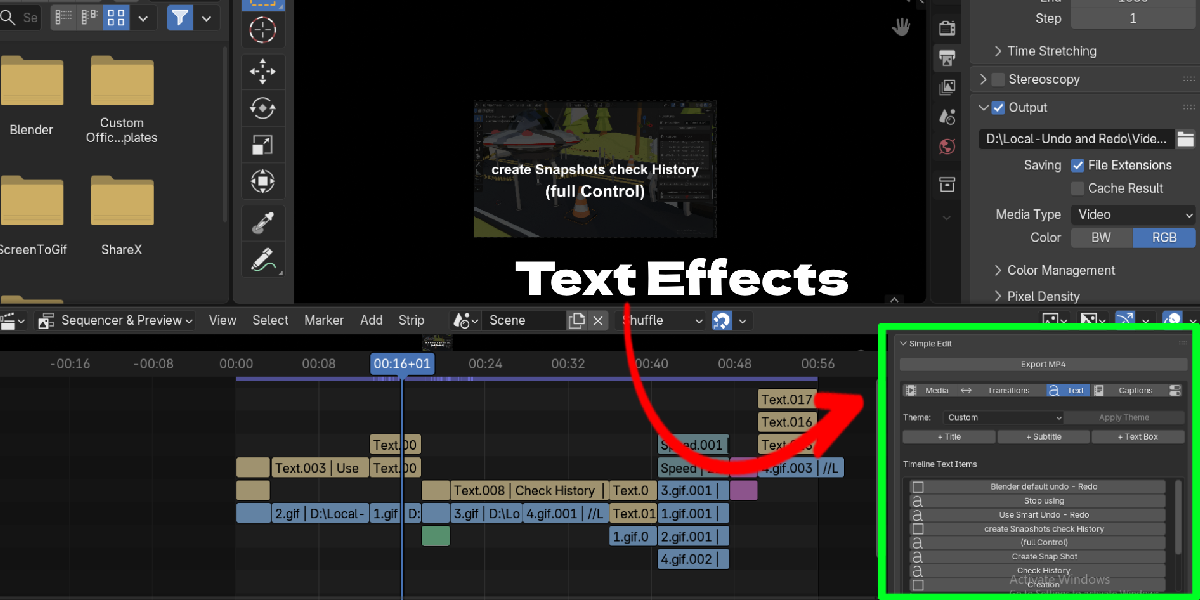
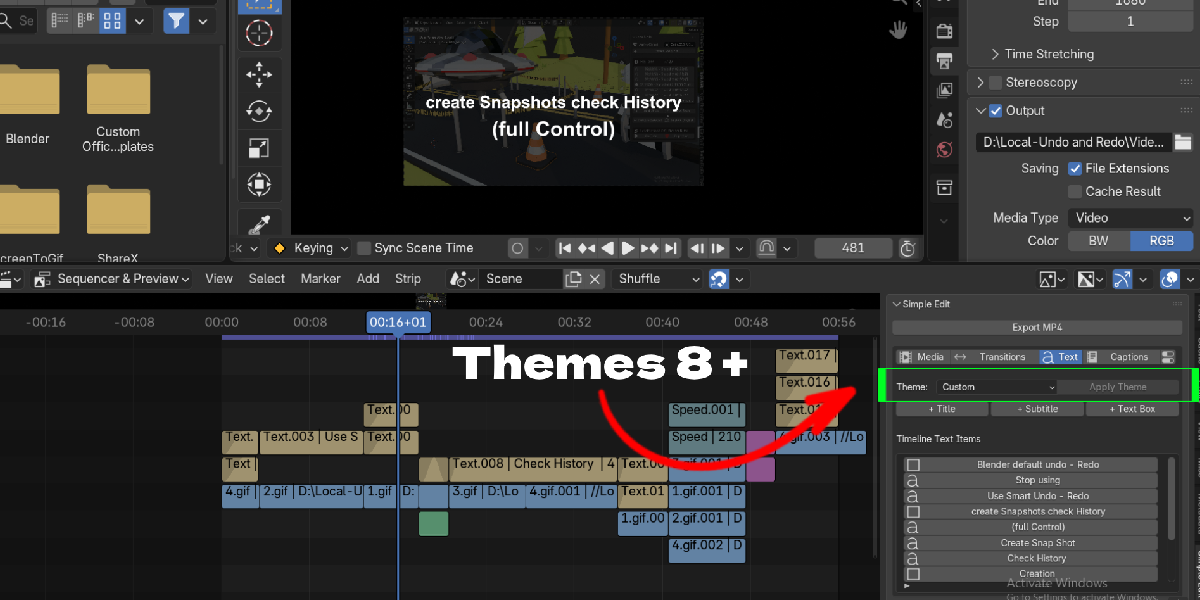
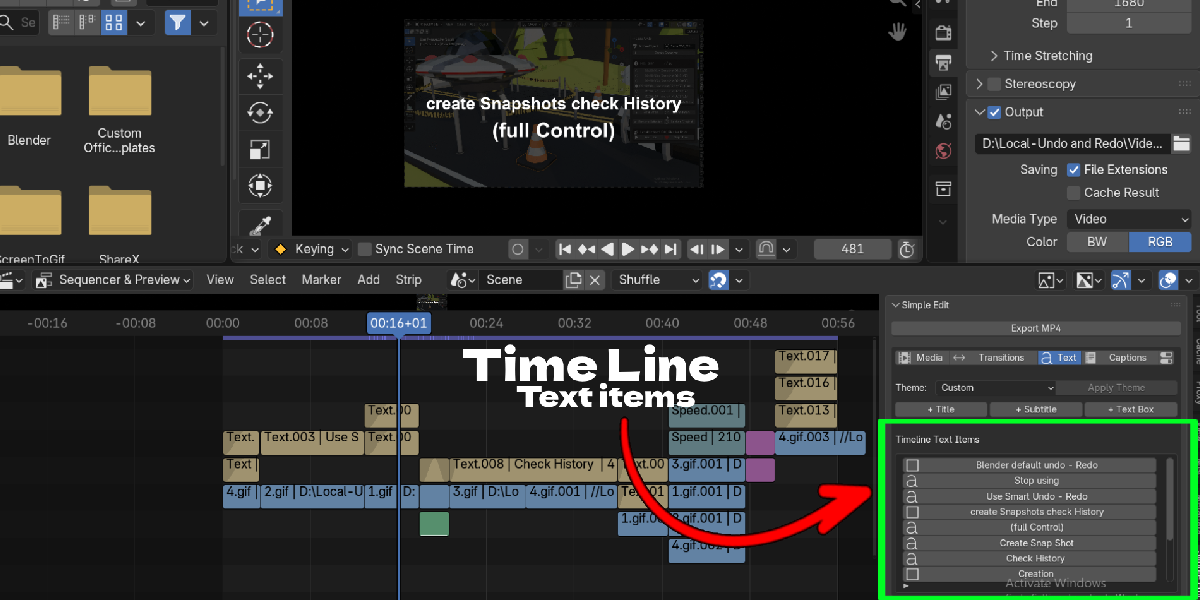
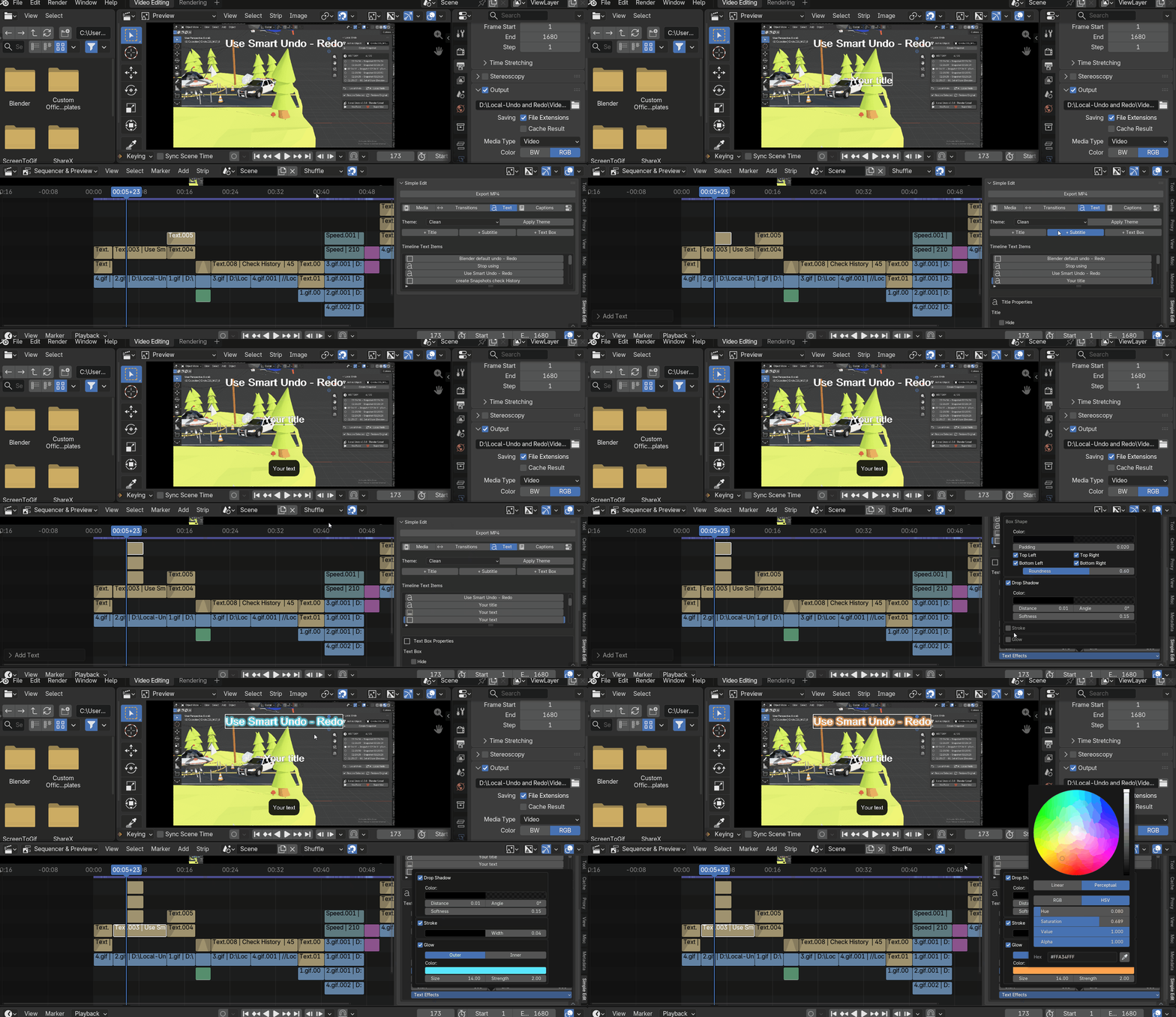
- 8 text themes: Clean, Cinema, Bold, Minimal, Neon, Retro, Pastel and Editorial. Add titles, subtitles and text boxes, then apply one theme to all text.
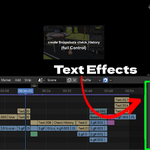
- Text effects: Drop shadow, stroke, inner and outer glow, and box shapes with padding and rounded corners. Uses your installed system fonts.
- Timeline editing tools: Split, Delete, Ripple Delete across all tracks, speed, snapping, Fit All / Fit Selected, with Undo and Redo.
- MP4 export: Export H.264 / AAC with a summary of size, frame rate, duration and audio before rendering. Cancel any time; existing files are protected.
Workflow Benefits
- One sidebar tab for media, transitions, text, captions and export, so you spend less time hunting through VSE menus.
- Captions are generated locally and edited in place, which is useful for tutorials, interviews and social clips.
- Transitions stay managed: replace one effect with another or remove it cleanly without rebuilding strips by hand.
- Themes keep titles and subtitles consistent across a project with one click.
Use Cases
- Blender tutorials and course videos with captions
- YouTube shorts and social media clips
- Devlogs, portfolio reels and turntable edits
- Interviews and talking-head videos in many languages
- Music clips with lyric captions (review the transcript)
- Quick edits of renders without leaving Blender