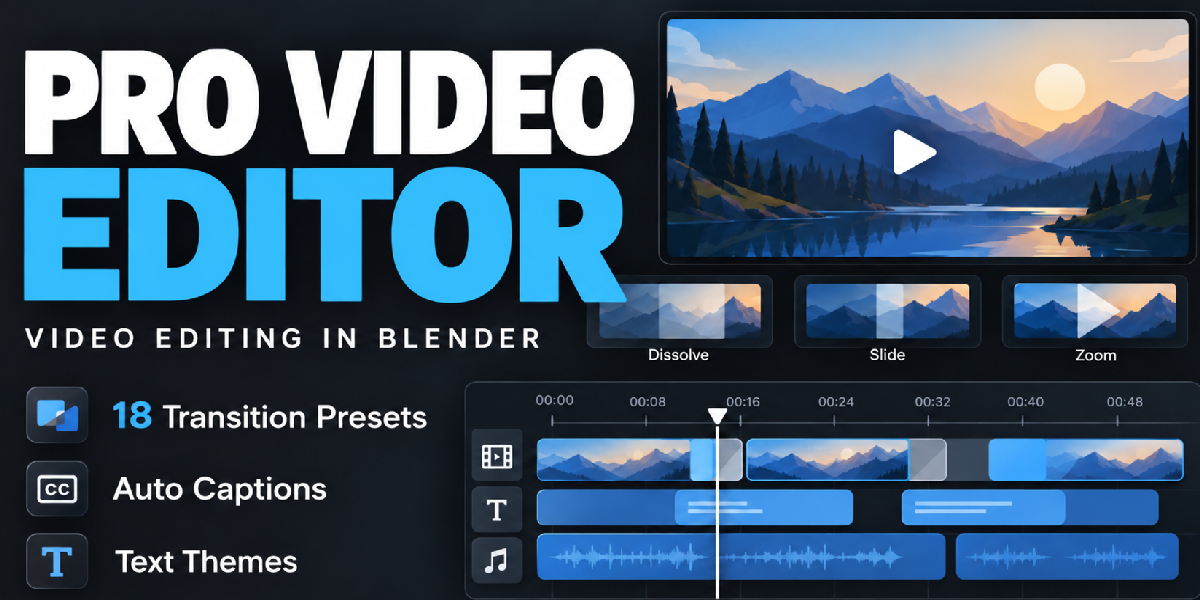
Pro Video Editor: Transitions, Auto Captions and Text Themes for the Blender Vse
 blenderustad
in VSE
blenderustad
in VSE
Requirements
- Blender 5.2.x (tested on Blender 5.2.1 LTS on Windows). Earlier versions and Blender 5.3+ are not supported in this release.
- macOS and Linux have not been validated yet.
- Captions need a one-time internet download (model about 145 MB to 1.5 GB plus speech tools) and extra disk space.
Installation
- Download Pro-Video-Editor.zip and keep it zipped.
- In Blender open Edit > Preferences > Get Extensions, open the top-right menu and choose Install from Disk.
- Select the ZIP and enable the add-on if asked.
- Open the Video Sequencer, press N, and choose the Pro Video Editor tab.
- Use Show Sequencer & Preview to see the timeline and preview together.
First use
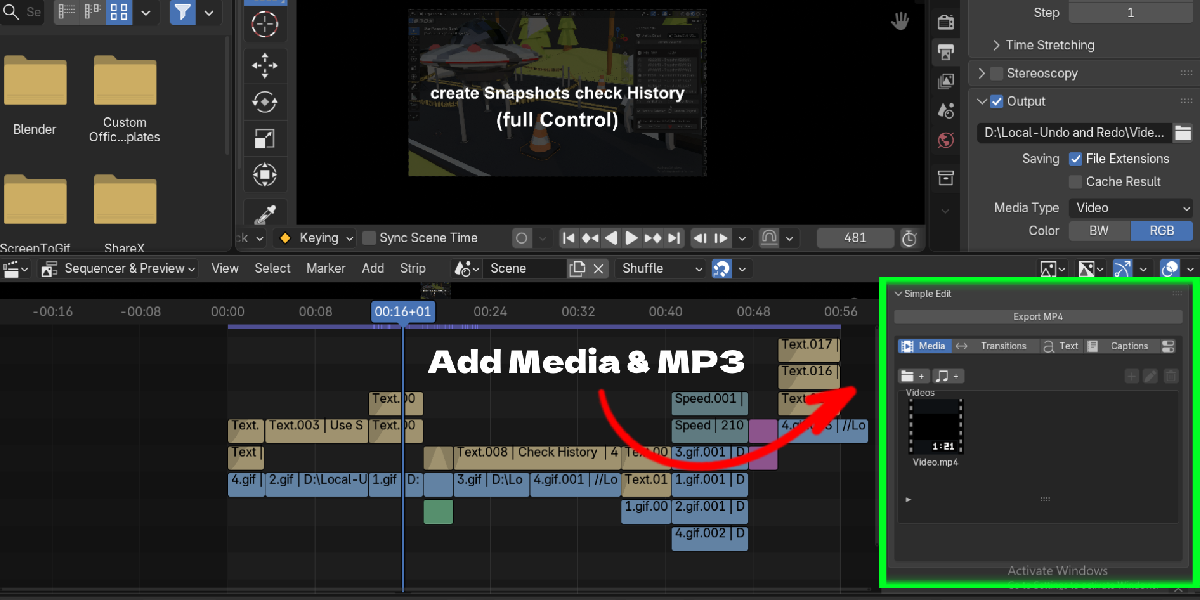
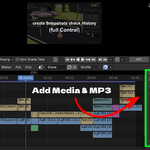
- Media: click the folder or audio button to import files, select one, place the playhead, then click Add to Timeline (+).
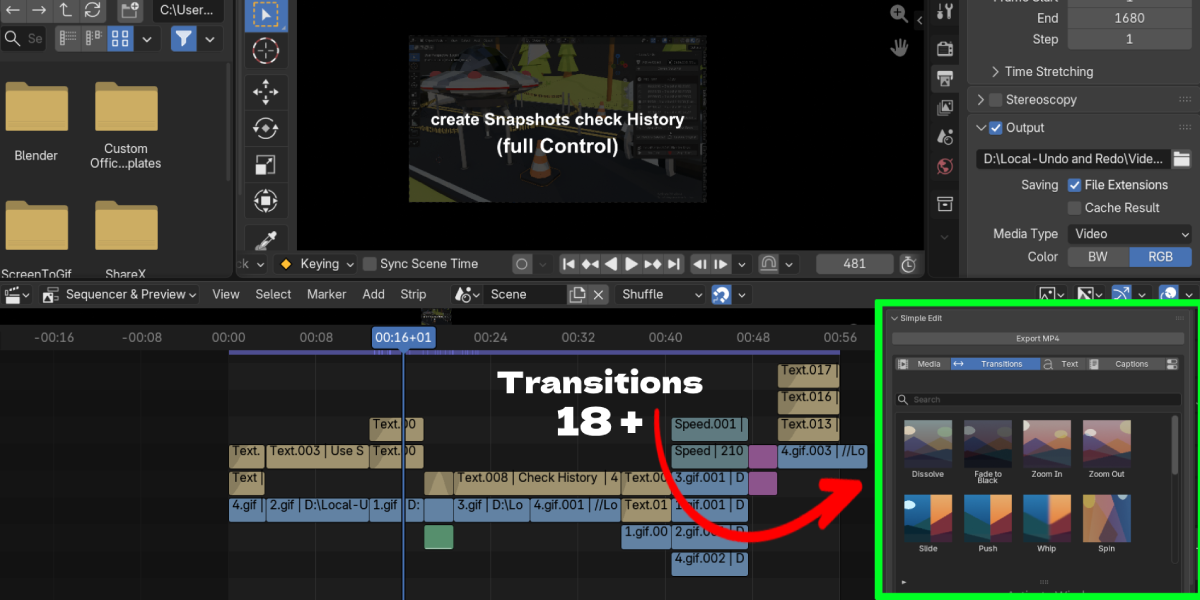
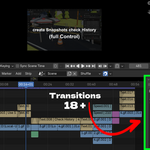
- Transitions: place two clips side by side on one track, select one, and click a transition thumbnail.
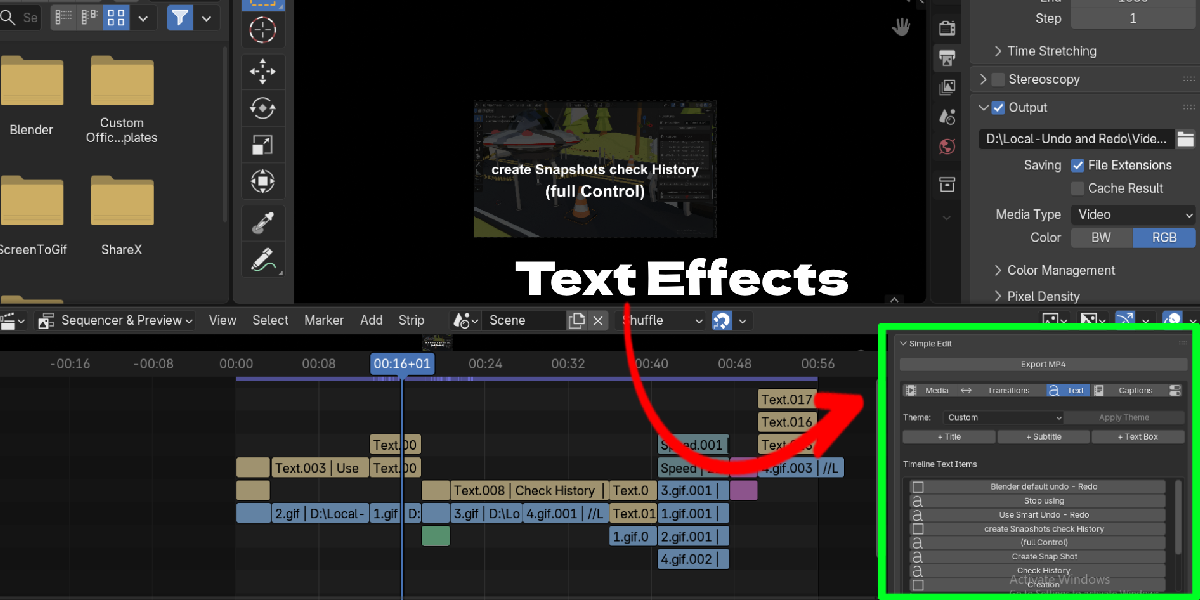
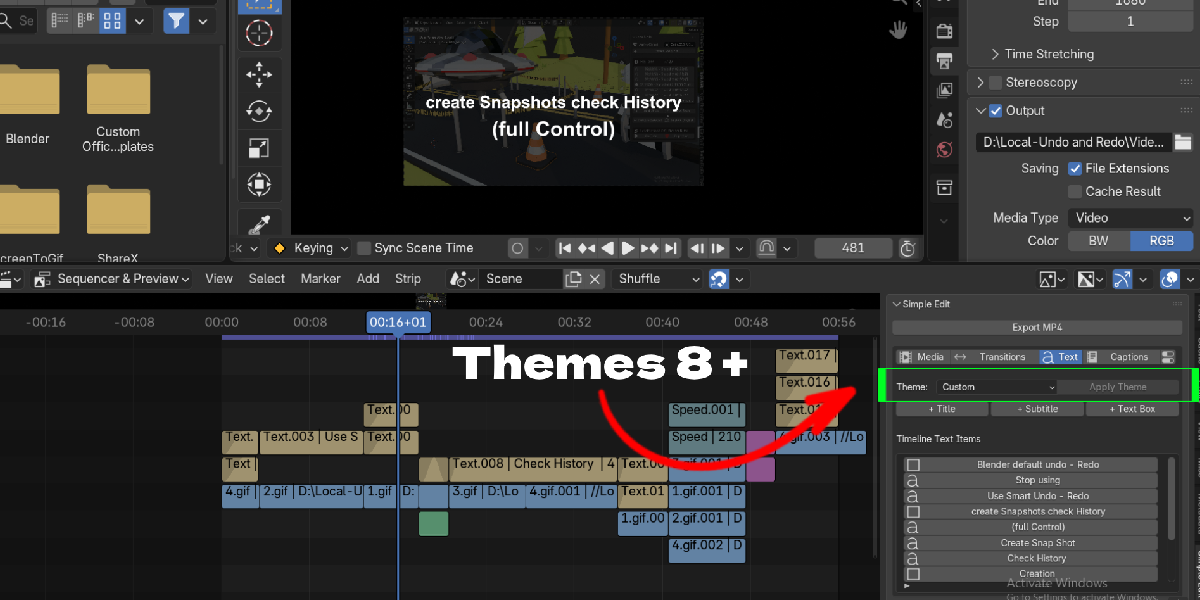
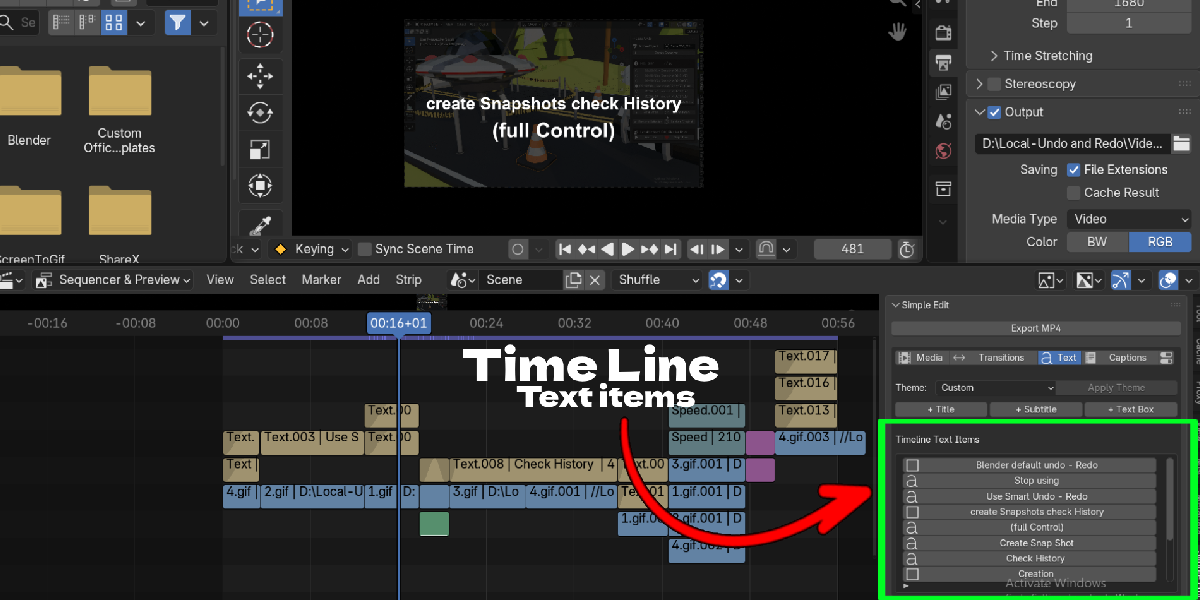
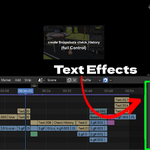
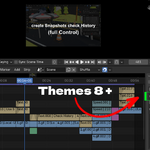
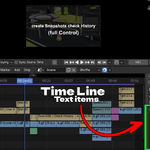
- Text: use + Title, + Subtitle or + Text Box, then choose a theme and click Apply Theme.
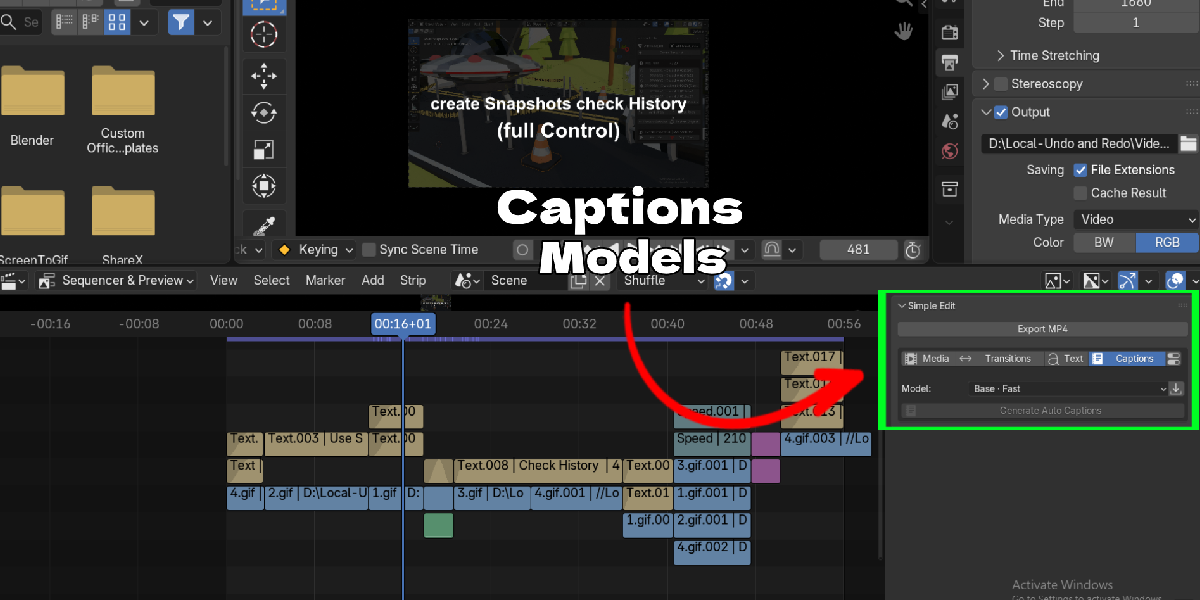
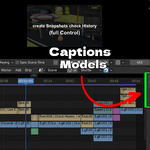
- Captions: choose a model, click Download / Set Up Model once, select a video or audio strip, then click Generate Auto Captions.
- Export: click Export MP4, choose the file, size, frame range and quality.
Limits
- Transitions work on ordinary movies and single images. Retimed, reversed, multiview and image-sequence sources are not supported.
- Captions run on the CPU only. Speed changed or reversed sources are rejected; for clips with a different frame rate, select the audio strip.
- Speech models can miss or invent words, especially over music. Always review the transcript.
- No subtitle file (SRT) import or export in this version.
- Media and system fonts are linked, not packed. Keep them available when you move a project.
Troubleshooting
- Media only visible in the preview: switch to Sequencer & Preview and use Fit Selected or Fit All.
- Caption setup failed: check your connection and click Download / Set Up Model again.
- After updating, restart Blender if the old version stays loaded.
Support
- Email [email protected] with the add-on version, Blender version, OS, steps and any error text.
Have questions about this product?
Login to message
| Blender Extension Compatible | Yes |
| Published | about 6 hours ago |
| Blender Version | 4.2 - 5.2 |
| Extension Type | Add-on |
| Render Engine Used | Blender-Game-Engine, Cycles, Eevee |
| License | GPL |
