Procedural Bake Bridge - PBR Texture Baking Addon for Blender
 3D Skill Up
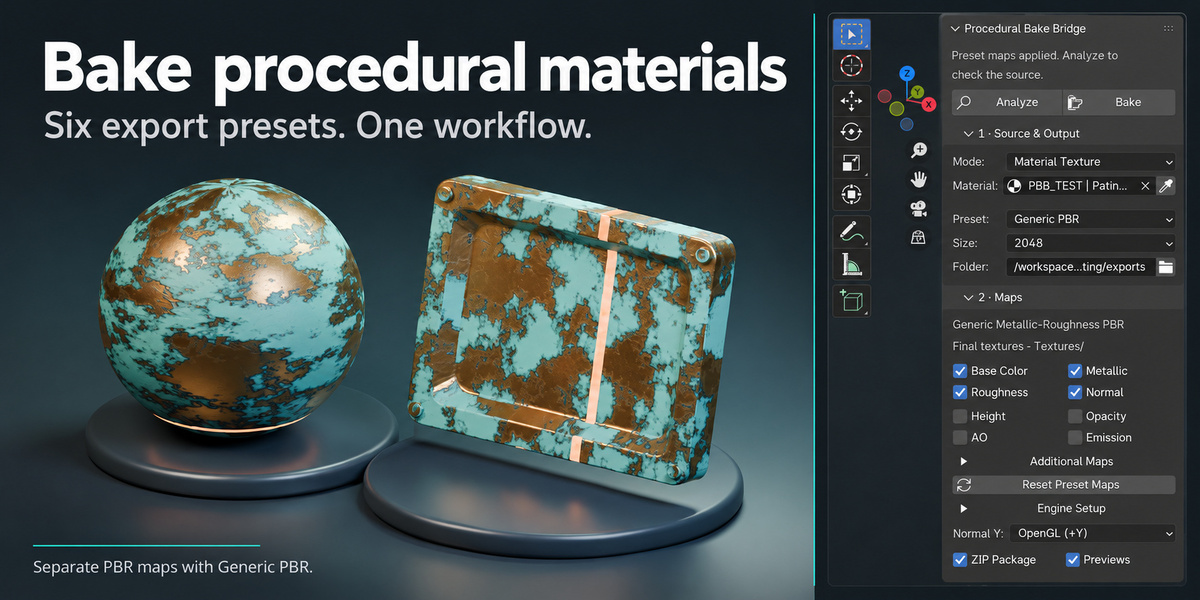
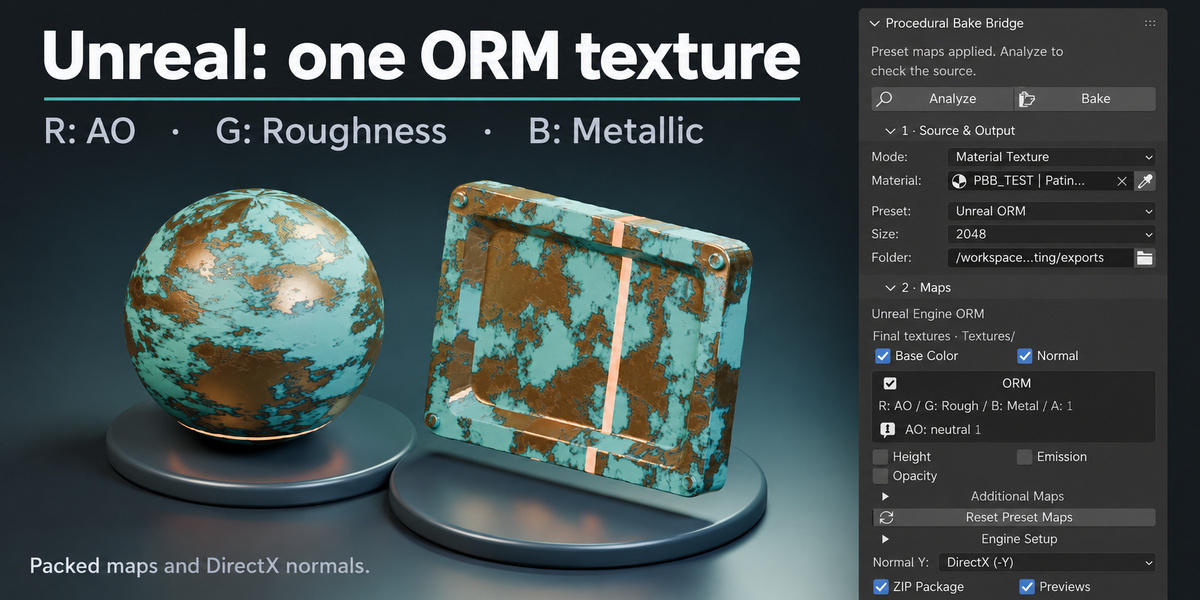
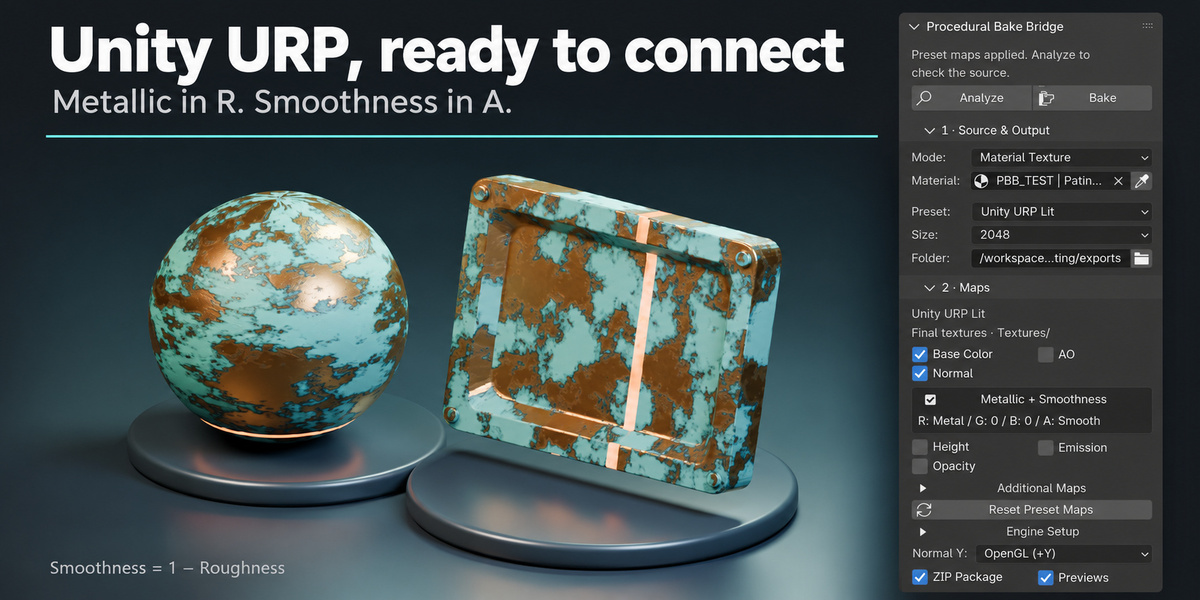
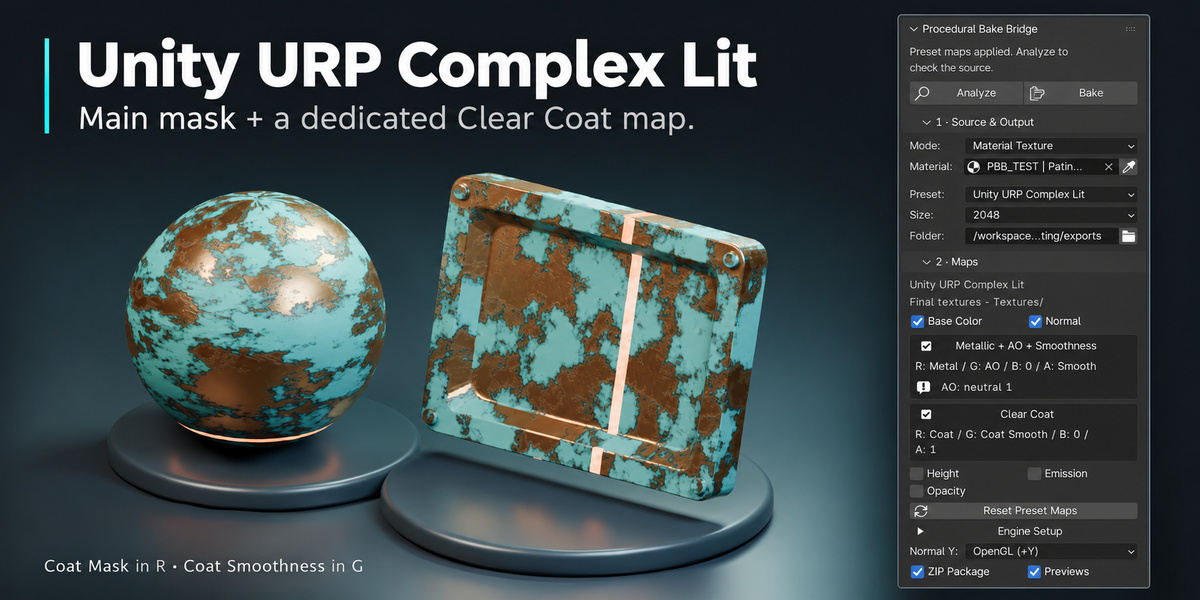
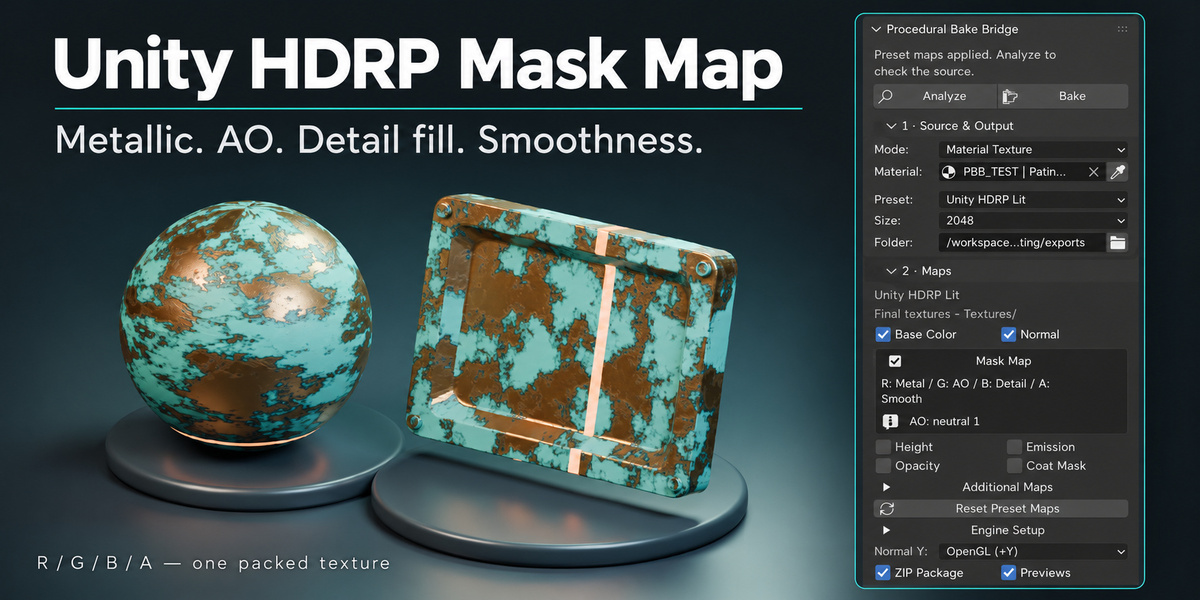
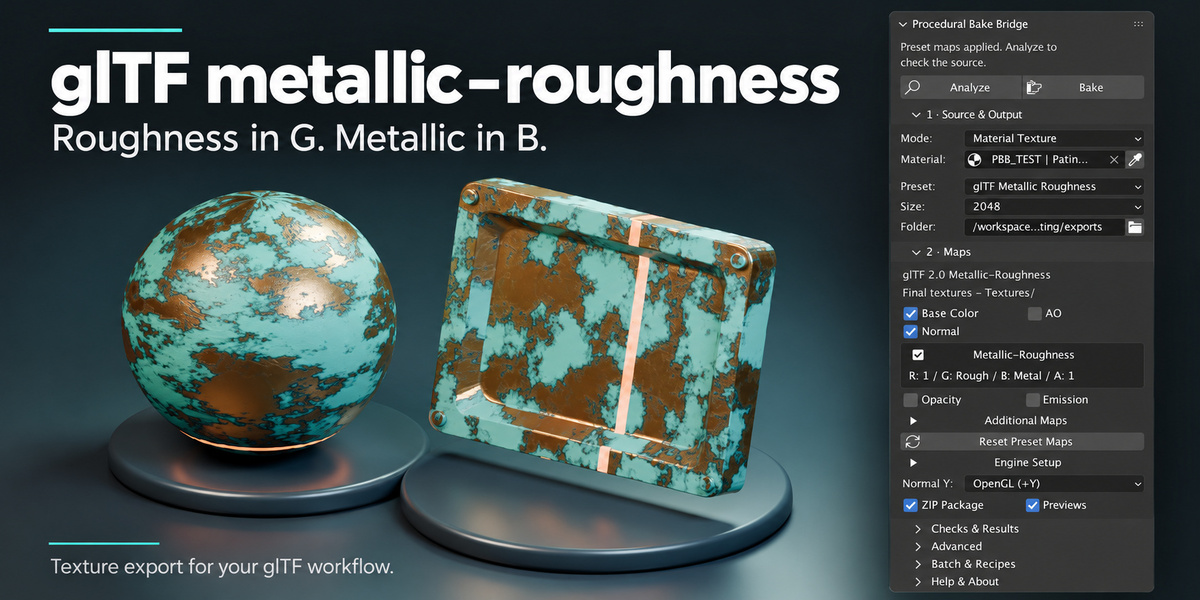
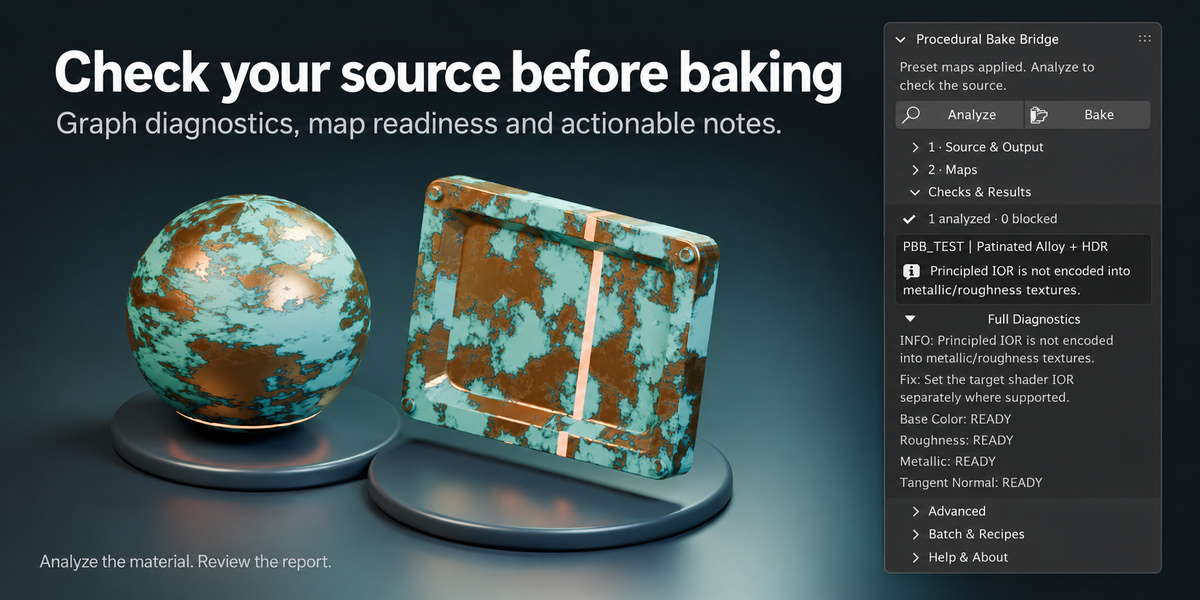
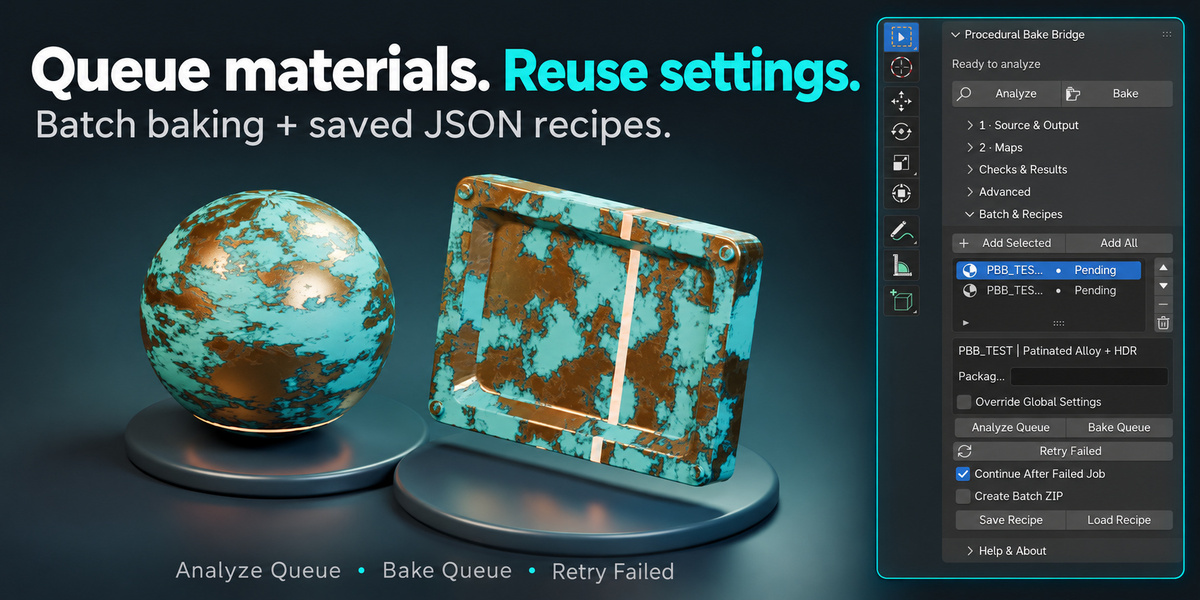
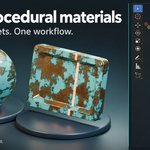
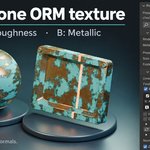
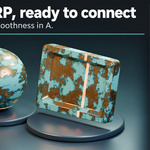
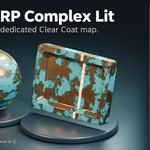
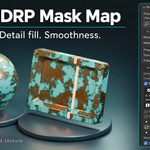
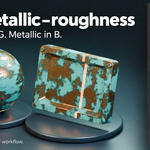
Yes. The addon includes presets for Unreal ORM, Unity URP Lit, Unity URP Complex Lit, Unity HDRP Lit, glTF Metallic-Roughness and Generic PBR. Each preset updates the map selection and channel packing, including Unity Smoothness. Import the textures and assign them to your target material; the addon does not create engine material assets automatically.
Procedural Bake Bridge requires Blender 4.5.0 or later. In Blender, open Edit > Preferences > Add-ons, choose Install from Disk and select procedural_bake_bridge-1.0.0.zip. Enable the addon, then open the PBB tab in the 3D Viewport sidebar by pressing N. Baking runs locally using CPU processing. The PDF user guide is included in the customer package.
 Included
Includes 12 months of
- Support from 3D Skill Up
- Product updates
Extend this product’s Support Period +12 months: 50% of product price
Have questions before purchasing?
Login to message
| Blender Extension Compatible | Yes |
| Dev Fund Contributor | |
| Published | about 4 hours ago |
| Blender Version | 4.5 - 5.2 |
| Extension Type | Add-on |
| License | GPL |
Discover more products like this
blender addon texture-baking gltf pbr-textures smoothness material-baking Unreal Engine roughness unity Channel Packing procedural materials batch-baking