 3D Skill Up
Procedural Bake Bridge
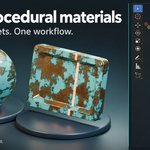
Procedural Bake Bridge is a Blender texture baking addon that converts supported procedural materials into PBR texture maps. Sample a material on a plane or bake it onto an object's UV layout, then export the textures using a preset suited to your target workflow.
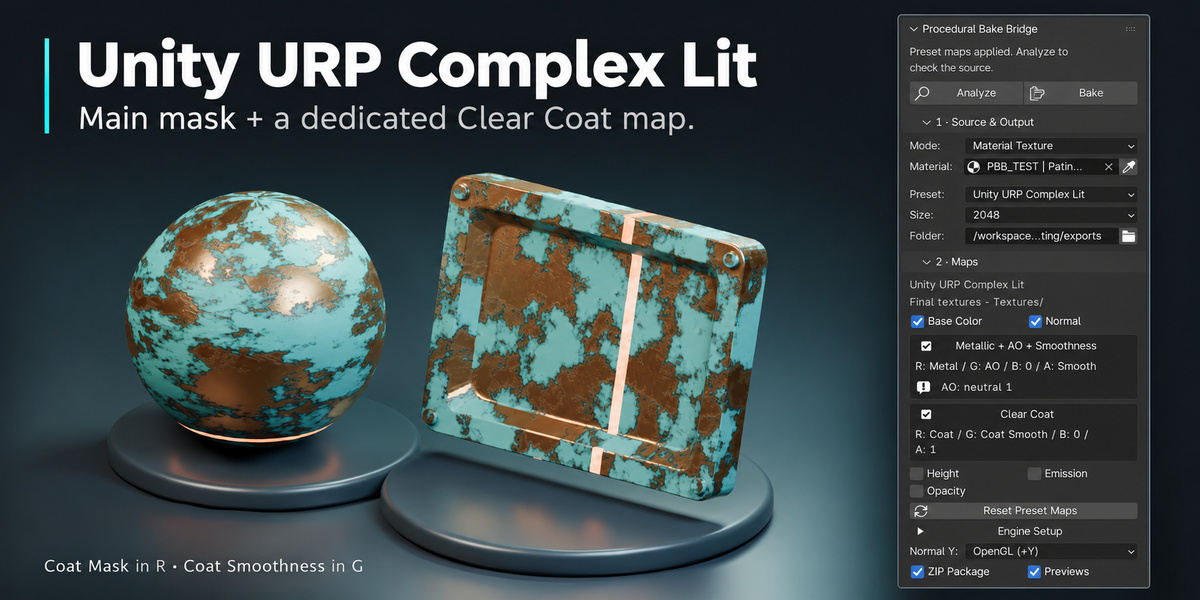
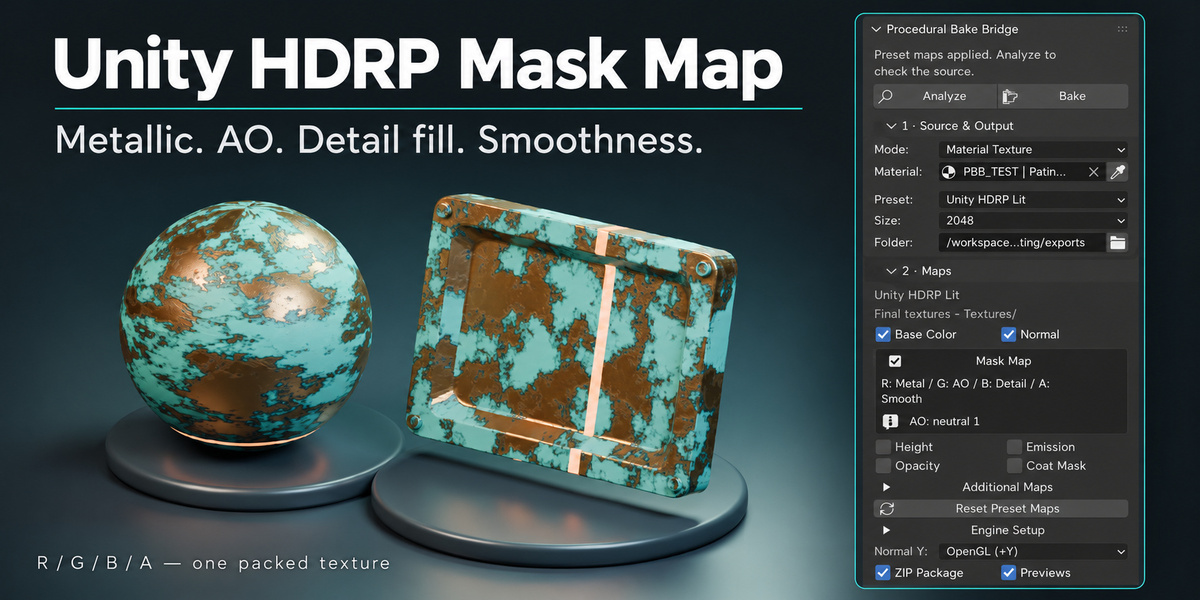
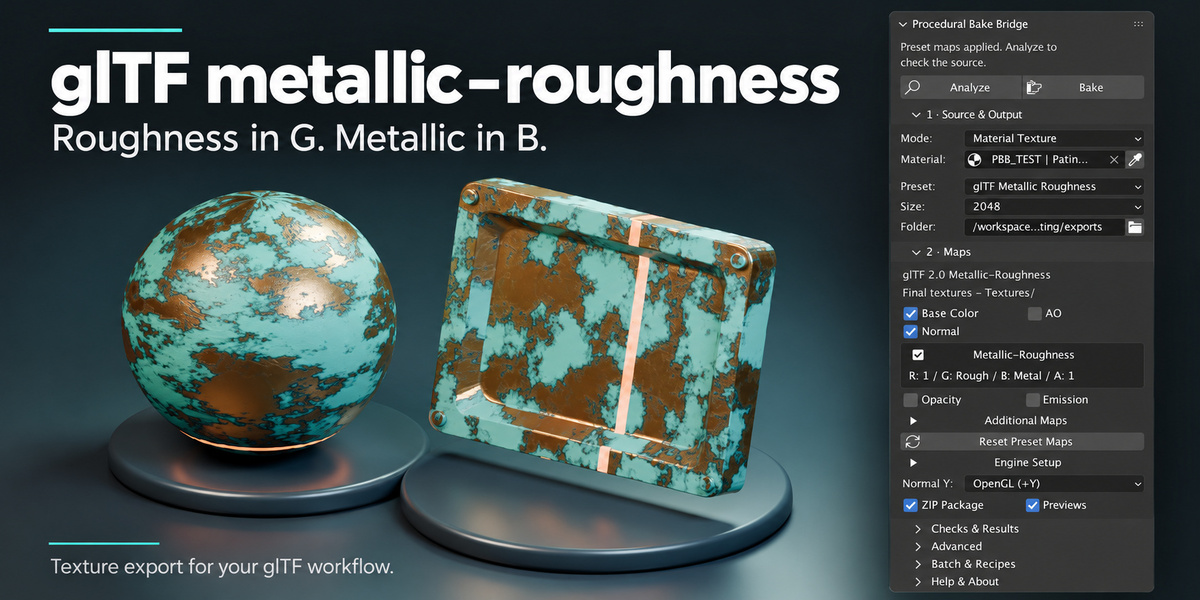
Prepare Unreal ORM textures, Unity Metallic/Smoothness maps, HDRP Mask Maps and glTF metallic-roughness textures without manually assembling each packed image. The selected preset updates the Maps panel, so you choose the final texture files you actually want to deliver.
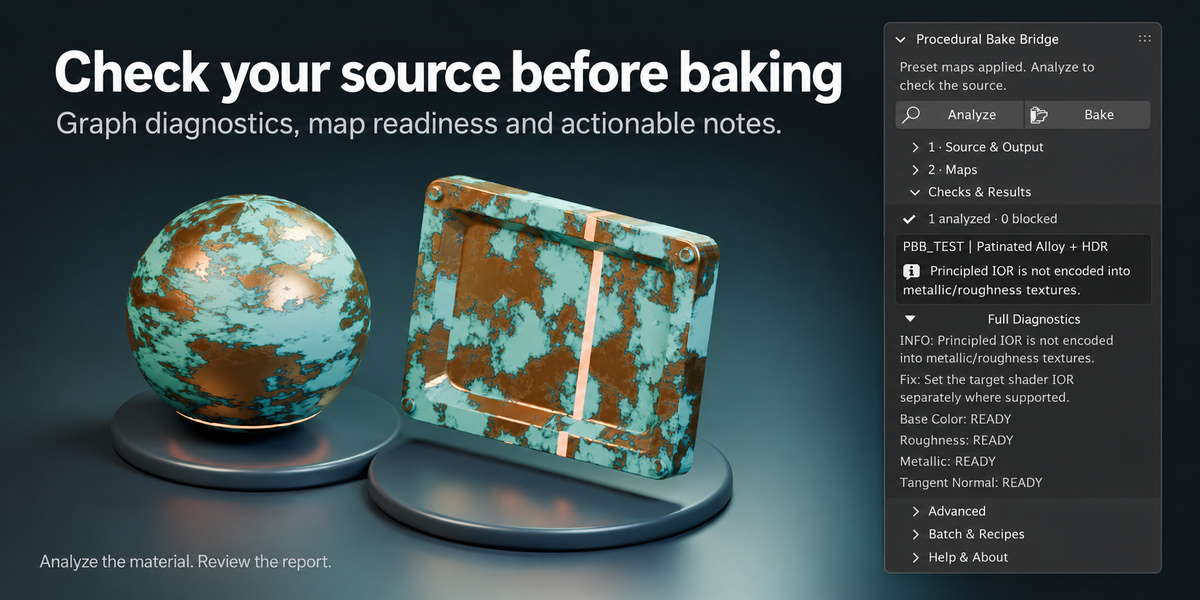
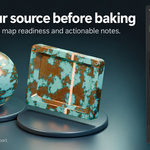
Analyze your source, bake the selected maps, inspect rendered previews and validate the exported files. Your original material remains editable, while the baked textures form a portable output you can import into your next project.
Key Features
- Two baking modes: use Material Texture for a flat material sample or Object UV Bake for textures matched to a mesh's UV layout.
- Preset-aware map selection: the Maps panel adapts to the chosen preset and shows the final separate or packed outputs.
- Automatic channel packing: export engine-oriented masks, including Unity Smoothness derived from linear Roughness.
- PBR map controls: bake supported Base Color, Roughness, Metallic and Normal signals, with optional Height, AO, Opacity, Emission and Coat channels where supported.
- Preflight analysis and file validation: identify source issues before baking and check saved maps, dimensions, precision and packed data afterward.
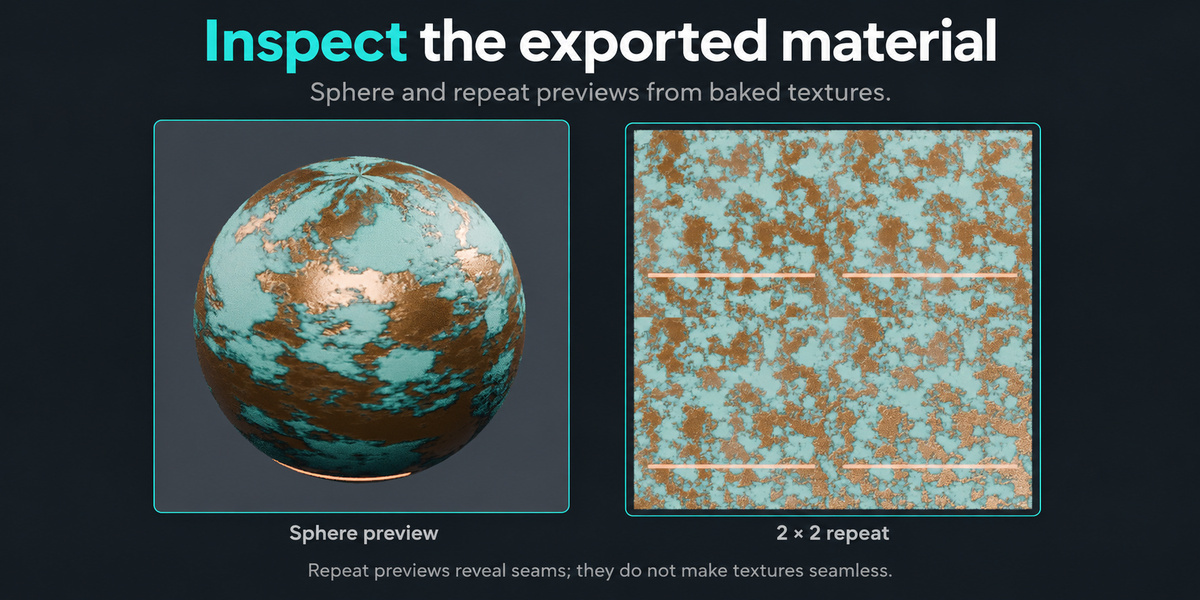
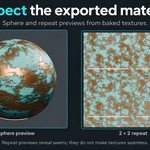
- Rendered previews: inspect the baked material with sphere, plane and repeat views in Material Texture mode, or object previews in Object UV mode.
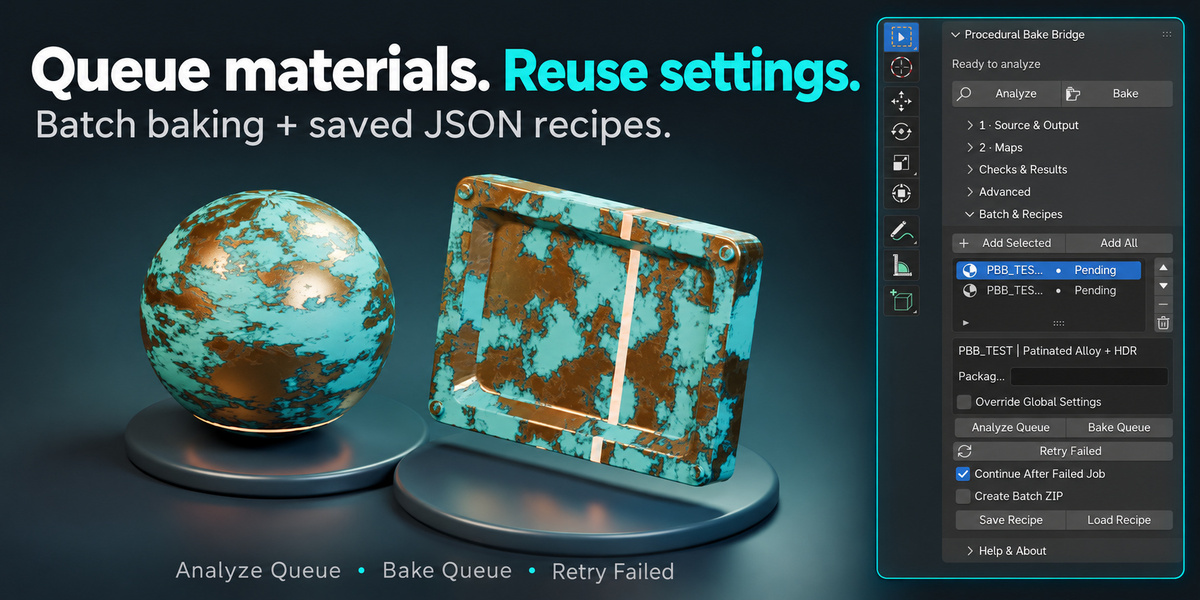
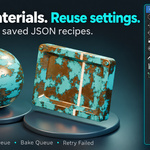
- Batch queue and reusable recipes: organize multiple jobs, apply per-job overrides, retry failed entries and save settings for future sessions.
- Flexible delivery: choose PNG or EXR formats for separate maps, packed PNG precision, normal convention and optional ZIP packaging.
Six Presets for Your Texture Workflow
| Preset | Main Texture Outputs |
|---|---|
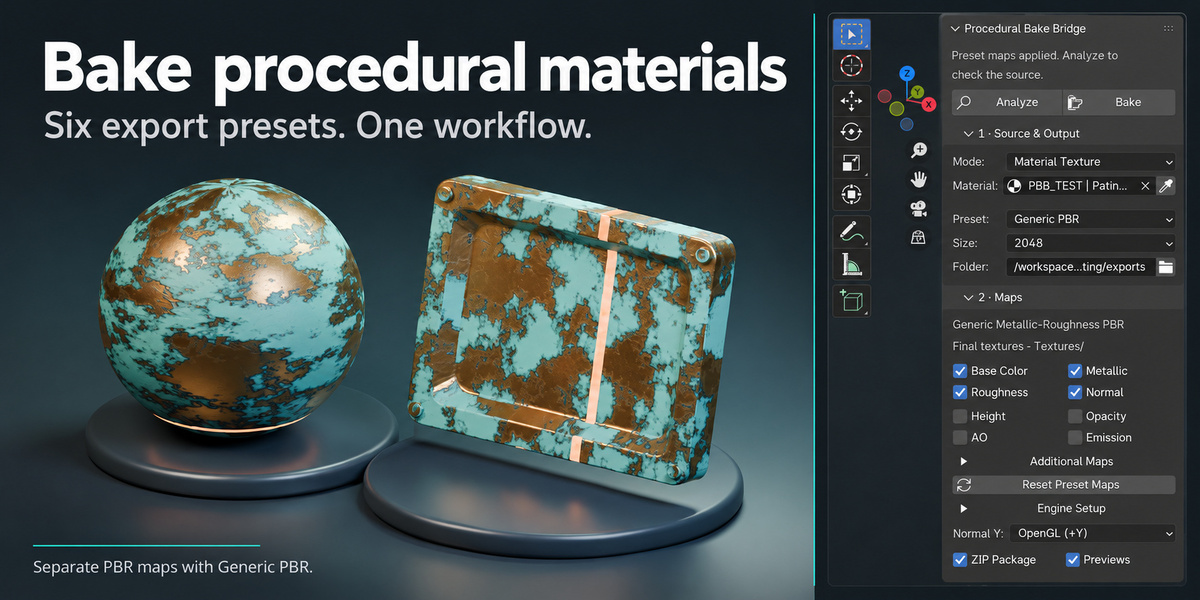
| Generic PBR | Base Color, Normal, Roughness and Metallic as separate maps. |
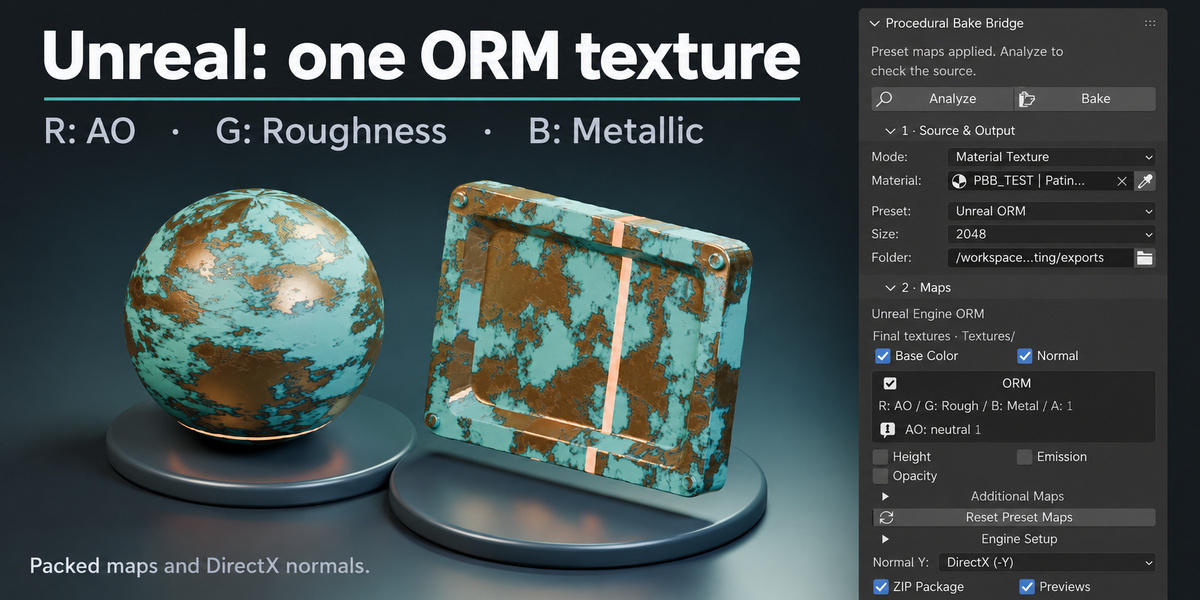
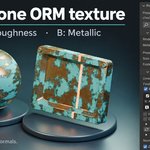
| Unreal ORM | Base Color, Normal and an ORM texture: R = AO, G = Roughness, B = Metallic. |
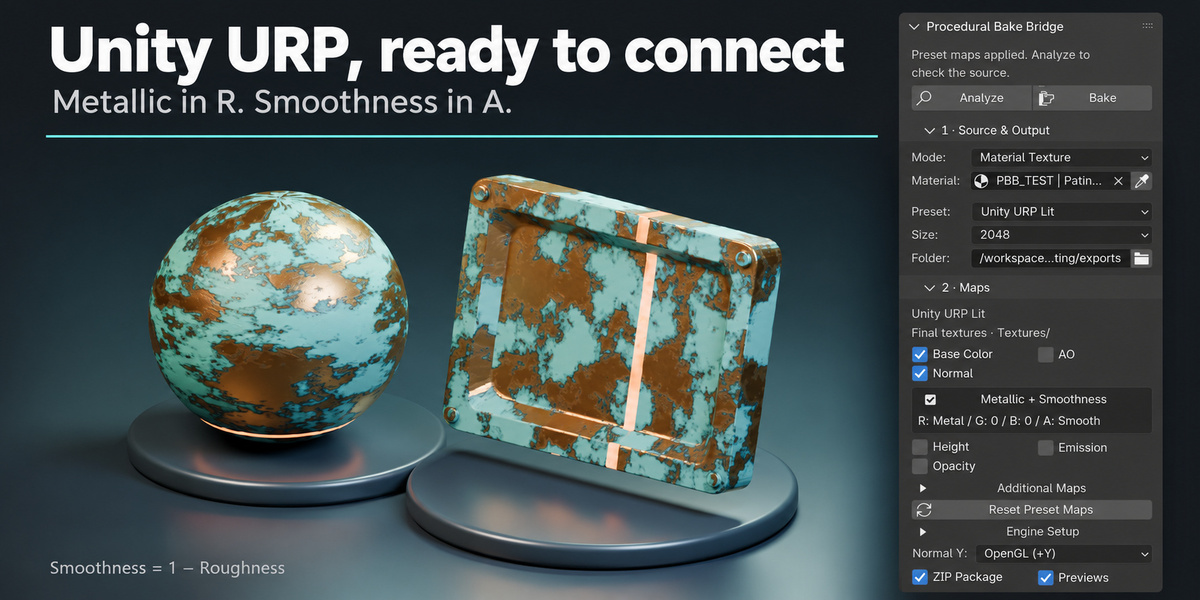
| Unity URP Lit | Base Color, Normal and Metallic/Smoothness: R = Metallic, A = Smoothness. Separate AO when selected and available. |
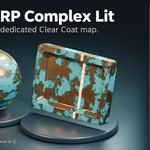
| Unity URP Complex Lit | Base Color, Normal, a Metallic/AO/Smoothness pack and a separate Clear Coat pack. |
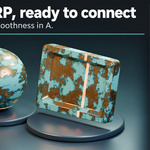
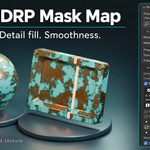
| Unity HDRP Lit | Base Color, Normal and Mask Map: R = Metallic, G = AO, B = constant Detail Fill, A = Smoothness. |
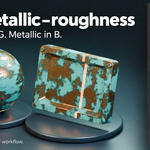
| glTF Metallic Roughness | Base Color, Normal and Metallic-Roughness: G = Roughness, B = Metallic. Separate AO when selected and available. |
Presets prepare texture files and import guidance. Assign the maps and configure the material in your target application. AO depends on the source mode; compatible packed maps can use an explicit neutral fill when AO is unavailable.
From Procedural Material to PBR Textures
- Choose your source. Open the PBB sidebar and select Material Texture or Object UV Bake.
- Select an export preset. Set the resolution, output folder and final maps.
- Analyze the material. Review warnings and resolve any blocking source or UV issues.
- Bake your textures. Follow the current stage and progress while the local worker processes the job.
- Review and import. Validate the exported files, inspect previews and assign the textures in your target renderer or game engine.
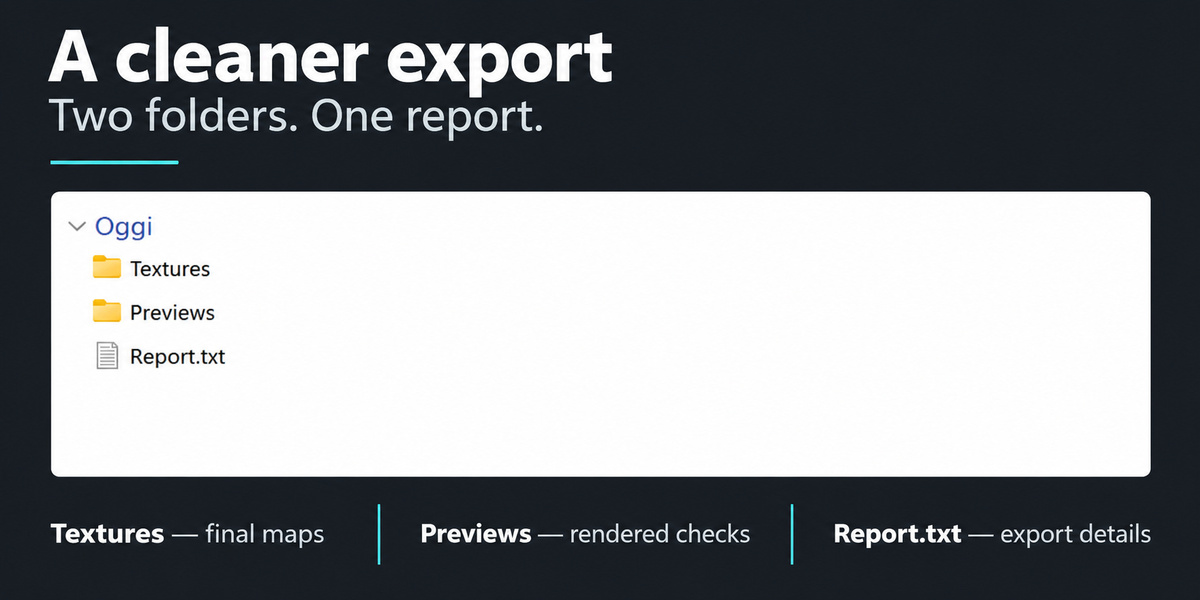
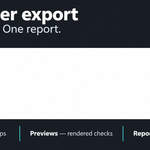
Textures. Previews. One Report.
Textures/ contains the selected final maps, including packed outputs.
Previews/ stores rendered checks when enabled.
Report.txt summarizes the export result, delivered maps, import instructions and issues to review.
Keep Textures and the entire Previews folder together to validate the export again or generate further previews. Internal PBB data is stored in Previews, keeping the report easy to read. Optional baked-mesh delivery adds a Meshes/ folder when explicitly enabled.
Built for Material Artists and Game Asset Workflows
Prepare reusable texture sets from your supported Blender materials, bake materials onto UV-mapped assets or process a queue of sources with consistent delivery settings.
What's Included
- Procedural Bake Bridge 1.0.0 installable Blender extension ZIP.
- Six built-in presets, custom preset controls and reusable queue recipes.
- An English PDF user guide, accessible from Preferences and Help & About.
- A procedural example .blend file in the customer package.
- Local documentation, release notes and a test report.
Installation
- Locate procedural_bake_bridge-1.0.0.zip in your product downloads or inside the customer package.
- In Blender, open Edit → Preferences → Add-ons and choose Install from Disk from the menu.
- Select the extension ZIP, install it and enable Procedural Bake Bridge.
- In the 3D Viewport, press N and open the PBB tab.
Install the extension ZIP directly without extracting it. If you download a customer or complete bundle, extract that outer archive first to access the installer.
Requirements & Workflow Notes
Minimum Blender version: 4.5.0. Baking runs locally using CPU processing. Verified on Blender 4.5.0 and 5.2.2 LTS on Linux; Windows, macOS and GPU execution have not been verified for this release.
Designed for supported Principled BSDF material graphs. Mixed shaders, glass, volumes and view-dependent effects may not translate into a fixed PBR texture set. Analyze your material before baking.
Object UV Bake requires usable UVs for texture-only output. Optional Smart UV generation works on a temporary copy and requires baked-mesh delivery to preserve that generated layout.
Tileability depends on the material and its coordinates. Repeat previews help inspect seams; baking does not automatically make a texture seamless.
This addon exports textures rather than Unity or Unreal material assets or GLB files. High-poly-to-low-poly cage baking and UDIM export are outside its scope.
Read the User Guide
Review installation, supported materials, preset layouts, batch workflows and export settings before your first bake.
Open PDF User Guide →Explore More Assets for Your 3D Workflow
Discover game-ready 3D models, PBR materials, textures and HDRIs from 3DSkillUp on Superhive.
View All Products →Francesco Saviano — 3dskillup.art
