 Mrs Eliza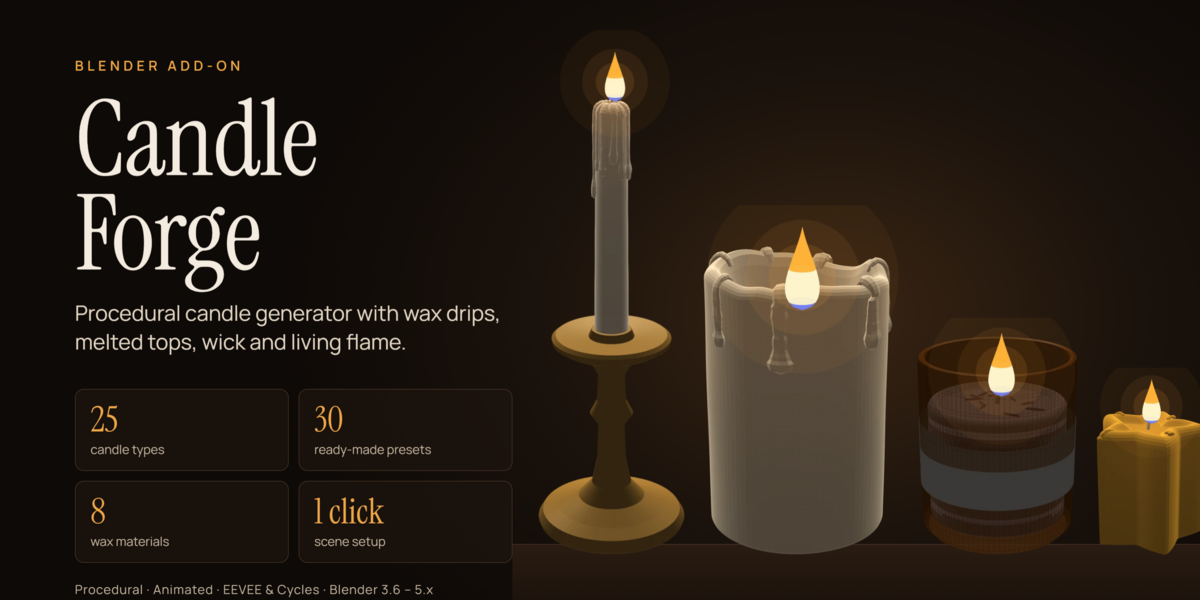
Introduction
Candle Forge is a Blender add-on that builds realistic candles procedurally, complete with wax drips, melted tops, a curled wick, a flame and a light. It ships with 30 ready-made designs covering 25 candle types, and every candle stays fully editable after you add it.
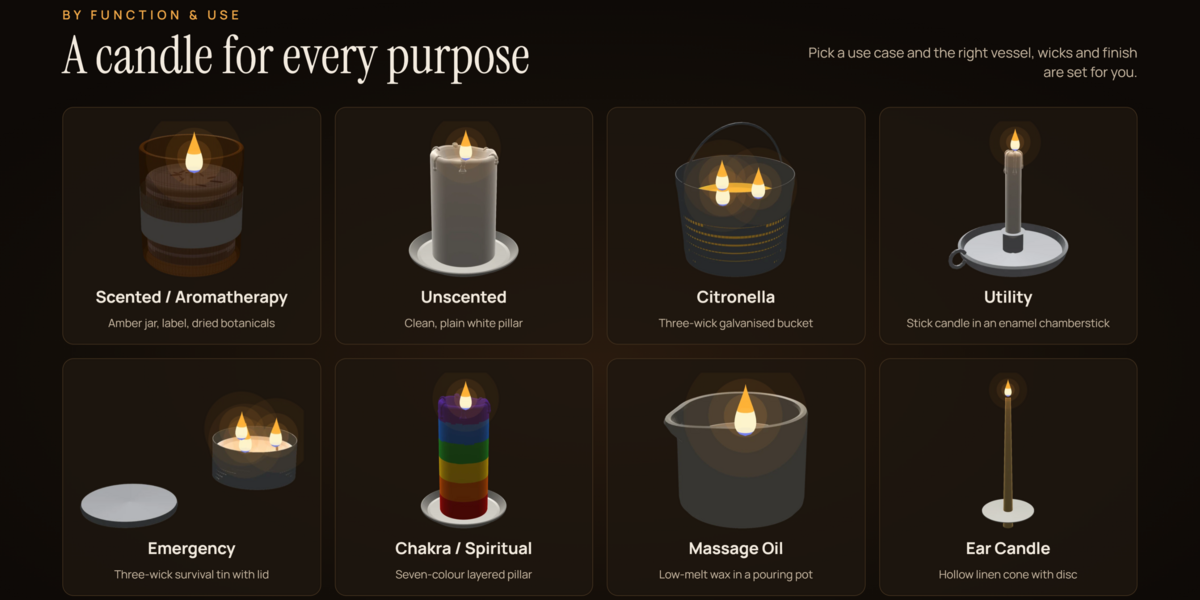
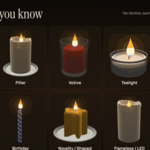
The add-on covers three families of candles. By shape and style there are tapers, pillars, votives, tealights, jar candles, floating candles, birthday candles, novelty shapes, flameless LED candles and cartridges. By wax there are paraffin, soy, beeswax, palm, gel, coconut, rapeseed and bayberry. By use there are scented, unscented, citronella, utility, emergency, chakra, massage oil and ear candles.
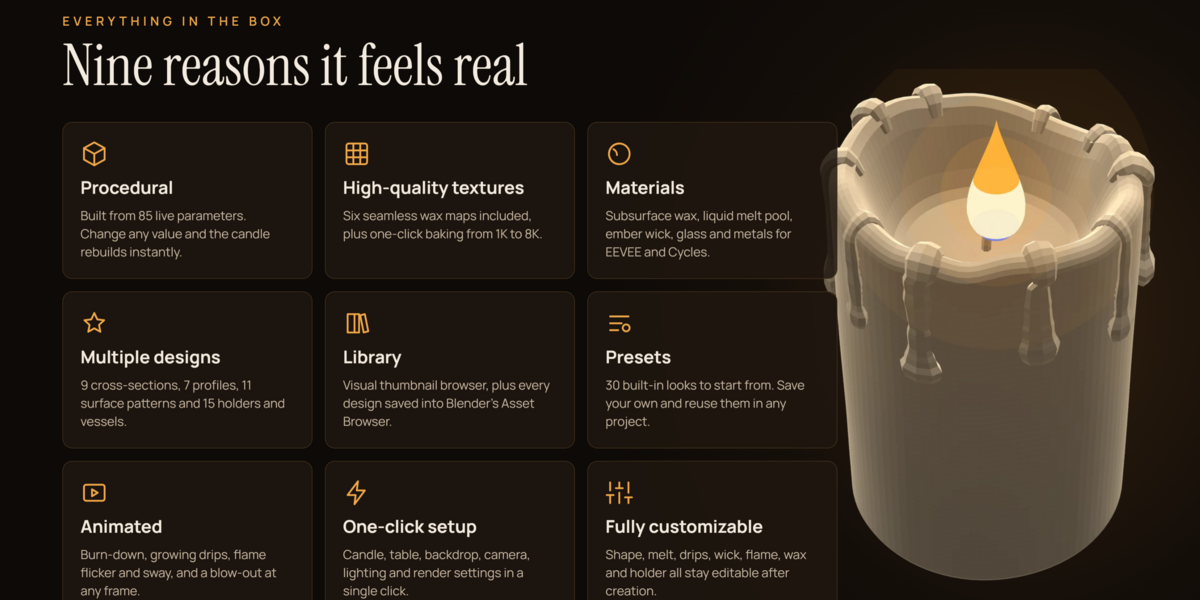
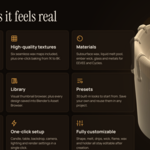
Beyond the geometry, Candle Forge includes node-based materials for EEVEE and Cycles, six seamless textures, a burn-down animation, a one-click render scene, user presets and an Asset Browser library.
Installation
Candle Forge installs from a single file, candle_forge.zip, and works in Blender 3.6 through 5.x with no extra dependencies. Do not unzip the file.
Blender 4.2 and newer
- Open Edit › Preferences › Get Extensions.
- Click the small arrow in the top-right corner and choose Install from Disk.
- Select
candle_forge.zip. The extension is enabled automatically.
Blender 3.6 to 4.1
- Open Edit › Preferences › Add-ons and click Install.
- Select
candle_forge.zip. - Tick the checkbox next to "Candle Forge - Procedural Candle Generator".
After installing, open the 3D Viewport sidebar with the N key and select the Candle tab. To update to a new version, remove the old one in Preferences first, then install the new zip.
Quick start
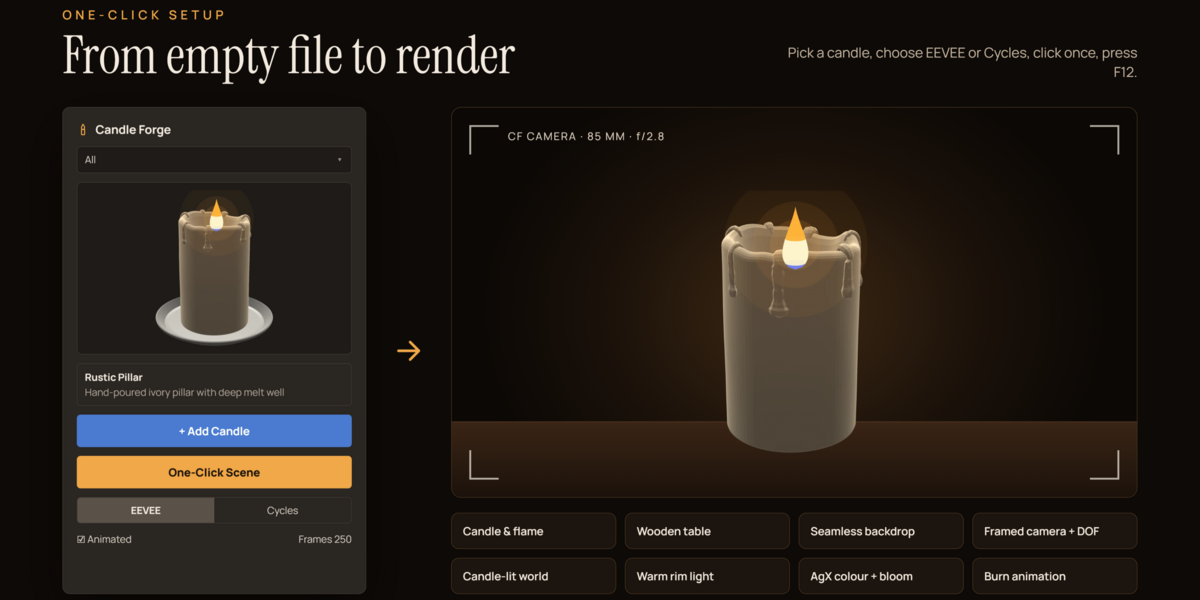
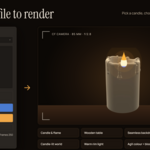
The fastest way to a finished render is the One-Click Scene button.
- In the Candle tab, pick a category from the dropdown (All, Shape & Style, Wax Material, Function & Use or My Presets).
- Click the large thumbnail and choose a design, for example Rustic Pillar.
- Choose EEVEE for speed or Cycles for the best quality.
- Leave Animated ticked if you want the candle to burn down over the frame range.
- Click One-Click Scene, then press F12 to render or Space to play the animation.
To place a single candle in your own scene instead, click Add Candle. It appears at the 3D cursor. You can also use Shift+A › Candle in the viewport, which lists every design by category.
For a natural group of candles, set the Cluster count (2 to 12) and click Cluster. Each candle gets its own height, radius, burn level and drip pattern, arranged around the 3D cursor.
Interface tour
Everything lives in the Candle tab of the 3D Viewport sidebar (press N). The tab has three main panels.
Candle Forge is the library panel. It holds the category dropdown, the thumbnail browser, the name and description of the selected design, and the Add Candle, One-Click Scene and Cluster buttons. The EEVEE/Cycles switch, the Animated checkbox and the frame count here apply to the One-Click Scene.
Active Candle appears whenever a Candle Forge candle (or one of its parts, such as its flame) is selected. Its header row has the candle's name, a Live Update toggle, and the Regenerate and Randomize buttons. Below sit the Candle Type, Wax, Use Case and Seed fields, followed by collapsible sub-panels for Shape & Design, Melting, Wax Drips, Wick, Flame & Light, Wax Material, Holder & Extras, Animation and Quality.
Presets & Library holds preset saving and deleting, the asset library tools, texture baking and the Finalize button.
The add-on also adds a Candle submenu to Shift+A, with every design grouped under Shape & Style, Wax Material and Function & Use, plus a shortcut to One-Click Scene.
Candle types
Changing the Candle Type, Wax or Use Case field loads sensible defaults for that family, and you can still change every value afterwards.
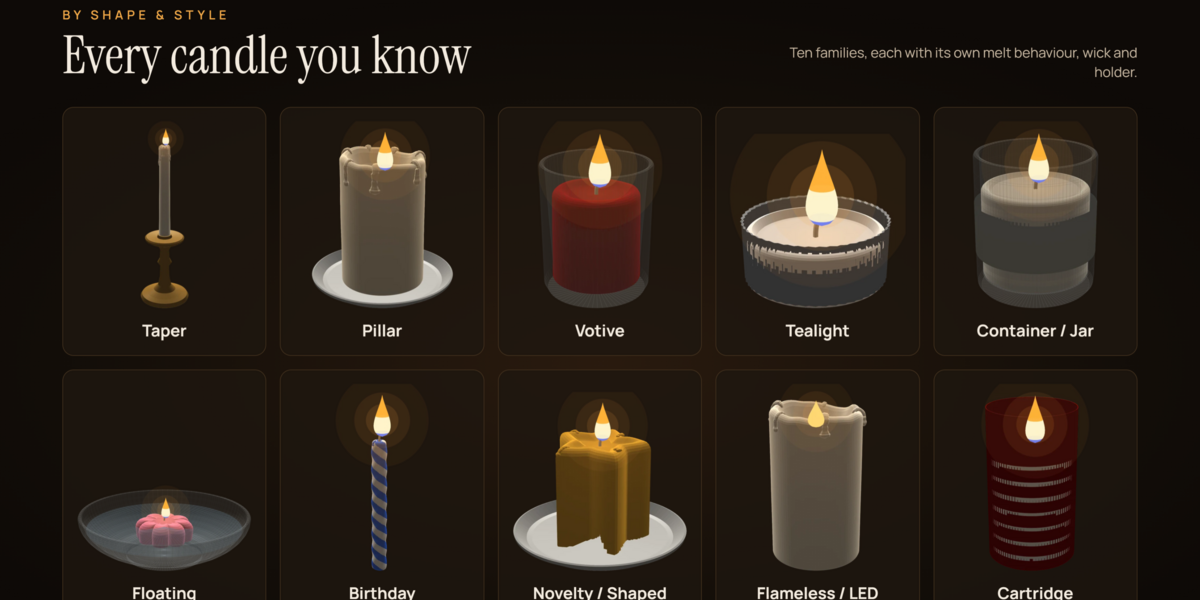
By shape and style
- Taper is a tall, slender dinner candle with a narrow base that fits the included brass candlestick. It burns down evenly with a soft lip and long drips.
- Pillar is a thick, free-standing candle on a ceramic plate. It burns a well in the middle and leaves a jagged outer shell.
- Votive is a small cylinder that sits in a clear glass cup.
- Tealight is a wax disc in a crimped aluminium cup with a metal wick clip.
- Container / Jar pours the wax into a clear jar with a label, and the wax level sinks as it burns.
- Floating is a low, petal-shaped candle that sits partly submerged in a glass bowl of water.
- Birthday is a thin spiral candle with two-colour stripes.
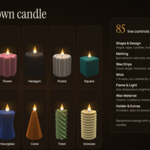
- Novelty / Shaped covers the star, heart, sphere, twisted spiral and geometric hexagon designs.
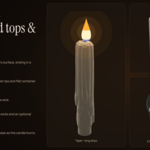
- Flameless / LED is a real-wax shell with a recessed top and a glowing plastic flame. It never burns down.
- Cartridge is a refill insert inside a coloured sleeve.
By wax material
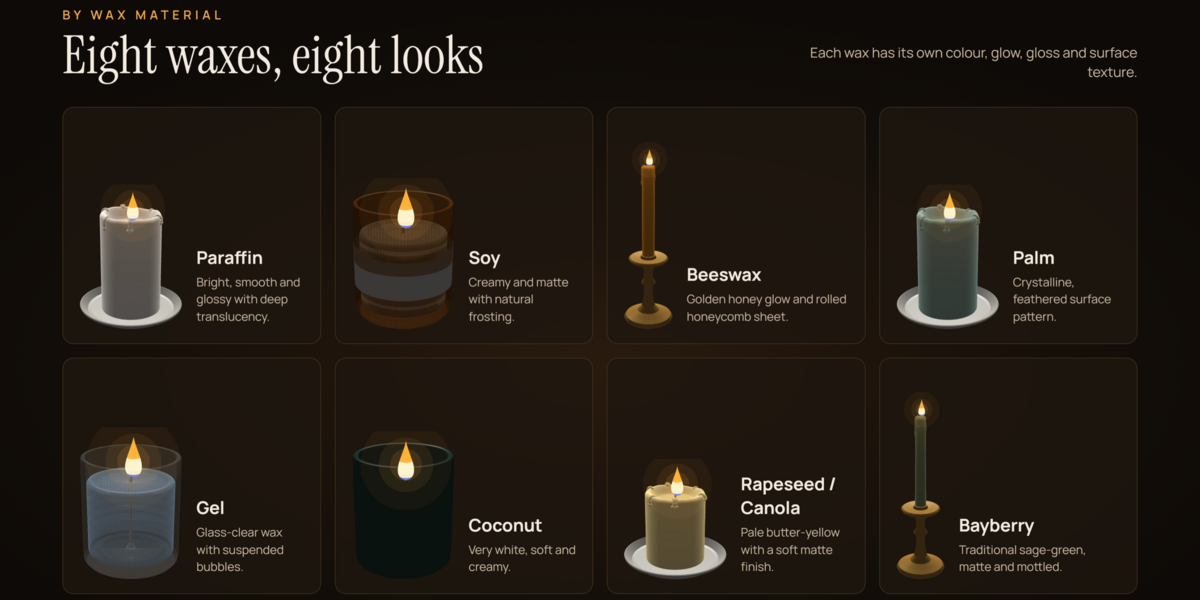
- Paraffin is bright, smooth, glossy and very translucent.
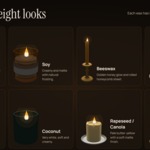
- Soy is creamy and matte, with the white frosting real soy wax develops.
- Beeswax has a golden honey colour, a warm glow and an optional rolled honeycomb sheet.
- Palm shows a crystalline, feathered surface pattern.
- Gel is glass-clear with suspended bubbles.
- Coconut is very white, soft and creamy.
- Rapeseed / Canola is a pale butter-yellow with a soft matte finish.
- Bayberry is the traditional sage-green, matte and lightly mottled.
By function and use
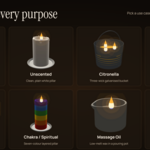
- Scented / Aromatherapy is a lavender soy candle in an amber jar with a label and dried botanicals on top.
- Unscented is a plain, clean white pillar.
- Citronella is a yellow three-wick candle in a galvanised bucket with a handle.
- Utility is a plain household stick candle in an enamel chamberstick.
- Emergency is a three-wick survival tin with its lid placed beside it.
- Chakra / Spiritual is a pillar with seven layers in the chakra colours.
- Massage Oil is a low-melt candle in a ceramic pouring pot with a spout.
- Ear Candle is a hollow, beeswax-coated linen cone with a protective paper disc.
Customizing a candle
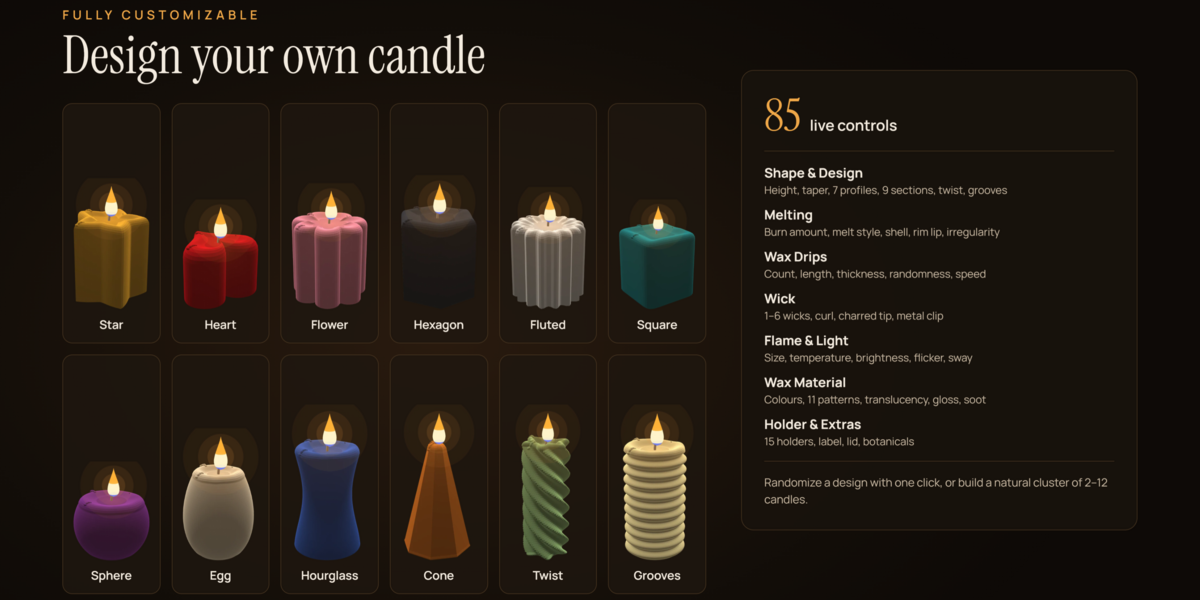
Every candle has 85 live settings, grouped into the sub-panels below. With Live Update on, the candle rebuilds the moment you change a value. Settings that do not apply are hidden, so for example Points only shows for star, flower, polygon and fluted shapes.
Shape & Design
Height and Radius set the size in metres, and Top Taper narrows or widens the top. Profile chooses the side silhouette: linear, sphere, egg, hourglass, cone, bell or dome. Cross Section chooses the outline seen from above: round, square, hexagon, octagon, polygon, star, flower, fluted or heart, with Points, Section Depth and Roundness to refine it.
Twist rotates the shape along its height. Grooves adds horizontal rings or, with Spiral Grooves on, spiral ridges like a birthday candle. Socket Stub narrows the base to fit a candlestick, Top Rounding softens the top edge, Hand-made Wobble adds the slight irregularity of a hand-poured candle, and Hollow creates the open core used by ear candles.
Melting
Burn Amount sets how far the candle has burnt, and Max Burn Depth sets how much of the height is gone at 100%. Melt Style decides how the top behaves:
- Taper burns the whole top down evenly with a raised lip.
- Pillar burns a well in the middle and leaves a shell.
- Container keeps a flat pool that sinks inside the vessel.
- Ear Cone shortens the cone from the top.
- None (LED) keeps a fixed melted look that never burns.
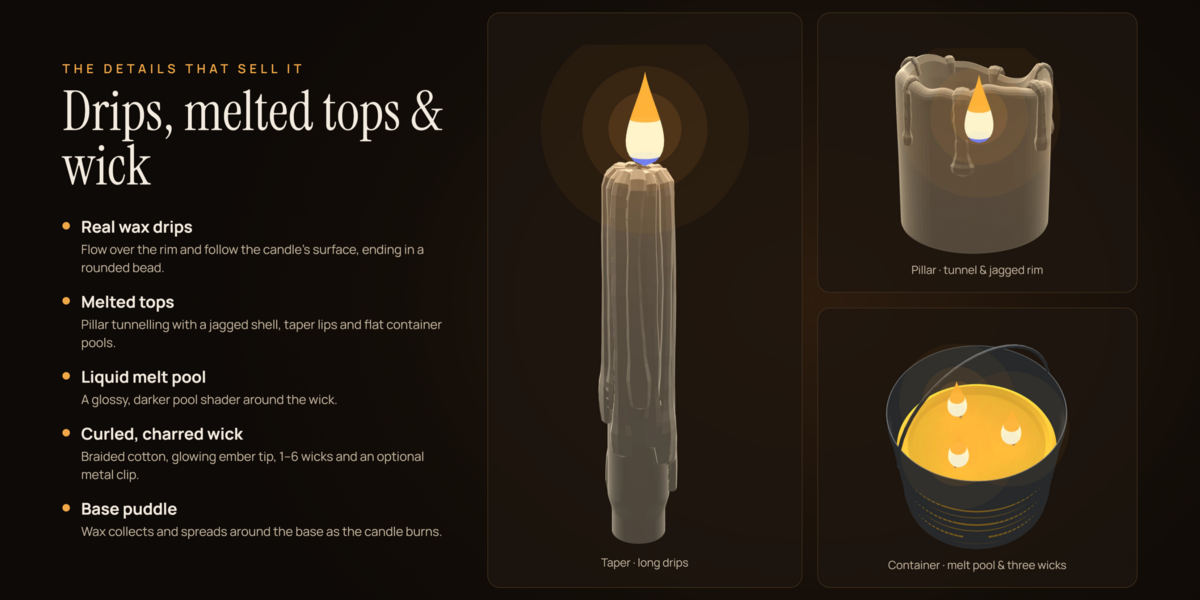
Shell / Tunnel controls how far the outer wall lags behind on pillars. Rim Lip, Rim Irregularity and Melt Rounding shape the edge, Melt Pool Size sets the width of the liquid pool, Recess Depth sets the LED recess, and Base Puddle adds wax spreading around the foot.
Wax Drips
Drips sets the count (up to 48). Drip Length, Drip Thickness and Randomness control their size and variety. Drip Speed decides how quickly drips grow as the candle burns, and Drip Seed gives a new arrangement without changing anything else.
Wick
You can have up to six wicks, with Wick Spread setting their distance from the centre. Wick Thickness, Wick Height and Wick Curl shape the wick, Charred Tip sets how much of it is blackened, and Wick Clip adds the metal sustainer tab used in tealights and jars.
Flame & Light
Flame Size, Flame Temperature (in Kelvin) and Flame Brightness control the flame. Cast Light adds a point light, with Light Power in watts and Light Softness for shadow edges. Flicker, Flicker Speed and Draft / Sway animate the flame and light.
Wax Material
Wax Colour and Secondary Colour set the palette. Surface Pattern offers smooth, frosting, honeycomb, crystal feather, bubbles, mottled, layers, spiral stripes, ombre, marble and linen, with Pattern Scale and Layers / Stripes to adjust them. Chakra Colours fills the layers with the seven chakra colours. Translucency, Scatter Distance, Roughness, Gloss Coat, Transmission and Surface Detail tune the wax itself, while Melt Pool Darkness and Soot / Aging add wear.
Holder & Extras
Holder / Vessel offers 15 options: none, brass candlestick, enamel chamberstick, pillar plate, votive glass, tealight cup, clear glass jar, amber glass jar, ceramic tumbler, metal tin, galvanised bucket, massage pouring pot, cartridge sleeve, water bowl and protective disc. Vessel Fill sets the wax height in a container, and Submerged sets how deep a floating candle sits. Label and Lid apply to jars, tumblers and tins. Botanicals scatters dried lavender, rose petals, citrus slices, herb leaves or a mix on top. Accessory Colour and Glass Tint colour the holder.
Quality
Resolution ranges from Low (32 segments) for a fast viewport to Ultra (128 segments) for close-ups. Subdivision (Render) smooths the candle at render time only.
Randomize and Seed
Randomize gives the current candle a new seed, drip pattern, rim shape and wobble, with an option to vary the colour slightly. Changing Seed or Drip Seed by hand gives a repeatable variation instead.
Animation
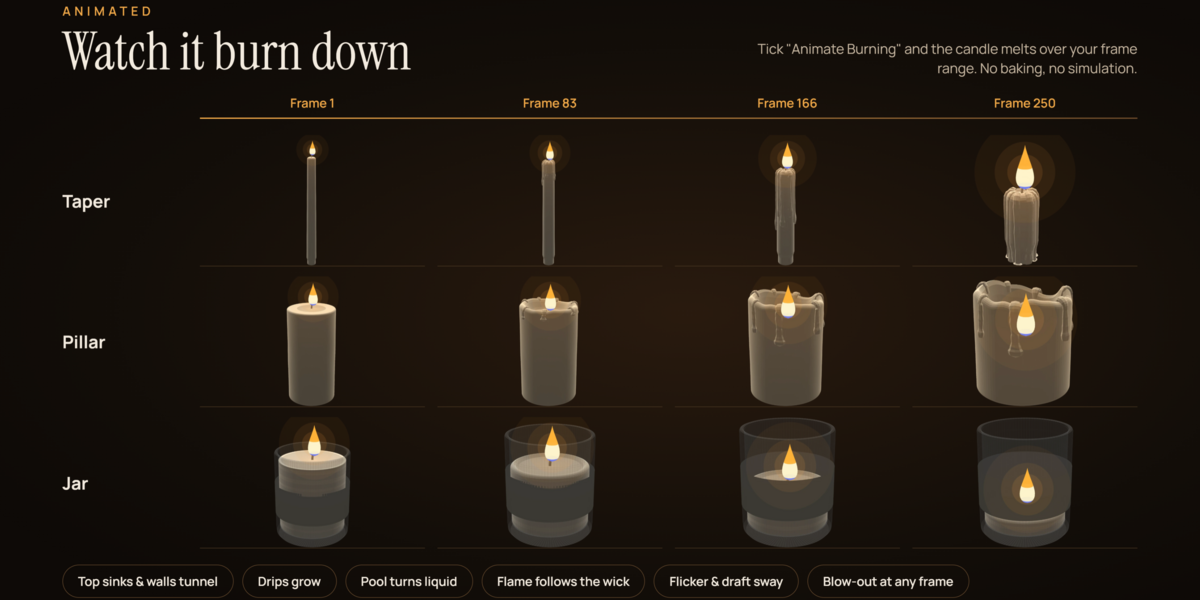
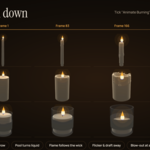
Tick Animate Burning in the Animation panel and the candle melts from its current Burn Amount to Burn at End between Start Frame and End Frame. No simulation or baking is needed.
As the burn progresses, the top sinks, pillar walls tunnel, drips grow down the sides, the base puddle spreads and the melt pool turns from solid to liquid. The flame and its light follow the wick down automatically. This uses a shape key called Burn and a driver, so it works without enabling Python auto-run.
Tick Blow Out and set a Blow-out Frame to extinguish the candle. The flame shrinks away in a few frames, the light switches off, the wick ember fades over 60 frames and the melt pool solidifies again.
Flicker, draft sway and the flame's inner turbulence are always animated, even when Animate Burning is off. You can tune them with Flicker, Flicker Speed and Draft / Sway in the Flame & Light panel. LED candles flicker more gently and do not sway.
Because the burn is a shape key, you can also retime it yourself: select the candle, find the Burn shape key in Object Data properties and edit its keyframes in the Graph Editor.
One-click scene and rendering
One-Click Scene builds a complete, render-ready candle shot from the selected design. It adds everything to a collection called Candle Scene:
- the candle with its flame, light and holder
- a wooden table surface and a dark curved backdrop
- an 85 mm camera framed to the candle, with depth of field at f/2.8
- a dark, warm world and a soft rim light behind the candle
- the AgX colour transform (Filmic on older Blender versions)
- bloom for EEVEE, or 256 denoised samples with deep glass bounces for Cycles
If Animated is ticked, the candle starts almost unburnt and burns to 85% over the number of frames you set, and the scene's frame range is updated to match. The viewport switches to the camera view so you see the shot straight away.
Running One-Click Scene again reuses the existing table, backdrop, camera and rim light, so you can try several designs without filling the file with duplicates. Delete the old candle first if you only want the new one in shot.
For the most realistic wax, render in Cycles. Subsurface scattering and glass refraction are more accurate there, while EEVEE is ideal for fast previews and animation tests.
Library, presets and the Asset Browser
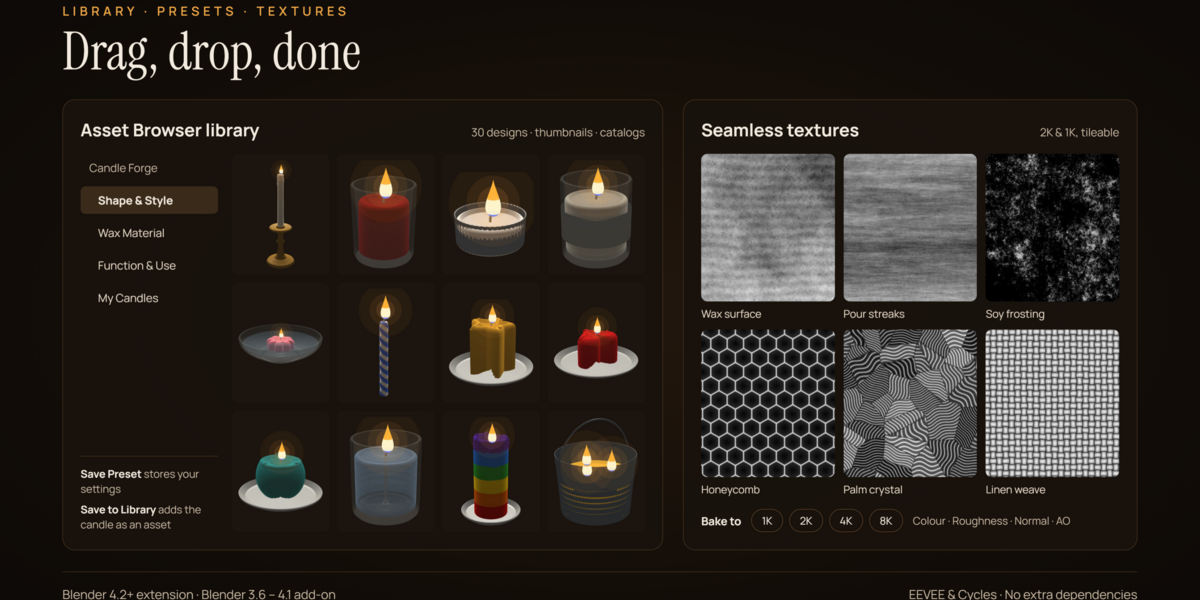
Candle Forge gives you three ways to reuse designs: the built-in library, your own presets and Blender's Asset Browser.
Built-in library
The thumbnail browser in the Candle tab holds all 30 designs, filtered by the category dropdown. To restyle an existing candle instead of adding a new one, select it, choose a design in the browser and click Apply Selected in the Presets & Library panel. The candle keeps its own seed, so its drips and rim stay recognisable.
Your presets
Select a candle you have customised and click Save. Give the preset a name and it appears under My Presets in the browser, ready to add or apply in any project. Presets are small text files stored in your Blender configuration folder, so they survive add-on updates. To remove one, select it in the browser and click Delete User Preset.
Asset Browser
Save Candle to Library writes the active candle into a Candle Forge asset library, under the My Candles catalog. Build Full Library generates all 30 built-in designs at once and files them under the Shape & Style, Wax Material and Function & Use catalogs, each with its thumbnail.
The library folder is registered automatically under Preferences › File Paths › Asset Libraries, so it appears in any Asset Browser. Drag a candle into the viewport to use it. Candles brought in this way stay fully editable while the add-on is enabled.
By default the library lives in Blender's user data folder. To use a different location, such as a shared studio drive, set Asset Library Folder in the add-on's preferences. Open Library Folder shows it in your file manager.
Materials, textures and baking
All materials are node-based and work in both EEVEE and Cycles. Each candle gets its own copies of the wax materials, so editing one candle never changes another.
Candle materials
- Wax uses subsurface scattering for the soft inner glow, with a micro-surface bump, subtle colour variation and optional soot in the crevices.
- Wax Pool blends from solid wax to a glossy, darker liquid as the candle burns.
- Wax Drips are slightly glossier, with faint pour streaks running down them.
- Wick is braided cotton tinted by the wax, and Wick Char is black with a glowing ember that fades out on blow-out.
- Flame is an emissive, soft-edged shader with blue at the base, a bright core and animated turbulence. LED candles use a solid glowing plastic flame instead.
Holders use shared materials for brass, aluminium, tin, galvanised steel, amber glass, wood, water and paper, plus per-candle glass, ceramic, enamel, sleeve and label materials that follow Accessory Colour and Glass Tint.
Bundled textures
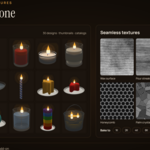
Six seamless greyscale maps ship in the add-on's textures folder: wax surface (2048 px), pour streaks, soy frosting, honeycomb, palm crystal and linen weave (1024 px each). They tile with no visible seams and are projected in object space, so no UV unwrapping is needed.
Baking
To use a candle in a game engine or another app, open Presets & Library, pick a Bake Size from 1K to 8K and a Bake Folder, then click Bake Textures. The add-on unwraps the candle onto a new UV layer called CF_Bake and saves Base Colour, Roughness, Normal and AO maps as PNG files. Baking uses Cycles and restores your render engine afterwards. Click Finalize afterwards so a later change does not rebuild the mesh and discard the bake UVs.