Procedural Candle Generator Addon for Blender - Candle Forge Addon One Click Setup
 Mrs Eliza
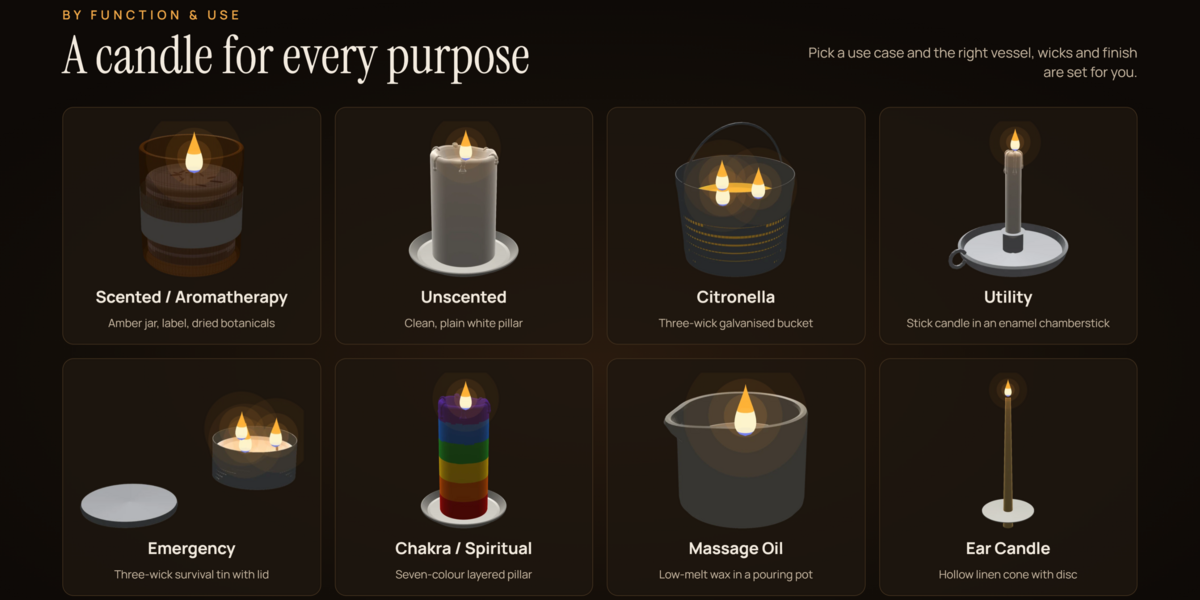
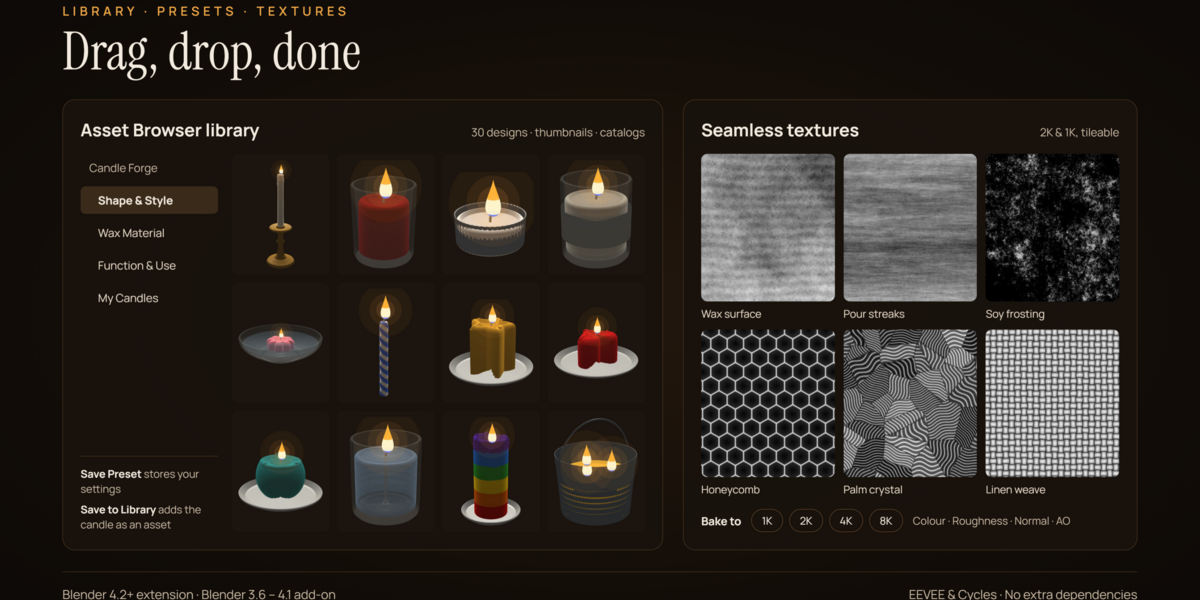
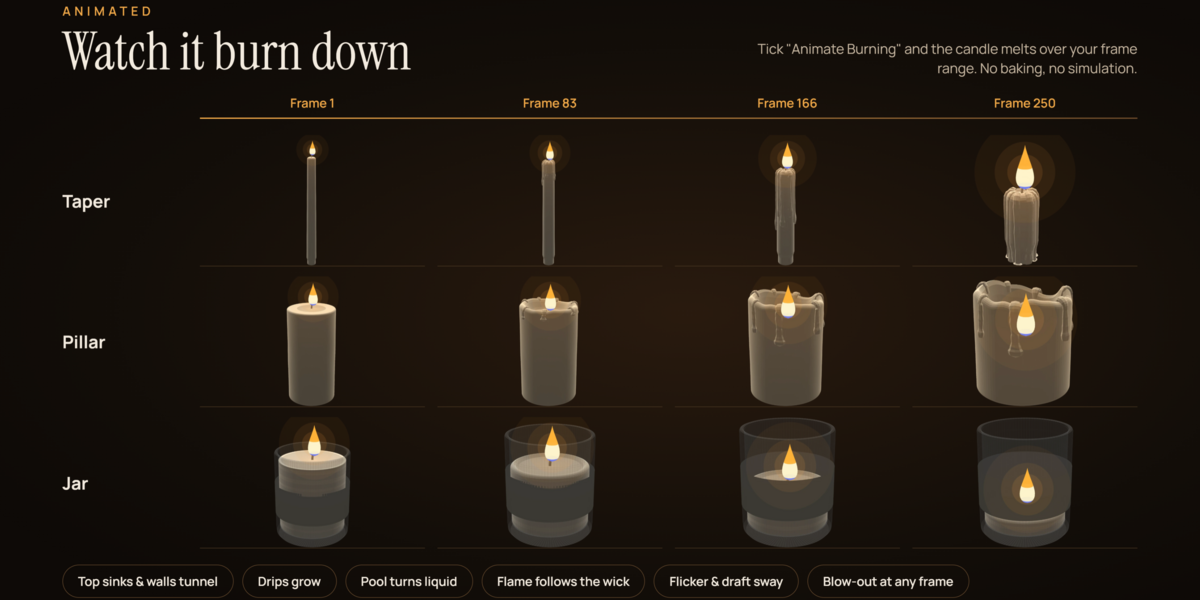





Tips, performance and troubleshooting
Most issues come from scene scale, viewport speed or editing a candle by hand, and each has a quick fix.
Tips
- Keep the scene's Unit Scale at 1.0. Candles are built at real size in metres (a classic taper is 25 cm tall), and the light falloff and subsurface glow are tuned for that.
- For close-ups, set Resolution to High or Ultra and Subdivision (Render) to 1 or 2.
- Mix several Cluster groups and a few Randomize clicks to avoid identical-looking candles in a large scene.
- Use Finalize before editing the mesh by hand in Edit Mode. A finalized candle becomes a normal object and no longer rebuilds.
Performance
Each change rebuilds the candle, which is quickest at Low and Medium resolution. When adjusting many Ultra-resolution candles, turn off Live Update (the refresh icon next to the candle's name), make your changes, then click Regenerate. Every flame carries its own point light, so in scenes with dozens of candles you can turn off Cast Light on the ones furthest from the camera.
Have questions about this product?
Login to message
| Published | over 2 years ago |
| Blender Version | 3.6 - 5.0 |
| Render Engine Used | Blender-Internal, Cycles, Eevee |
| Misc Data | Uvs-Unwrapped, Low-High-Resolution, Normal-Mapped, Textured |
| License | GPL |
Discover more products like this
3D asset creation procedural candle candle generator candle modeling gel candle realistic candles 3d candle model candle design candle maker blender addon procedural modeling blender 3d