Procedural Clock
 Blender Easy


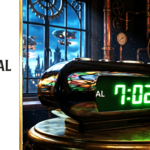
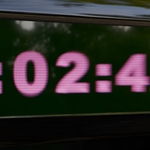
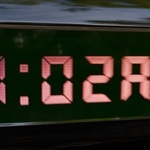
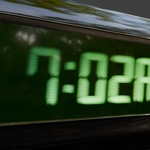
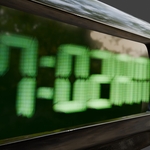
Is it EEVEE or Cycles compatible?
It is fully optimized for both! It looks especially great in EEVEE with Bloom turned on.
How do I make the clock look like a flat sticker instead of a hologram?
Set the Holographic Layers to 1 and turn down the Holographic Thickness.
Can I change the color of the glow?
Absolutely. You can change the global color using the color picker in the Hologram & Shading section of the sidebar.
Does the clock animate automatically?
Yes! As soon as you hit Play in your timeline, the clock will start ticking based on the Clock Speed you set. No keyframing is required.
 Included
Includes 12 months of
- Support from Blender Easy
- Product updates
Extend this product’s Support Period +12 months: 50% of product price
Have questions before purchasing?
Login to message
| Dev Fund Contributor | |
| Published | 7 months ago |
| Blender Version | 5.0 - 5.1 |
| Extension Type | N/A |
| Render Engine Used | Cycles, Eevee |
| License | Mit |
Discover more products like this
holographic hud timer geometry nodes digital-clock cyberpunk display procedural real-time motion graphics animation hologram Generator UI Design clock dashboard sci fi screen effect tech Blender Market