 IXEZED
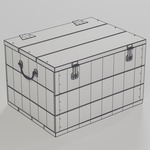
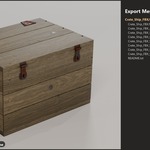
Getting started
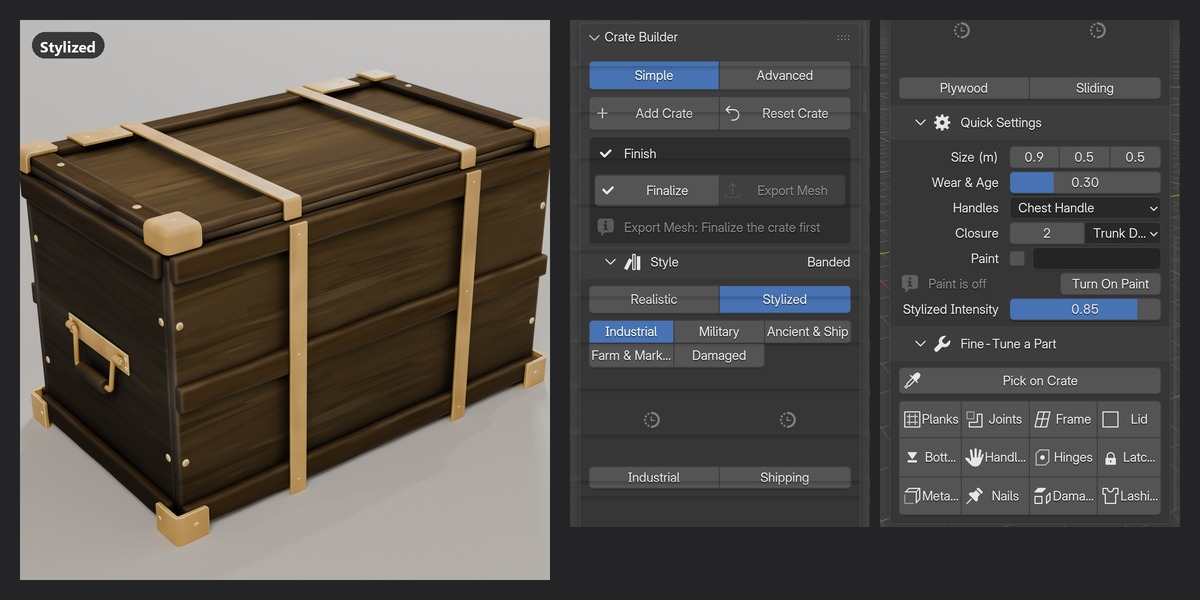
1. Keep the .zip as it is. In Blender, open Edit > Preferences > Get Extensions, click the drop-down menu in the top right corner, choose Install from Disk and pick the .zip. Dragging the .zip into the Blender window works too.
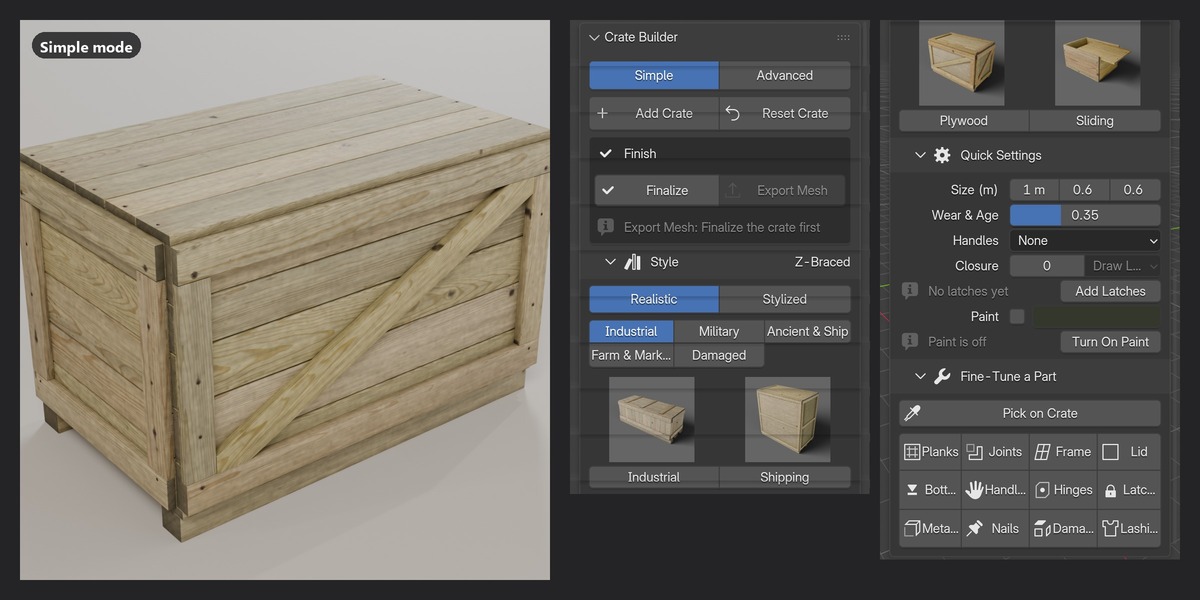
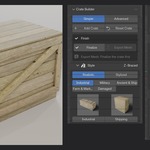
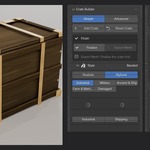
2. In the 3D Viewport, press N and open the Crate tab.
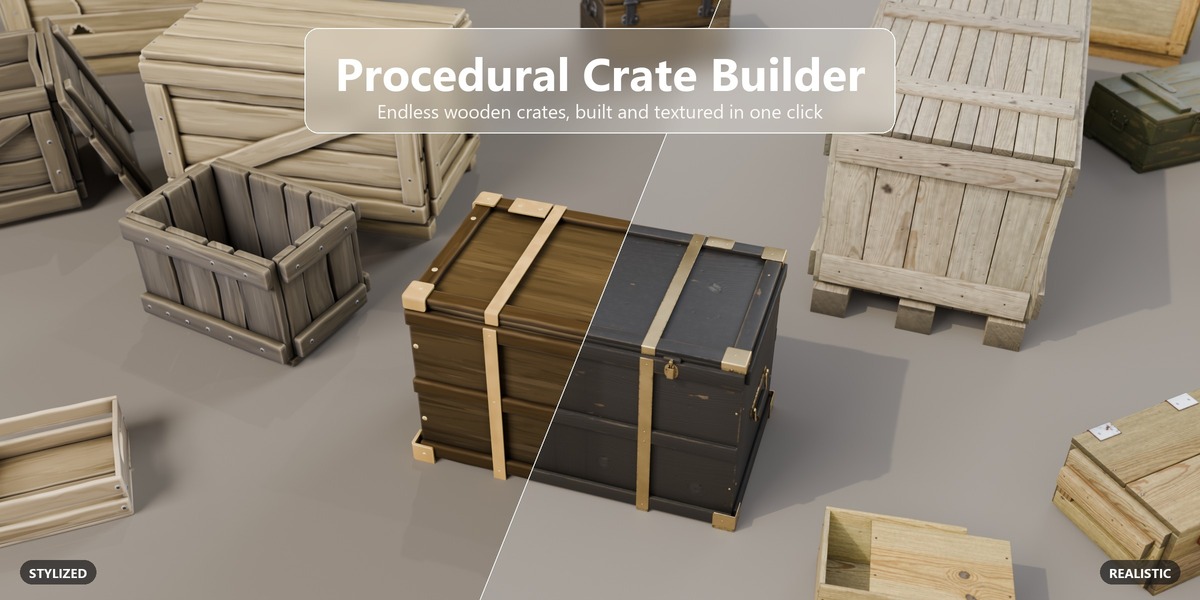
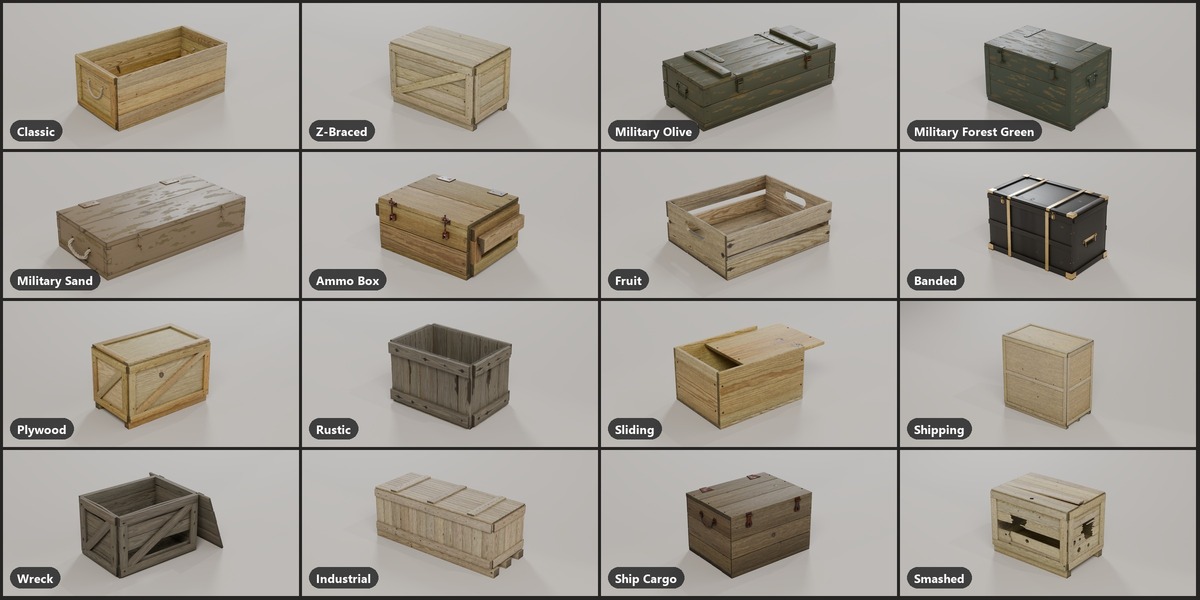
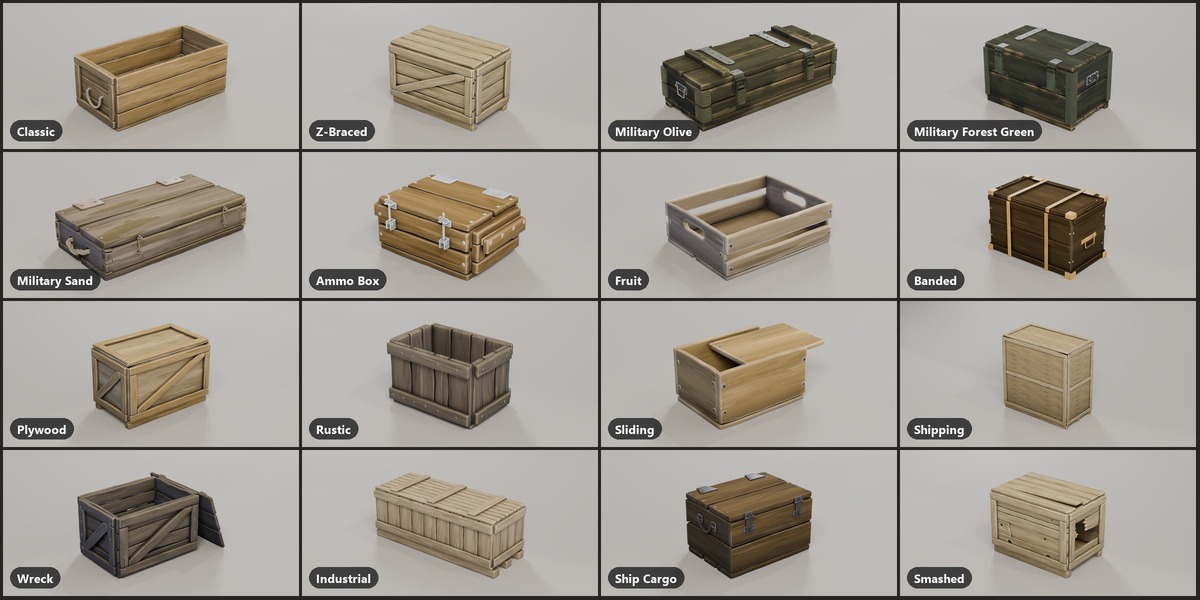
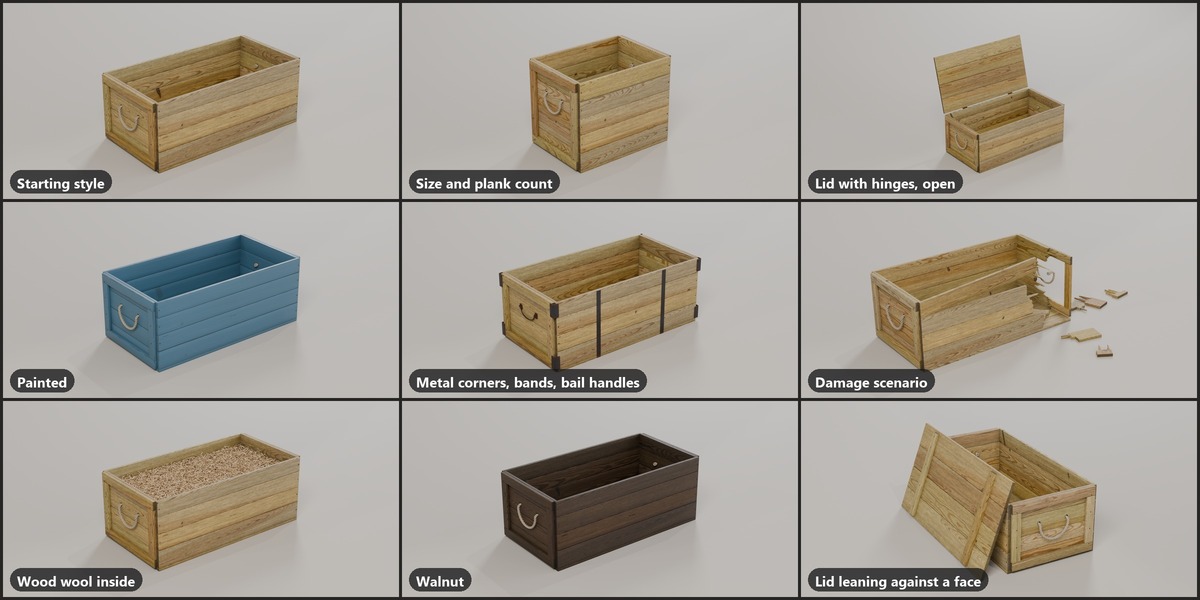
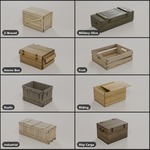
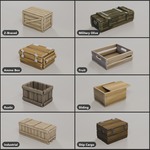
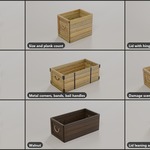
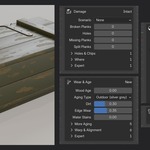
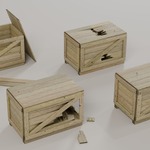
3. Choose Realistic or Stylized above the gallery, pick a style and press Add Crate.
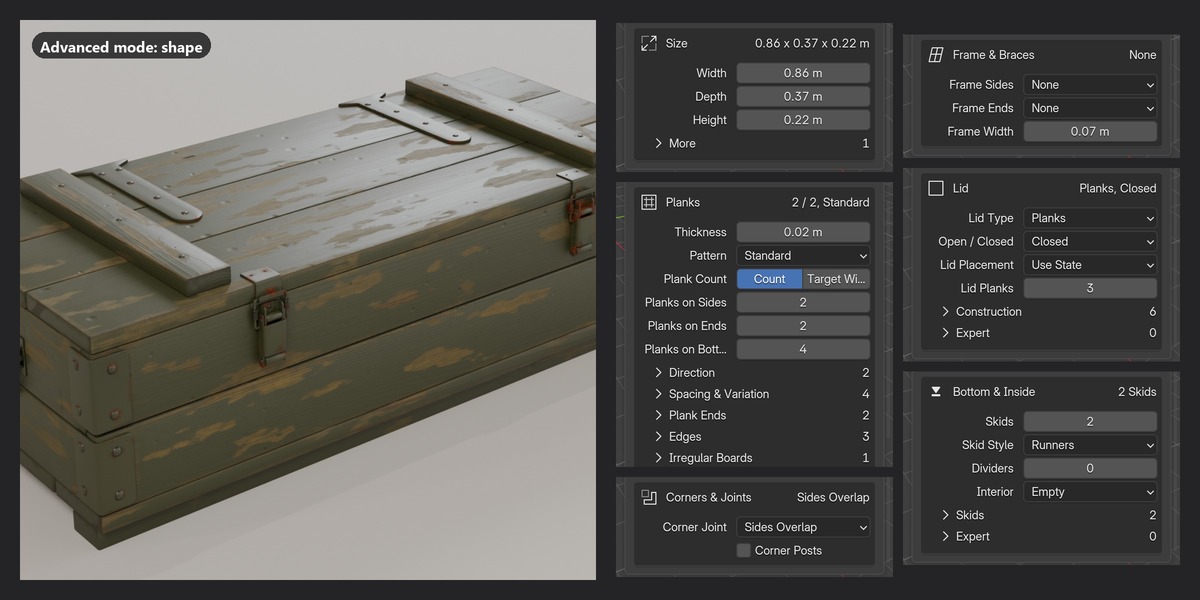
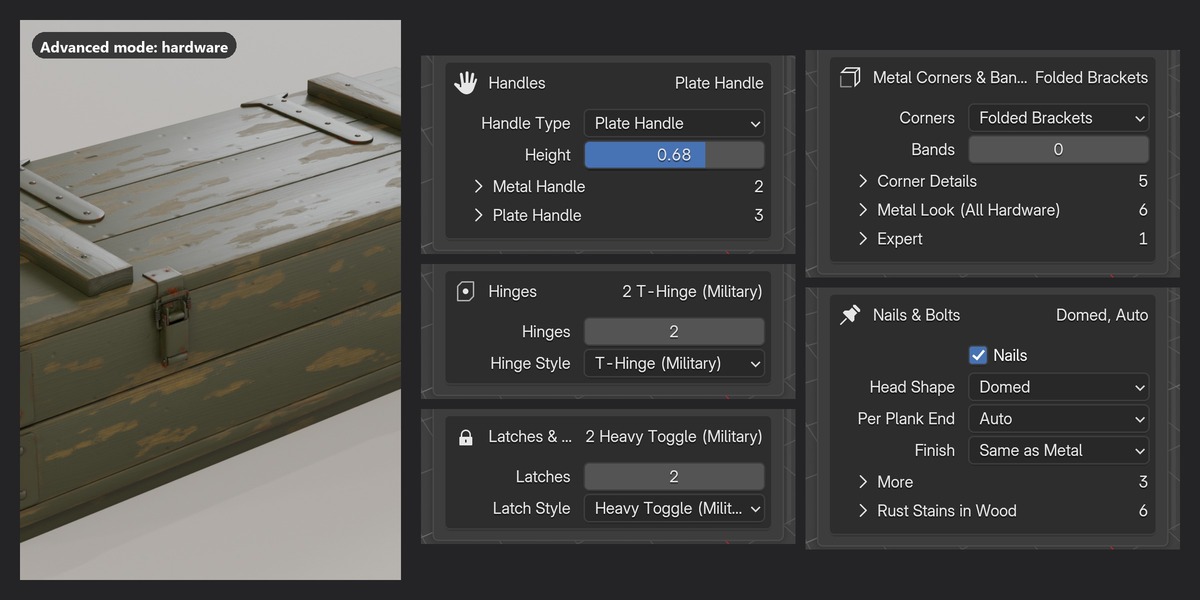
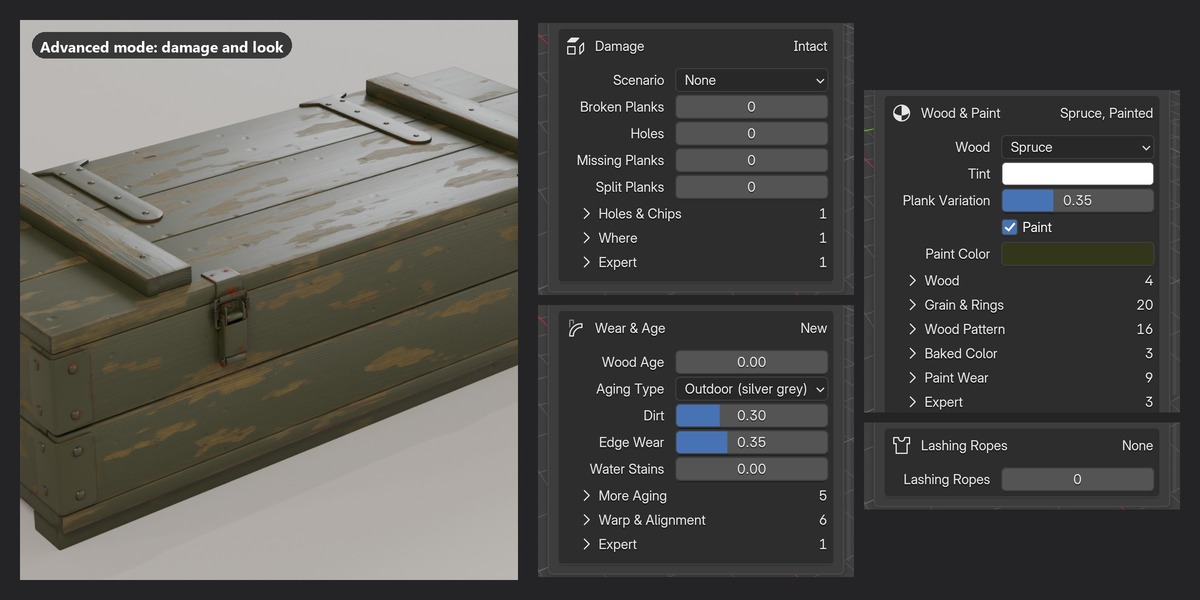
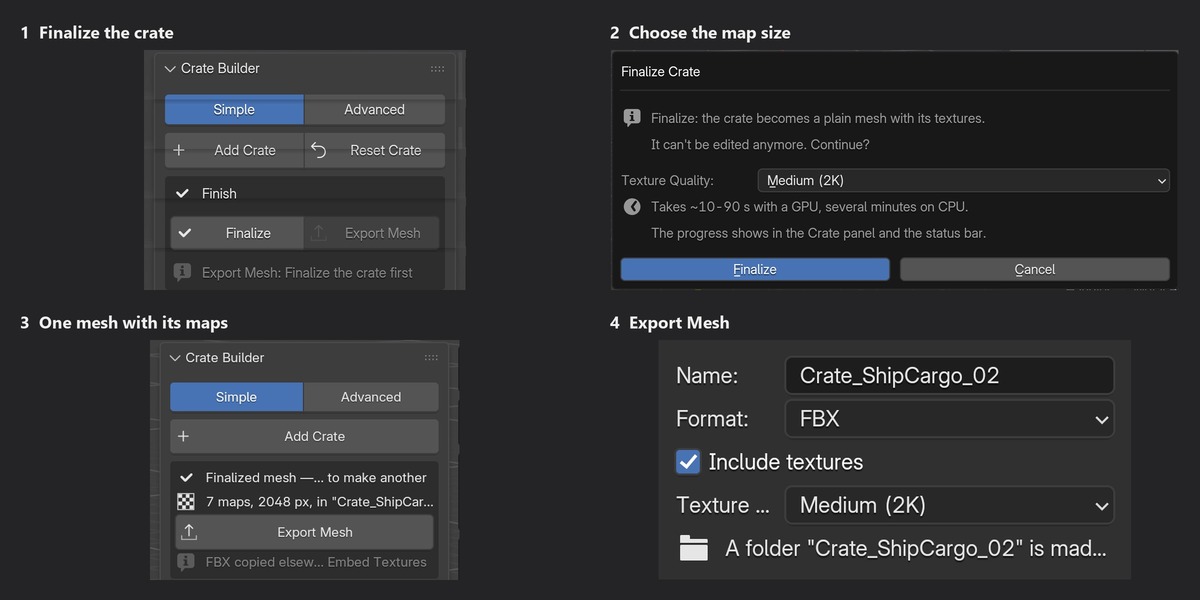
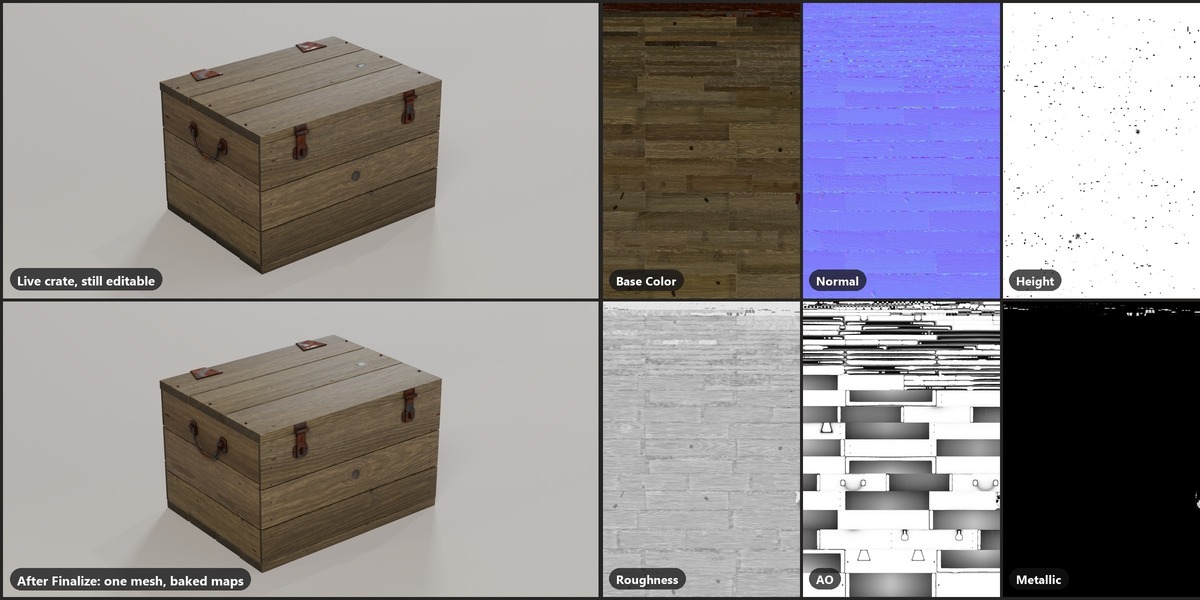
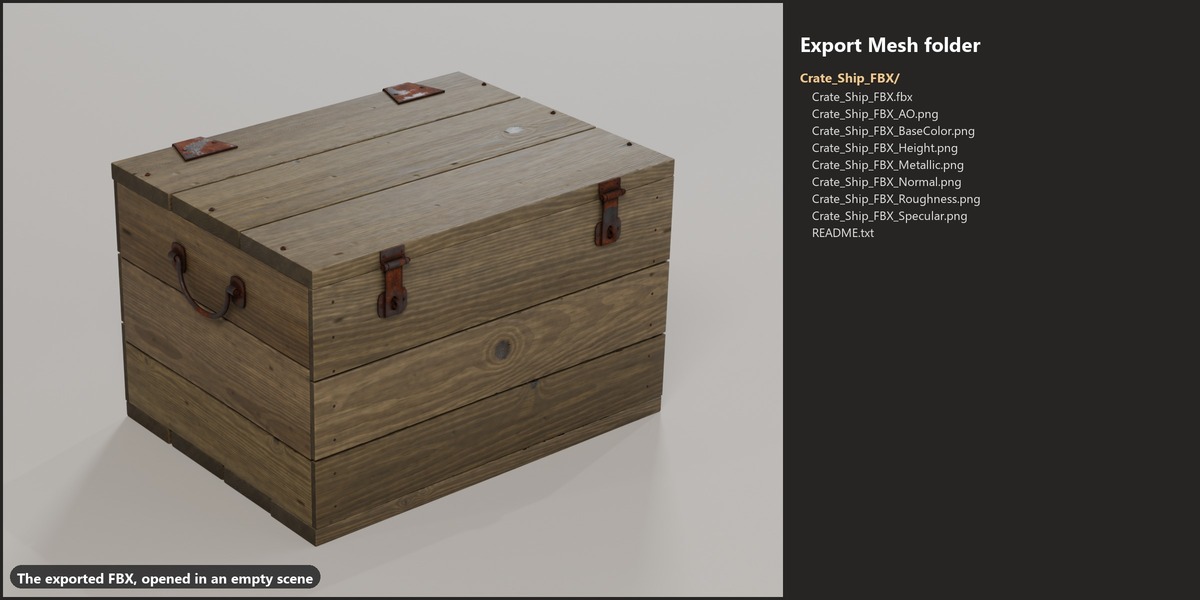
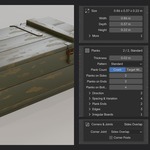
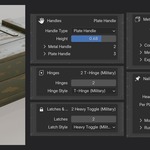
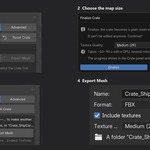
4. Move the sliders. When you are happy, save your .blend, then Finalize and Export Mesh if you need the crate outside Blender.
A README with the same steps comes with the add-on.
Compatibility
Blender 4.2 LTS, 4.5 LTS and 5.2 LTS. Tested on Windows. Made for Cycles; the live crate also renders in EEVEE in 5.2 LTS. Finalize uses Cycles to bake, and a GPU makes it much faster.
Known limits
A slider step usually takes between a third of a second and 0.7 s on my machine. On some styles it can take up to about a second and a half, and Blender 4.2 and 4.5 add about a third of a second. Making this faster is the first thing on my list.
Finalize takes from ten seconds to a minute and a half with a GPU. On the CPU it can take several minutes, and Blender may look frozen while it bakes the longest map. Just let it finish.
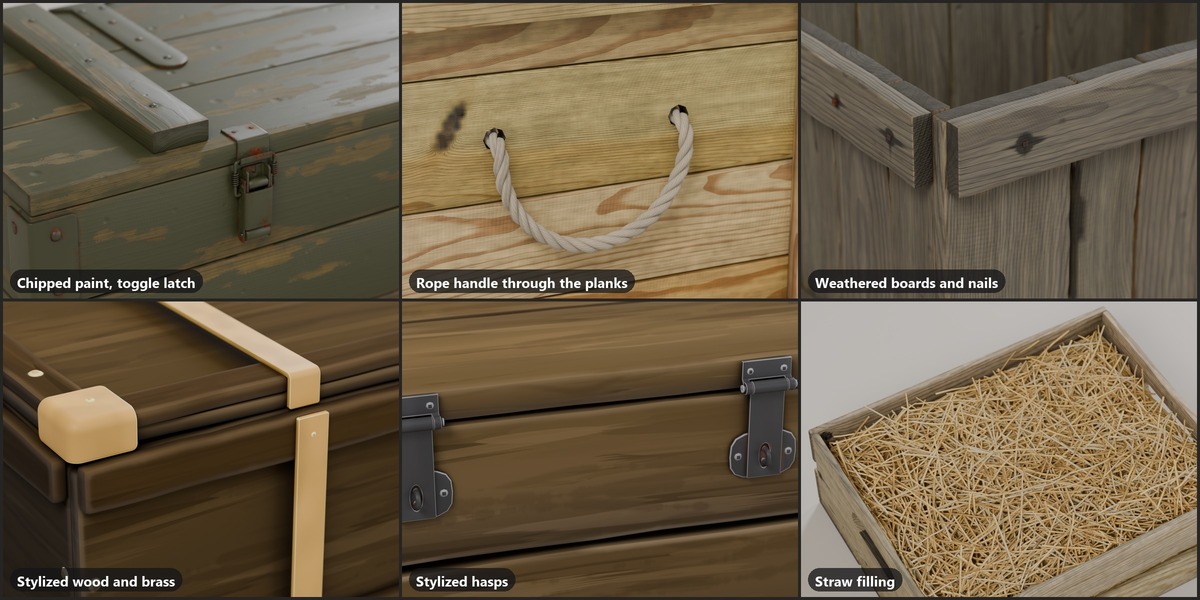
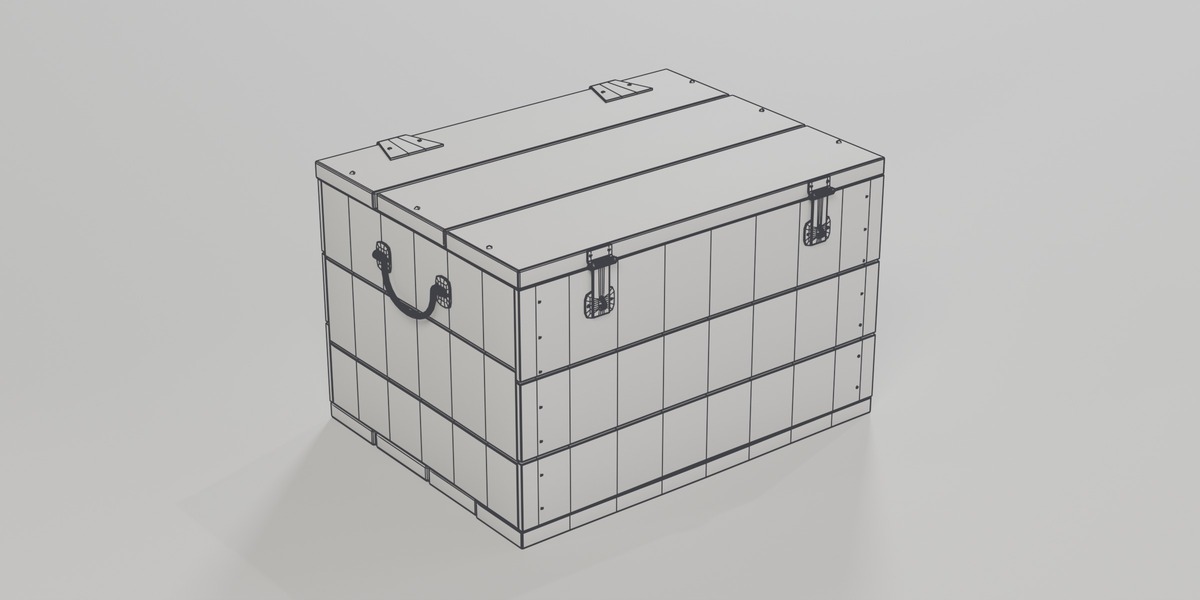
Straw, wood wool and big lots add a lot of polygons. Keep an eye on the count for real-time use.
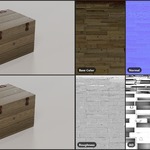
In another renderer or engine the crate looks very close to what you see in Blender, but not identical to the pixel.
I have only tested it on Windows so far.
Support
If something doesn't work for you, or you have an idea, message me here on Superhive. I read everything and I answer as fast as I can.
 Included
Includes 12 months of
- Support from IXEZED
- Product updates
Extend this product’s Support Period +12 months: 50% of product price
Have questions before purchasing?
Login to message
| Blender Extension Compatible | Yes |
| Published | about 6 hours ago |
| Blender Version | 4.2 - 5.2 |
| Extension Type | Add-on |
| Render Engine Used | Cycles, Eevee |
| License | GPL |
Discover more products like this
warehouse texture maps crate game assets PBR procedural props realistic environment stylized Generator wooden-crate