 IXEZED
Do I need to know Geometry Nodes or Python?
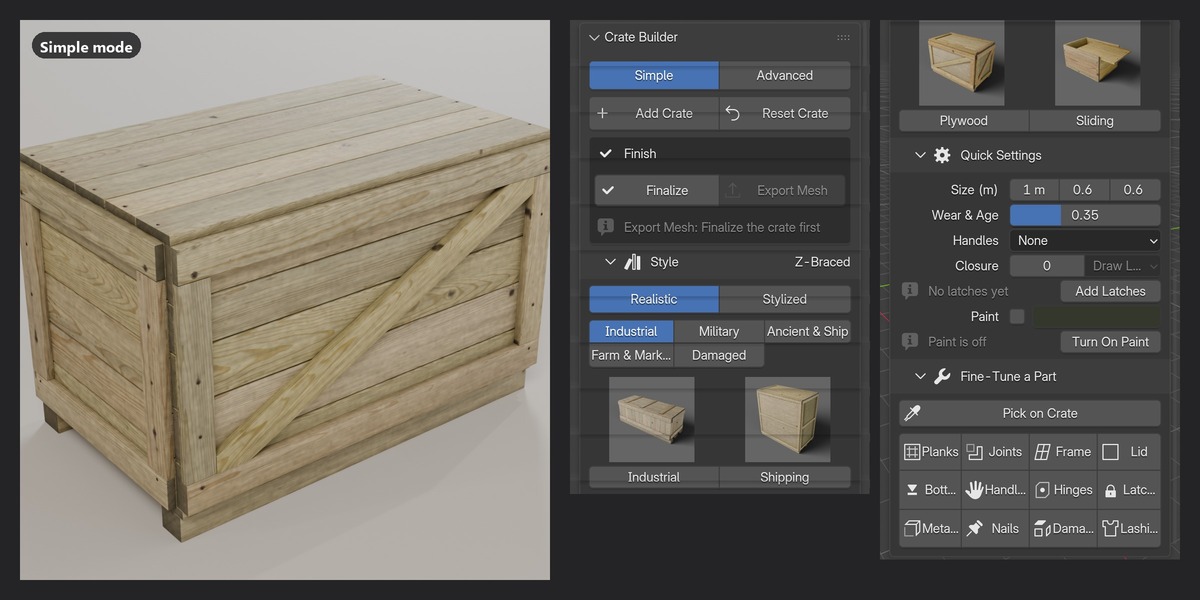
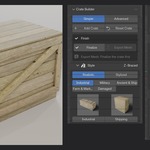
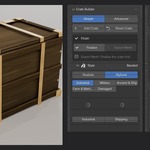
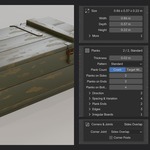
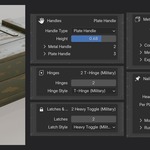
No. Everything is sliders, lists and buttons in the Crate tab of the 3D Viewport sidebar.
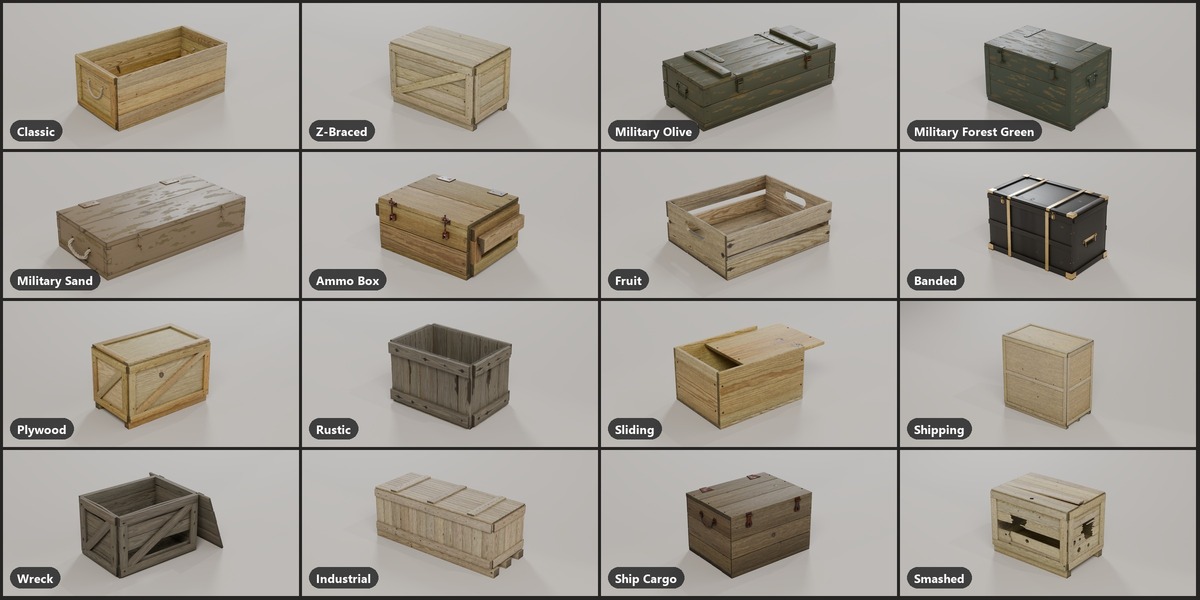
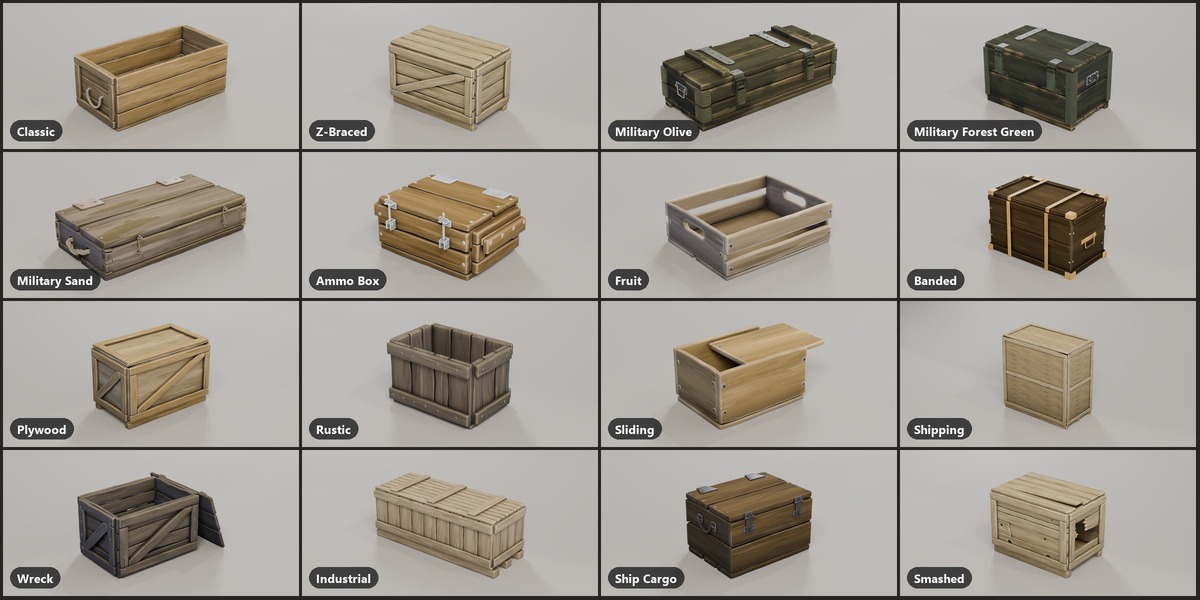
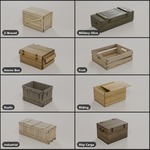
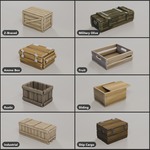
Are the 16 styles all I get?
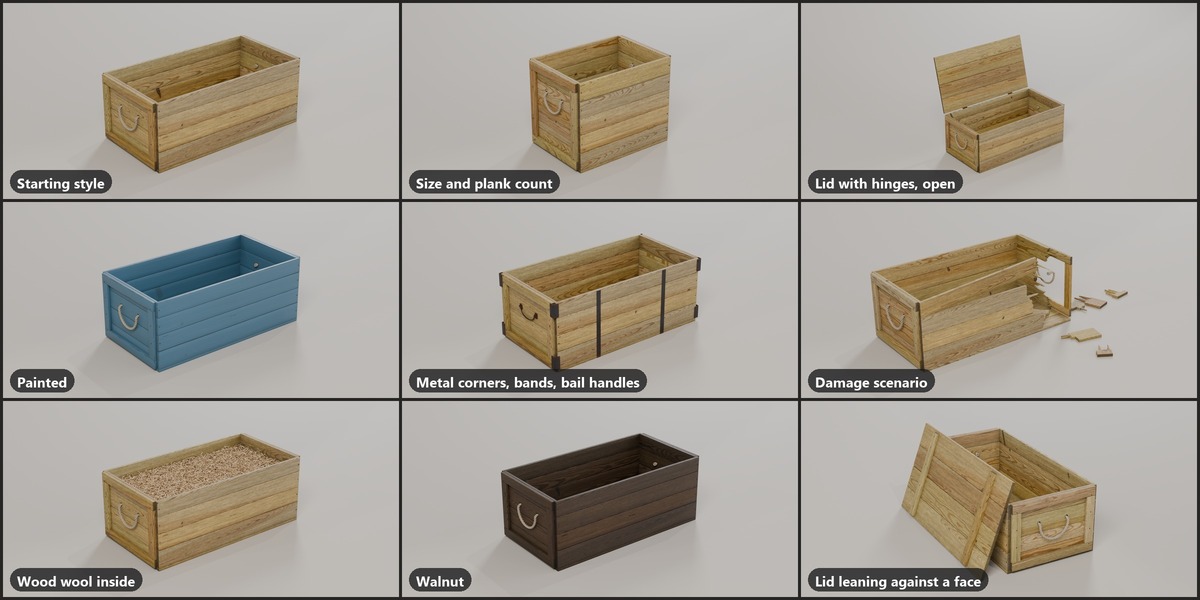
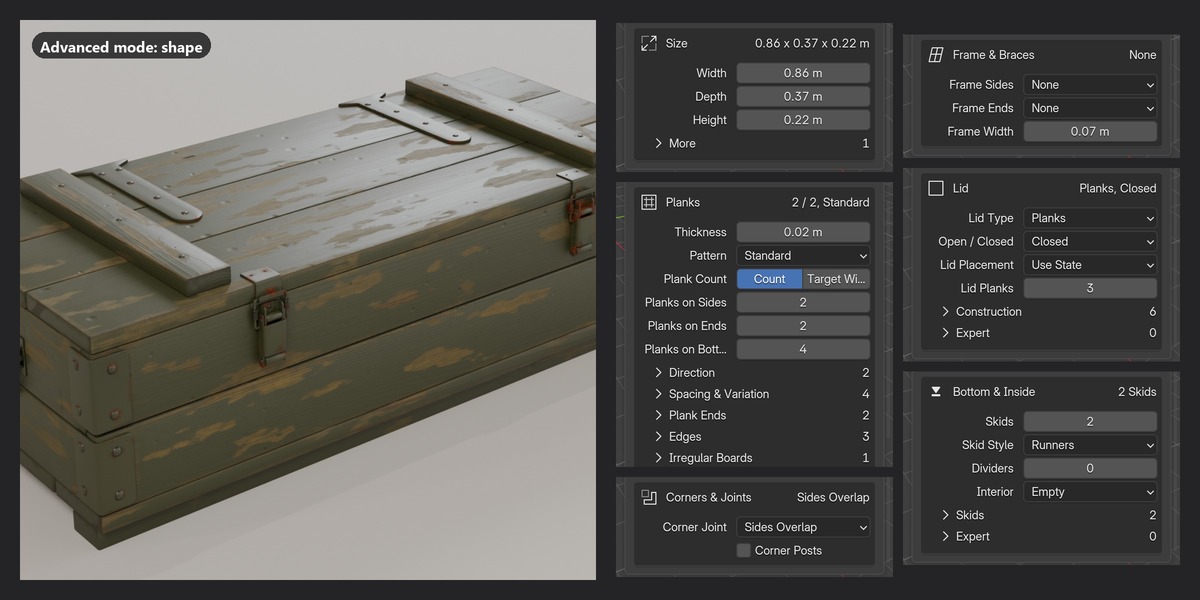
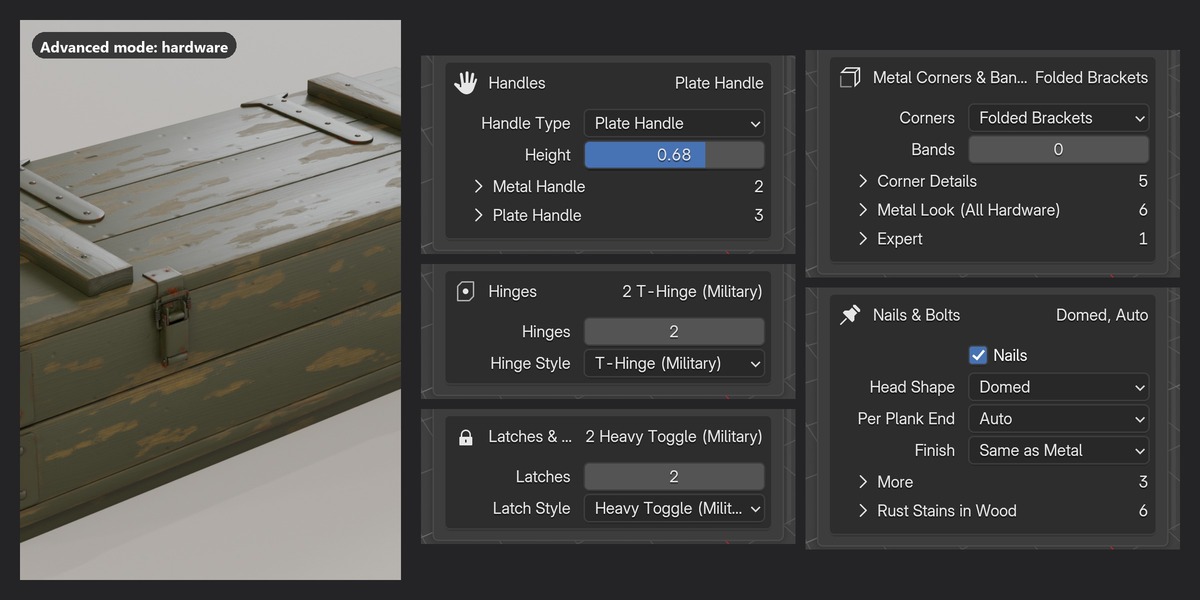
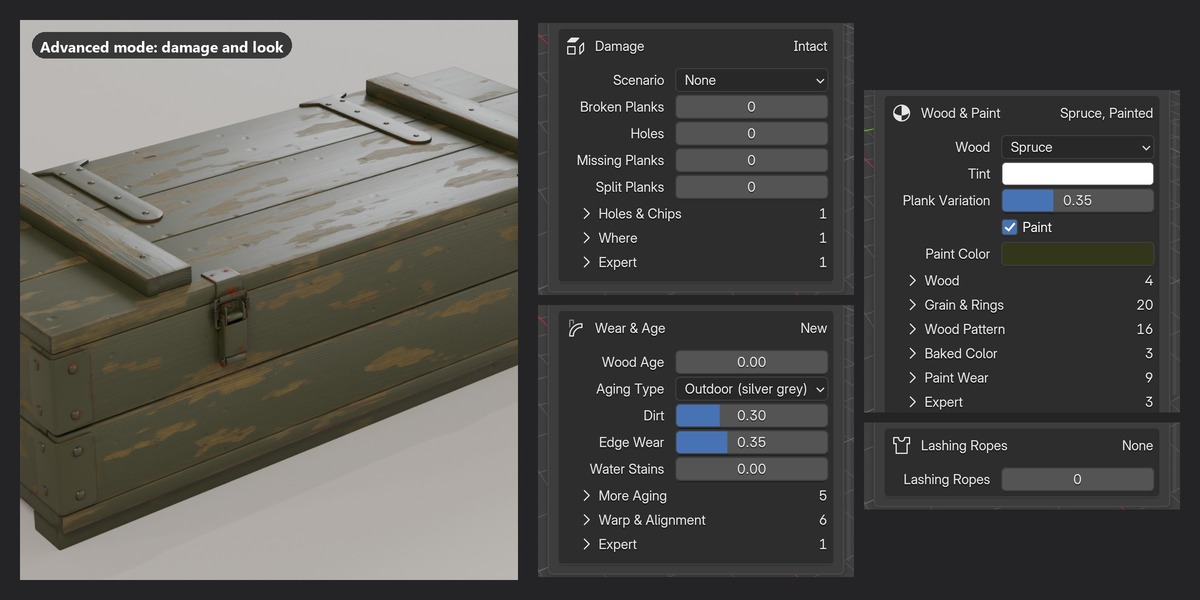
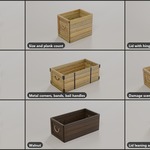
No. They are starting points. Each one opens hundreds of settings, and new seeds give you a new crate from the same style. You can save your own crates as styles.
Can I use the crates I make in commercial work?
Yes. Renders, animations, games, client work, anything. What you can't do is resell the crates on their own as an asset pack.
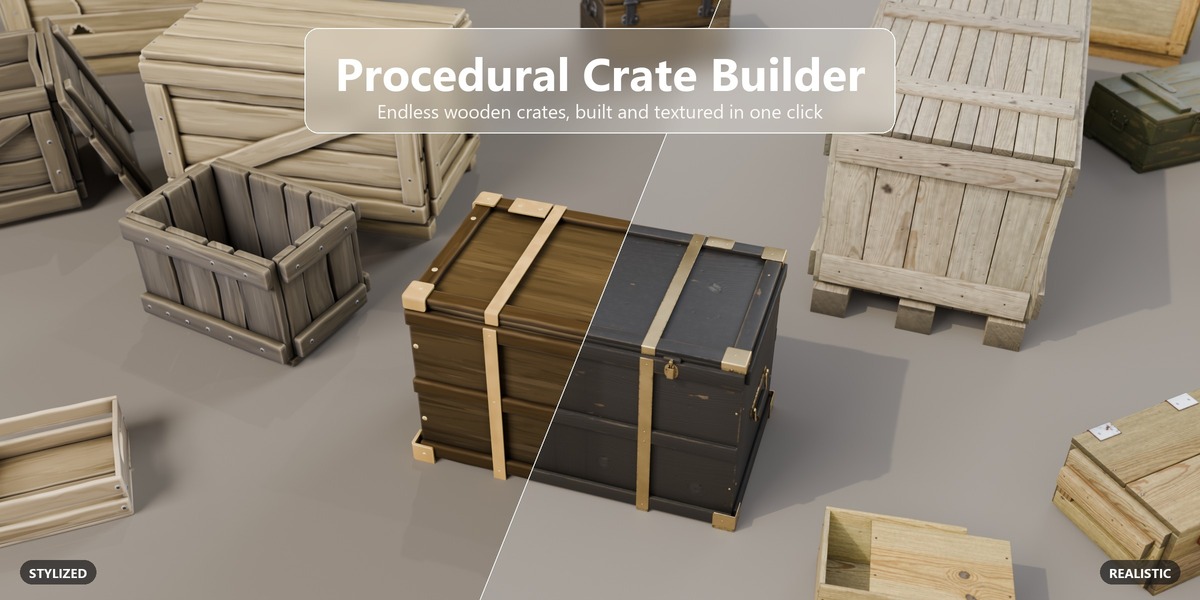
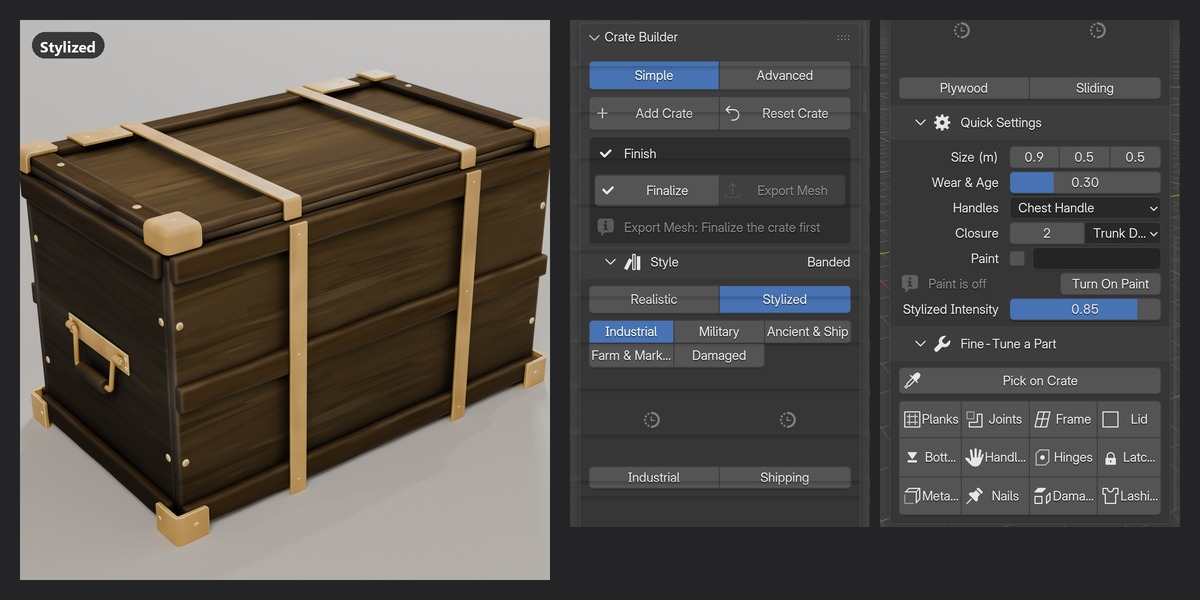
Can I switch a crate from Realistic to Stylized?
Not on an existing crate, because the two looks use different settings. Pick the other look above the gallery and press Reset Crate: you get a fresh crate at the same place.
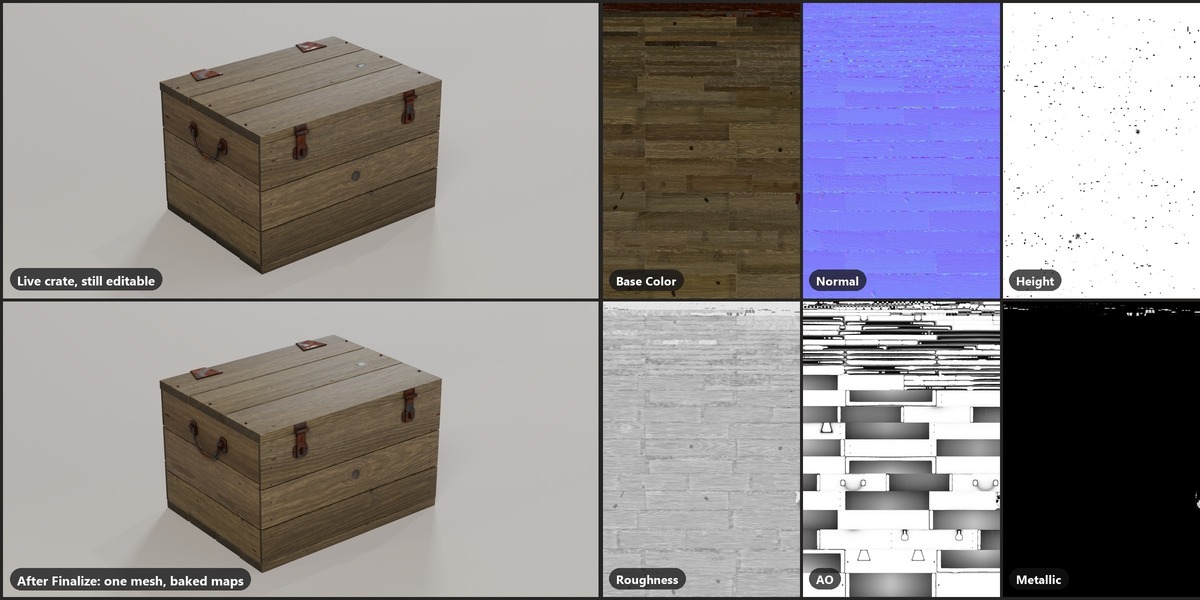
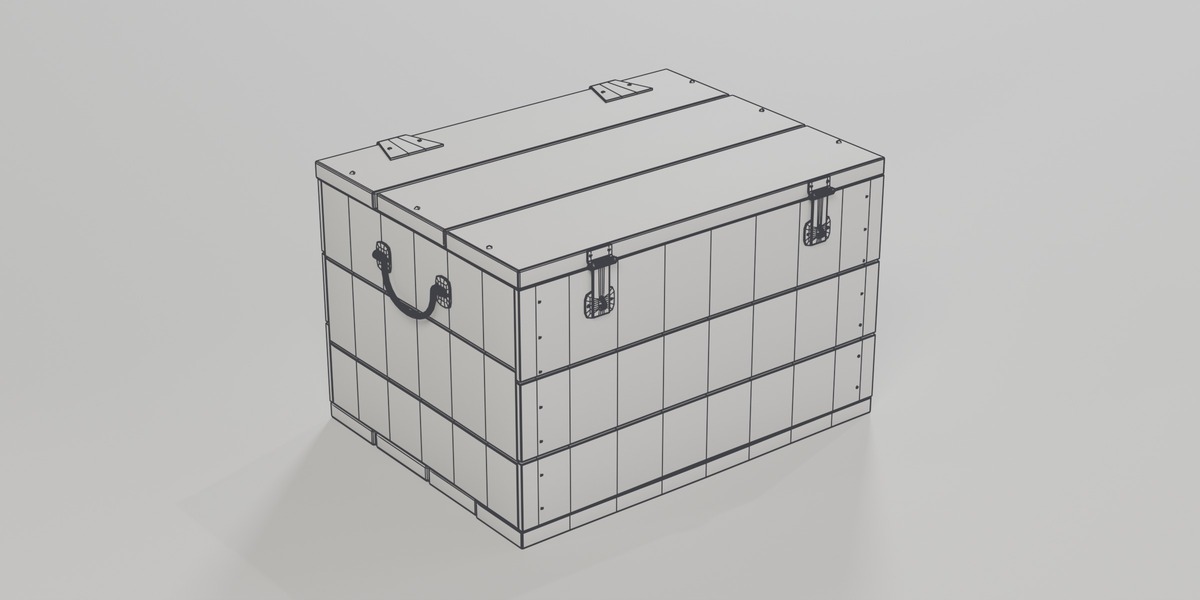
Can I edit a crate after Finalize?
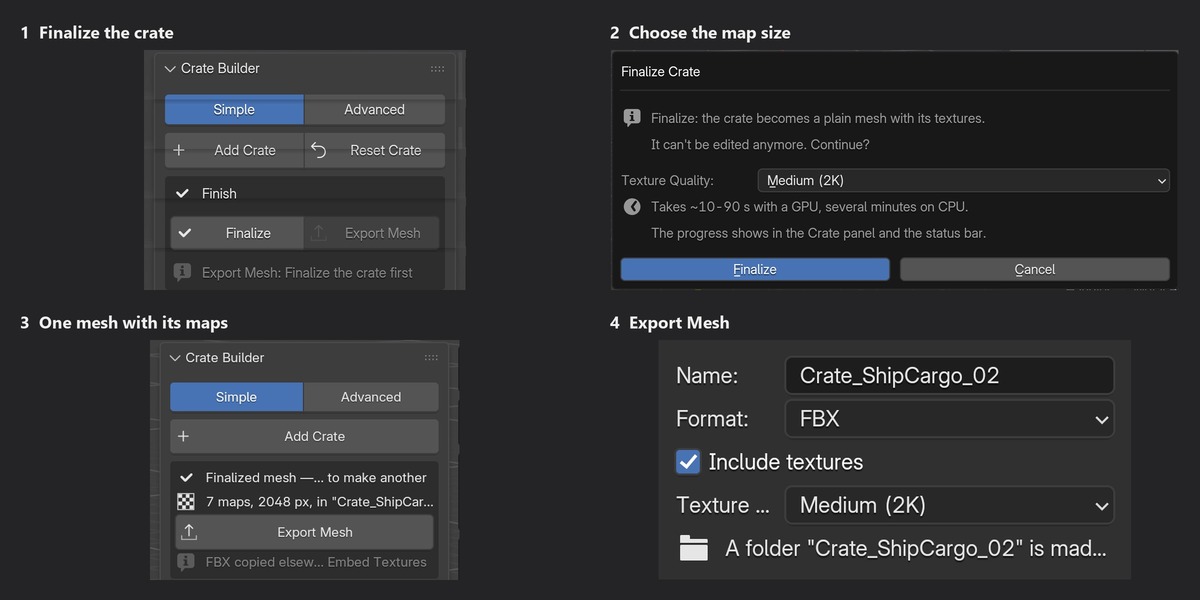
No, it's a plain mesh at that point. Save your .blend before you finalize, or save your settings as a style so you can build it again.
Where do the texture maps go?
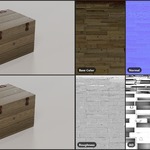
Into a "textures" folder next to your saved .blend. If the file isn't saved yet, the add-on tells you where they went. Save first to keep everything together.
Can I use the crates in a game engine?
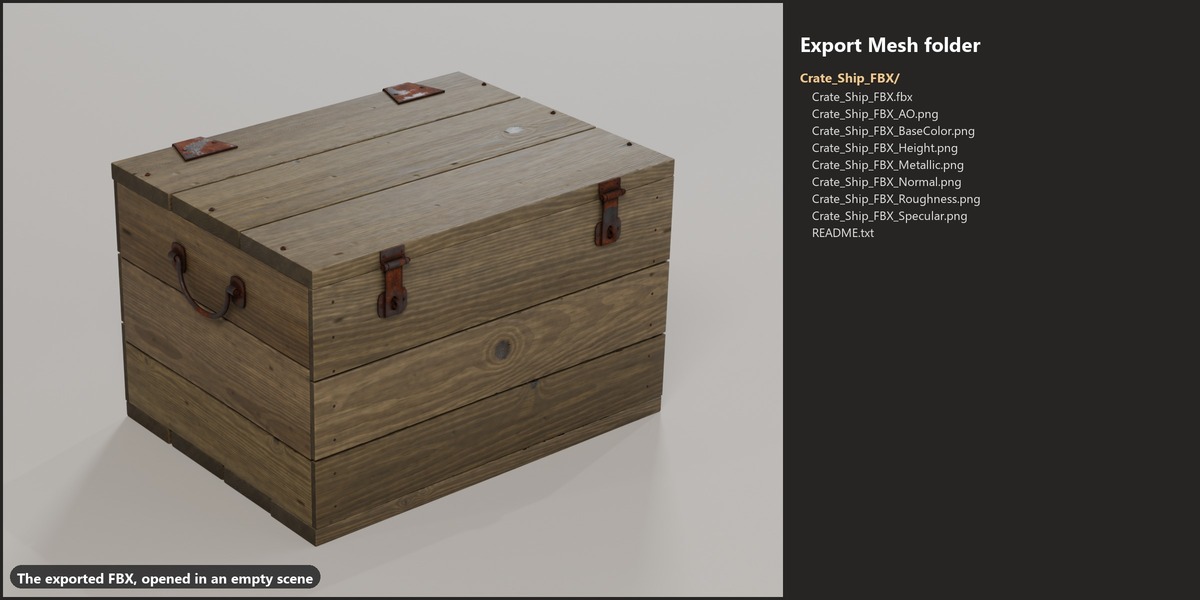
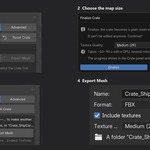
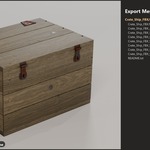
Yes. Finalize, then Export Mesh as FBX, OBJ or GLB: standard formats that game engines import, with the maps as plain PNG files. The normal map is OpenGL style; flip the green channel if your engine wants DirectX normals.
Which render engines work?
The add-on is made for Cycles, and Finalize bakes with Cycles. In 5.2 LTS the live crate renders in EEVEE too. A finalized crate is a plain mesh with image textures, so other render engines can use it too.
Does it work on macOS or Linux?
I've only tested it on Windows so far, so I can't promise it.
How do updates work?
New versions show up in your Superhive downloads. Updates and support are included for 12 months after purchase, like every product on Superhive.
 Included
Includes 12 months of
- Support from IXEZED
- Product updates
Extend this product’s Support Period +12 months: 50% of product price
Have questions before purchasing?
Login to message
| Blender Extension Compatible | Yes |
| Published | about 6 hours ago |
| Blender Version | 4.2 - 5.2 |
| Extension Type | Add-on |
| Render Engine Used | Cycles, Eevee |
| License | GPL |
Discover more products like this
procedural crate realistic stylized game assets PBR warehouse environment texture maps props Generator wooden-crate