◆ VOYDE PROCEDURAL / BUNDLE / BLENDER 4.0–5.2
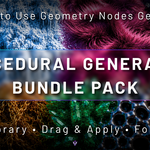
Procedural Generator Bundle
10 Geometry Nodes Generators
Expand your Blender workflow with ten ready-to-use procedural Geometry Nodes generators.
Procedural Generator Bundle Pack combines ten versatile Geometry Nodes systems designed to speed up procedural modeling, surface detailing, object transformation and environment creation.
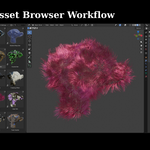
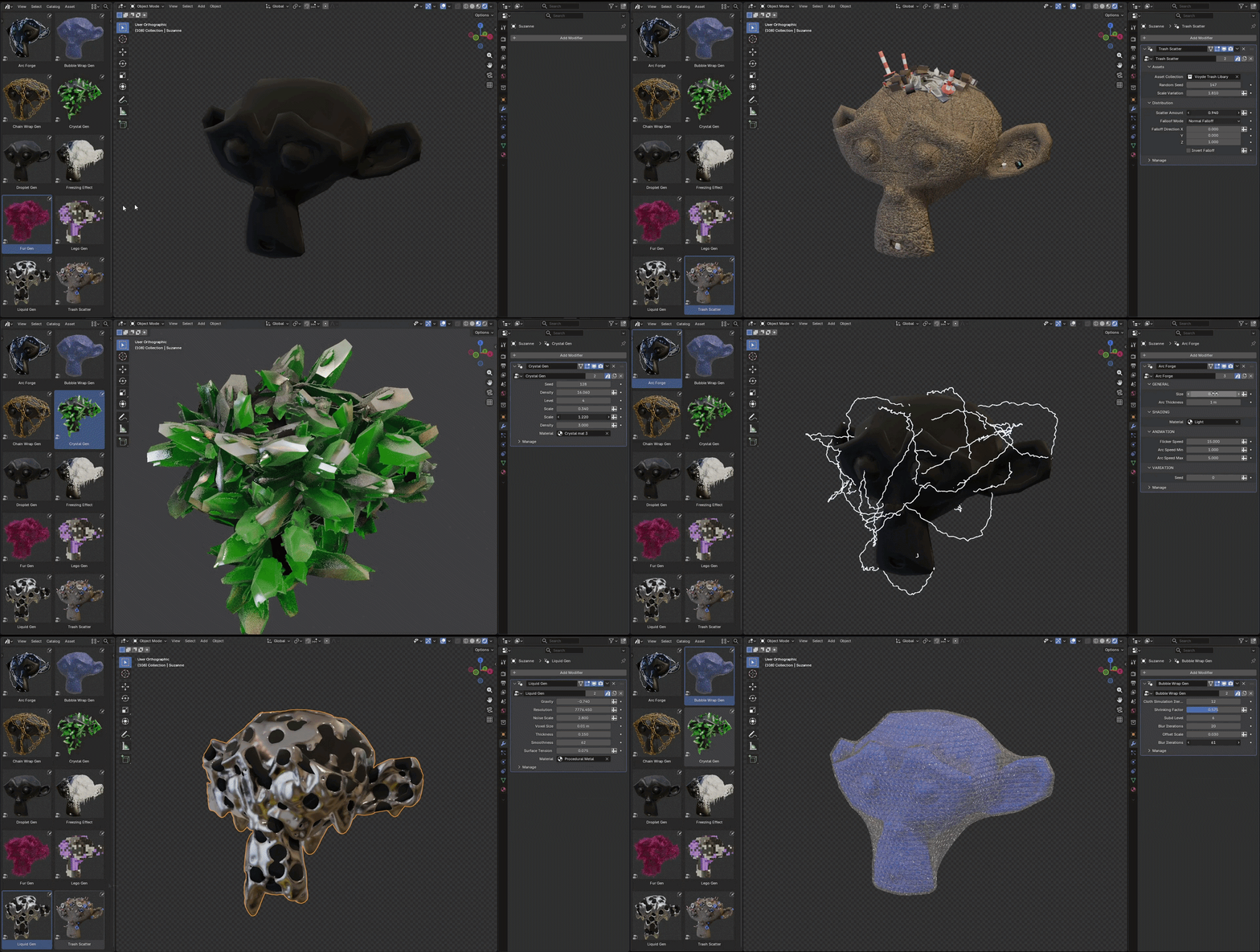
Every generator is prepared as a Blender Asset Library asset. Browse the collection, drag a generator into your scene, apply it to a compatible object and customize the exposed controls directly from the modifier panel.
ASSET LIBRARYDRAG & APPLYNON-DESTRUCTIVECYCLES & EEVEE
10
GEOMETRY NODES GENERATORS
01 — INCLUDED GENERATORS
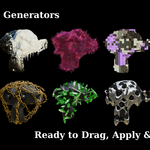
Ten creative systems in one library
◆Arc Generator
Wrap any mesh in procedural electric arcs for lightning and sci-fi energy effects.
◆Brick Generator
Transform surfaces into stylized toy-brick-inspired procedural structures.
◆Bubble Wrap Generator
Cover surfaces with customizable bubble-wrap-style procedural geometry.
◆Chain Wrap Generator
Wrap procedural chain elements around objects and curved surfaces.
◆Crystal Generator
Generate and distribute customizable crystal formations across your objects.
◆Droplet Generator
Add procedural droplets and rounded liquid details to object surfaces.
◆Freezing Effect Generator
Create procedural ice, frost, crystals and frozen surface formations.
◆Fur Generator
Generate adjustable procedural fur with customizable direction and variation.
◆Liquid Generator
Create stylized liquid forms and organic procedural surface effects.
◆Trash Scatter Generator
Scatter debris and trash assets across streets, environments and surfaces.
02 — DRAG & APPLY
Drag, apply, create
1Browse. Open the Asset Browser and choose one of the ten included procedural generators.
2Drag & apply. Drag the selected asset into your scene and apply the generator to your object.
3Customize. Adjust the available Geometry Nodes parameters directly from the modifier panel.
03 — BUNDLE HIGHLIGHTS
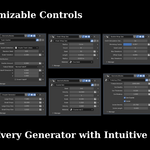
Fine-tune every generator
Each generator exposes adjustable controls in the modifier panel, and every system is non-destructive.
04 — IDEAL FOR
Who it is for
For creators who want flexible procedural effects without manually rebuilding complex Geometry Nodes systems for every project. Useful for environments, animation, motion design and product visualization.
◆Blender artists◆Motion designers◆Environment artists◆Product visualizers◆Game artists
05 — DETAILS
What you get
Included
◆Ten procedural Geometry Nodes generators
◆Delivered as a ready-to-use Blender Asset Library
Compatibility
◆Works with Cycles and EEVEE
◆Designed to work with your own compatible meshes
Good to know
◆Results may vary depending on object scale, topology, dimensions, mesh density and surface direction
◆Applying object scale with Ctrl + A > Scale before using certain generators is recommended for more consistent results
 Voyde Procedural




 VOYDE.PROCEDURALVOYDEPROCEDURAL.COM / ALL PRODUCTS / X / INSTAGRAM