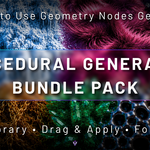
Procedural Generator Bundle Pack
 Voyde Procedural


How do I install the Asset Library?
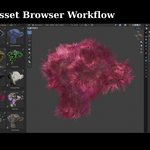
Extract the downloaded files, open Blender Preferences → File Paths → Asset Libraries, add the extracted folder, then access all generators directly from the Asset Browser.
How do I use the generators?
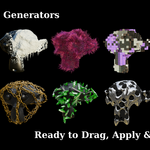
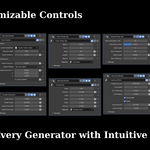
Simply drag and apply a generator from the Asset Browser to your object. A Geometry Nodes modifier will be added automatically, allowing you to customize the available parameters.
Can I use these generators on my own models?
Yes. All generators are designed to work with your own meshes. The final result may vary depending on topology, scale, and mesh density.
Which Blender versions are supported?
The Asset Library is compatible with Blender 5.0 and newer. It has been tested with Blender 5.1.
Can I use this bundle in commercial projects?
Yes. You may use the generated results in both personal and commercial projects. Redistribution or resale of the original asset files is not permitted.
$9$6.30
Have questions about this product?
Login to message
| Published | 3 months ago |
| Blender Version | 4.0 - 5.2 |
| Render Engine Used | Cycles, Eevee |
| License | Royalty Free |
Discover more products like this
Generator geometry nodes procedural modeling modifier blender addon Procedural Workflow geometry nodes generator procedural procedural-generator 3d assets blender Blender asset