 alastorv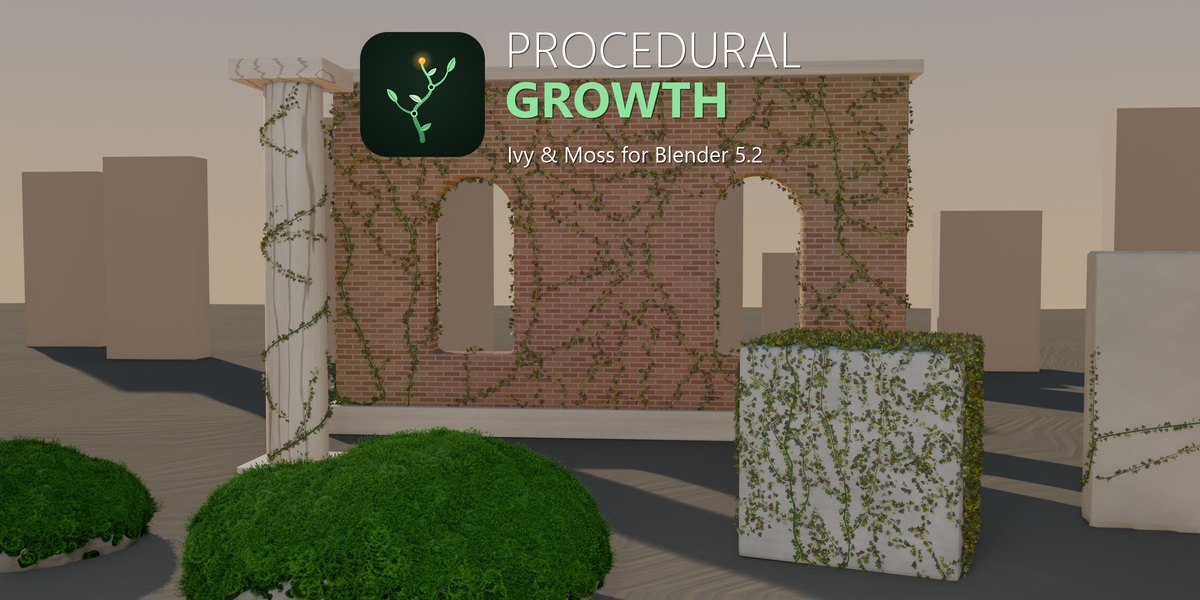

Install
- Download procedural_growth-1.5.2.zip.
- In Blender 5.2, open Edit > Preferences > Get Extensions.
- Choose Install from Disk and select the zip.
- Open View3D > Sidebar (N) > Procedural Growth.
Quick ivy
- Select a mesh.
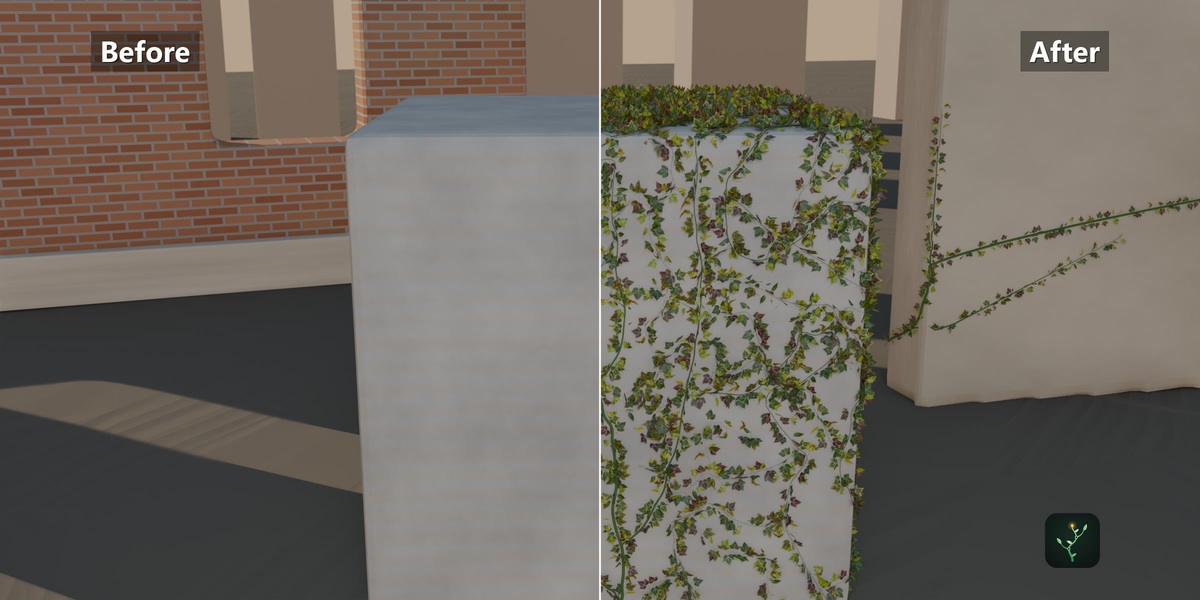
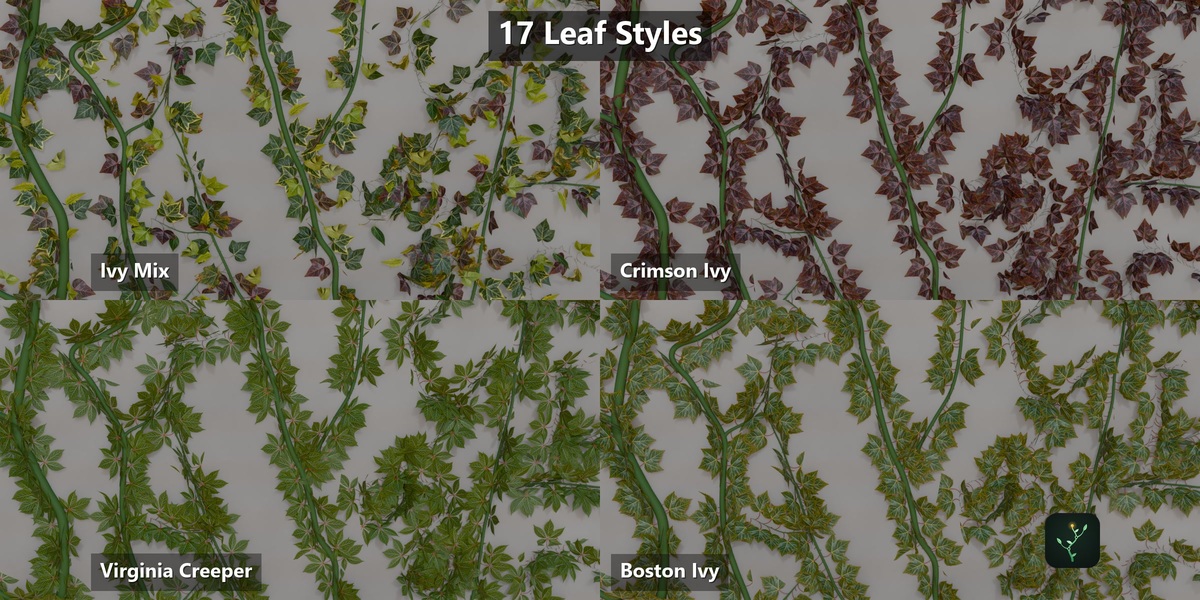
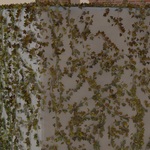
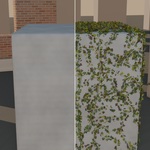
- Choose Ivy and press Create. Live Preview is on, so trim, leaves, size, stem thickness and appearance update immediately.
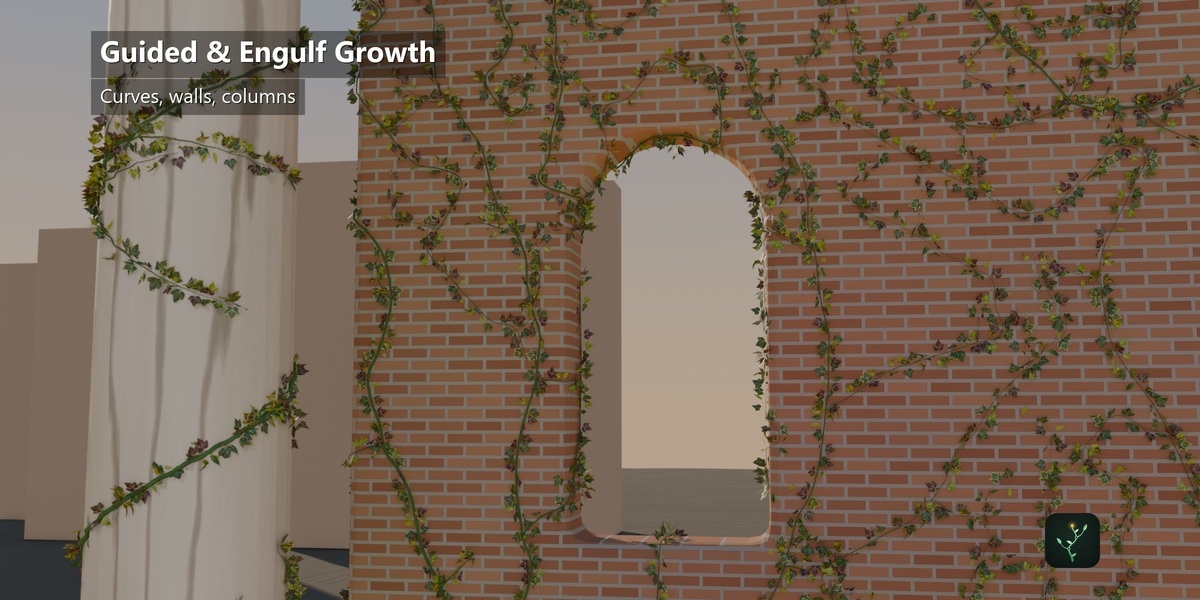
- The generated guide curve is editable. Update keeps your curve edits; Regenerate Guide rebuilds it.
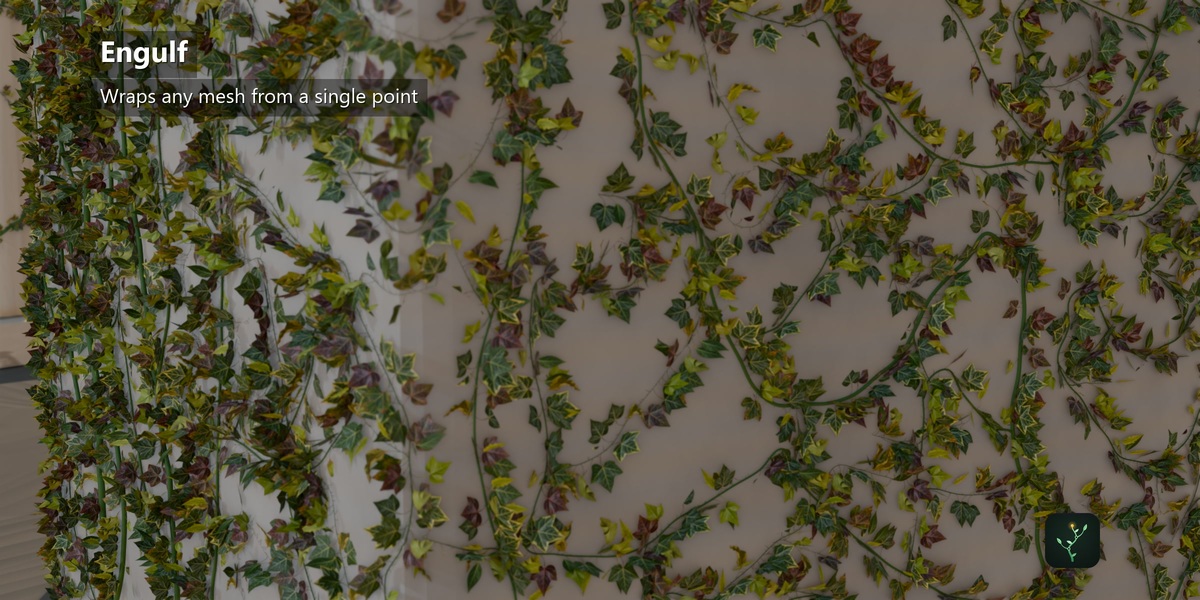
Engulf
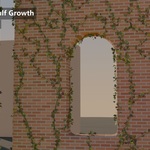
Place the 3D Cursor where growth should begin, choose Ivy > Engulf and press Create. Keyframe Coverage from 0 to 100% to animate the spread. Change Stem Spacing or Curl, then press Regenerate Guide.
Quick moss
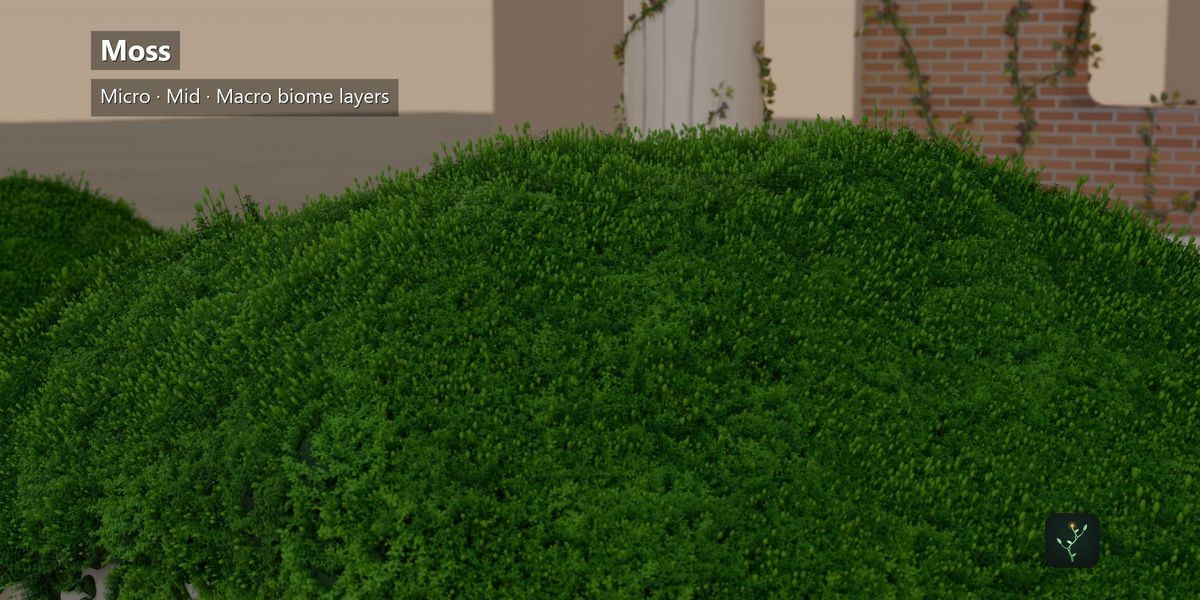
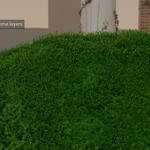
Select a mesh, choose Moss and create a system. Shape it with Patch Scale, Patchiness and the Environment masks (Slope, Cavity, Height, Paint, Noise, Moisture). Pick a look in Material > Material Gallery. Use Paint Moss Mask to weight-paint where moss grows.
Animation
- Growth Animation: set Start and End frames on an ivy system.
- Wind: enable on an ivy system; only leaves move.
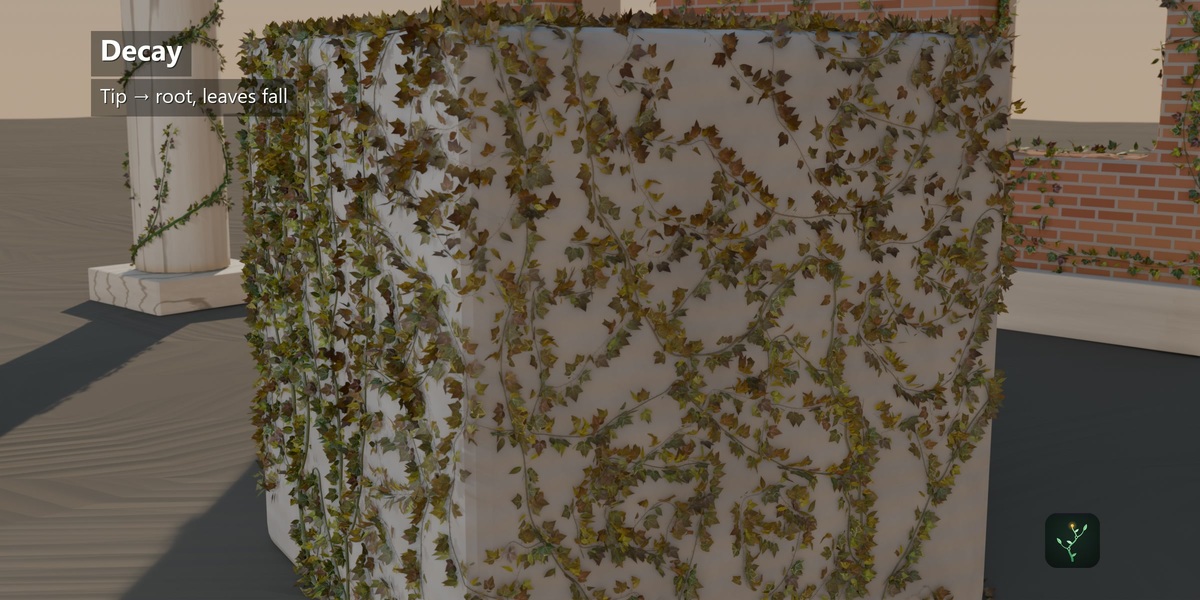
- Decay: tick Enable Decay in the Decay panel and keyframe Decay from 0 (alive) to 1 (dried).
Performance
Use the Quality row (Draft to Hero), Viewport Density and Viewport Proxy while working; renders always return to full detail. Camera LOD and Moss Asset LOD thin distant growth. Bake Current / Bake All freeze systems for final renders.
Safety
The target mesh is never modified. Delete removes only the selected system and the helpers it created.
Have questions about this product?
Login to message
| Blender Extension Compatible | Yes |
| Published | 1 day ago |
| Blender Version | 5.2 |
| Extension Type | Add-on |
| Render Engine Used | Cycles, Eevee |
| License | GPL |
Discover more products like this
foliage environment procedural vines #nature plants geometry nodes ivy decay vegetation moss growth animation