 alastorv
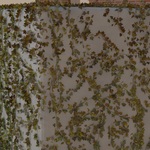
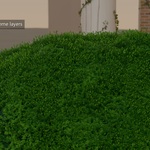
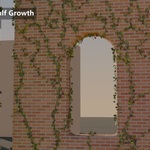
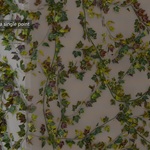
Which workflows are included?
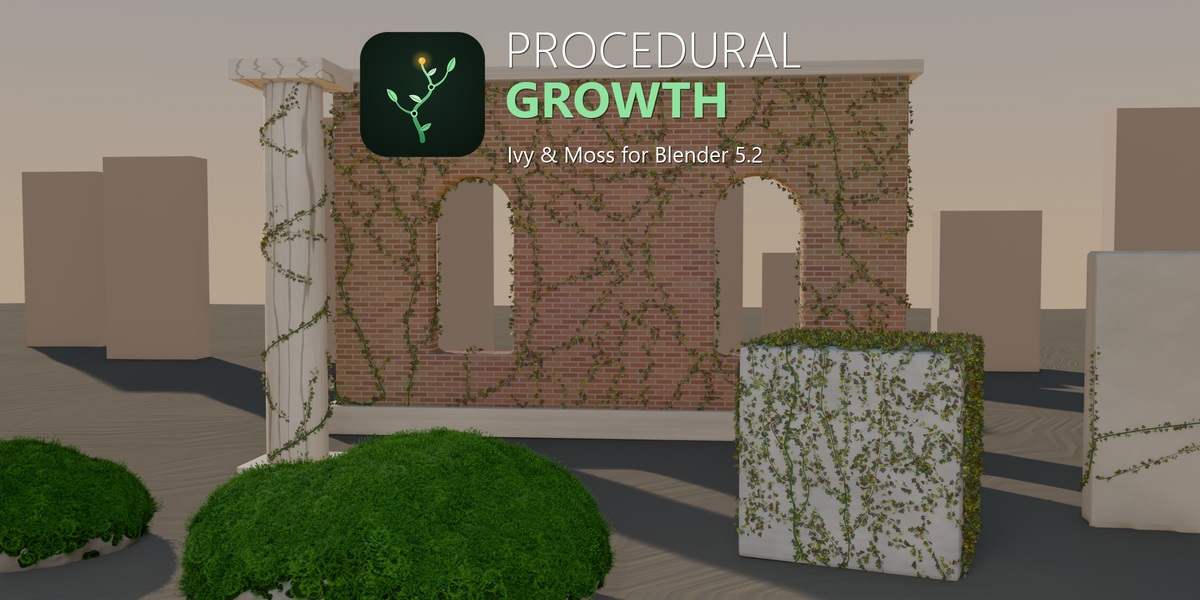
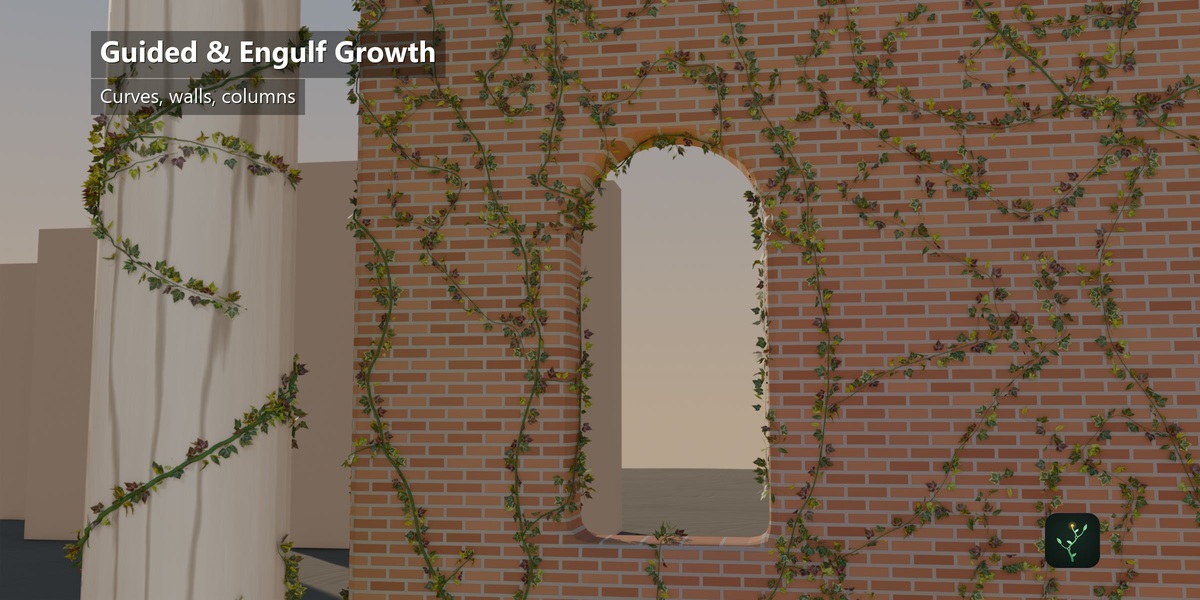
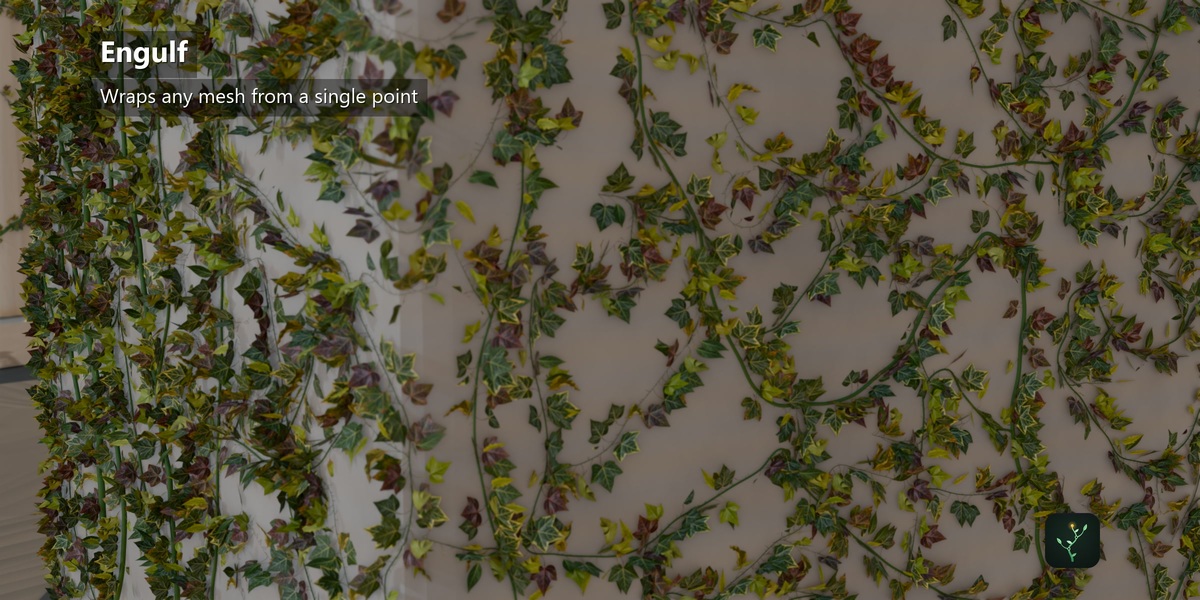
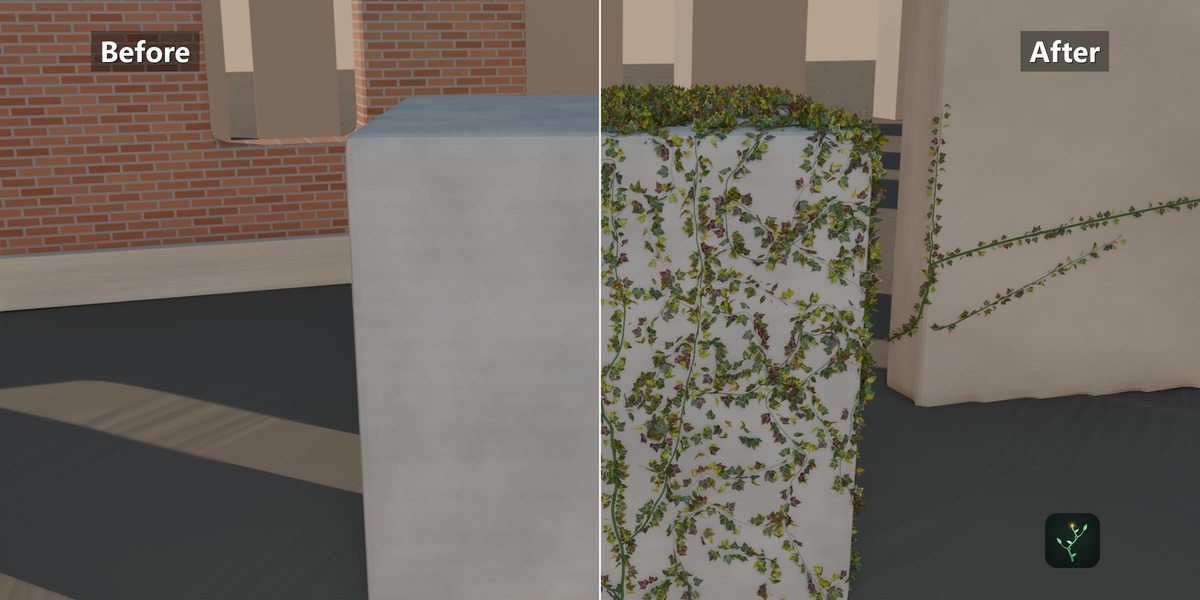
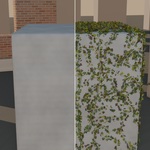
Quick, Guided, Draw and Engulf. Use Quick for a starting setup, Guided for a curve-directed vine, Draw to place a path, and Engulf for surface coverage.
How many leaf choices and materials are included?
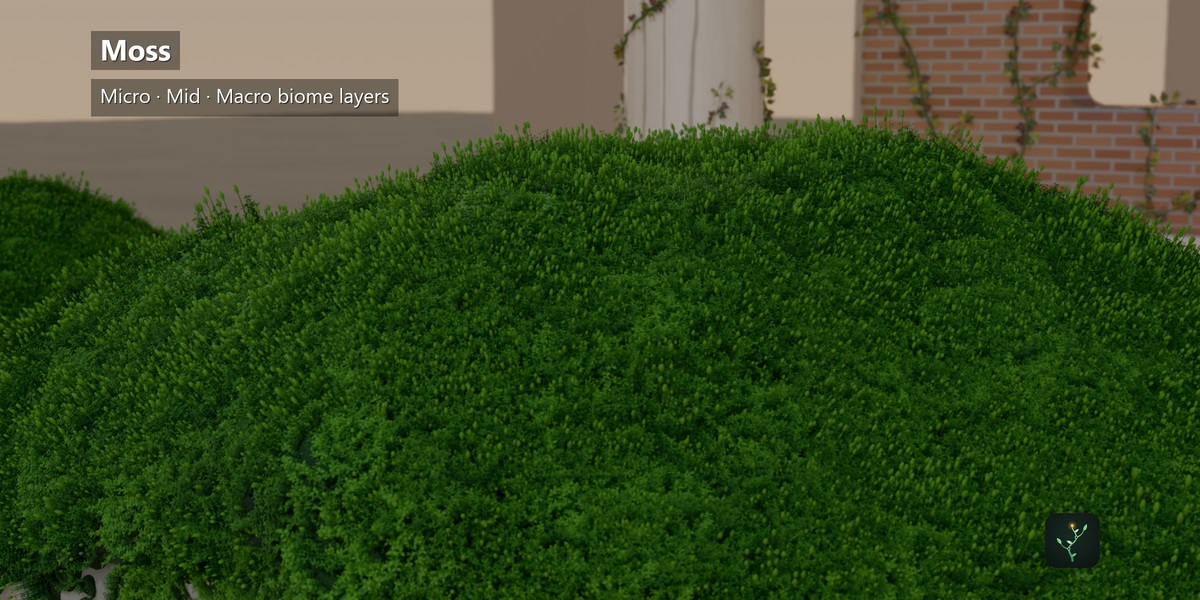
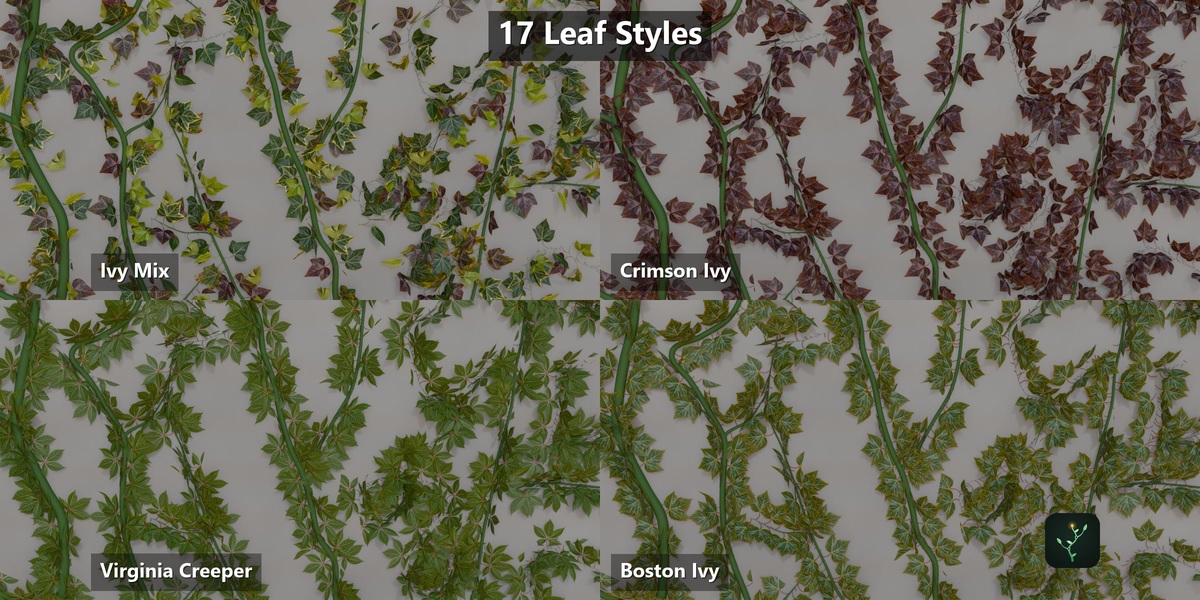
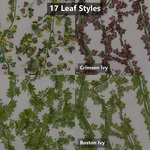
The gallery contains 17 choices: one mixed atlas set, 12 individual atlas leaves, and four climbing vines. There are 19 material themes, 11 ivy presets and 12 moss presets.
Can I animate the growth?
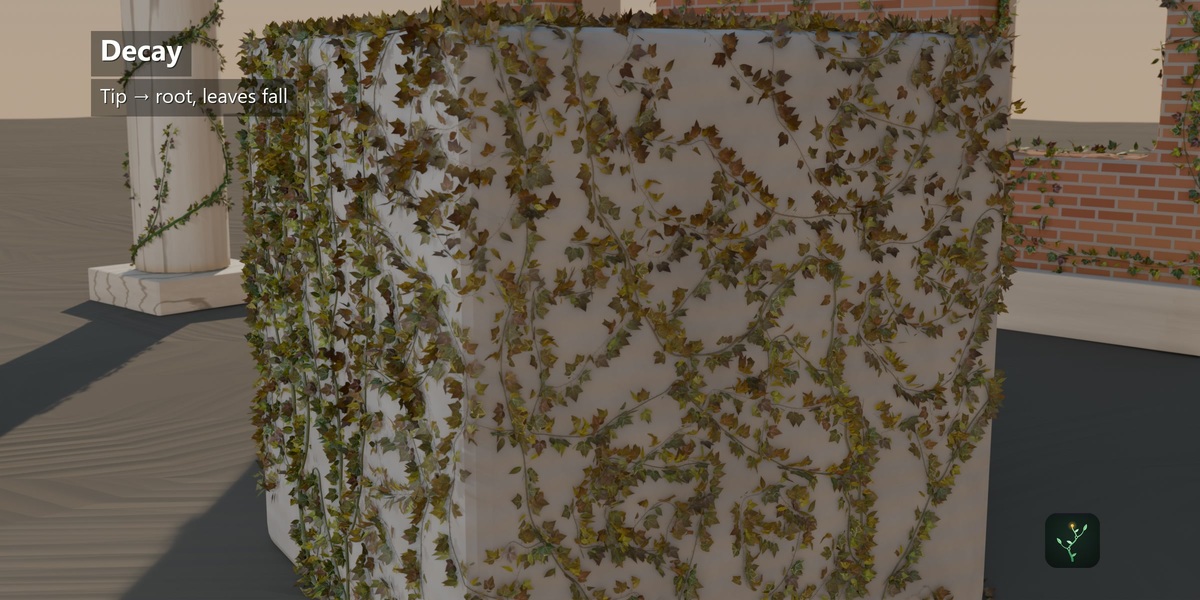
Yes. Growth and coverage controls can be keyframed. Wind adds leaf motion while branches remain static, and decay changes the leaves and makes them fall.
Can I use Cycles and Eevee?
Yes. Procedural geometry and materials can be rendered with Cycles or Eevee. Glass and refractive themes depend on your renderer and scene lighting.
Are the demonstration scenes included?
The purchase delivers the add-on ZIP and its bundled assets. The promotional scenes are demonstration material and are not promised as included project files.
How do I install it?
Download procedural_growth-1.5.2.zip. In Blender 5.2, open Edit > Preferences > Get Extensions, choose Install from Disk, select the ZIP and enable Procedural Growth. Open its panel in the 3D View sidebar.
Which Blender version do I need?
Procedural Growth 1.5.2 requires Blender 5.2 or later. The demonstrations were created in Blender 5.2.
Have questions about this product?
Login to message
| Blender Extension Compatible | Yes |
| Published | about 2 months ago |
| Blender Version | 5.2 |
| Extension Type | Add-on |
| Render Engine Used | Cycles, Eevee |
| License | GPL |
Discover more products like this
#nature decay procedural geometry nodes vegetation foliage ivy moss environment plants growth animation vines