 ArtbyTymi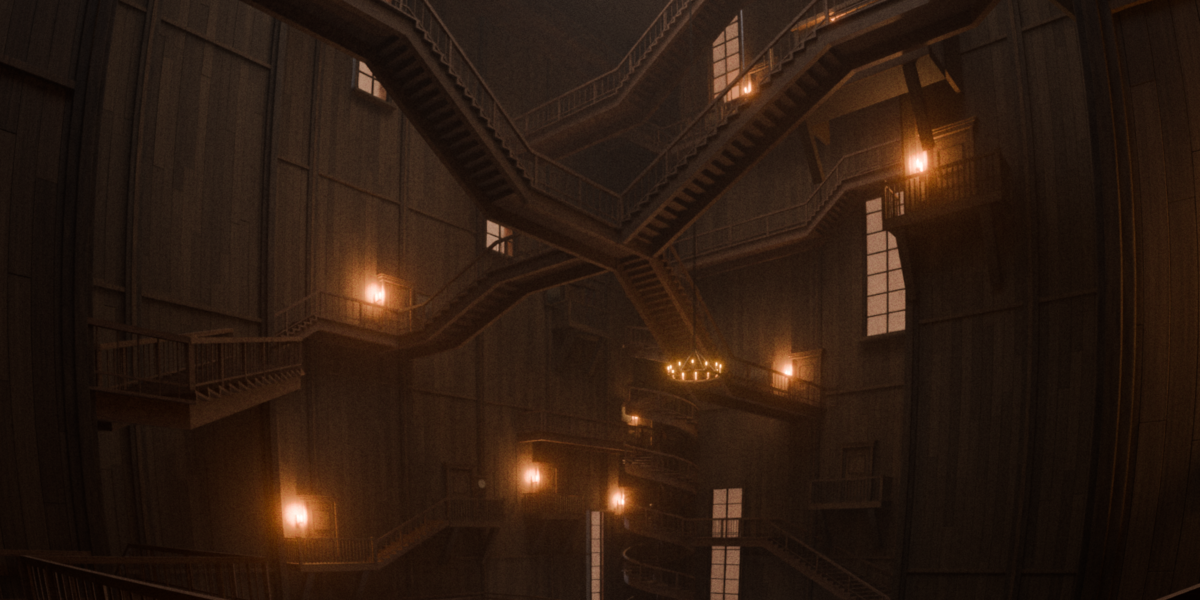
Procedural Stairs
Fit the staircase to your scene.
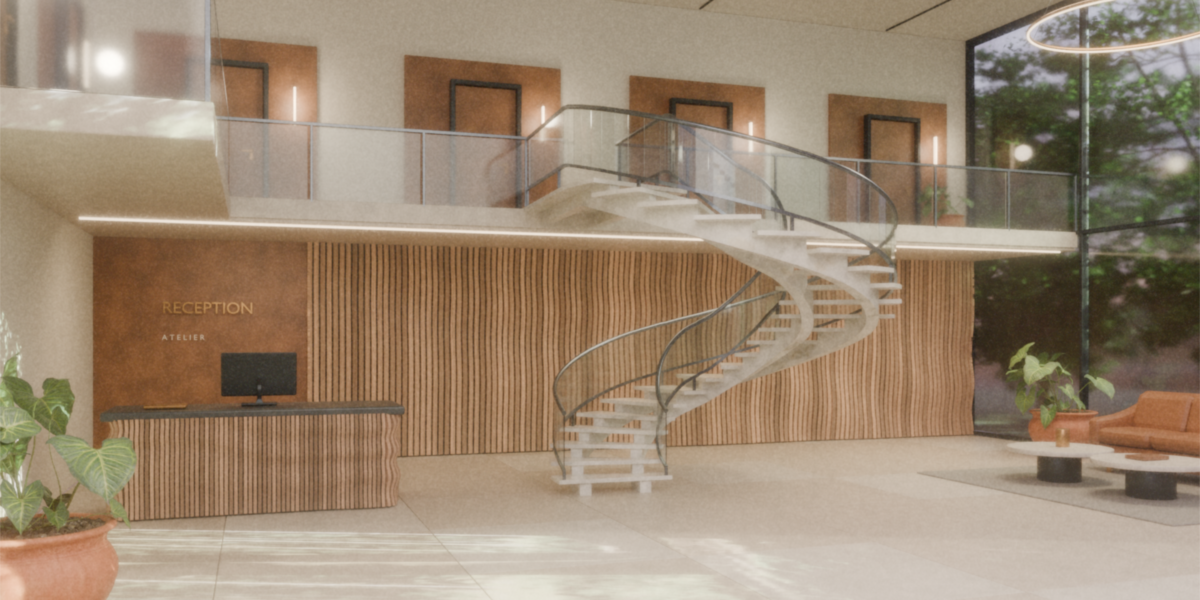
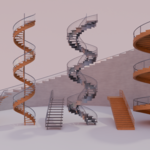
Build straight, turning and spiral stair layouts from an editable mesh guide. Procedural Stairs is a Geometry Nodes setup for architectural visualization and interior scenes. Shape the route in Edit Mode, then adjust the steps, side supports and railings in the modifier.
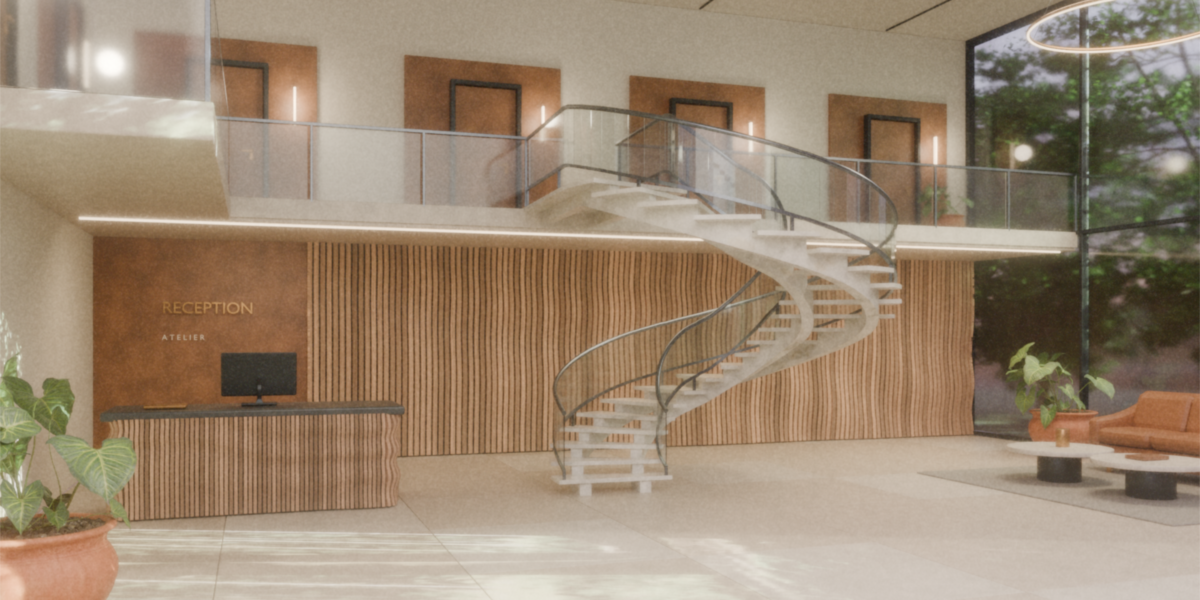
Draw the route and choose how steps fit
Move or extrude guide vertices to set the rise, turns and landings. Choose Height Fit for a maximum step rise, Depth Fit for a target average tread depth, or Step Count for a fixed count per flight.
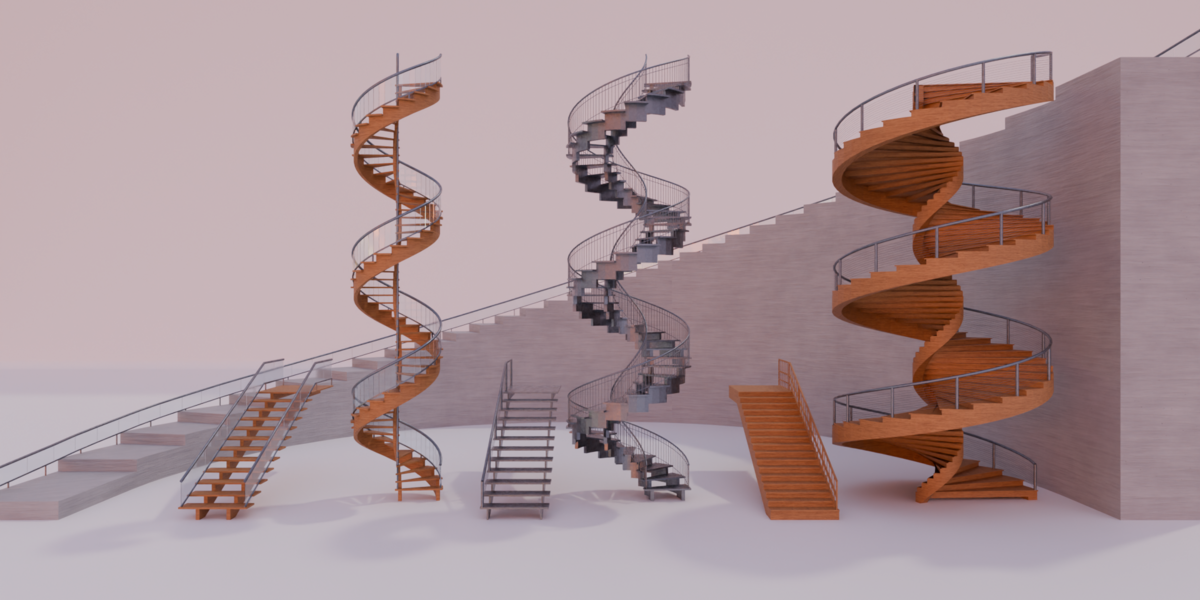
Change the stair construction
Switch between Wood Open, Wood Closed, Stone and Metal. Set width, tread thickness, nosing and step gaps. Use stepped or sloped stringers, adjust their dimensions, and close the space beneath treads when the design calls for it.
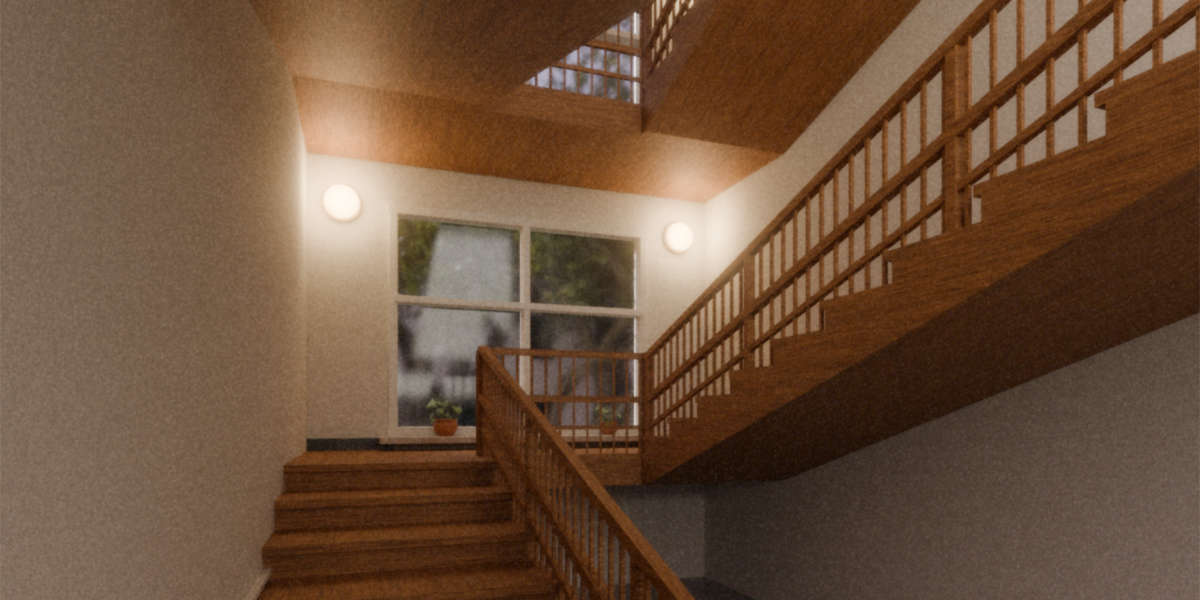
Choose the railing for each side
Use Timber, Double Timber, Metal Bars, Glass, Glass Cap or Cable, or turn the railing off. Set left and right sides separately, then tune rail height, posts, balusters and infill. Wood, Stone, Metal and Glass material inputs let you assign the look for your scene.
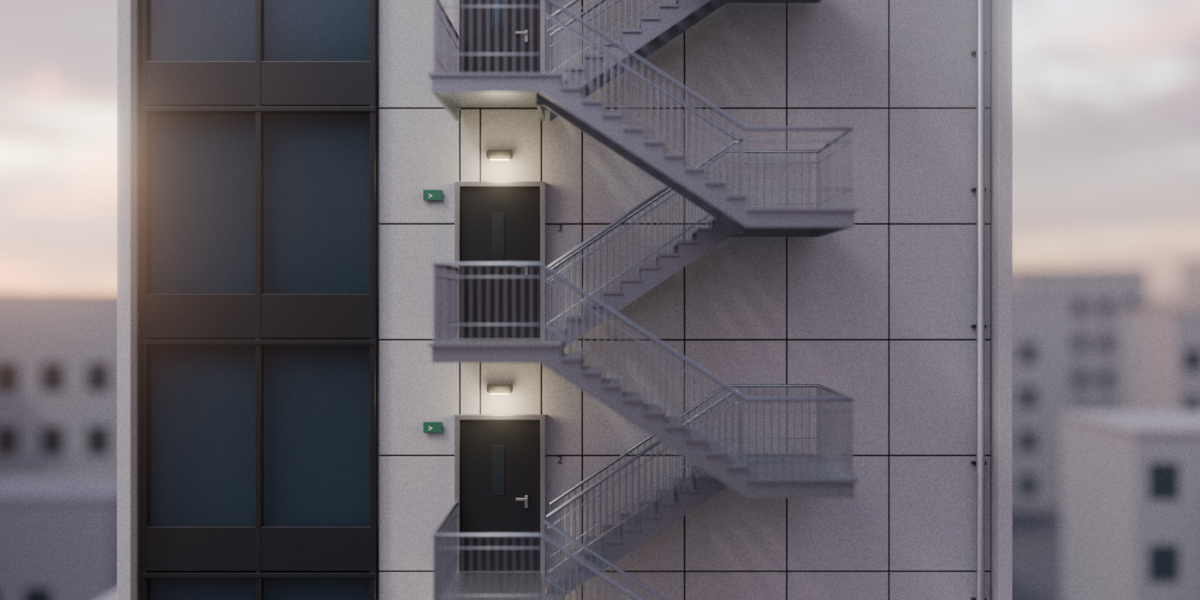
What is included
the blend file containing the Procedural Stairs Geometry Nodes generator, one demo object with the generator assigned, and four materials: wood, stone, metal and glass.
Compatibility
Blender 5.0 - 5.2. Cycles and Eevee.