Procedural Stairs
 ArtbyTymi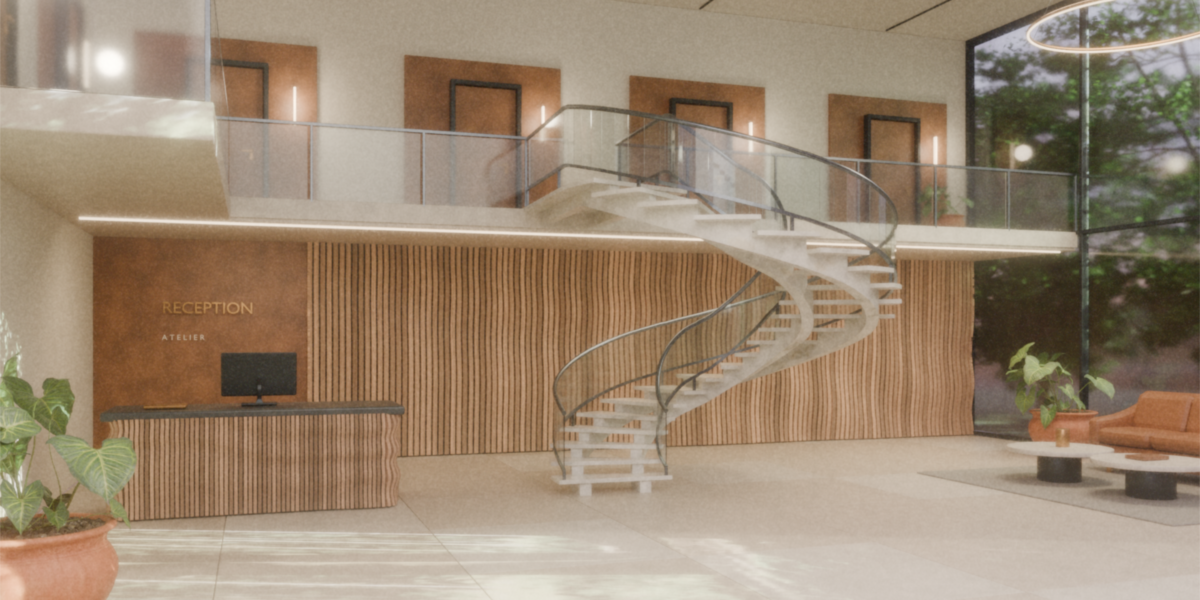
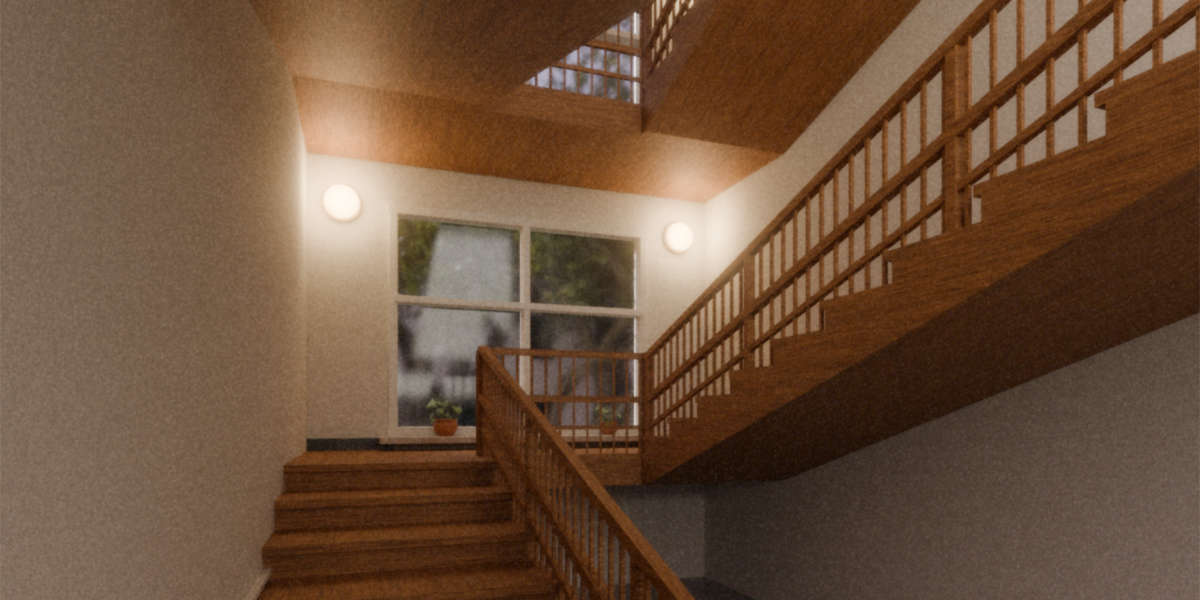
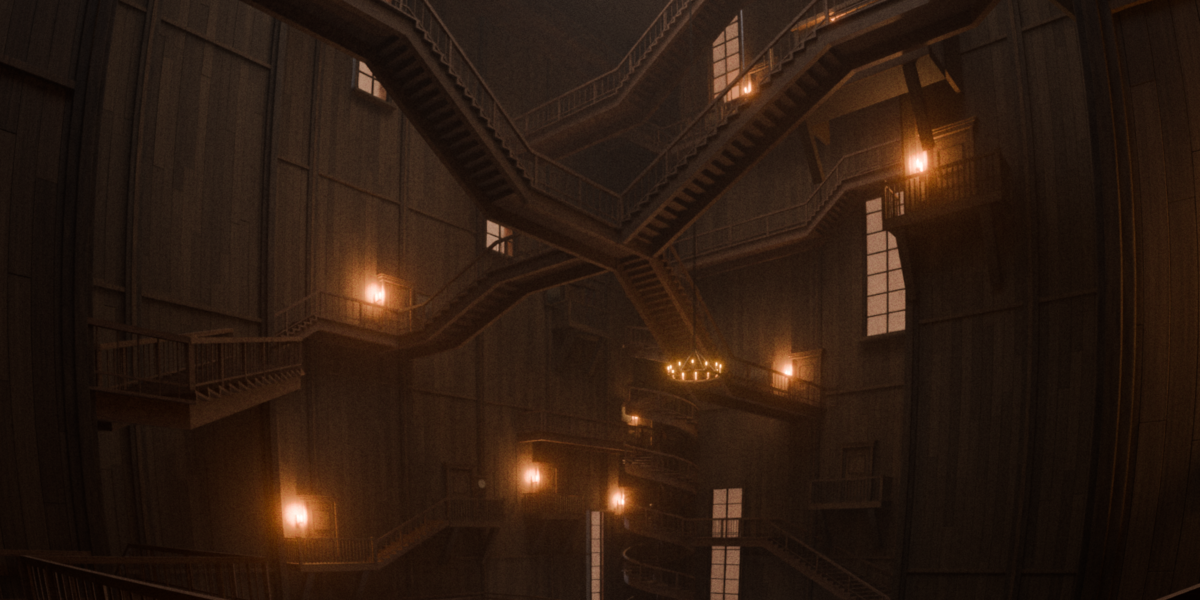
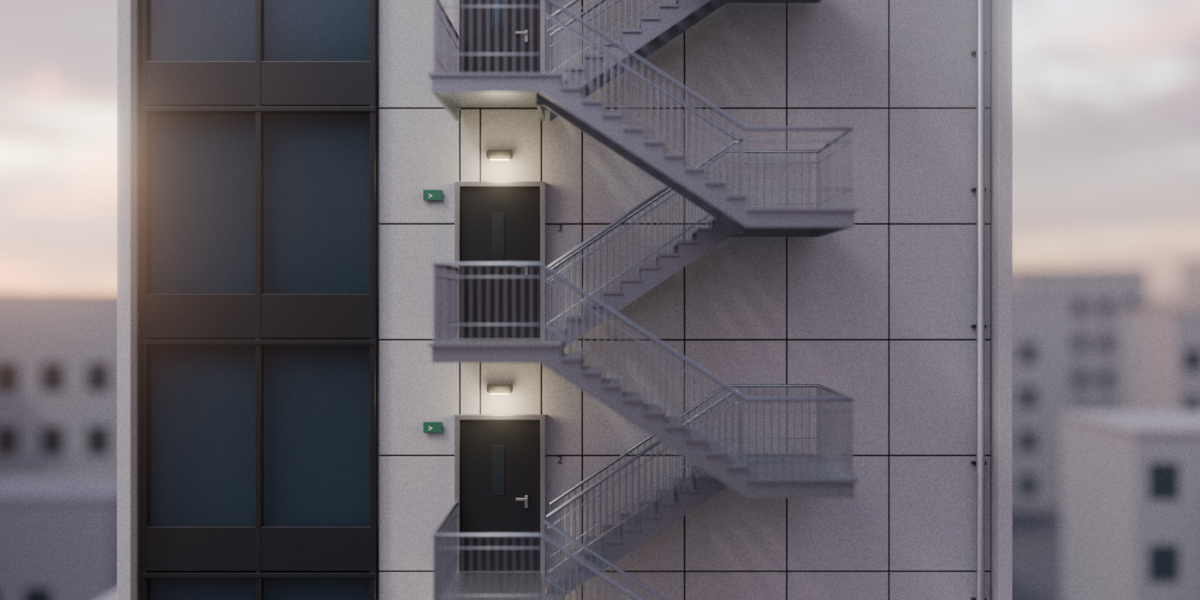
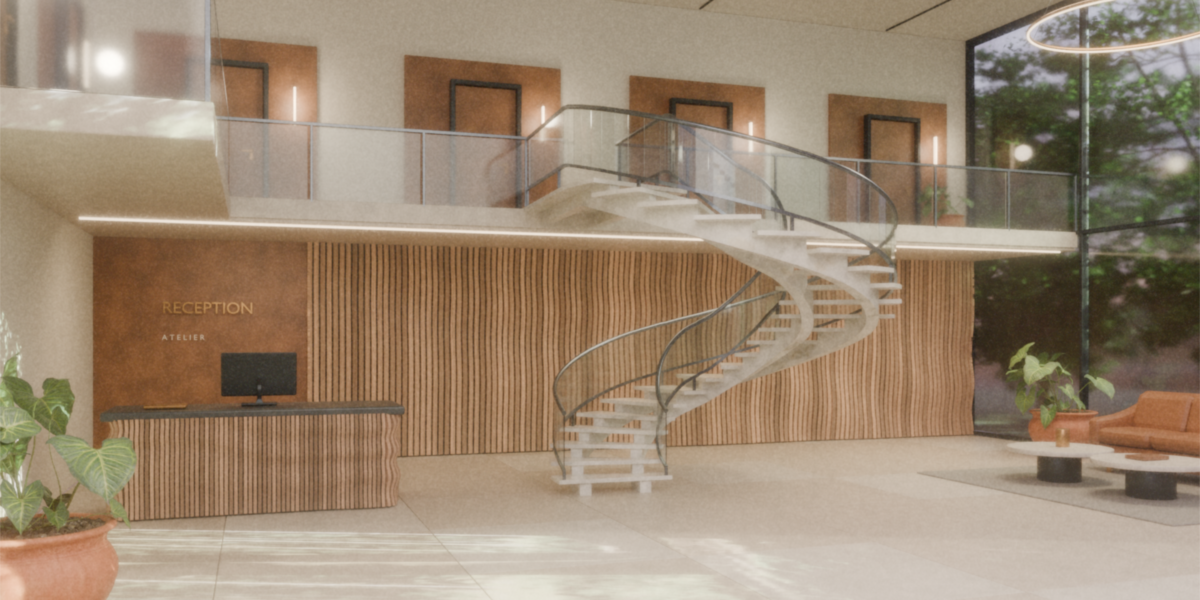
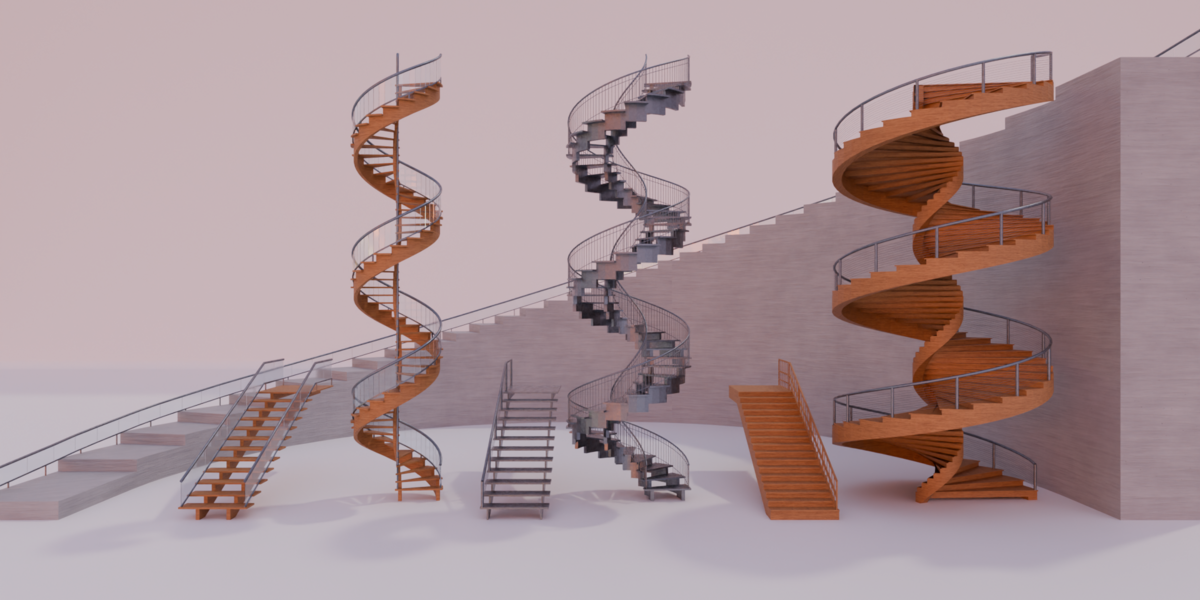



What is included in the product?
The product contains one .blend file with the Procedural Stairs Geometry Nodes generator on one demo object, plus four materials: wood, stone, metal and glass.
Which Blender versions and render engines are listed for this product?
The product listing specifies Blender 5.0 - 5.2, with Cycles and Eevee.
Can I choose different railing and stringer styles?
Yes. Choose Stepped or Sloped stringers. Railing Type offers None, Timber, Double Timber, Metal Bars, Glass, Glass Cap and Cable, with separate Left Rail and Right Rail controls. Infill settings depend on the selected railing style.
What is the difference between the three sizing modes?
Height Fit treats Step Height as a maximum rise. Depth Fit uses Step Depth as a target average horizontal going. Step Count uses an explicit count per flight. A fixed guide defines the total run and rise, so these modes fit the steps in different ways.
How do I change the stair route and add a landing?
Select the guide mesh, enter Edit Mode and move or extrude its endpoints. Use inclined edges for flights and horizontal edges at constant local Z for landings. Keep the chain open and unbranched, with the Geometry Nodes modifier active.
$9.99
Have questions about this product?
Login to message
| Published | 2 days ago |
| Blender Version | 5.0 - 5.2 |
| Render Engine Used | Cycles, Eevee |
| License | Royalty Free |
Discover more products like this
architectural stairs stairs stair railings interior architecture metal stairs staircase wooden stairs stone stairs glass railing stair generator spiral stairs stair stringers