Procedural Stairs
 ArtbyTymi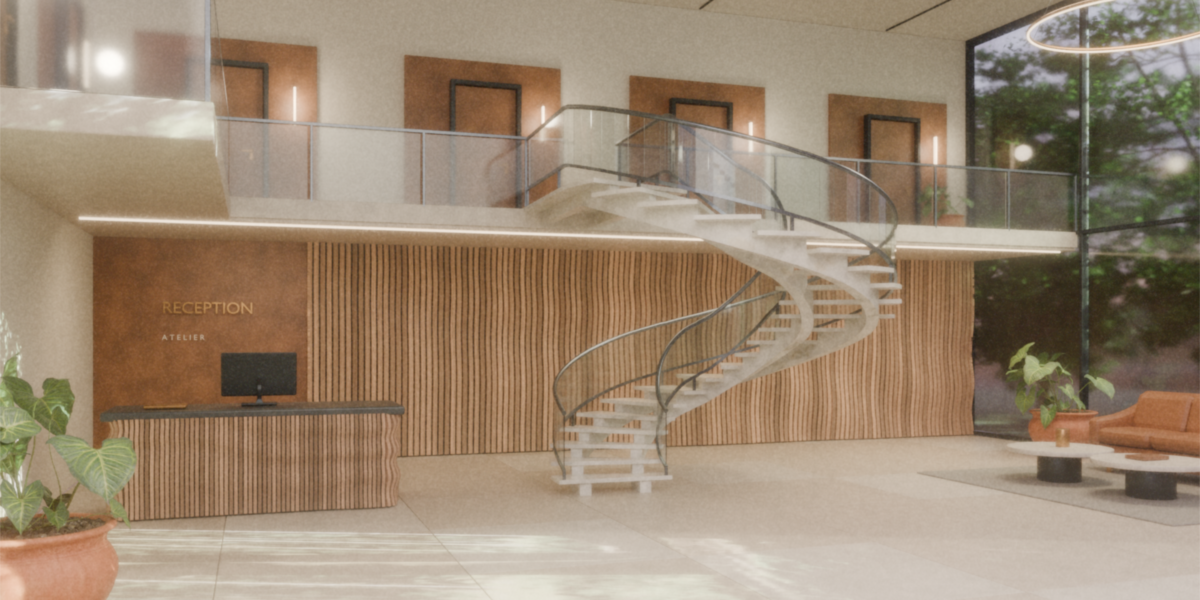
Controls
Getting started
Open the supplied .blend file and select the included demo object. To use the generator in another scene, choose File > Append, open the Object folder and append that demo object with its Geometry Nodes modifier.
Select the guide mesh and open the Modifiers tab. Keep the stair generator active while editing the guide. Press Tab, select an endpoint and extrude it. Move the new point horizontally and upward for a flight. Add a horizontal edge at constant local Z for a landing.
Use open, unbranched mesh edge chains. Local Z is the up direction. The node-group defaults include Width 1.2, Step Height 0.18, Step Depth 0.28 and Step Count 16. Scene instances can use different values. The setup is designed around 1 Blender unit = 1 metre.
Step Layout
Width sets the total stair width.
Sizing selects Height Fit, Depth Fit or Step Count. Height Fit uses Step Height as a maximum rise and adjusts the actual rise to meet the flight ends. Depth Fit uses Step Depth as a target average horizontal going. Step Count sets the number of steps per flight.
Step Height, Step Depth and Step Count work with the selected sizing mode. On a fixed guide, horizontal run and elevation are already defined; rise and going cannot both be set independently.
Treads
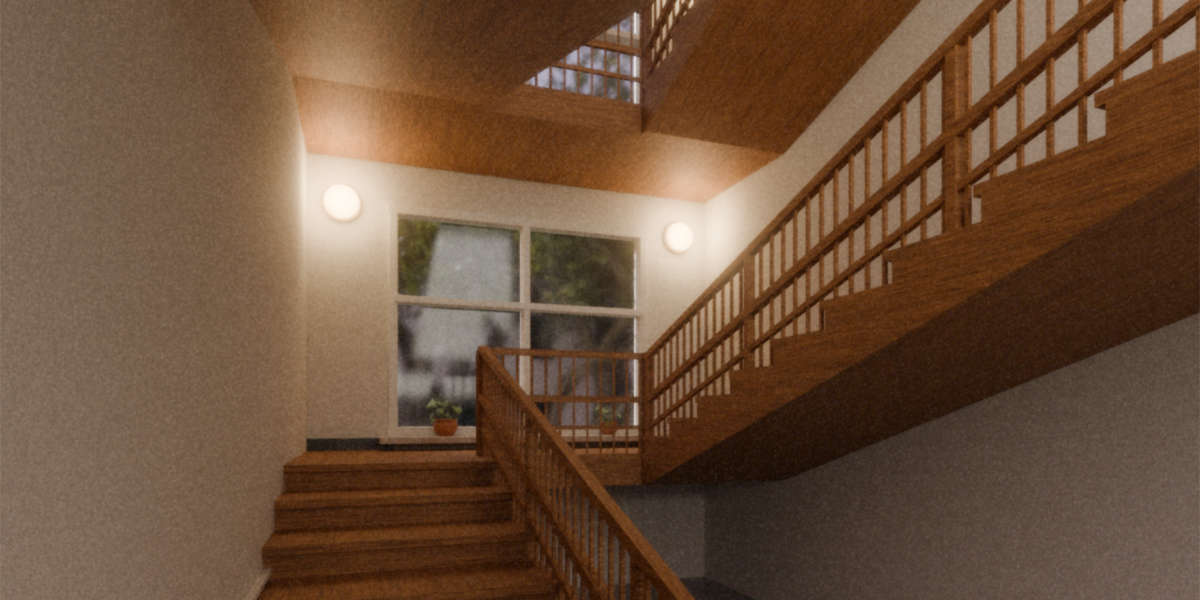
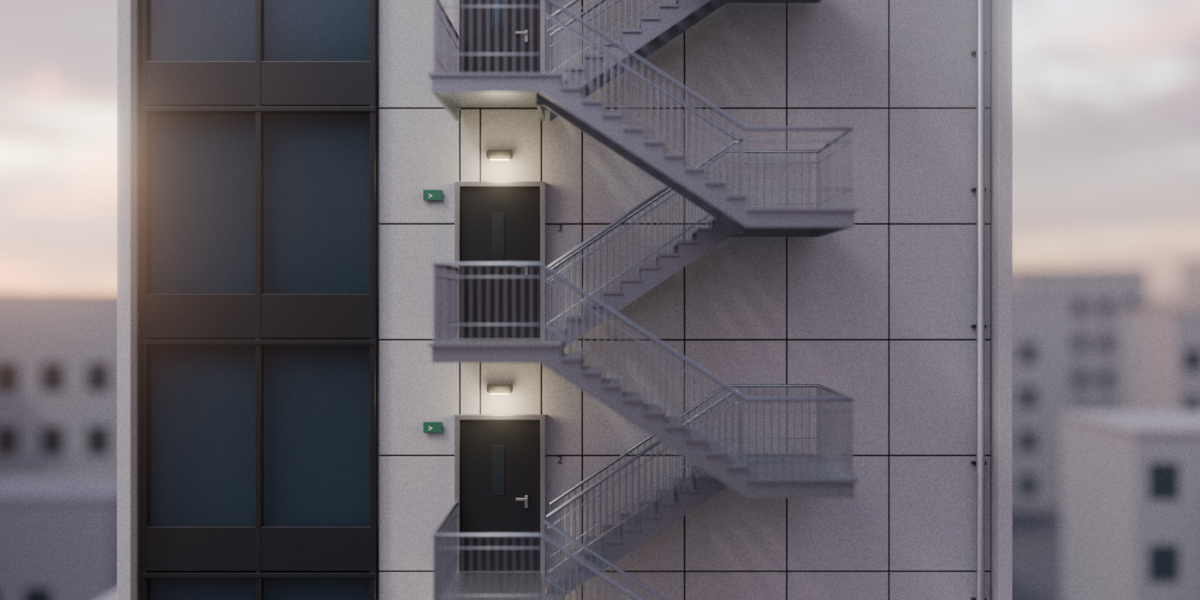
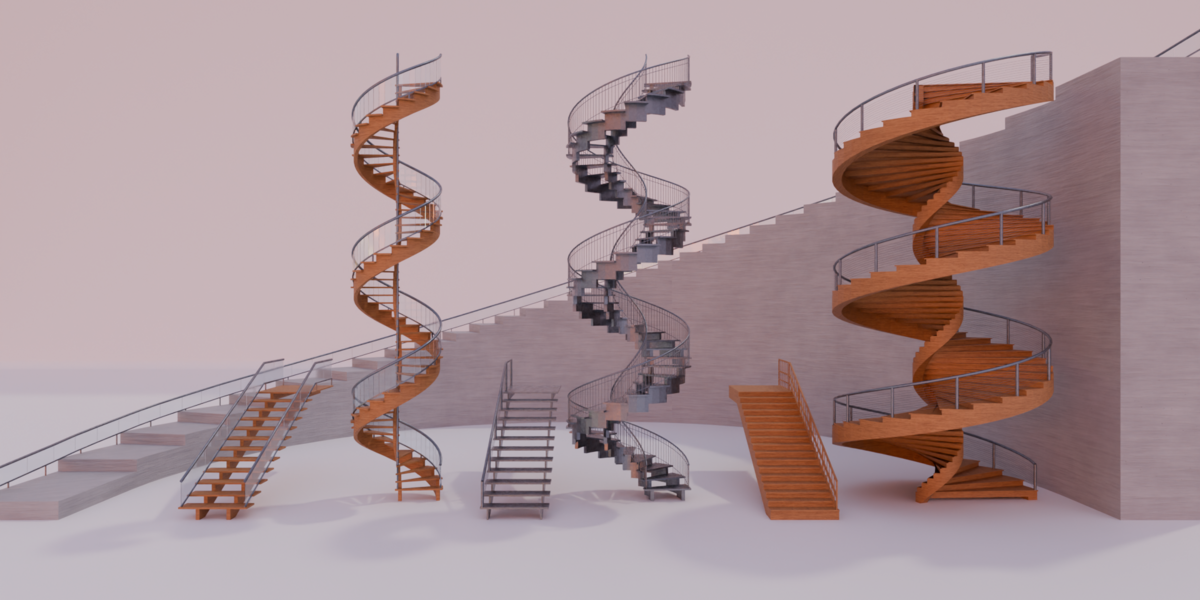
Stair Style selects Wood Open, Wood Closed, Stone or Metal. Wood Closed adds vertical riser boards; Stone creates blocks extending to a base.
Tread Thickness sets slab thickness. Riser Thickness controls the vertical boards in Wood Closed.
Step Gap sets joints at step boundaries. Nosing sets the tread overhang. Stone ignores these two controls. Foundation Depth places the stone base below the lowest guide point.
Structure
Stringers adds a pair of side beams. Stone omits these beams.
Stringer Style selects Stepped or Sloped. Stringer Width, Stringer Depth and Stringer Inset set beam dimensions and position.
Close Stringer Gaps fills the triangular space beneath treads when using Sloped stringers. Disable it for open gaps above a sloped beam.
Railing
Railing Type selects None, Timber, Double Timber, Metal Bars, Glass, Glass Cap or Cable. The modifier may display this menu as Type inside the Railing panel.
Left Rail and Right Rail enable each side independently. Their sides follow the internal path direction; Reverse Path exchanges them.
Rail Height places the handrail centre above the smooth guide. Rail Inset moves it inward or outward; negative values place it outside the stair edge.
Handrail Size controls a square timber profile or metal diameter. Post Size sets timber post width or metal post diameter. Post Spacing sets approximate spacing along the side curve and also limits glass bay length.
Infill
Baluster Size and Baluster Spacing control timber infill uprights.
Bar Count sets the number of horizontal metal-bar or cable rows.
Glass Thickness sets panel thickness. Glass Gap sets the joint between glass bays. Glass Bottom Gap requests panel clearance above the guide; the setup raises it to at least the maximum actual step rise plus 0.03 to clear the treads.
Advanced
Reverse Path reverses guide direction and exchanges the left and right railing sides. Elevation still follows local Z.
Flat Tolerance sets the elevation difference treated as a landing. Keep landing edges exactly horizontal. The node-group default is 0.00001.
Miter Limit limits corner extension. It does not resolve self-intersections or U-turns. Use landings and sufficient space around tight changes in direction.
Step Limit caps steps per flight. The default is 2048. If the cap is reached, the actual rise can exceed the requested maximum Step Height.
UV Mapping and materials
Generate UVs creates a face-corner UV map named UVMap on the final realized mesh.
UV Mode selects Continuous or Packed Islands. Continuous keeps texture coordinates aligned across generated parts. UV Scale sets the object-local distance covered by one tile; smaller values repeat the texture more often.
Packed Islands uses separate UV islands. UV Margin controls the normalized gap between islands in this mode.
Wood, Stone, Metal and Glass are material inputs. Assign the materials needed for each construction style in the Materials panel.
Troubleshooting and limits
If no stairs appear, check that the guide has edges. A single point, a zero-length edge or a vertical edge has no tread run. Remove branches from the guide.
If a landing becomes a flight, align its endpoints at the same local Z. Check Flat Tolerance after correcting the guide.
If railings appear on the opposite side, check Left Rail, Right Rail and Reverse Path. If a control appears inactive, confirm that it applies to the current stair or railing style.
Keep the Geometry Nodes modifier unapplied while editing the route. Apply or convert it only when you intend to finish the editable generator workflow.
The Geometry Nodes setup works without running Python. Any optional sidebar script is separate from the modifier workflow described here.
What Is Included
- One .blend file with the Procedural Stairs Geometry Nodes generator.
- One demo object with the generator assigned.
- Four included materials: wood, stone, metal and glass.
Have questions about this product?
Login to message
| Published | 1 day ago |
| Blender Version | 5.0 - 5.2 |
| Render Engine Used | Cycles, Eevee |
| License | Royalty Free |
Discover more products like this
stair railings metal stairs architectural stairs interior architecture stone stairs wooden stairs stairs staircase glass railing spiral stairs stair stringers stair generator