 Mrs Eliza
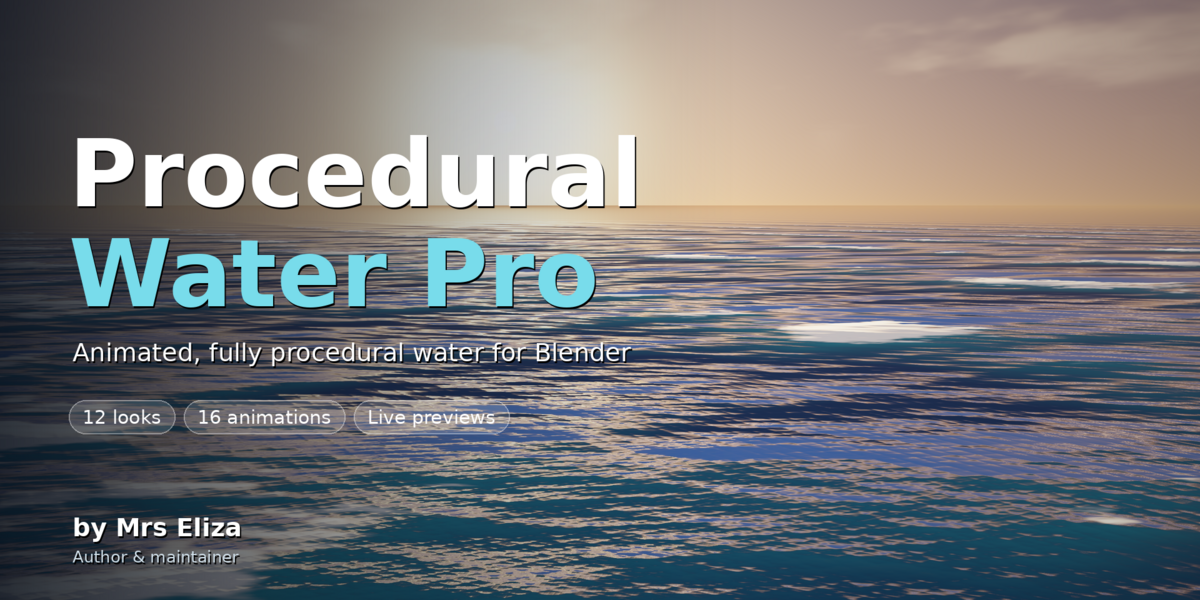
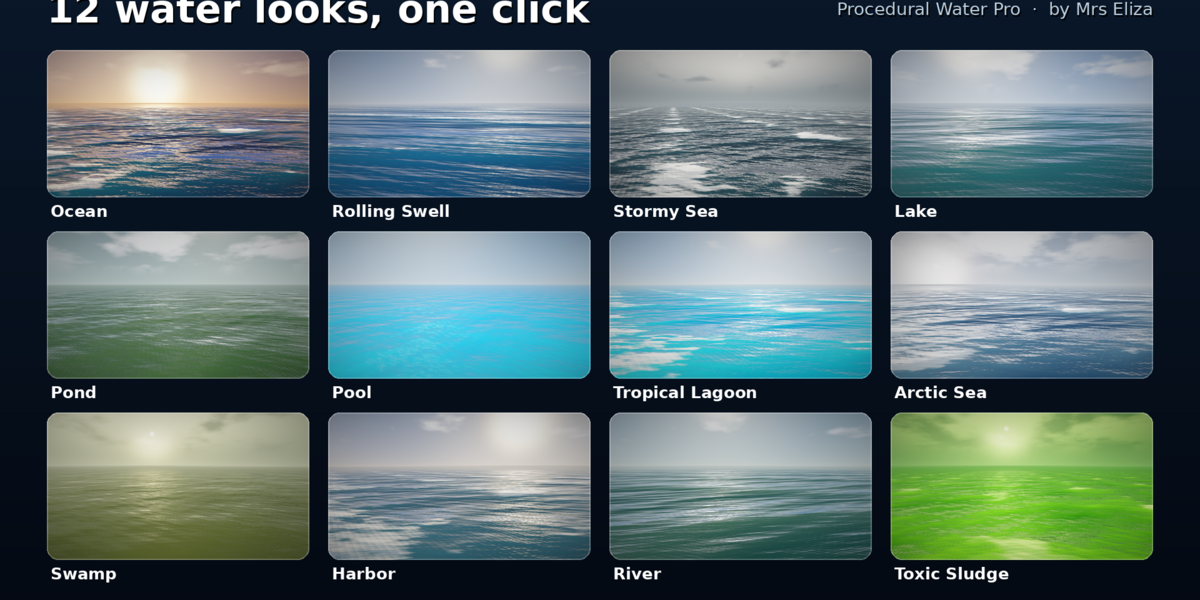
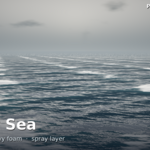
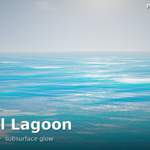
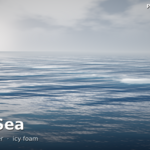
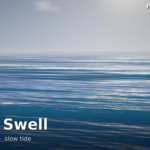
Requirements & Installation
System Requirements
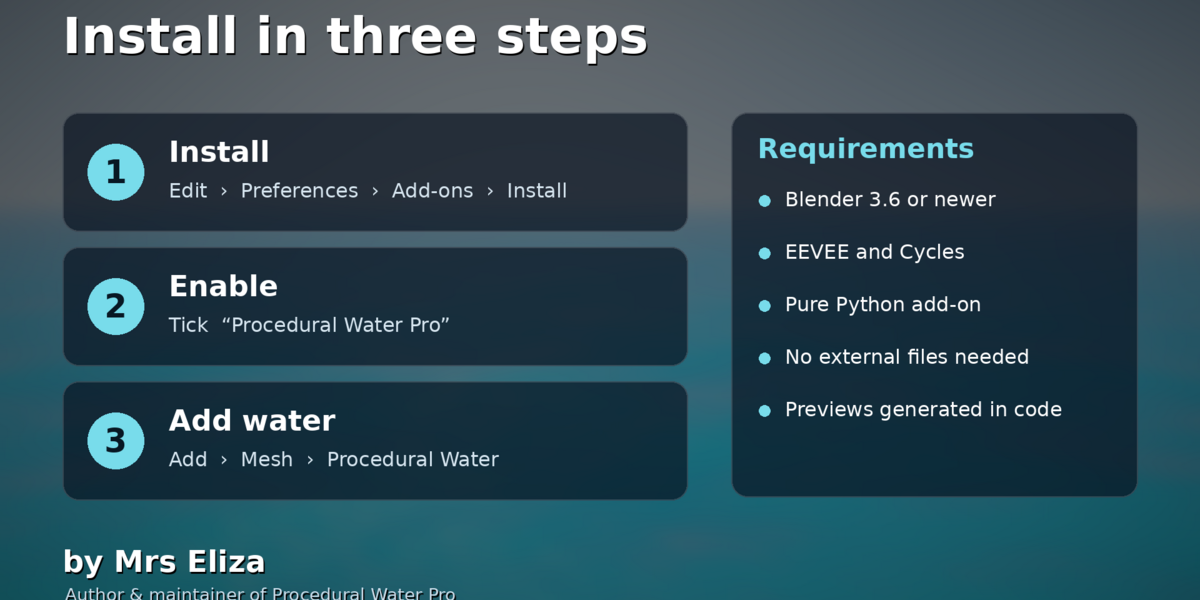
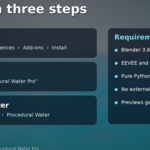
Blender: Version 3.6 or newer, including Blender 4.x.
File:
procedural_water.pyRecommended Renderer: Cycles. EEVEE is also supported with additional settings.
Installation Steps
Open Blender and go to Edit > Preferences > Add-ons.
Click Install from Disk. In Blender 4.2 and newer, use the dropdown arrow at the top-right.
Select
procedural_water.py.Confirm the installation.
Enable the checkbox next to Add Mesh: Procedural Water.
How to Check Installation
Open the 3D Viewport.
Go to Add > Mesh and look for Procedural Water.
Press N to open the sidebar.
Find the Water tab.
Updating or Removing
To update the add-on, install the newer .py file using the same installation process.
To remove it, disable the add-on in Preferences and click Remove.
Existing water objects keep their modifier and material, but the add-on control panel will no longer be available.
Have questions about this product?
Login to message
| Sales | 40+ |
| Published | almost 3 years ago |
| Blender Version | 3.5 - 5.0 |
| Extension Type | N/A |
| Render Engine Used | Eevee |
| Misc Data | Uvs-Unwrapped, Rigged, Animated, Low-High-Resolution, Normal-Mapped, Textured |
| License | GPL |
Discover more products like this
blender addon water shader ocean modifier procedural-water animated-water Ocean Generator foam shader procedural ocean Blender Water blender water addon water presets wave generator