 Mrs Eliza
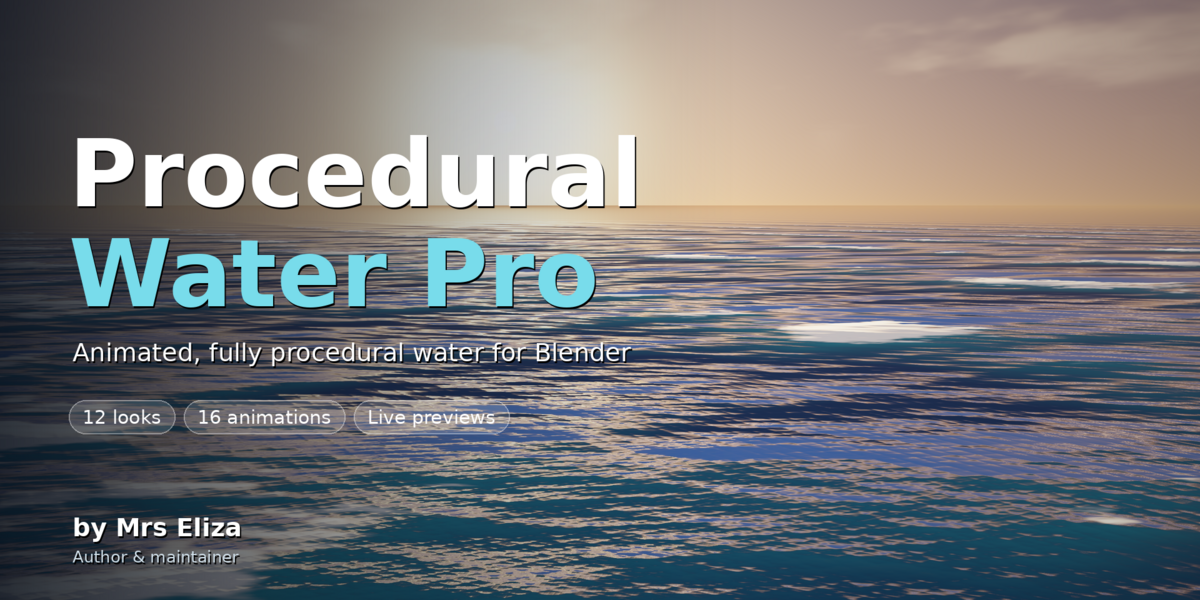
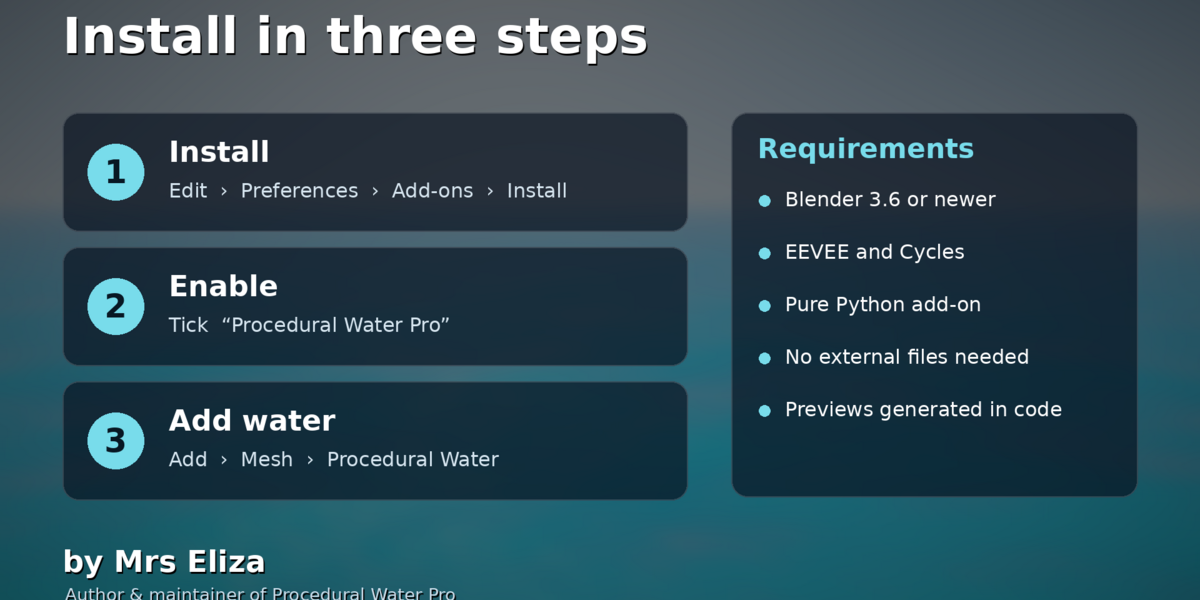
Does the add-on support EEVEE and Cycles?
Yes. Both render engines are supported. However, reflections, refraction, and absorption volume effects can differ between them.
Can I use the add-on for rivers, pools, lakes, and oceans?
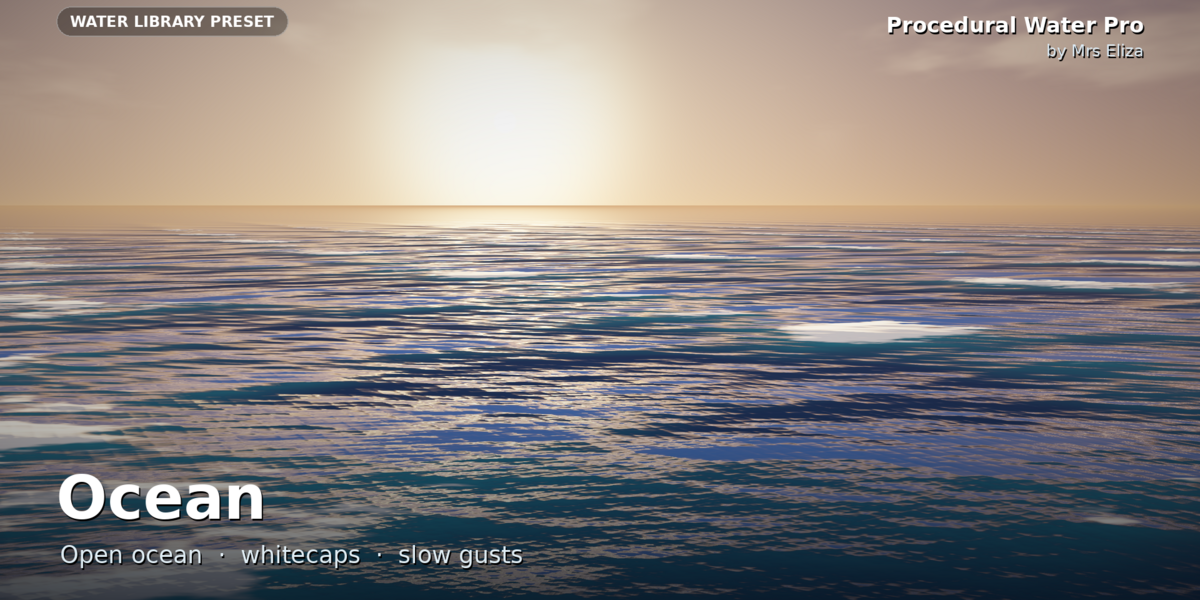
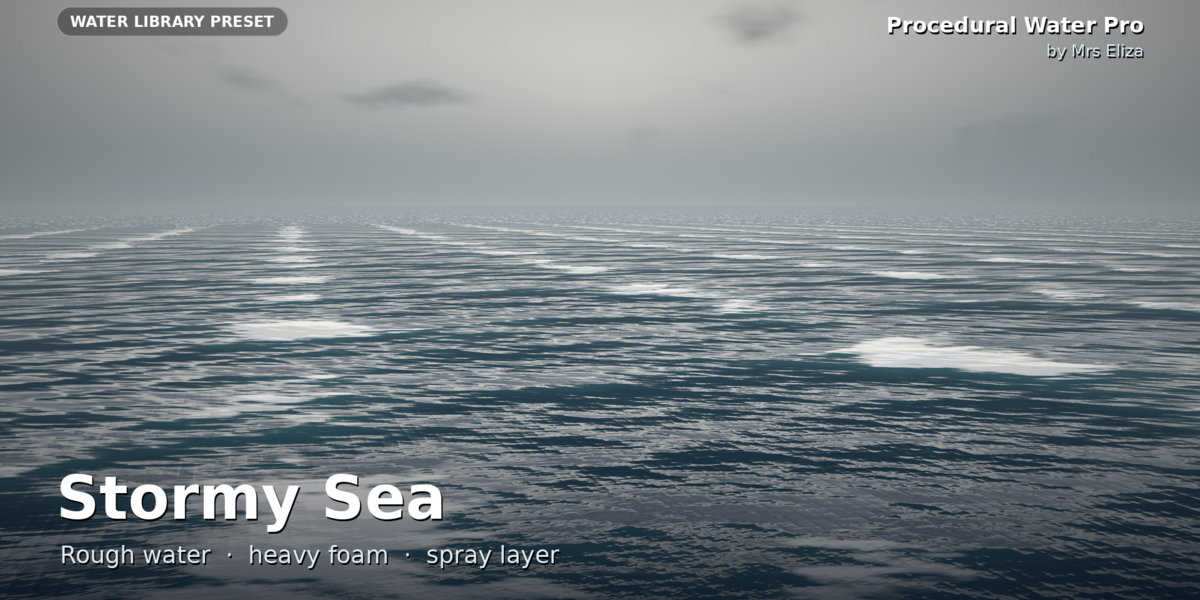
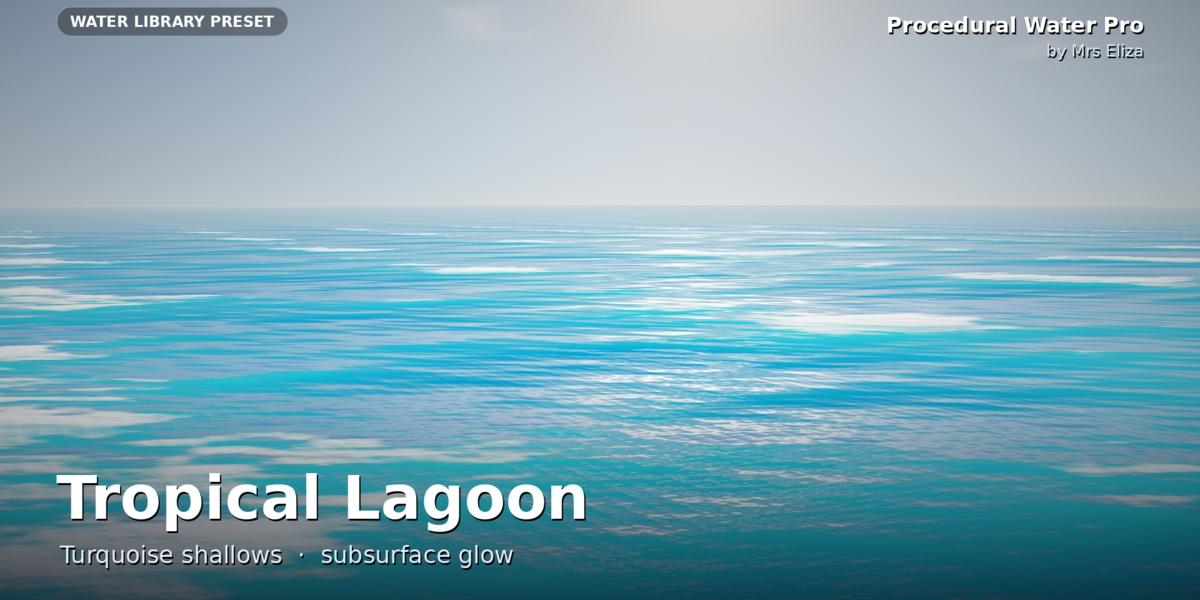
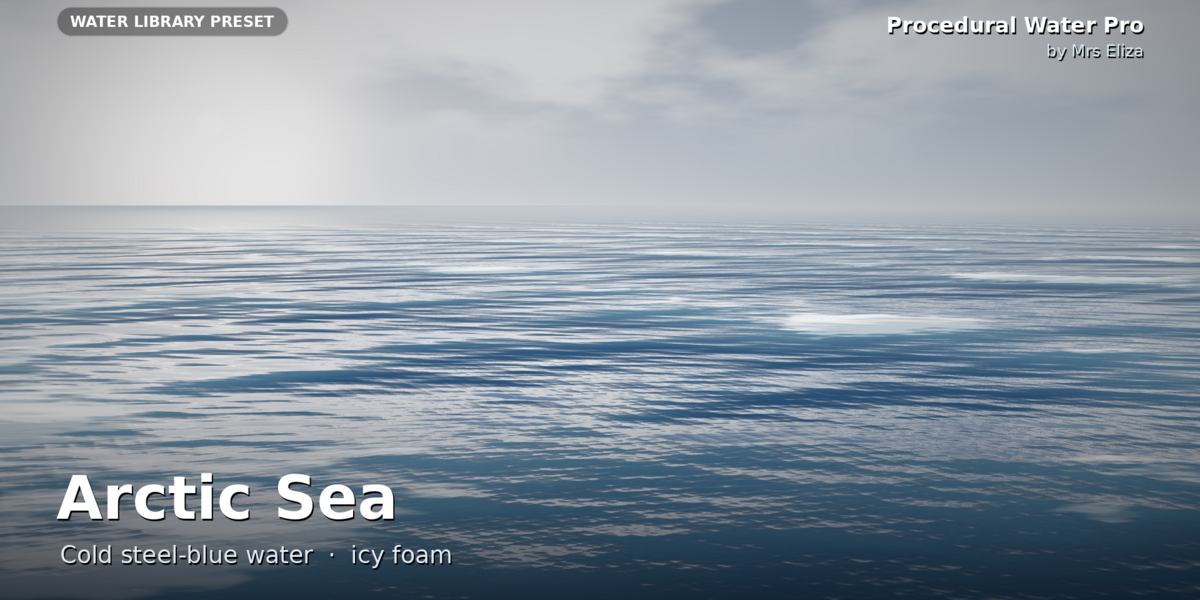
Yes. The included presets provide different starting points for all these environments, and you can adjust their settings to match your scene.
Can I make boats and other objects float?
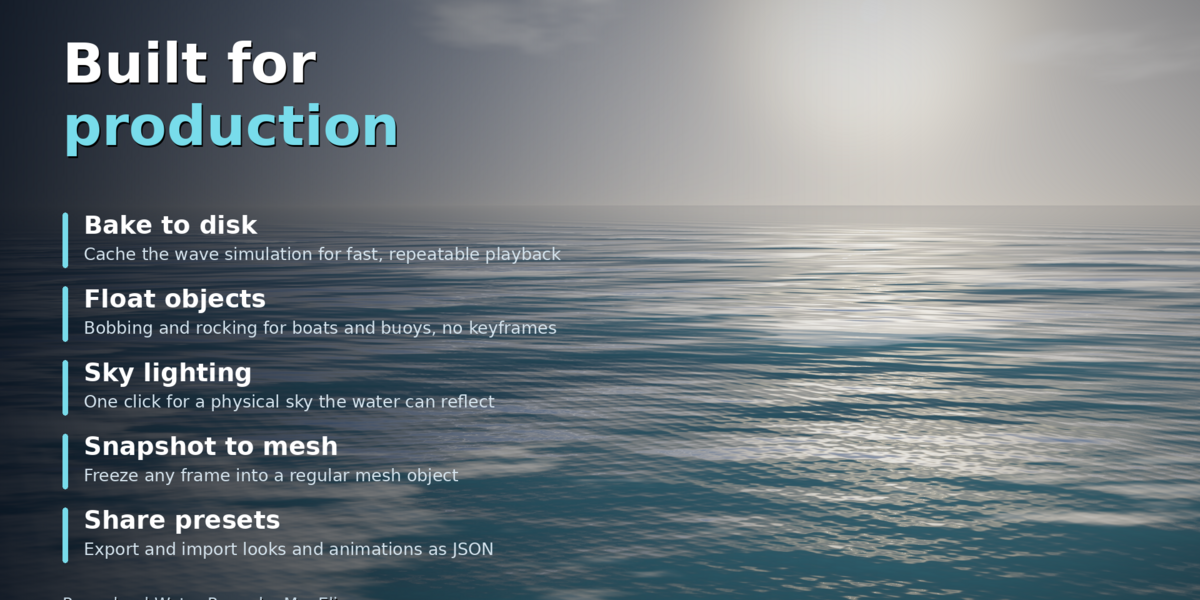
Yes. Select the objects you want to animate and use Float Selected Objects in the Tools panel. You can adjust Bob Height, Tilt, and Speed.
Why are the waves not moving?
Press Play on the timeline or change the current frame. Also check that Wave Speed and Time Scale are above zero and that Freeze Time is not active.
Why is my water black or too dark?
Water needs an environment to reflect. Use Add Sky Lighting or add an HDRI to the world. If you use Cycles, check the transmission and total light bounce settings.
Why does my water look like a grey plane?
The Solid viewport mode displays only the water geometry. Switch to Material Preview or Rendered mode to see the procedural water material.
Can I change the water look without removing its current animation?
Yes. Enable Keep Current Animation in the Water Library before applying another look. This changes the appearance while keeping the current animation settings.
Can I customize a preset after applying it?
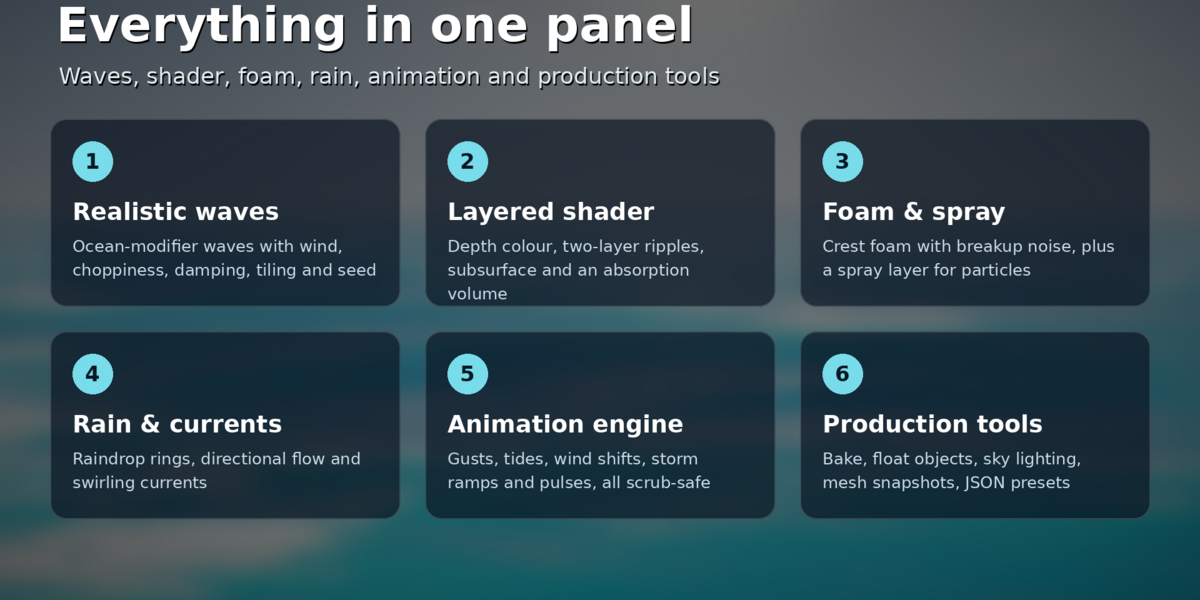
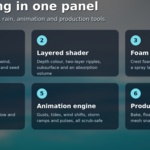
Yes. Every preset can be customized. Adjust the Waves, Surface, Animation Controls, Ripples & Rain, and Foam panels to get the appearance and movement you want.
How many water styles and animations are included?
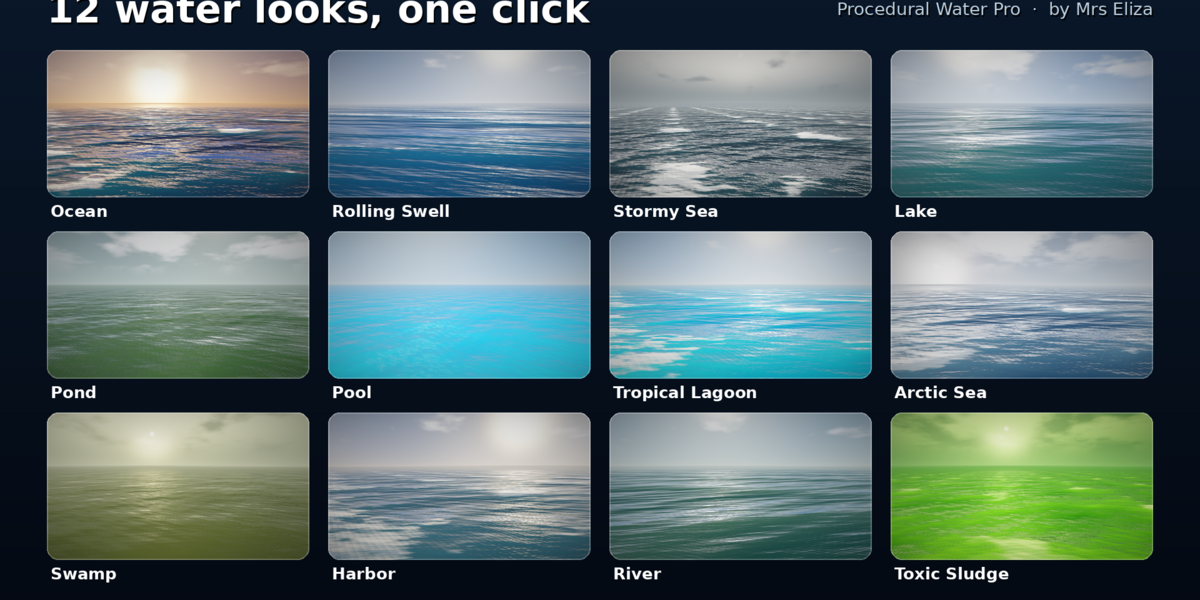
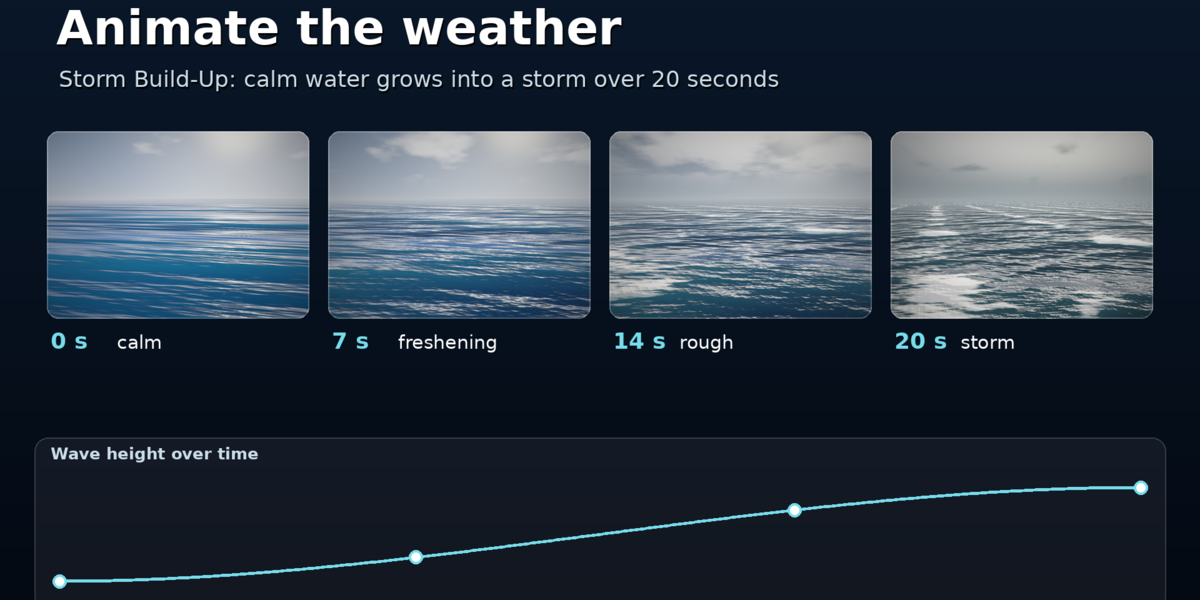
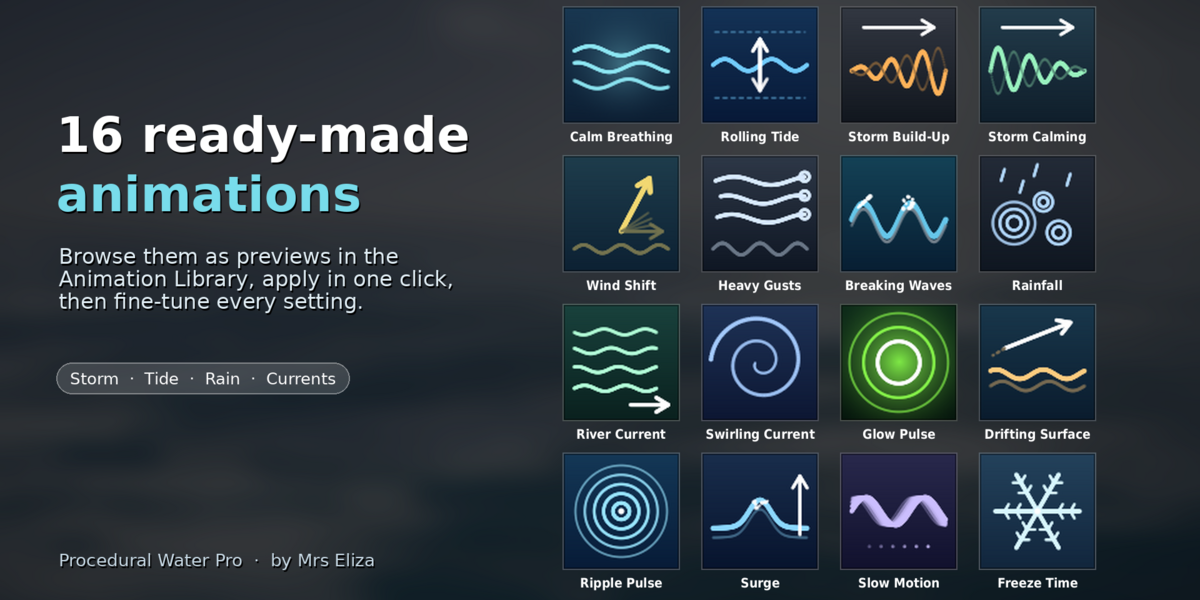
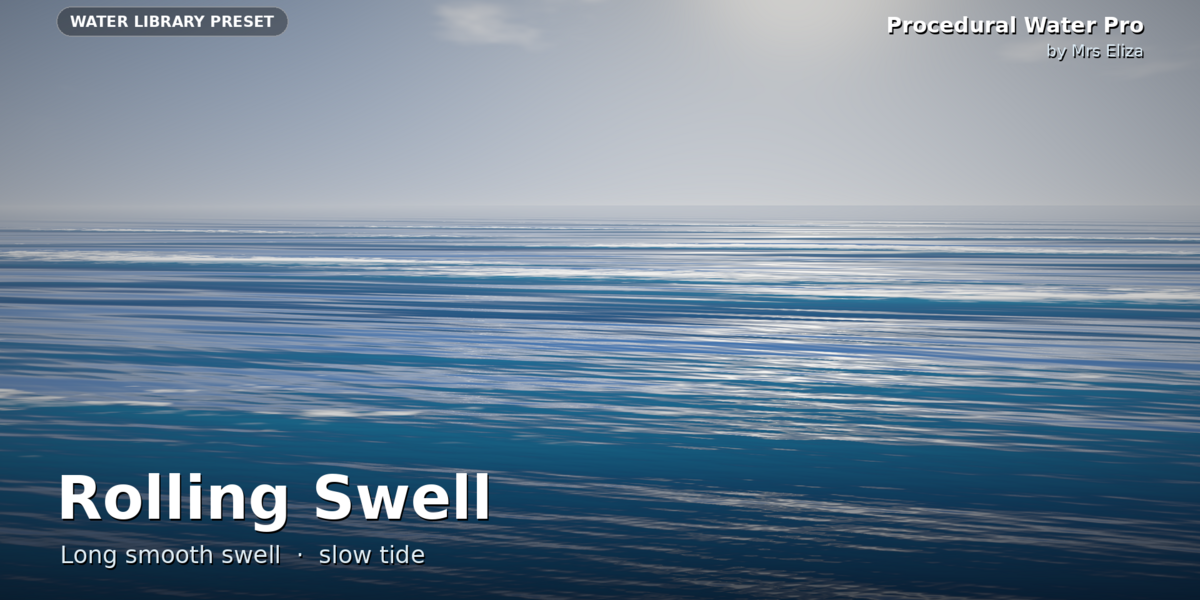
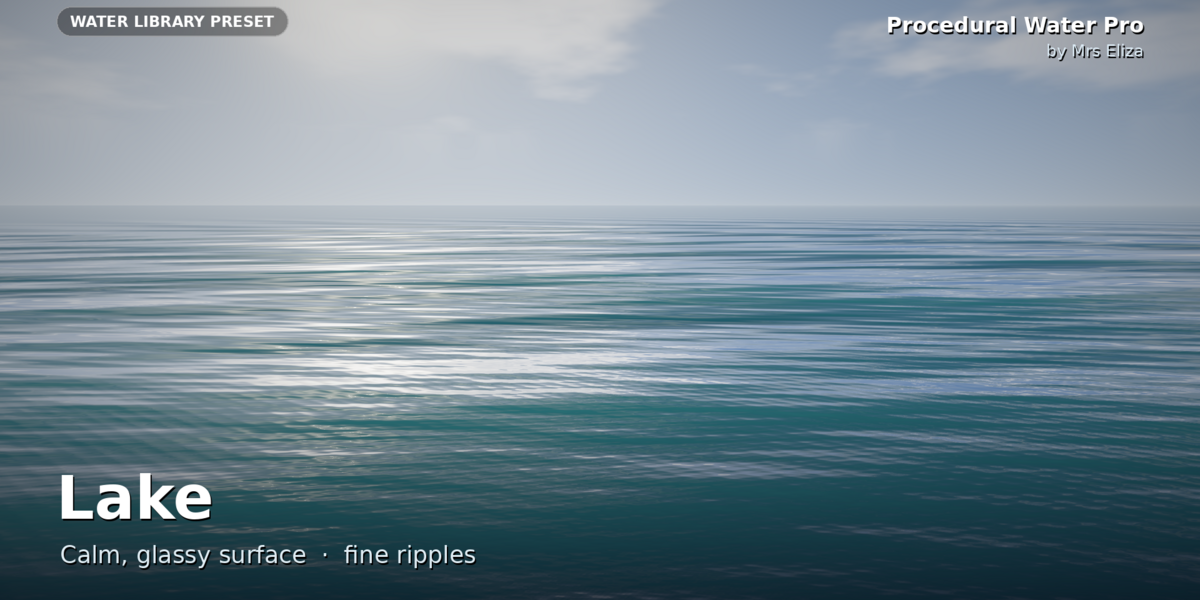
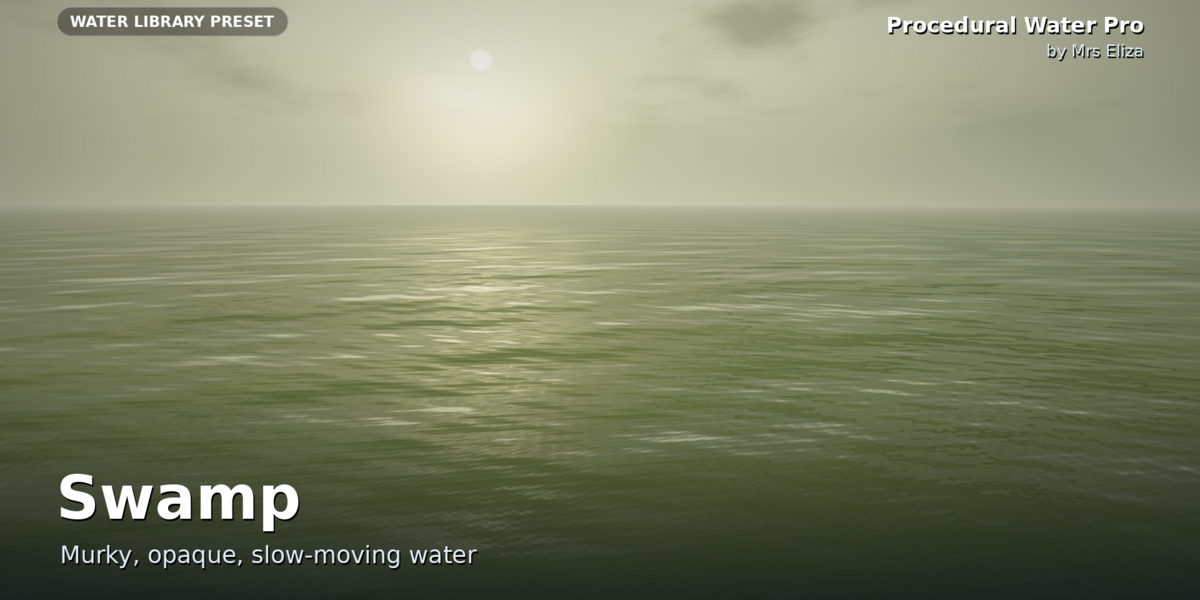
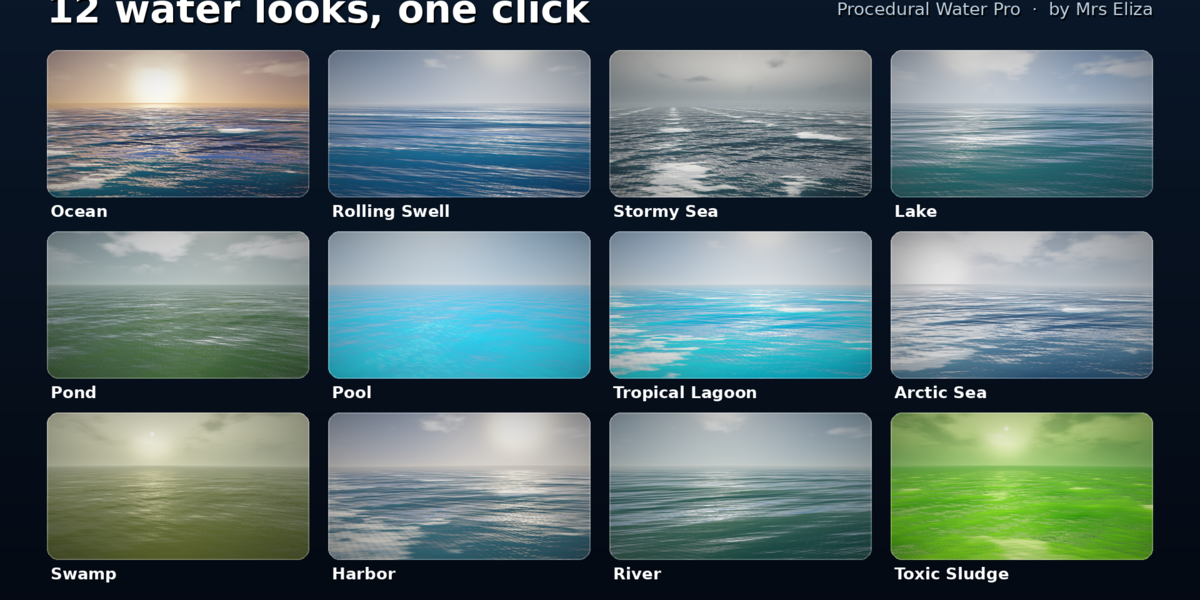
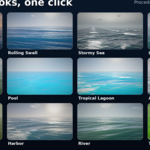
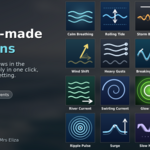
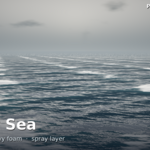
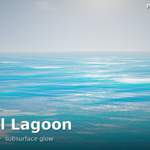
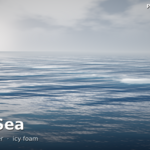
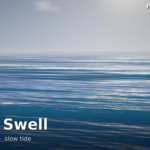
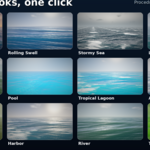
The add-on includes 12 water looks and 16 animation presets, covering different environments, weather conditions, currents, and special effects.
Have questions about this product?
Login to message
| Sales | 40+ |
| Published | almost 3 years ago |
| Blender Version | 3.5 - 5.0 |
| Extension Type | N/A |
| Render Engine Used | Eevee |
| Misc Data | Uvs-Unwrapped, Rigged, Animated, Low-High-Resolution, Normal-Mapped, Textured |
| License | GPL |
Discover more products like this
blender addon animated-water ocean modifier wave generator procedural-water Ocean Generator water presets foam shader blender water addon water shader procedural ocean Blender Water