 blenderustad


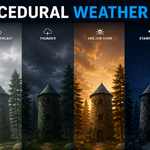
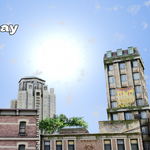
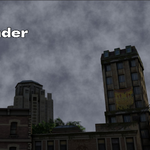
Stop hunting for the right HDRI. Build the sky yourself.
Every Blender artist knows the drill: you need a sky, so you go digging through an HDRI library, download a few gigabytes of files, drop one into the World shader, and then spend twenty minutes rotating it because the sun is in the wrong spot or the clouds don't match your scene's mood. And if you need a stylized, non-photoreal sky, most HDRIs don't work at all, because they're photos of a real sky.
Procedural Weather Pro replaces that whole process. It builds the sky, sun, moon, stars, clouds, and lightning directly as nodes inside Blender's World shader. There are no images involved. That means you get full color control (including stylized, non-realistic looks), no license restrictions on the sky itself, and a sky that adapts instantly to whatever direction and mood you need, because you're not stuck with the lighting baked into a photo.
How it works
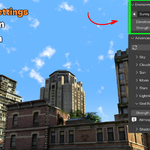
Open the 3D Viewport sidebar (press N) and go to the Weather Pro tab. Click Create Sky once, and the add-on builds the World shader network and two real Sun-type light objects (one for the sun, one for the moon) in your scene.
From there, the Environment panel is your everyday control:
- Pick one of 6 built-in presets, or step through them with the arrow buttons.
- Two master sliders, Elevation and Strength, control the whole scene. Elevation moves the sun in Day presets and the moon in Night presets. Strength scales the overall sky brightness.
- A Blend dial lets you cross-fade toward the next preset in the list, useful for in-between looks that aren't quite "Sunny Day" or "Golden Hour" but something in between.
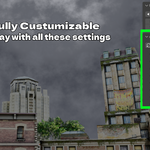
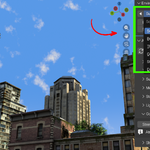
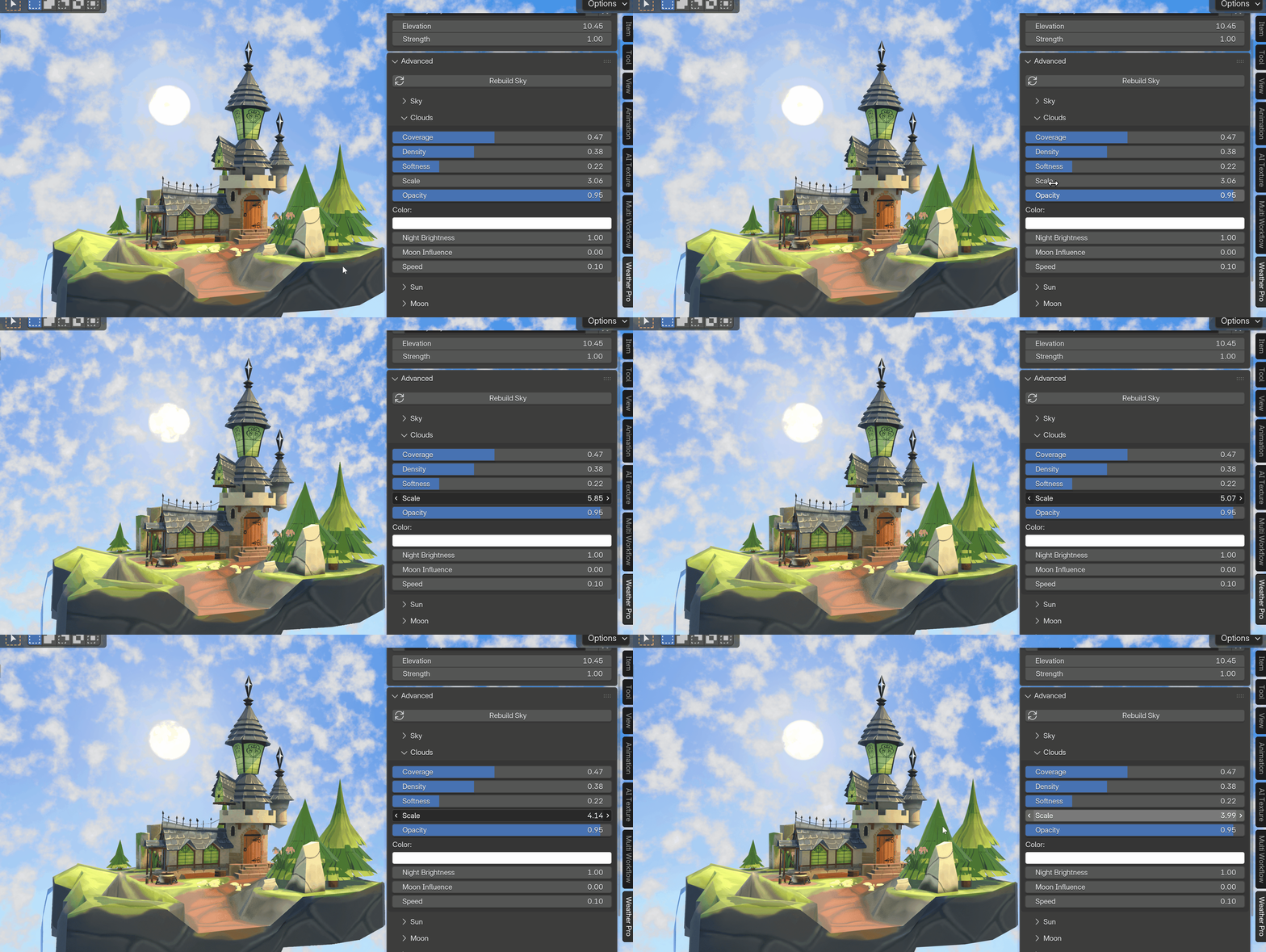
When you need more than a preset, open Advanced. It expands into eight focused sub-panels: Sky, Clouds, Sun, Moon, Stars, Lightning, God Rays, and Shadows, each with the exact sliders that system uses. Every change updates the viewport immediately, because the node network is built once and only the values are pushed on each edit, not the whole graph rebuilt.
Presets that cover the real range of moods you actually need
| Preset | What you get |
|---|---|
| Sunny Day | Bright blue sky, crisp white clouds, high strong sun |
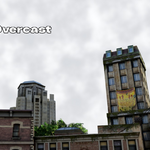
| Bright Overcast | Flat, even white-grey cloud cover |
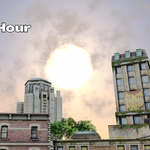
| Golden Hour | Warm low sun, golden horizon, backlit clouds |
| Thunder | Dark storm clouds with animated lightning strikes |
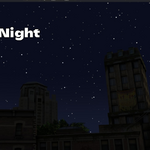
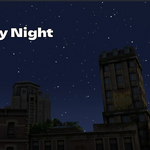
| Starry Night | Deep navy sky, cratered moon, twinkling stars |
| Dark Night | Near-black, minimal night sky |
Presets are plain JSON files sitting in the add-on's Presets folder. If you know the property names, you can duplicate one and tweak it to add your own, no coding required.
Built for animation, not just stills
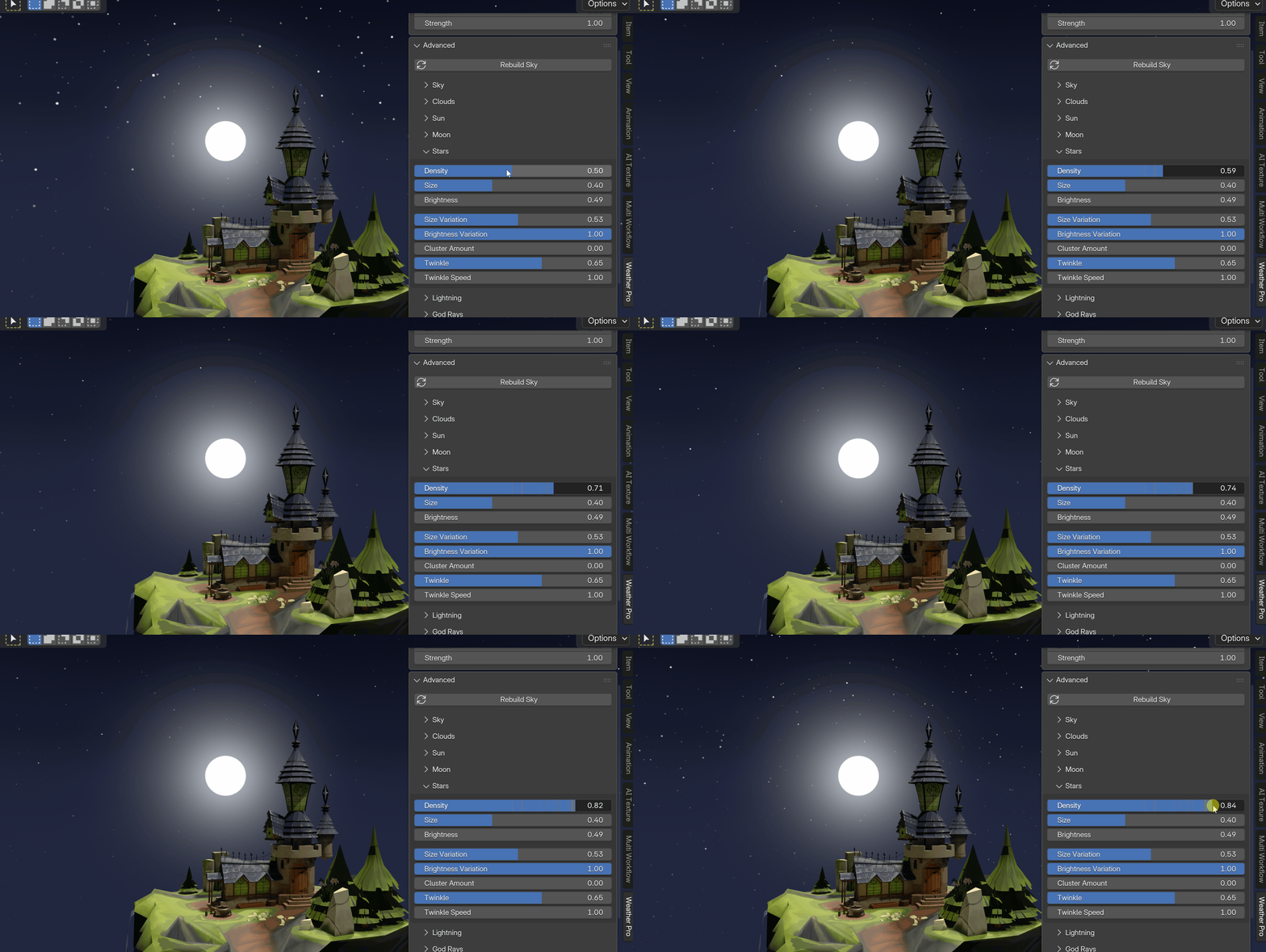
Cloud drift, star twinkle, and lightning strikes are frame-driven. That means once you set a drift speed or a twinkle amount, they animate on their own when you press Play or scrub the timeline, in both the viewport and the final render, with zero keyframes to manage. Every slider is also a normal Blender property, so if you want a specific timed transition (say, a sky that gets darker over 100 frames), you can still keyframe Elevation, Strength, or any other control by hand.
What's actually in the box
- A rich sky gradient (horizon, haze, zenith) with optional horizon glow and zenith darkening
- A procedural moon: a solid disc with craters, maria, and surface noise, fading from an off-white centre to a cool rim, with a soft two-lobe glow halo
- A procedural star field: one lightweight layer with size and brightness variation, occasional bright stars, natural clustering, and animated twinkle
- Clouds shaded by their own density and tinted by the sun (and, at night, the moon), with real opacity and drift speed control
- Thunderstorm lightning with a full glow-to-bolt-to-afterglow flash, repeatable jagged bolt streaks, multi-strike re-flashing, and a whole-sky flash-darken option
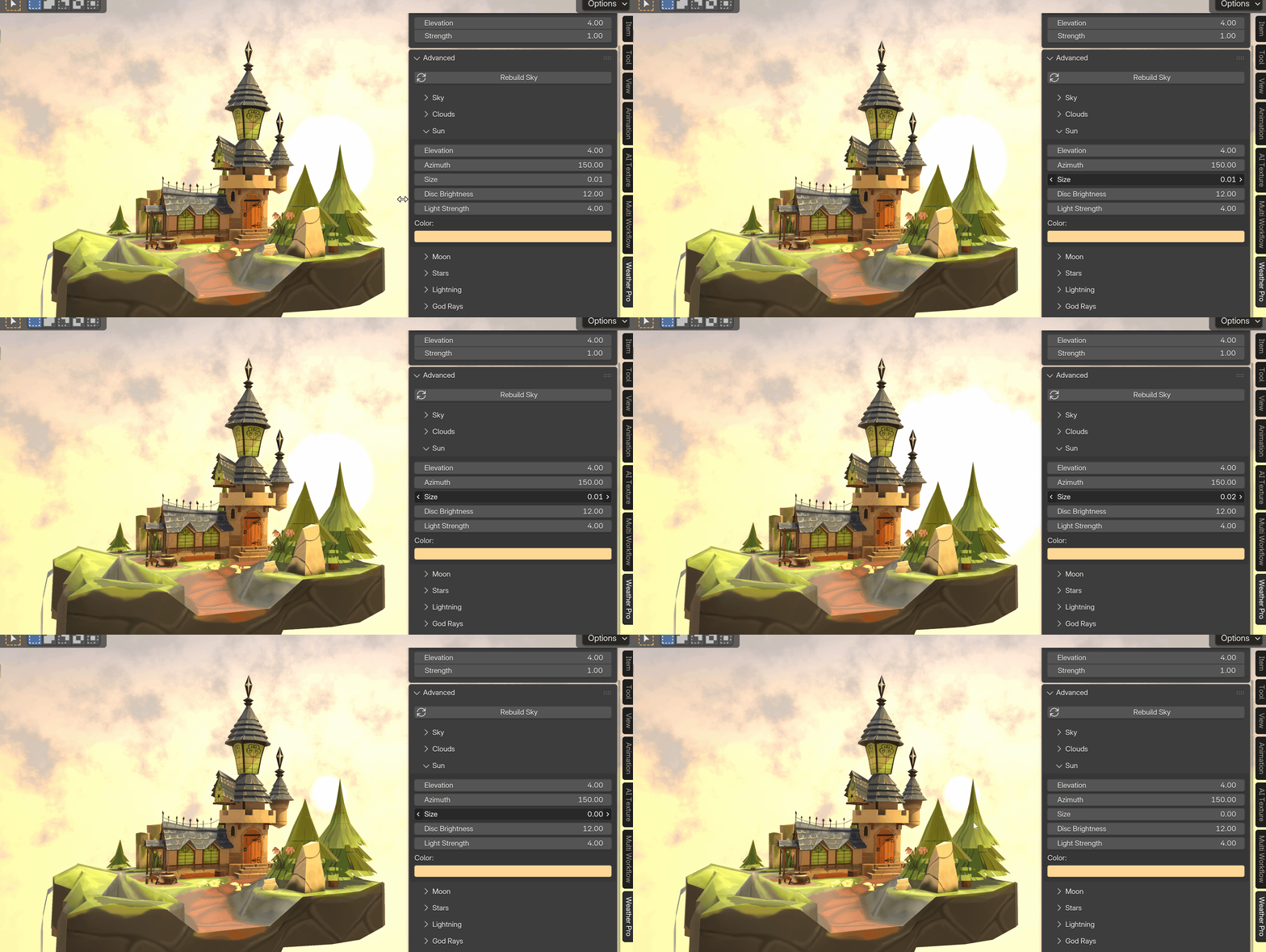
- A sun disc with glow, an optional God Rays effect (an atmospheric light-shaft look built for Cycles renders), and shadow softness/cast controls that apply to both the sun and moon lights
Key Features and Benefits
| Feature | Benefit |
|---|---|
| 6 one-click scene presets | Get a finished, good-looking sky before you've even opened a node editor |
| Master Elevation + Strength sliders | Adjust the whole mood of a scene with two sliders instead of hunting through dozens of nodes |
| Preset Blend dial | Land on a look between two presets instead of being stuck with only the exact 6 |
| Fully procedural, no image textures | No HDRI downloads, no file management, no texture licensing to check |
| Advanced panel with 8 sub-systems | Push past the presets and fine-tune sky, clouds, sun, moon, stars, lightning, god rays, and shadows individually |
| Procedural cratered moon | A believable night sky without needing a moon texture or reference photo |
| Animated stars, clouds, and lightning | Drifting clouds, twinkling stars, and storm flashes play back automatically, no manual keyframing |
| Thunderstorm lightning system | Add a full storm with re-strikes and jagged bolts using sliders, not compositing tricks |
| Real Sun-type lights for sun and moon | Scene lighting and shadows match what you see in the sky, because they're the same light |
| JSON-based presets | Save and share your own studio presets without touching Python |
| No file/network permissions required | Safe to install on locked-down or studio machines |
Workflow Benefits
Before: find an HDRI, download it, load it into the World shader, rotate it to match your camera, discover the lighting doesn't match your scene's mood, go find another HDRI, repeat.
After: click Create Sky, pick a preset, nudge Elevation and Strength. You're lighting your scene in under a minute.
Before: want lightning in a shot? Composite flashes in post, or animate emission strength by hand across dozens of frames.
After: raise the Lightning slider and press Play. The strikes, bolts, and afterglow are already handled.
Before: need a stylized, non-photoreal sky for a cartoon or motion graphics piece? Real HDRIs won't get you there, so you build a gradient world shader from scratch.
After: every color in the sky (horizon, zenith, clouds, sun, moon) is a color swatch you can pick directly, so stylized looks are just as easy as realistic ones.
Before: tweak a sky, wait for the node network to recompute, tweak again.
After: the shader graph is built once. Every slider change just pushes new values into it, so the viewport updates immediately.
Use Cases
- Archviz exteriors: drop in Golden Hour or Sunny Day behind a building render without hunting for a matching HDRI angle.
- Game cinematics and trailers: add a storm sequence with animated lightning without hand-keying flash timing.
- Short films and animation: get a night sky with moon and twinkling stars that holds up across a full animated shot, not just a still frame.
- Motion graphics and stylized renders: use flat, controllable sky colors instead of fighting realistic HDRI lighting to get a non-photoreal look.
- Concept art and environment studies: cycle through 6 moods in seconds to find the lighting that sells a scene before committing to a final render.
- Tutorials and YouTube content: show viewers a fast, node-free way to build a sky instead of a 20-minute HDRI setup segment.
- Product and hero shots that need an outdoor backdrop: get a clean, matching sky and sun direction without a stock photo behind the subject.
