 Lanneq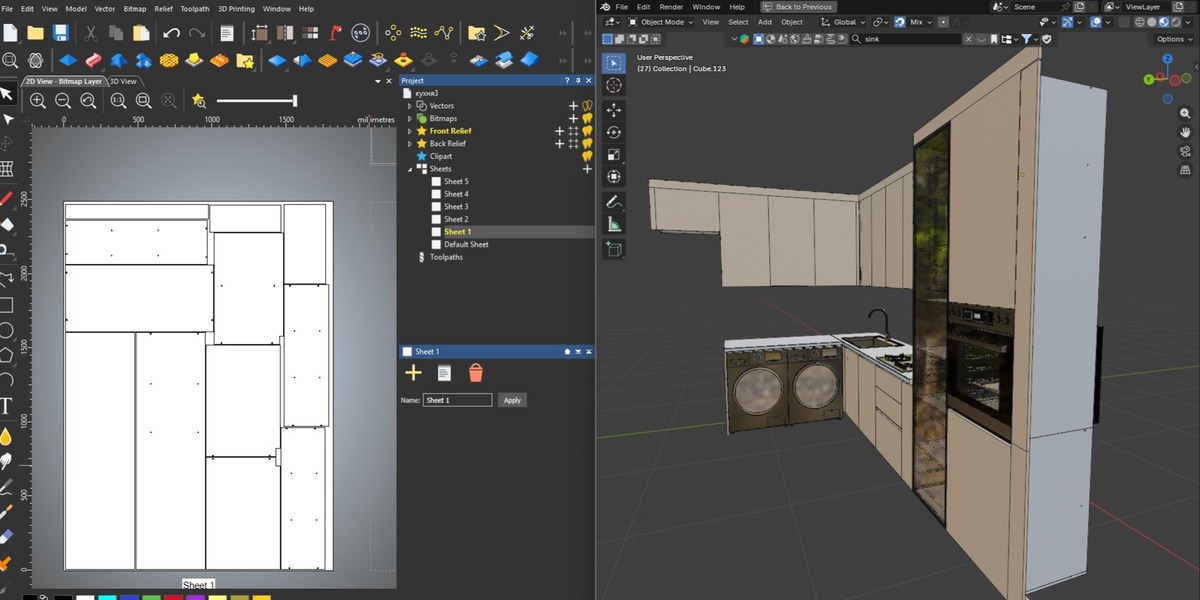



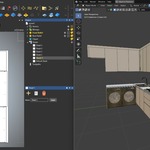
ProCutter CNC — Design Furniture in Blender. Cut It the Same Day.
Stop losing hours to file prep. Design a piece in Blender, hit export, and walk away with CNC-ready cutting files — nested, spaced, and sorted by material.
That's it. That's the product. Everything below just explains how.
The Real Problem This Solves
You don't get paid for arranging shapes on a virtual sheet. You get paid for finished furniture.
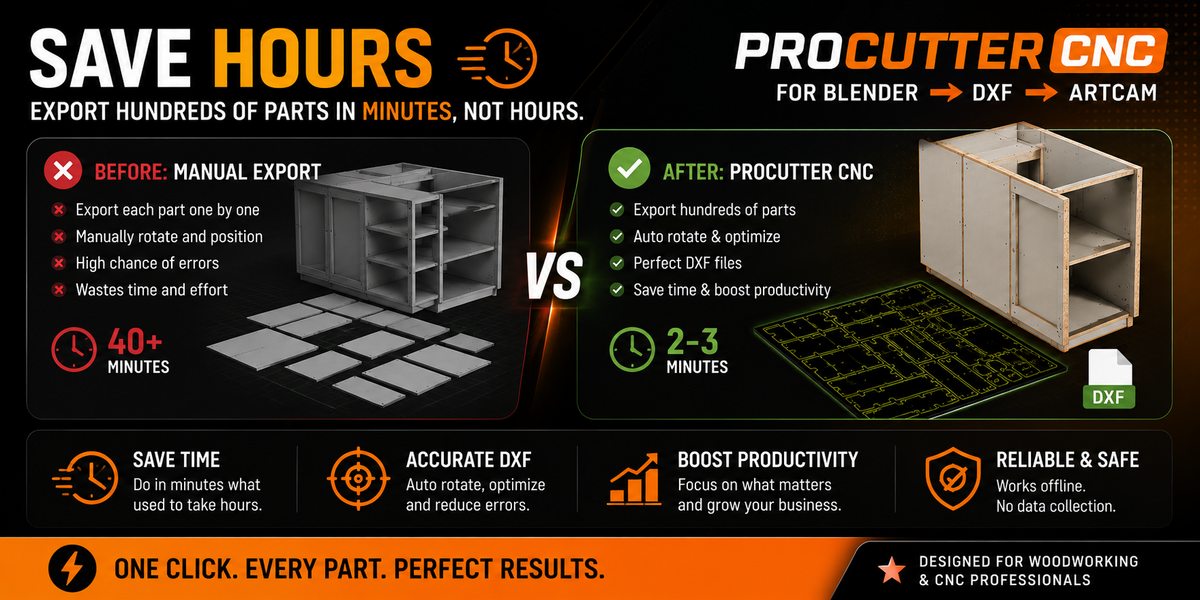
But every design still has to go through the same bottleneck: export the outline, open a CAD program, manually nest the parts, manually space them for your bit width, manually separate the pieces by material or color, check for overlaps, export, repeat for every sheet.
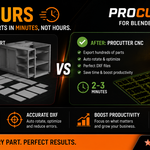
That's 20–40 minutes of unpaid prep — per project, every time.
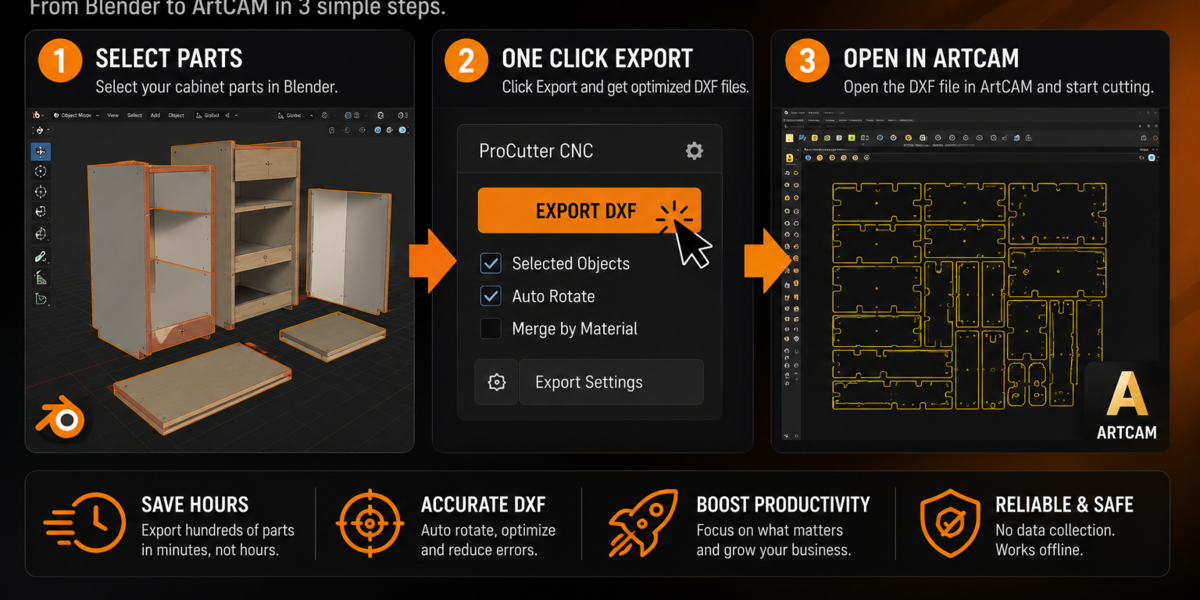
ProCutter CNC removes that step entirely. Select your parts in Blender, click Export, and get files your CNC is ready to cut. Same day, same session, no CAD detour.
What Changes for You
-
More projects per week. The time you used to spend nesting and prepping files goes back into designing — or into your next order.
-
Fewer ruined sheets. Automatic tool-thickness compensation means parts are always spaced correctly for your bit — no more losing material to a cut that ran into the neighboring piece.
-
No manual sorting. Designed a piece with three different panel materials? One click and you get three separate, correctly nested files — no re-selecting objects, no relabeling by hand.
-
One workflow, start to finish. Design → select → export → cut. No exporting to a CAD tool just to lay parts out.
How It Works
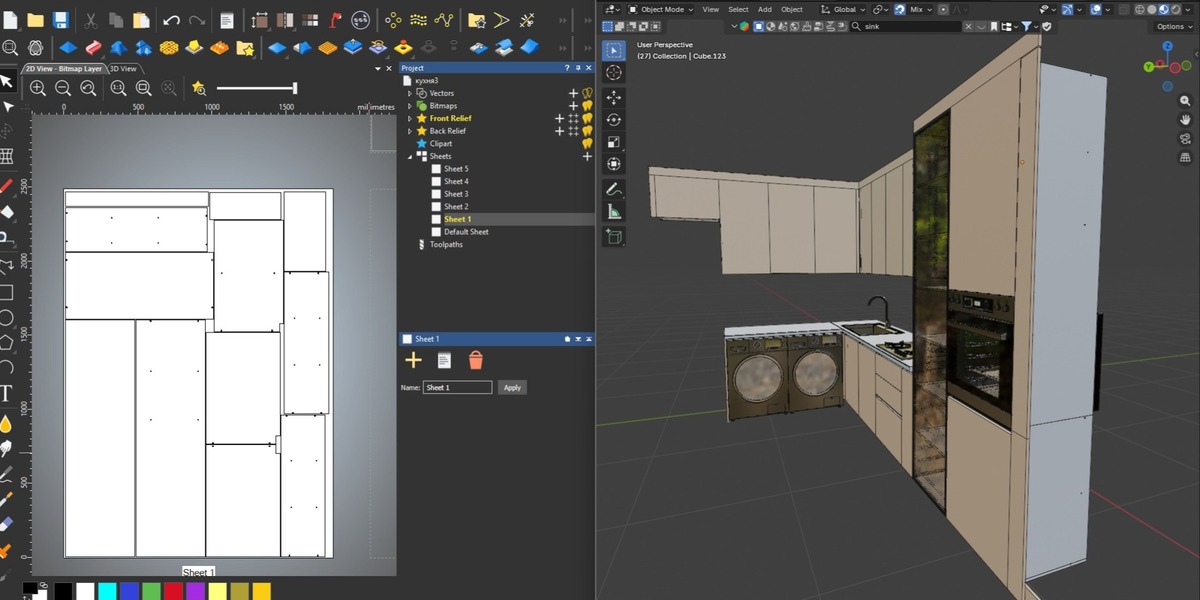
- Model your furniture piece (or any flat-pack part) in Blender.
- Select the objects you want cut.
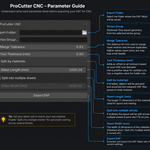
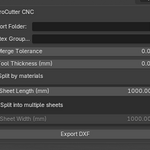
- Set your sheet size and your tool's thickness once.
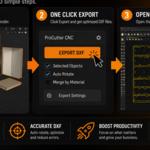
- Click Export DXF.
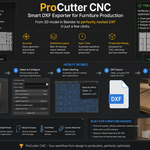
ProCutter CNC automatically nests every part for minimum material waste, adds spacing for your exact bit width, splits output by material if needed, and cleans up the geometry — all in one pass.
Built-In Features
- ✅ Automatic nesting (Best-Fit Decreasing Height packing)
- ✅ Kerf / tool-thickness compensation
- ✅ Split export by material — one clean file per color/material
- ✅ Multi-sheet export with custom sheet dimensions
- ✅ Adjustable spacing between parts
- ✅ Automatic DXF cleanup (removes duplicate geometry)
- ✅ Per-part named layers
- ✅ Supports object hierarchies and vertex-group-restricted export
- ✅ Compatible with ArtCAM, Aspire, VCarve, Fusion 360, and more
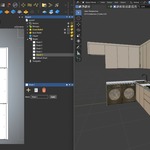
- ✅ One simple panel in the Blender sidebar — no extra software
If you make furniture, panels, or flat-pack parts, this is the addon that turns your Blender file into a cutting-floor-ready file — without the extra hour of prep in between.
