 Lanneq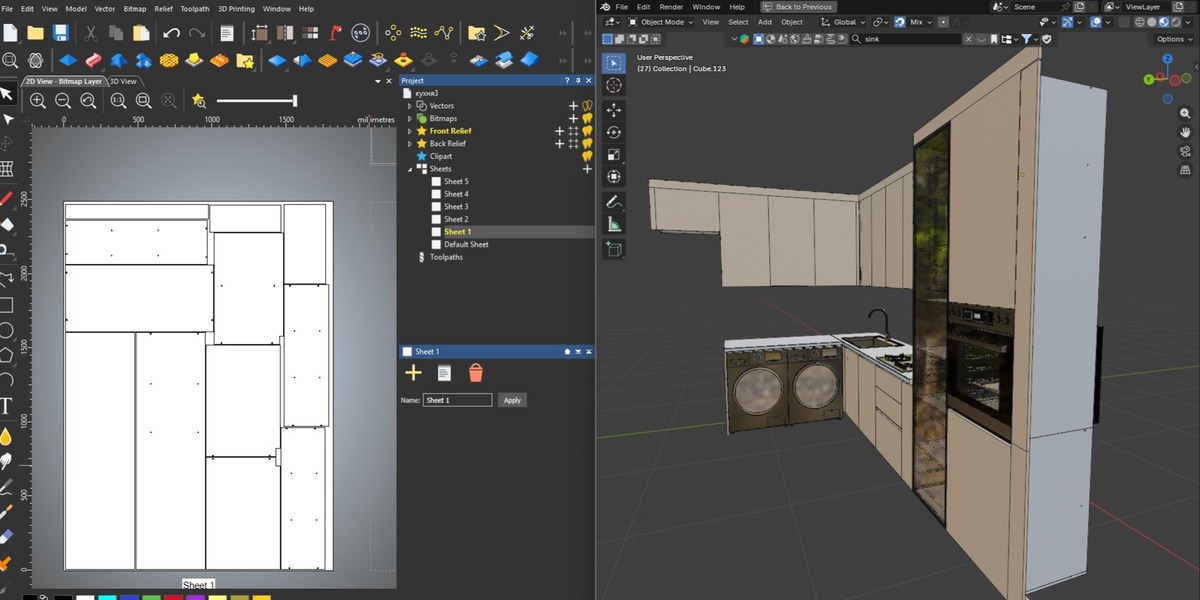



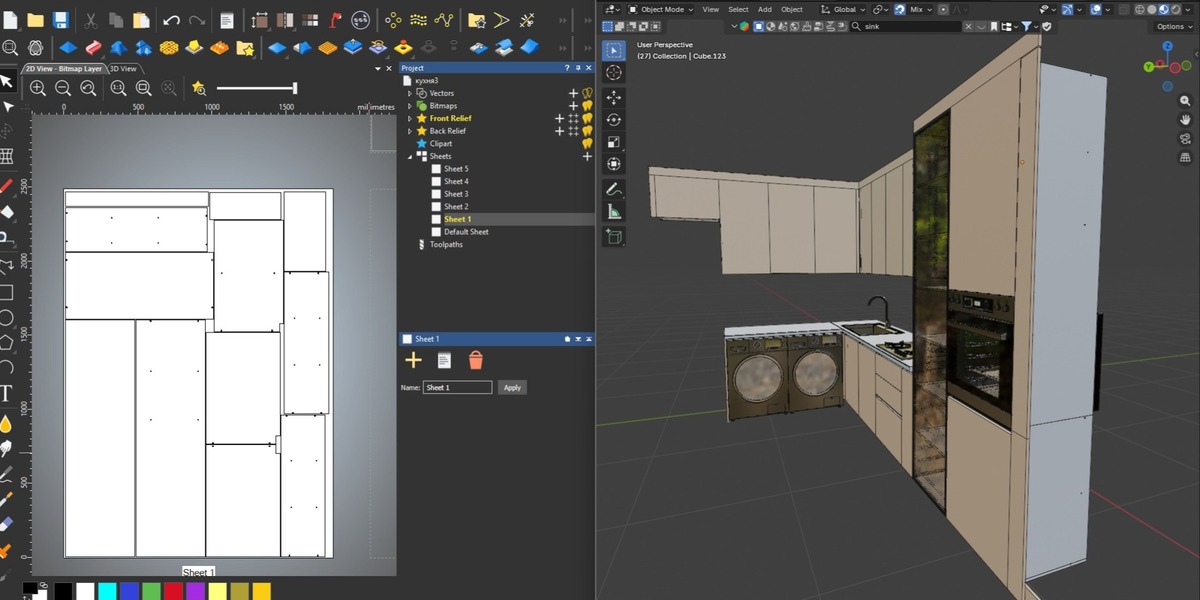

Will the exported DXF have messy or duplicate geometry?
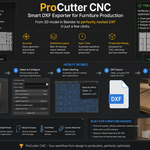
No. Every export runs through an automatic cleanup pass that merges duplicate/overlapping lines within your set tolerance, producing clean geometry for CAM software.
What Blender version is required?
ProCutter CNC requires Blender 5.1 or newer.
Does it support objects with child objects (hierarchies)?
Yes. When you select a parent object, its children are automatically included in the export.
Can I export only part of an object (like a specific outline) instead of the whole mesh?
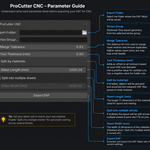
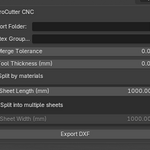
Yes, you can restrict export to a specific vertex group using the "Vertex Group (Optional)" field.
What happens if my parts don't fit on one sheet?
Enable "Split into multiple sheets" and set your sheet dimensions — the addon will automatically distribute parts across as many sheets as needed, each saved as a separate DXF file.
What is the "Tool Thickness" setting for?
It compensates for the width of your cutting tool (kerf) by adding extra spacing between parts during nesting, so the tool path doesn't overlap or cut into neighboring parts.
Can I export parts made from different materials into separate files automatically?
Yes. Enable the "Split by materials" option and the addon will create one DXF file per material, including a separate file for objects with no material assigned.
Do I need to manually arrange my parts before exporting?
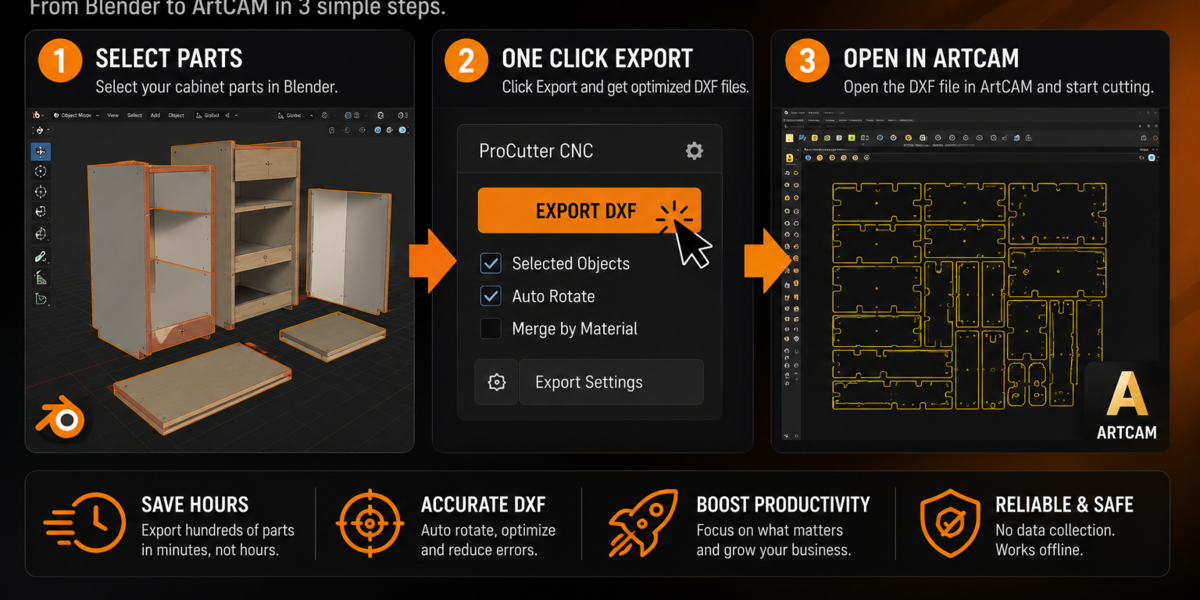
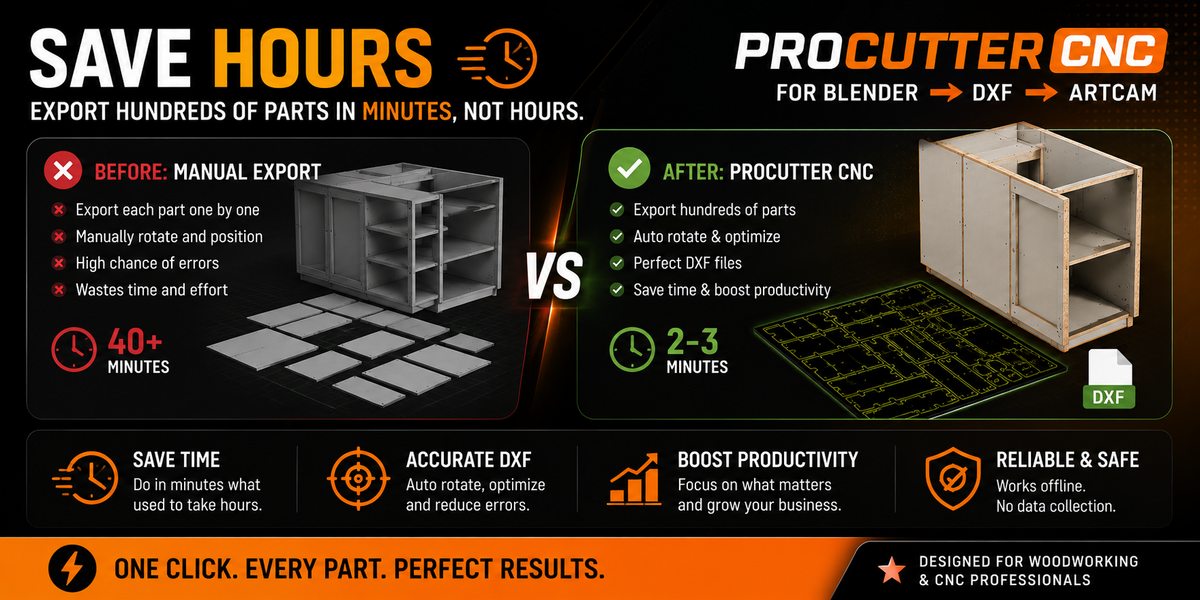
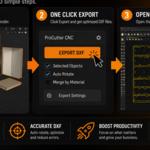
No. ProCutter CNC automatically nests all selected parts onto your defined sheet size using an efficient packing algorithm.
What file format does ProCutter CNC export?
It exports DXF (R2000) files, compatible with virtually all CAM software including ArtCAM, Aspire, VCarve, Fusion 360, and more.
$5
Have questions about this product?
Login to message
| Published | 3 months ago |
| Blender Version | 4.4 - 5.2 |
| Extension Type | N/A |
| Render Engine Used | Blender-Internal, Cycles, Eevee |
| License | Mit |

Discover more products like this
nesting dxf addon cutting aspire cncmachine vcarve woodworking laser artcam mdf procutter CNC linuxcnc solidcam furniture sheet layout solid manufacturing fusuion360 layout 2026 wood DXF export