 Cgi Lab
What do I get?
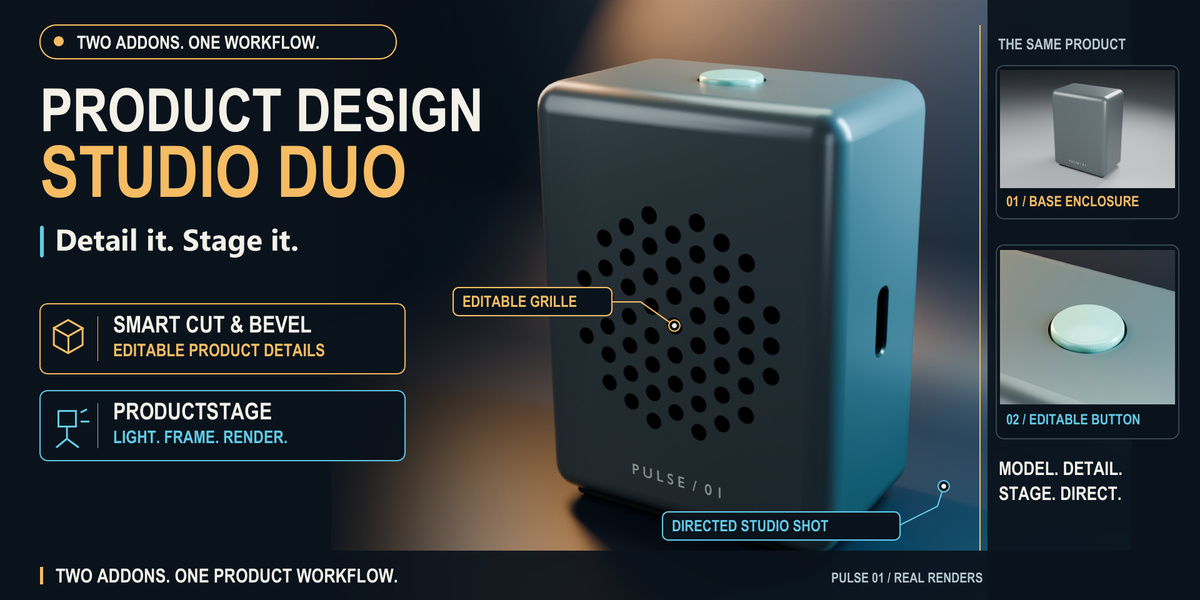
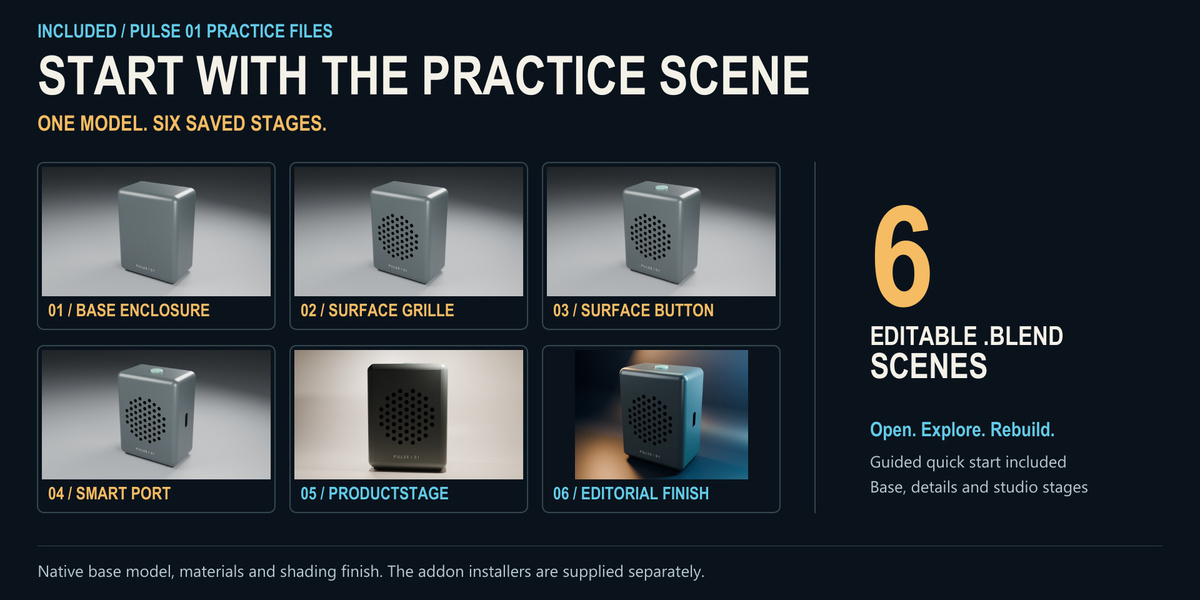
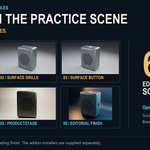
Smart Cut & Bevel 1.5.1, ProductStage 0.1.2, six editable PULSE 01 scene checkpoints, a guided quickstart and a 45-second visual overview. The two original addon installers remain separate so you can install and manage each normally.
Do the addons generate the complete speaker automatically?
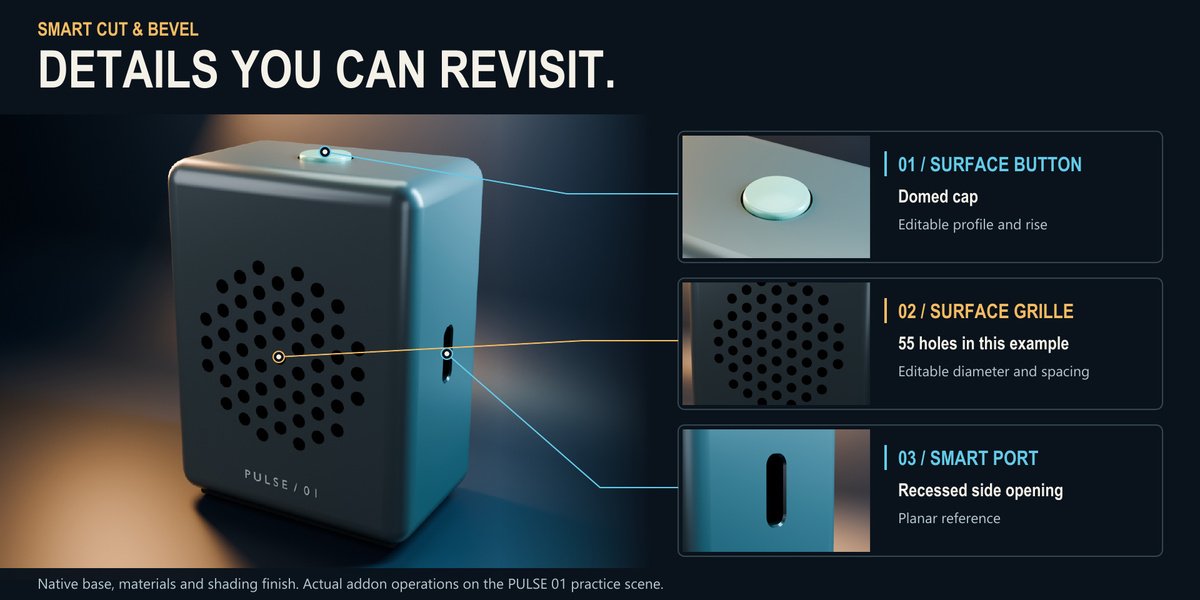
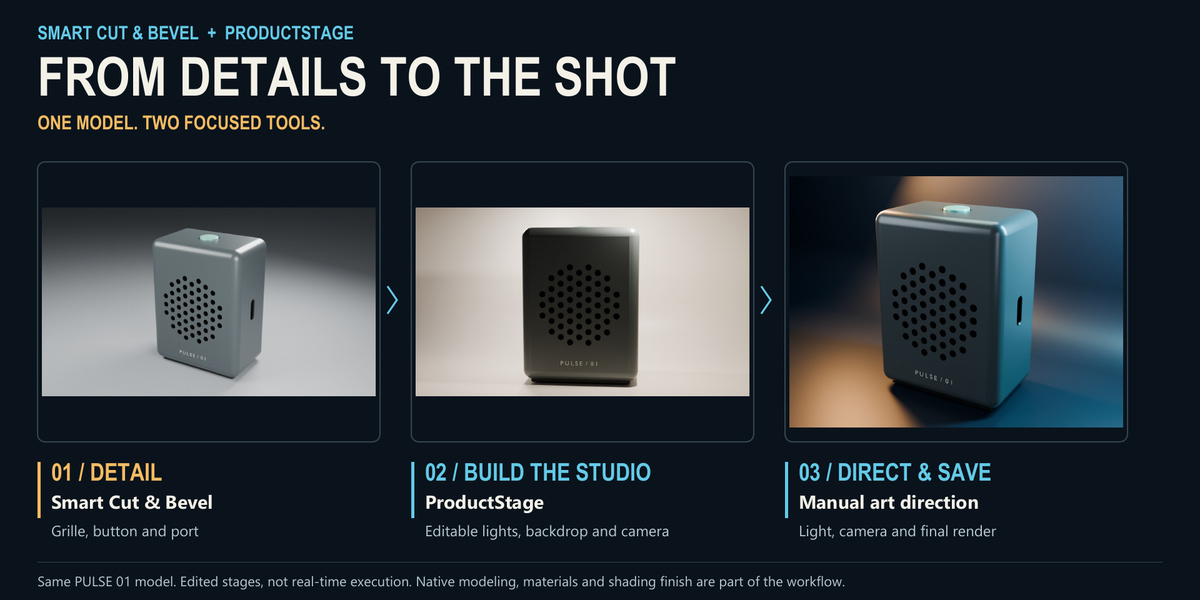
The base enclosure, lettering and materials were prepared with native Blender tools. Smart Cut & Bevel created the grille, button and port. ProductStage built the first studio. The final editorial scene adds manual lighting, camera and backdrop refinements. All six checkpoints are included so you can inspect those decisions.
What version of Blender should I use?
Use Blender 5.2.1 LTS on Windows for the tested bundle workflow. The practice renders used Cycles CPU. Other versions, operating systems and GPU configurations were not validated for this bundle.
Can I use my own models?
Yes. Start from your own product and materials. Smart Cut & Bevel operations have surface requirements: for example, planar references for ports and supported convex patches for Surface Grille. Select the visible product parts before building a ProductStage studio. Review the included component manuals for each tool.
Can I edit the details after building the studio?
The PULSE studio keeps the Smart Cut & Bevel cutters, reference objects and modifiers. Reopen the dedicated detail editors to change parameters. Save a copy first, preserve the dependencies, and review shading and framing after each substantial change.
Why are there two studio checkpoints?
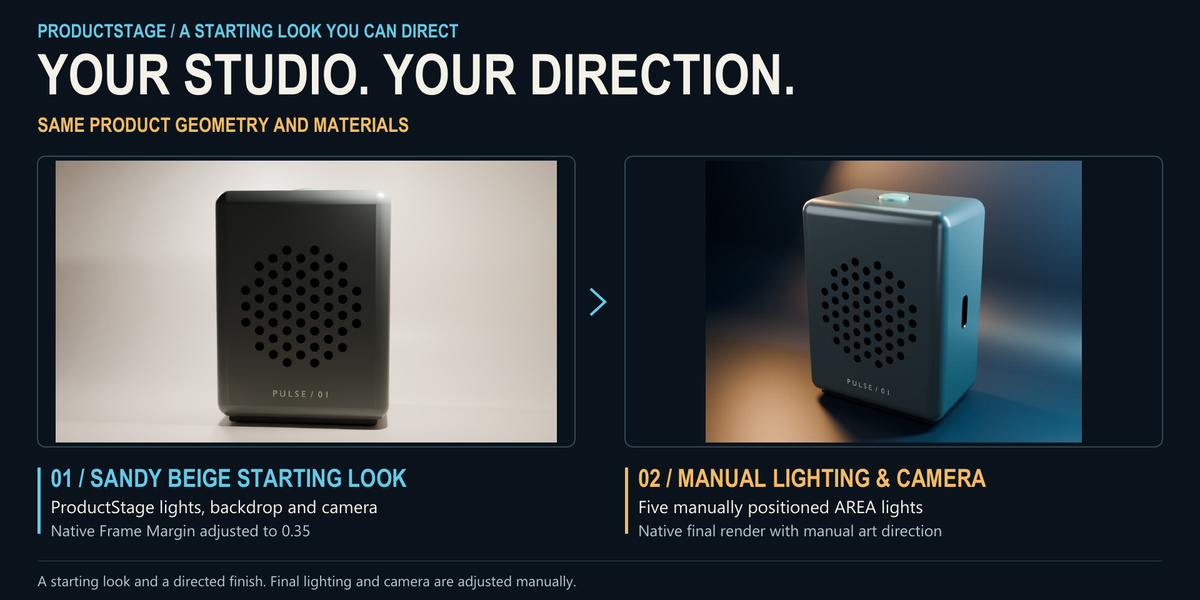
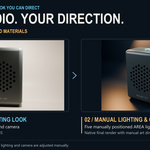
Checkpoint 05 follows the ProductStage workflow, with Sandy Beige lights and a manually directed camera. Checkpoint 06 studies a manual editorial finish: five new area lights, a dark cyclorama and a directed camera, with the three original preset lights hidden. Those new lights use normal Blender properties rather than ProductStage preset sliders. Its demonstration renders used Blender native rendering.
Is the 45-second overview a real-time tutorial?
It is an edited visual sequence made from the actual rendered stages. It is not a recording of live modeling clicks or a render-speed benchmark. Use the written quickstart and the six scene checkpoints to follow the workflow at your own pace.
Is PULSE ready for manufacturing or 3D printing?
PULSE is a visual product concept. The recess and control dimensions are artistic choices, not certified connector geometry, fabrication tolerances or acoustic specifications.
May I use the practice assets commercially?
The original PULSE practice assets and bundle learning media use the Superhive Standard Royalty Free License, which permits personal, educational and commercial uses subject to its restrictions. Consult the included license notes and https://support.superhivemarket.com/article/49-standard-royalty-free-license. The two addon installers and source code retain their included GPL licenses.
Are the models from the individual addon galleries included?
This bundle supplies the new PULSE 01 practice project. The other individual product gallery examples, such as ASTER or ORVA, are not part of the bundle download.
How do I get help?
Message JuanBautista through the Superhive inbox with your Blender and addon versions, operating system and steps to reproduce the issue. Smart Cut & Bevel retains the support and update terms documented on its individual product page. No separate lifetime support promise is added by this bundle.
I already own one addon. Does the bundle apply an automatic credit?
No automatic existing-owner credit is advertised for this bundle. Compare the bundle with the current price of the component you are missing before purchasing.
Have questions about this product?
Login to message
| Blender Extension Compatible | Yes |
| Published | about 14 hours ago |
| Blender Version | 5.2 |
| Extension Type | Add-on |
| Render Engine Used | Cycles |
| License | GPL |
Discover more products like this
product-visualization hard surface Studio Lighting productstage product Design modeling bundle smart cut