 StudioFlyMonkey_


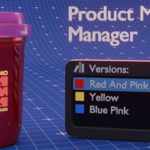
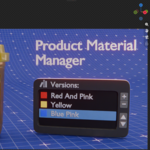
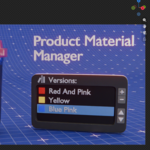
| Blender 5.0+ · Product visualisation One scene. Capture each packaging variant as a material version, switch the whole pack with one click, and render the entire range in a single pass. |
Almost nothing ships on its own. Ice cream comes in twelve flavours, and every one of them has its own packaging — different label artwork, different lid colour, different foil on the seal. The tub is the same tub. The lighting is the same lighting. The camera hasn't moved. Only the materials change.
| So you end up doing one of two things, and both cost you a day: ✕ Duplicating the scene for every SKU, until one lighting tweak means redoing it twelve times. ✕ Swapping materials by hand across body, lid, label and seal for every flavour — and hoping you didn't leave the strawberry label on the pistachio lid. |
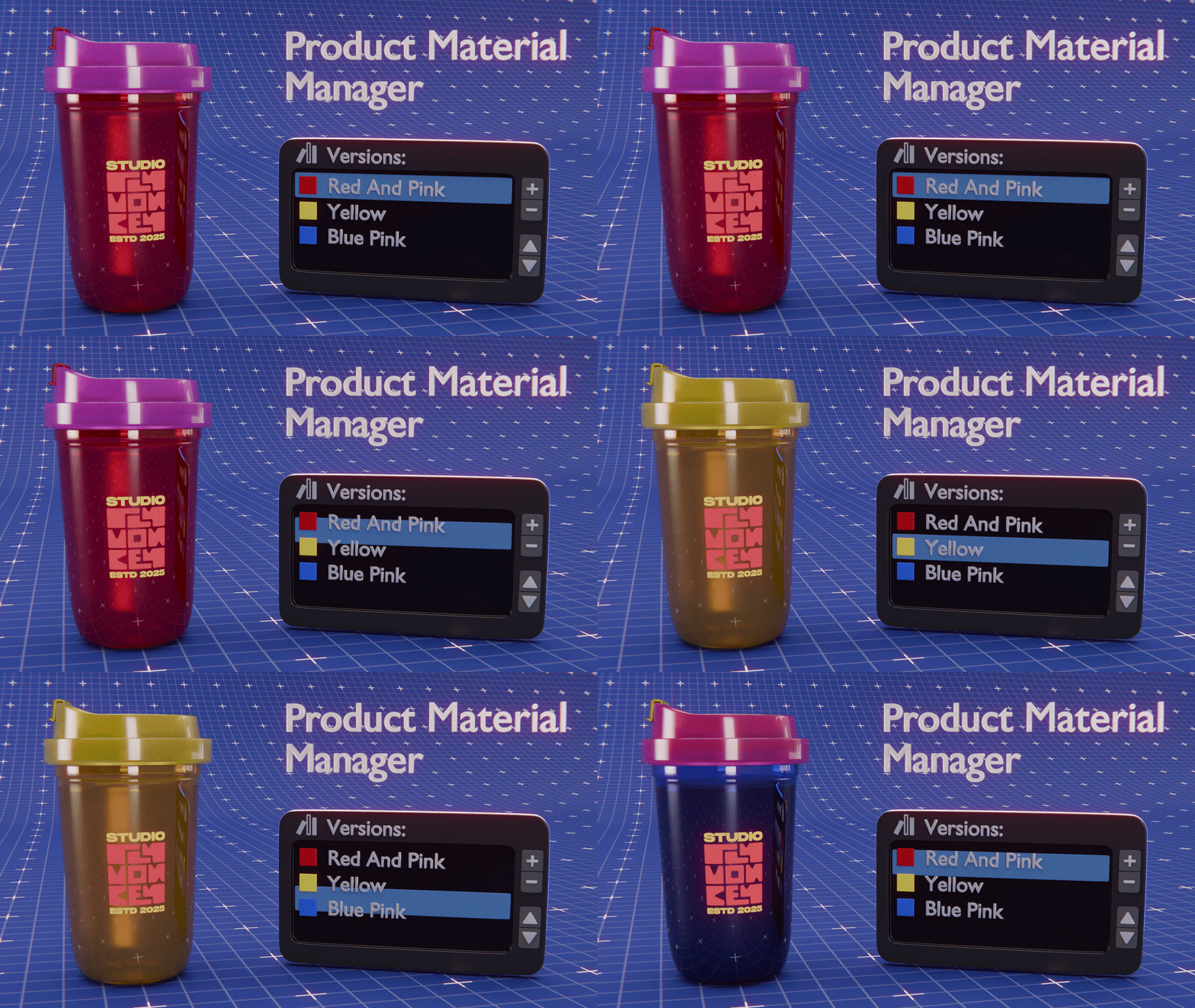
One click changes every material
Group the objects that make up your packaging into a product. Save each look as a version. Click a version and every tracked material slot — body, lid, label, seal, spoon — snaps into place together.
Set the scene up once. The entire range then lives in one file as a grid of thumbnails.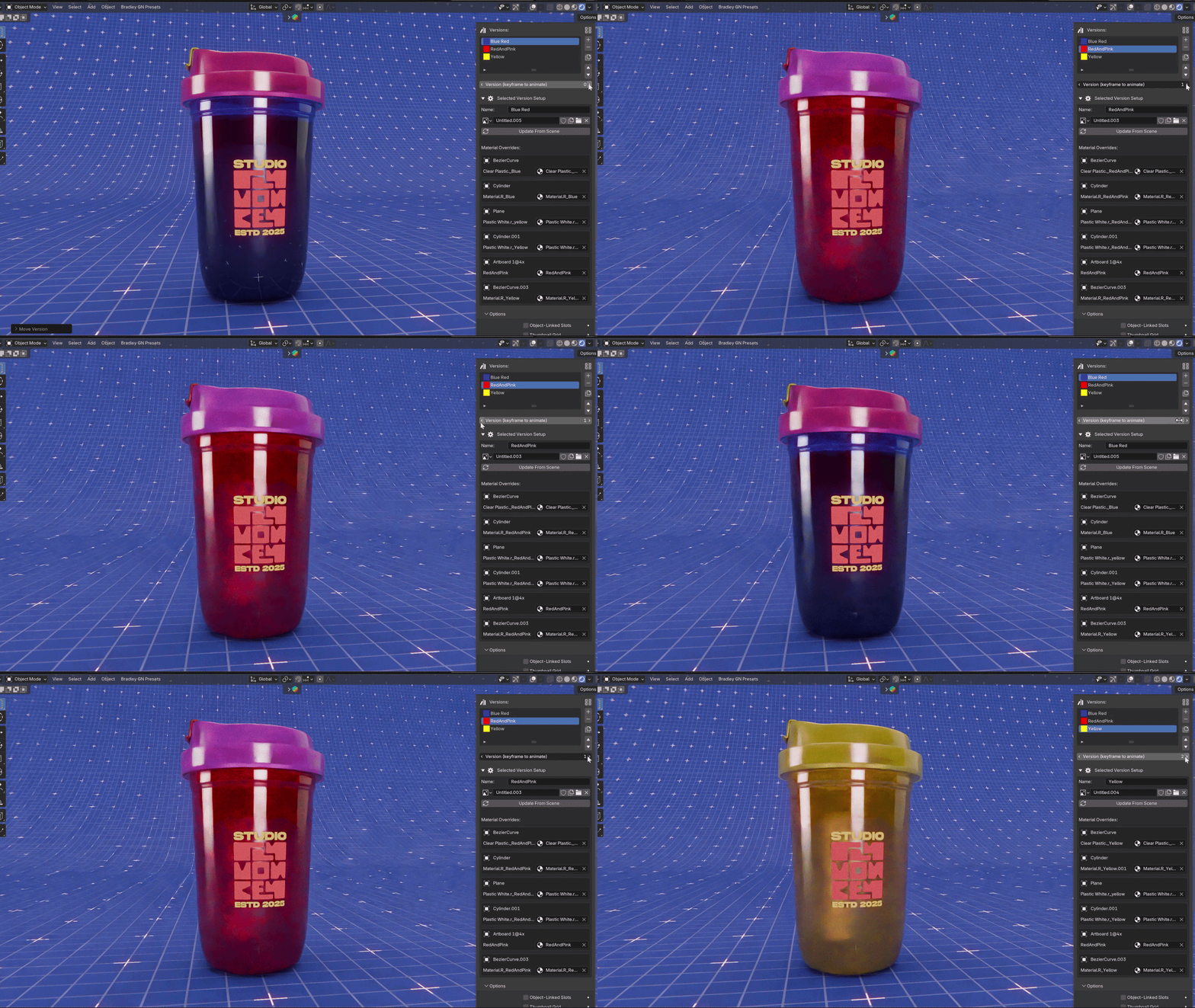
| The part that saves the day Render the whole range in one pass The version selector is an ordinary Blender property — so you can keyframe it. Put flavour 1 on frame 1, flavour 2 on frame 2, set the interpolation to Constant, and render the frame range. One finished packshot per SKU, out of a single render job. Twelve flavours becomes twelve frames instead of twelve files — and when the client wants the camera two degrees lower, you move it once. The same trick works as motion: keyframe the versions across a turntable and the packaging changes as the product spins. |
How it works
| 01 | Add your pack to a product Select the mesh objects that make up the packaging and press Add Selected. Every material slot on each of them is now tracked — however many parts your pack has. |
| 02 | Capture the current look as a version Set up your first flavour the way you normally would, then press +. The state of every slot is saved. Name it "Strawberry" and move on. |
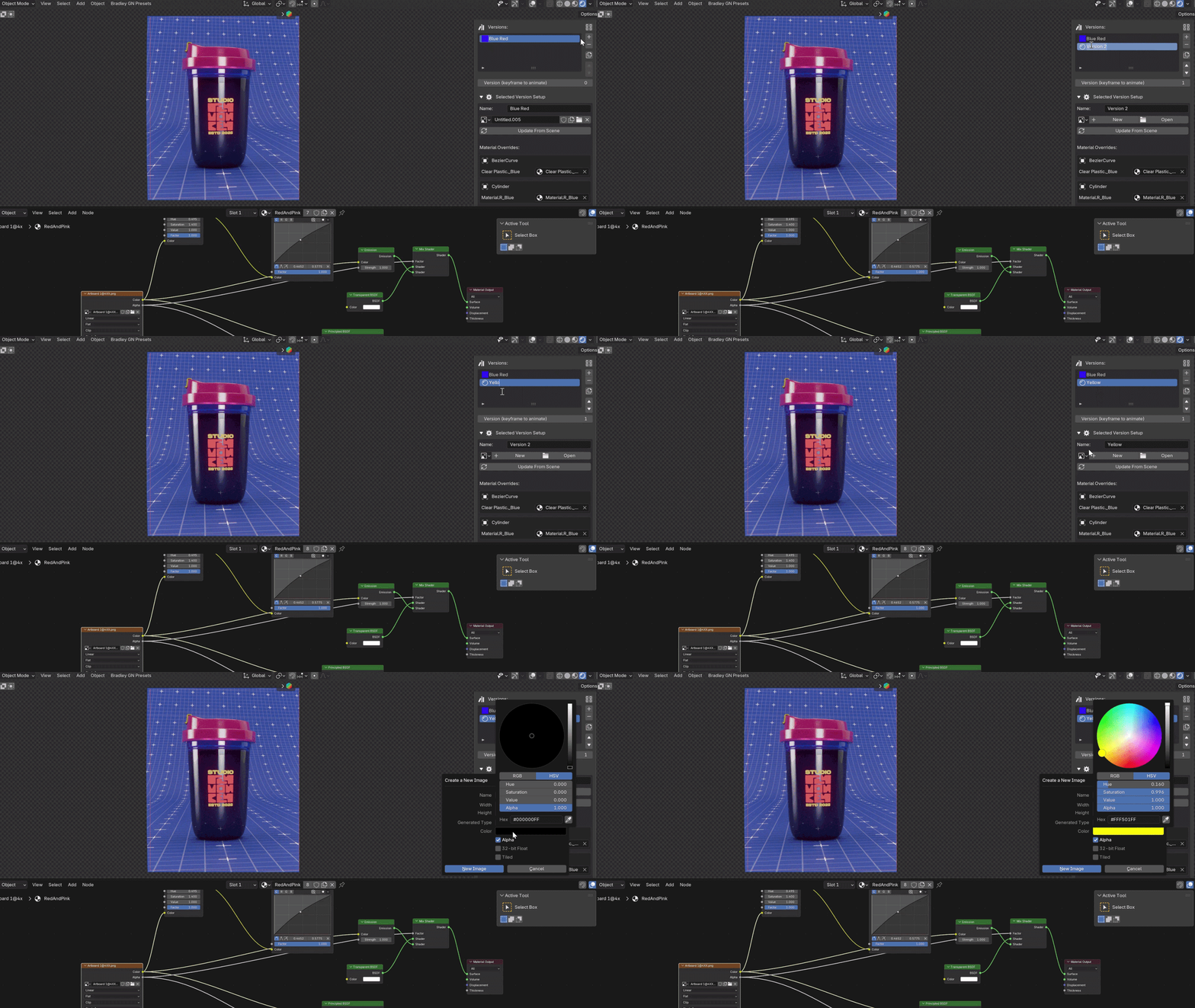
| 03 | Assign the next flavour's materials Swap in new artwork and colours, then hit Update From Scene to bake them into that version — or edit any single slot straight from the panel without re-capturing the rest. |
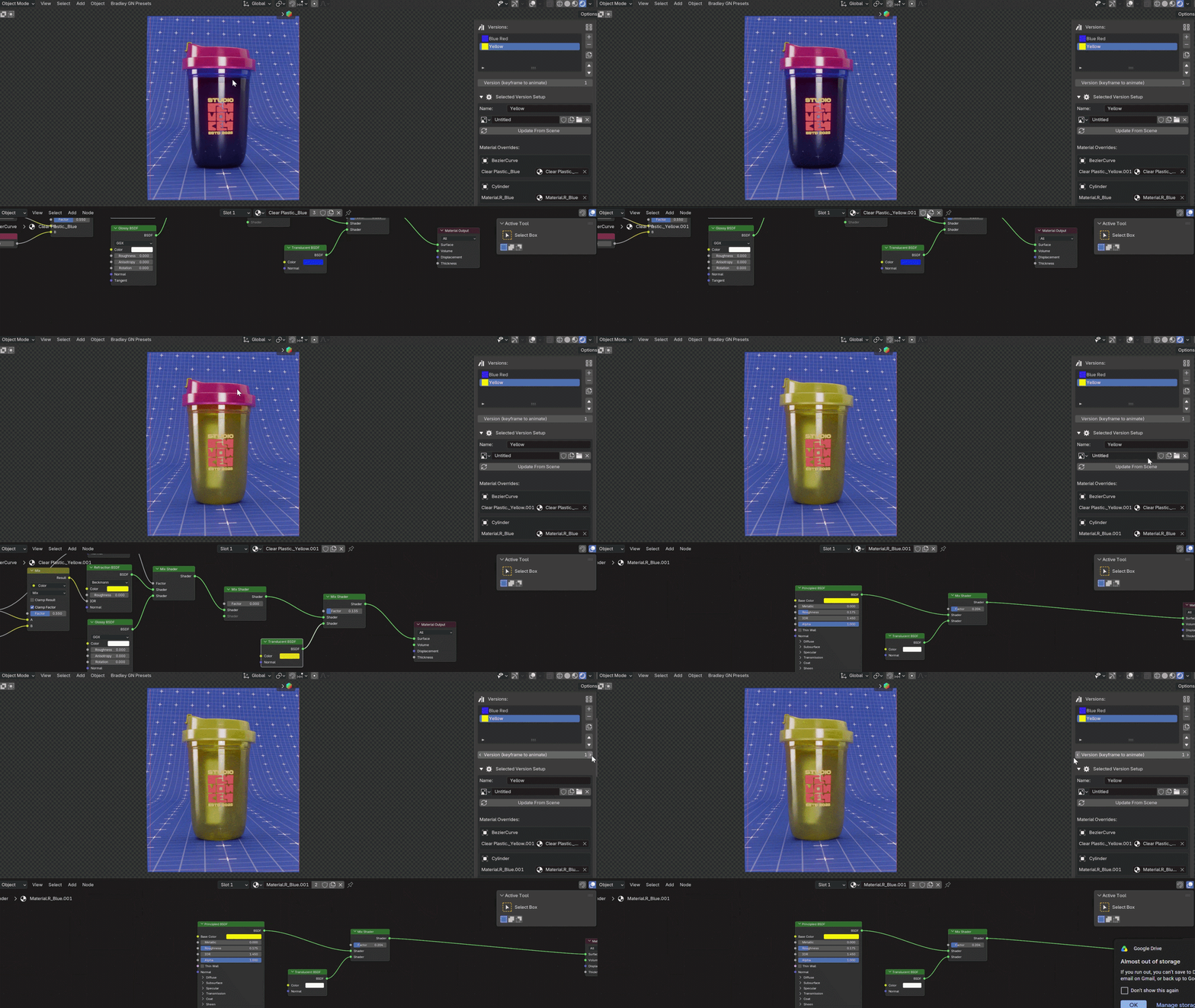
Everything sits in the 3D Viewport sidebar (press N) under the Product Materials tab, and saves inside your .blend file.
What's in it
| Unlimited products & versions A whole catalogue in one scene. The tub, the multipack and the cone each keep their own object list and set of flavours. | Thumbnail grid See the range as a contact sheet, not a list of names — which starts to matter past four or five variants. Columns and preview size adjustable. |
| Per-slot overrides Every captured slot gets its own material picker. Wrong foil on one flavour? Fix that slot without re-capturing the version. | Sync Slots Added a slot for a new seal halfway through? One button updates the overrides across every version at once. |
| Duplicate & reorder Most flavours differ by two or three materials. Duplicate the last one, change the label, done — then reorder so the grid reads like your lineup. | Object-linked slots Managed slots pin to the object, not the mesh data — so six tubs on a shelf as linked copies don't all change together. On by default. |
| JSON import / export The whole configuration writes out to a readable file and reads back in. Move a range into a fresh .blend, hand it to a teammate, or version-control it. | Clean Up Missing Data Deleted an object? The panel flags the stale reference and clears it in one click, rather than leaving your setup quietly broken. |
| Update From Scene Overwrite the active version with whatever is currently assigned, for when you refine a look after saving it. | Built not to fall over Every object, material and image lookup is guarded. A deleted datablock shows as a warning you can clear — not a red error that hides your panel. |
Made for anything that ships in variants
If the geometry stays put and the packaging changes, this is the workflow:
- Flavour lineups — ice cream tubs, cereal boxes, crisp packets, coffee bags, protein powders
- Drinks ranges — a can or bottle across six flavours, each with its own label and cap
- Cosmetics — shade ranges, scent variants, the same compact in nine finishes
- Seasonal & limited editions — the Christmas sleeve, the collab artwork, the regional variant
- Client options — three label directions for the same pack, switched live in a review call
The specifics
| Blender | 5.0 or newer — installs as an extension via Preferences ▸ Add-ons ▸ Install from Disk |
| Renderer | Any. It only moves materials between slots, so Cycles and EEVEE are both unaffected |
| Where it lives | 3D Viewport sidebar (N) ▸ Product Materials tab |
| Objects | Mesh objects |
| Storage | Saved inside your .blend, plus JSON export for moving between files |
| Licence | GPL-2.0-or-later |
| Two honest limitations → JSON import matches objects and materials by name. If names differ between files, those overrides are skipped and listed in the System Console rather than guessed at. → Thumbnails are references to image datablocks. Pack them into the .blend (File ▸ External Data ▸ Pack Resources) if you're moving the file between machines. |
Support
Made and maintained by tonydoes3d. There's a support button inside the panel and in the add-on preferences that opens a direct line for bug reports, questions and feature requests. If something breaks, tell me your Blender version and what you were doing, and I'll get on it.
