 MikeStore

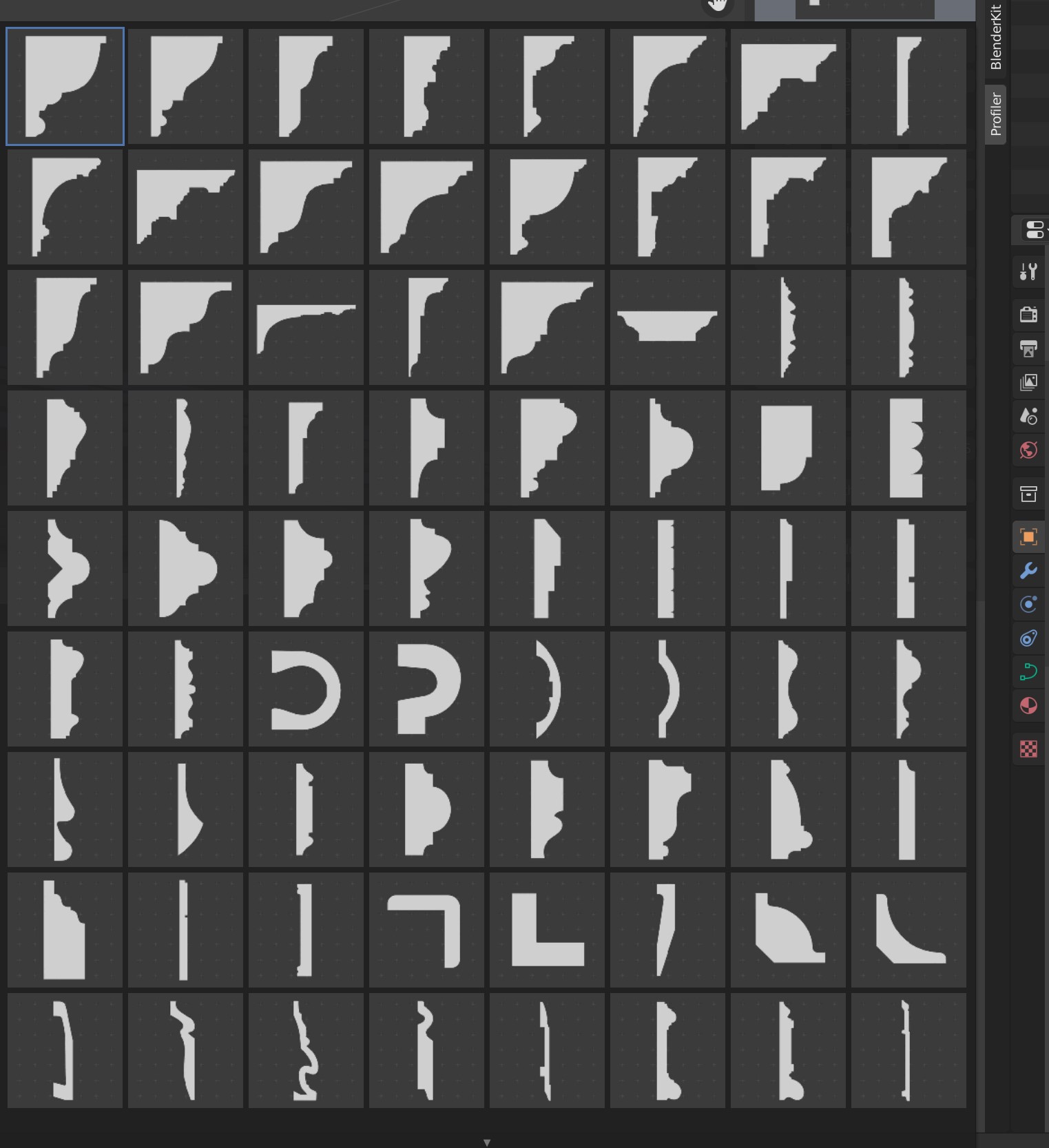
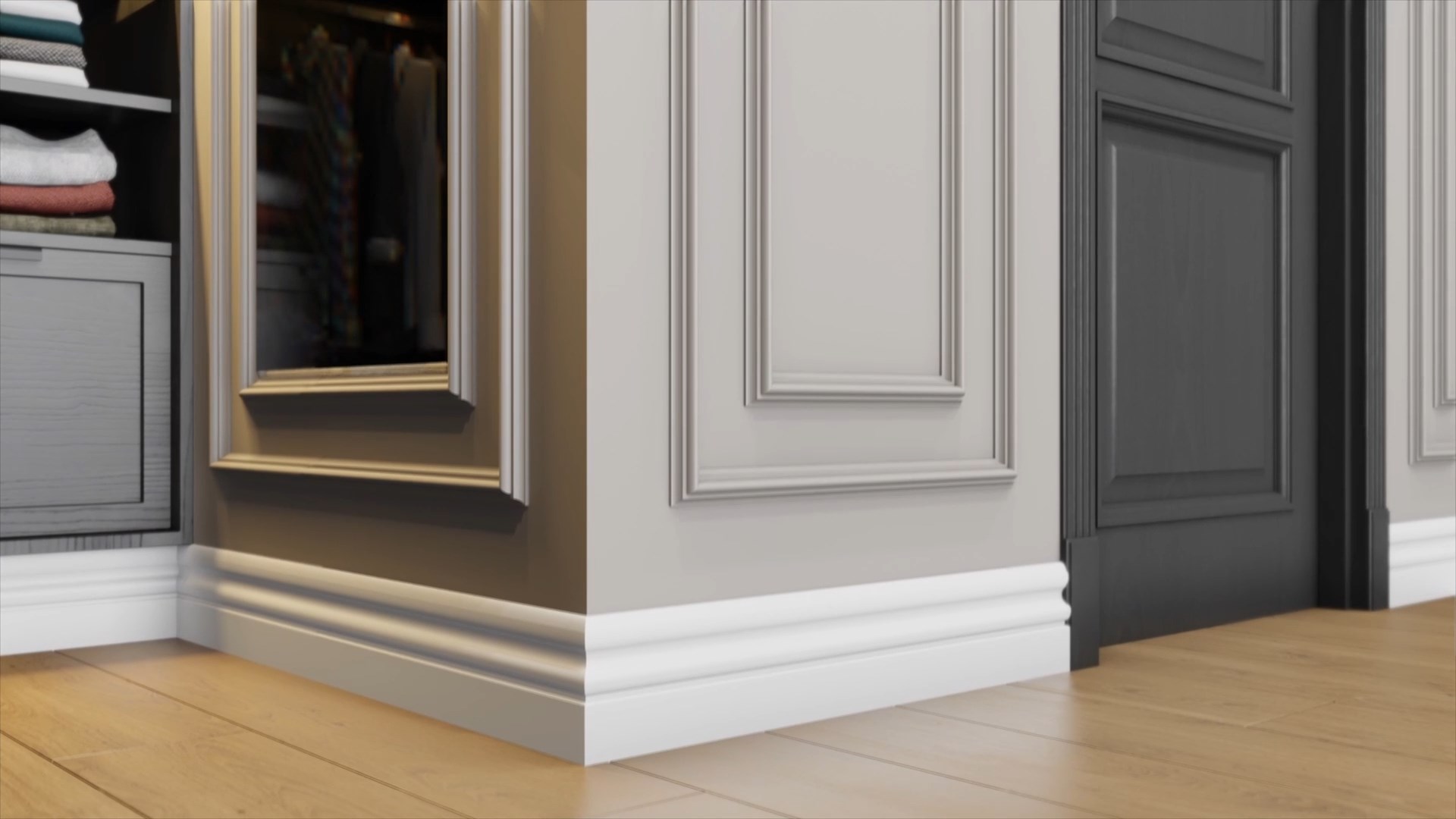

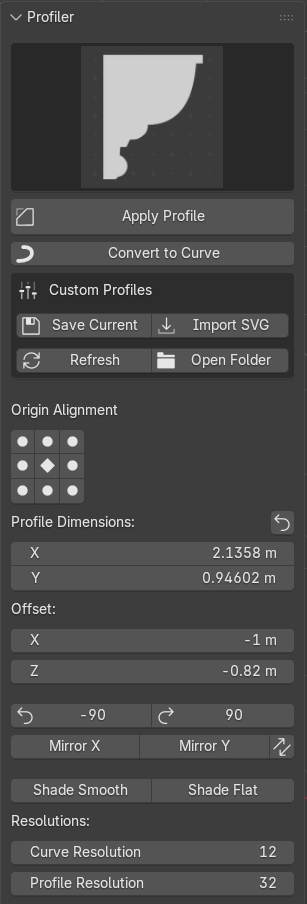
Profiler turns any Blender curve into a finished molding, trim, or profiled shape. Pick a cross-section from the built-in gallery, hit Apply, and your curve becomes crown molding, skirting, a door casing, a picture frame, a handrail — anything that follows a profile.
It's built for archviz interiors and hard-surface work, where adding realistic trim by hand is slow and fiddly. Profiler makes it a few clicks.
What you get
- A visual gallery of 76 ready-to-use profiles — crown moldings, baseboards, panel moldings, casings, cornices and more.
- One-click Apply to any curve.
- Convert mesh edges, faces, or edge loops straight into curves to profile them.
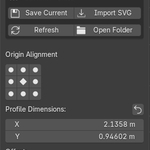
- Precise control: a 3×3 origin gamepad to align the profile, rotate ±90°, mirror X/Y, flip direction, offset, and live dimension and resolution fields.
- Reset-to-default for dimensions, shade smooth/flat, and more — all in one tidy sidebar panel.
New in 2.0
- Custom profiles — save any curve as your own reusable profile. It's added to the gallery with a thumbnail, right next to the built-ins.
- Import SVG — draw a profile in Illustrator or Inkscape and bring it straight in.
- Blender 3.6 → 5.2 support — ships as two installers: a modern Extension (4.2+) and a classic add-on (3.6–4.1).
- Rebuilt to be faster and far more reliable: cleaner rotate/mirror, accurate thumbnails, open profiles auto-closed into solids, and tidier in-scene storage that won't clutter or break your file.
-
Compatibility: Blender 3.6 LTS through 5.2. Install the Extension zip on 4.2+, or the legacy zip on 3.6–4.1 (both included).
Requirements: The "Import SVG" feature uses Blender's bundled SVG add-on — enable it in
Preferences if you want to import SVG profiles.
Existing customers: 2.0 is a free update — grab the new files from your Superhive
downloads.