 MikeStore

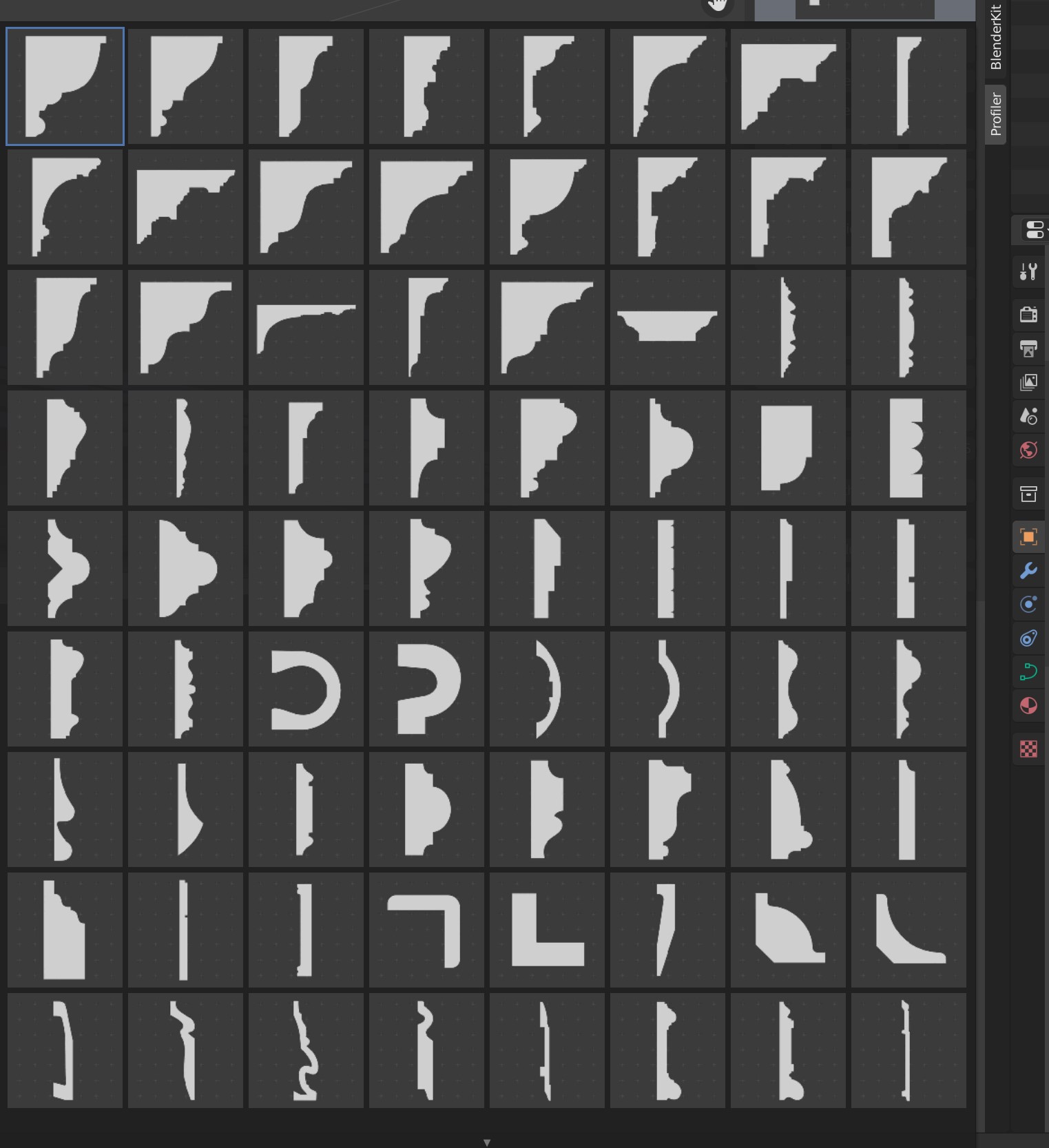

A: Custom Profiles let you turn any curve into a reusable cross-section that shows up in the gallery right next to the 76 built-in profiles. There are two ways to create one:
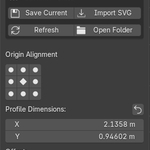
Save Current — select any curve in your scene, click Save Current, type a name, and it's added to the picker with an auto-generated thumbnail. Open curves are automatically closed into a solid so the bevel result matches the preview.
Import SVG — draw a profile shape in Illustrator, Inkscape, or any vector editor, export it as .svg, and click Import SVG. Profiler converts it into a profile instantly. (Requires Blender's bundled SVG add-on to be enabled.)
Your custom profiles are stored in a separate user folder (not inside the addon), so they survive addon updates. Click Open Folder to find them or set a custom location in Preferences ▸ Profiler ▸ User Profiles Folder — point it at a Dropbox or OneDrive folder for automatic backups. To share profiles with a colleague, just send them the files and they drop them into their own folder.