 WWS3D
WWS3D


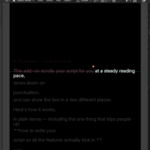
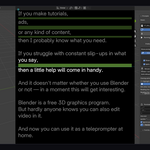
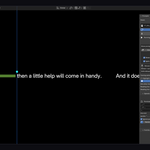
Prompter turns Blender into a teleprompter. Your script scrolls in Blender itself while you record — no second program, no juggling windows, no glancing at a phone propped against the monitor.
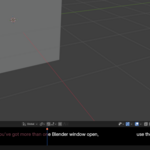
The text can appear right in the viewport, as a thin ticker along the bottom of the screen, or in a separate Blender window that you can put on a second monitor and simply leave out of your OBS capture. It moves at a real speaking pace measured in words per minute, and it slows down on your punctuation, so you sound like you are talking, not reading.
What you get:
- Three places to show the script: viewport, bottom ticker, or a separate window.
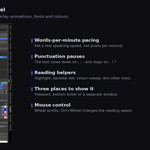
- Reading speed in words per minute, not pixels per second.
- Automatic pauses from your punctuation — short on commas, longer on full stops, a little air around quotes.
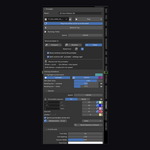
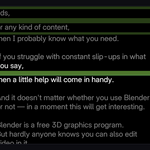
- Reading helpers: highlighted word, karaoke dot, colour sweep, and dimming of the other lines.
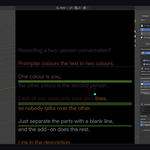
- Dialogue mode: two speakers in two colours, split by a blank line.
- Mouse control: wheel scrolls, Ctrl+wheel changes the speed.
- Works on Windows, macOS and Linux, Blender 4.2 to 5.1.
The optional Floating Window is Linux-only and needs GTK.
