 WWS3D
WWS3D


Blender 4.2 up to 5.1, on Windows, macOS (Apple Silicon and Intel) and Linux. The only platform-specific feature is the optional Floating Window, which is Linux-only.
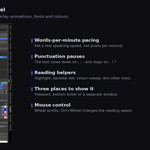
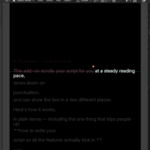
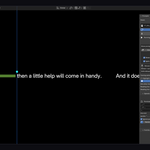
Prompter watches your punctuation and slows down on it automatically — a short breath after commas, a longer pause after full stops, a little air around quotes. You set the length of each pause, and an optional "randomize" makes them slightly uneven so they don't sound mechanical. The result is a calm, natural delivery instead of a flat robotic read.
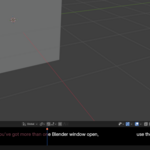
No. The Viewport and Ticker modes read right on your working screen. A second monitor is only handy if you want the separate Window mode (great for OBS), but it's completely optional.
Only if you want it to. Use "Window" mode to open the script in a separate Blender window and put it on a second monitor, then capture only the main Blender window in OBS — the text never enters your footage. Prefer a single screen? Read from the viewport or the bottom ticker instead. It's your choice.
It's a separate, always-on-top, see-through system window — handy on Linux because a Blender window capture won't grab it. It's Linux-only and needs GTK installed, so the panel only appears when it can actually run. All the other features (viewport, ticker, separate Blender window, pauses, overlays) work on every platform.
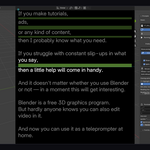
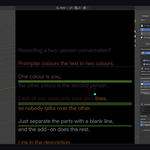
Yes. Turn on "Dialogue (2 speakers)" and separate each person's lines with a blank line — the paragraphs alternate between two colours, so each reader instantly sees which lines are theirs.
Have questions about this product?
Login to message
| Blender Extension Compatible | Yes |
| Published | about 2 months ago |
| Blender Version | 4.2 - 5.1 |
| Extension Type | Add-on |
| Render Engine Used | Cycles, Eevee |
| License | GPL |

Discover more products like this
narration Workflow tutorial prompter teleprompter Screencast autocue obs screen recording script voiceover Content Creation