Proof Suite — Twelve Checks, One Verdict on the Whole Delivery
 Skava
Skava
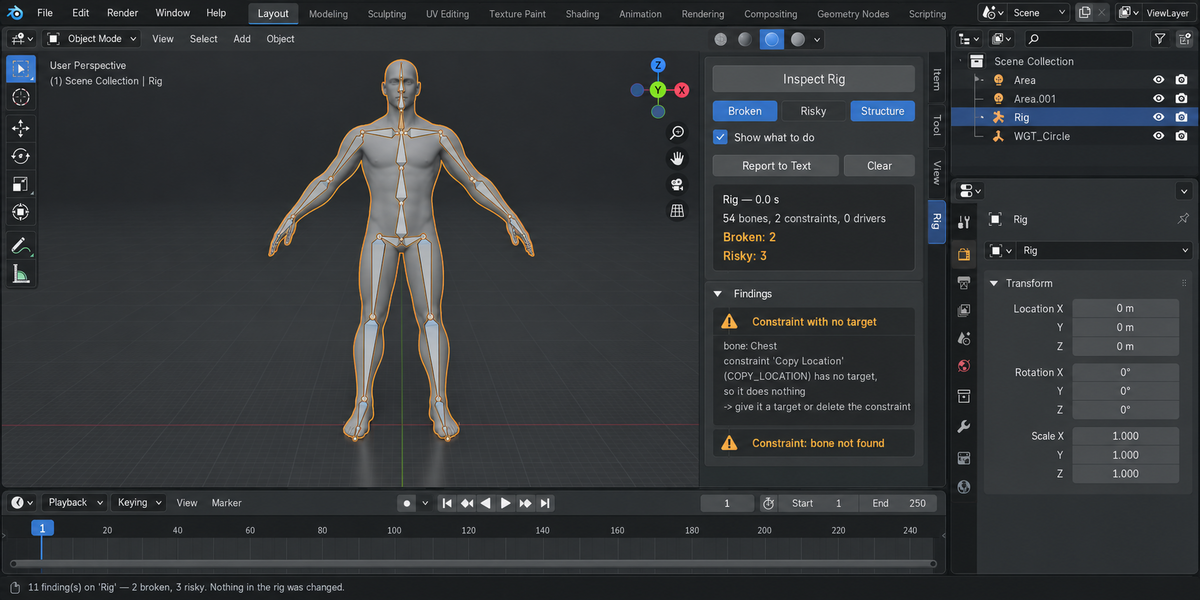
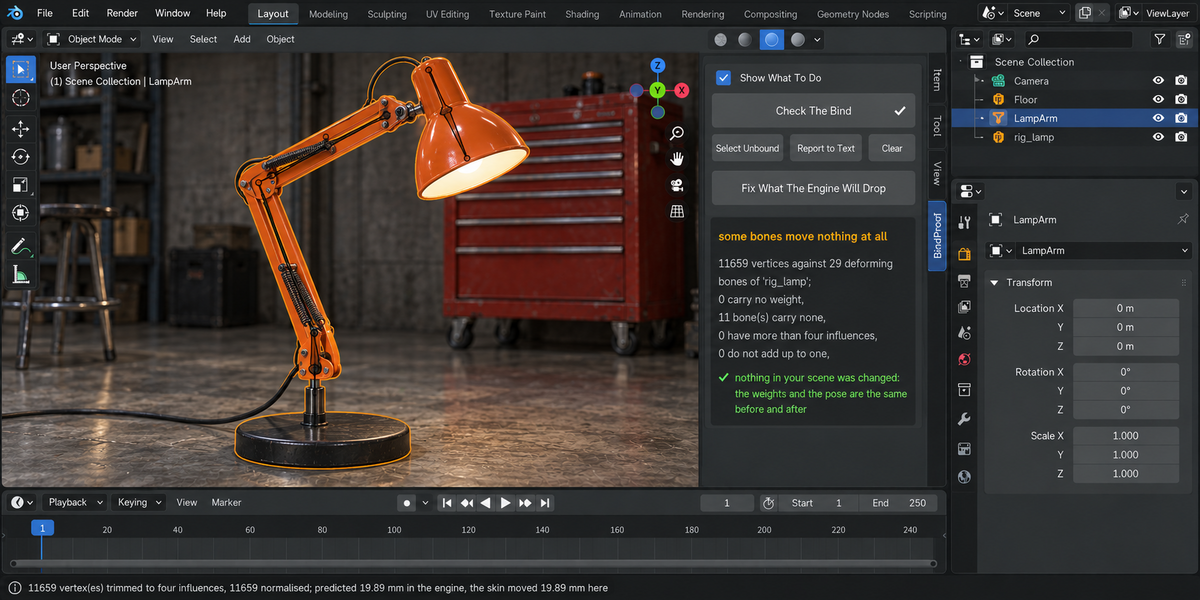
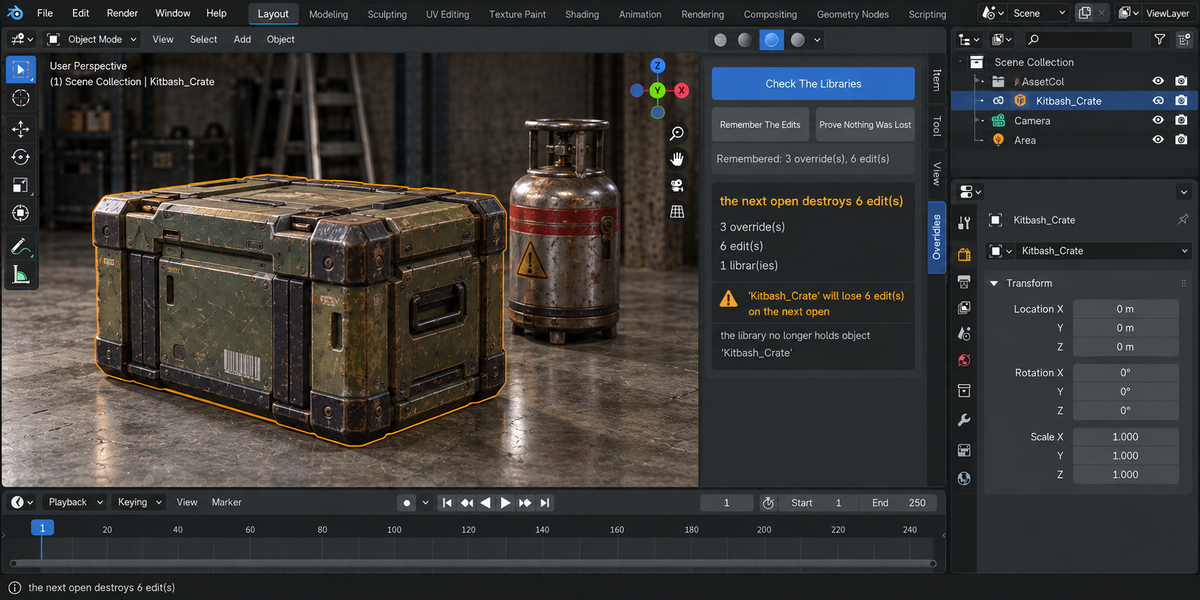
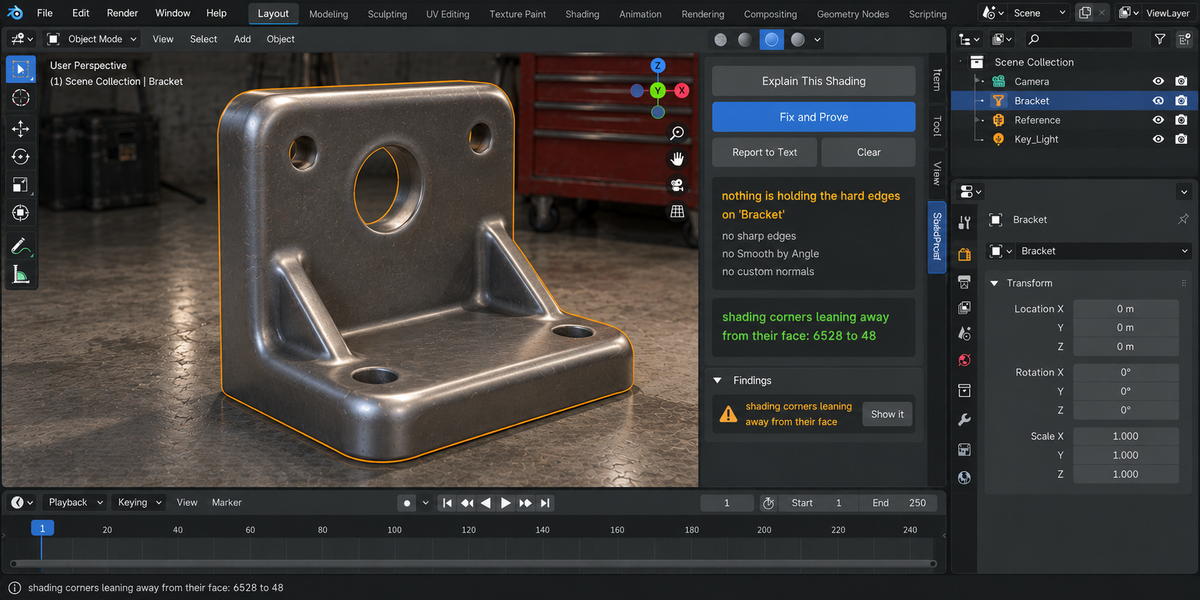

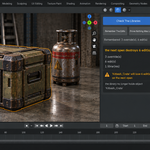
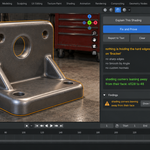
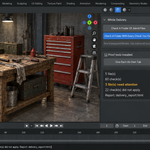
Twelve separate add-on zips in the addons folder, plus a short README: Rig Inspector, Modifier Profiler, Cache Commander, ShadeProof, PathProof, HandoffProof, AnimProof, DeformProof, RetopoProof, SampleProof, BindProof and OverrideProof. First unpack the downloaded archive to get the addons folder. Then install each add-on zip from that folder the normal way, without unpacking it: open Edit > Preferences > Add-ons, click the drop-down arrow in the top-right corner, choose Install from Disk, pick the zip and tick its checkbox. Install as many as you want, in any order; each works on its own and keeps its own tab in the N sidebar of the 3D Viewport.
Blender 4.2 LTS through 5.2; every tool declares 4.2 as its minimum. This release was checked on 4.2.9 and 5.2.2; earlier releases also on 5.1 and 5.2.0.
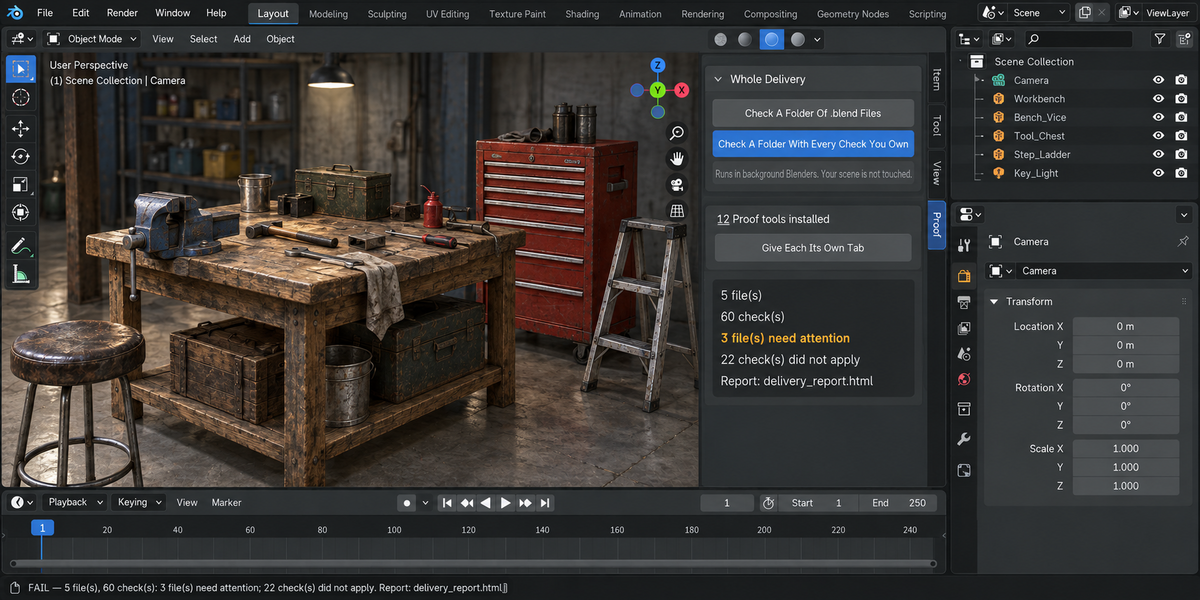
It answers one question: can this delivery go out? Every tool gets a Whole Delivery panel. Check A Folder Of .blend Files runs that one tool over every .blend in a folder; Check A Folder With Every Check You Own runs all installed tools from the line over the same files and writes one HTML report with one verdict. A tool you have not installed is named in the report as not installed, rather than silently missing.
No. Each file is opened in its own background Blender, and the scene you have open is not opened over, saved or modified. Press Esc to stop a folder run. Seven of the twelve tools can repair what they find, but only when you ask, on the file you have open, and they measure again to prove the repair.
Yes, per tool. Each tool has a headless entry point, for example blender --background --factory-startup --python-expr "import anim_proof; anim_proof.proofkit_cli()" -- --folder /shots --report report.html. It writes the report and exits with 0 (clean), 1 (something blocking), 2 (a file could not be checked) or 3 (the command was wrong, for example no files given). A check that did not run is never reported as clean. The combined run of every tool is started from the Whole Delivery panel.
It runs every check you have on the open file and writes the result into the file itself: date, tools and their versions, verdict and counts. When you open the file later, the panel shows when it was last checked and how it came out, and says the record is out of date if the file was saved after it. Checking a folder never signs the files inside it.
No. Nothing is downloaded, nothing leaves your computer, and the HTML report contains everything inside itself, with no fonts, styles or scripts fetched from anywhere.
Yes. Every tool is licensed under GPL-3.0 and ships the full license text; the license covers the add-on code, and your files and reports are yours. Full documentation is on the Documentation & FAQ tab of this product page; each zip also has its own README.txt.
Have questions about this product?
Login to message
| Published | about 2 months ago |
| Blender Version | 4.2 - 5.2 |
| Extension Type | N/A |
| Render Engine Used | Cycles, Eevee |
| License | GPL |