propScatter
 3D CADence


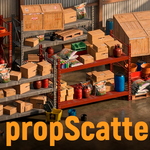
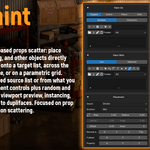
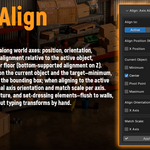
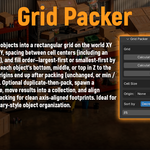
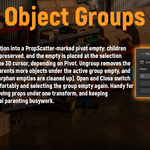
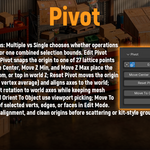
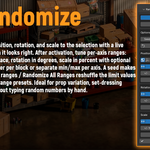
PropScatter FAQ
Frequently asked questions
Q: Which Blender versions are supported?
A: PropScatter supports Blender 5.1 (and newer minor updates in the same major series). For best stability, use the latest Blender LTS build.
Q: How do I install PropScatter?
A: In Blender, go to Edit > Preferences > Add-ons > Install, select the PropScatter ZIP, enable the addon, then open the N-panel in the 3D Viewport.
Q: Is PropScatter for vegetation scattering?
A: PropScatter is primarily designed for prop placement and layout workflows (kitbashing, environment dressing, asset organization), not mass vegetation scattering.
Q: Can I use it in commercial projects?
A: Yes. You can use PropScatter in personal and commercial Blender projects according to the marketplace license terms.
Q: Where can I get support?
A: Contact support via Blender Market messages and include your Blender version, OS, and short reproduction steps (or a video) for faster help.
Discover more products like this
paint scatter randomize transform grid layout pivot-tools kitbash prop placement architectural visualization object groups environment dressing scatter align objects set dressing