 bigizom




izom PropUI
Build clean custom control panels for Blender without writing Python.
• • •
Blender custom properties are useful, but they are not great to work with directly. They show up in the order Blender gives you, their names often need to stay tied to driver IDs, and the default UI is usually just a plain list of sliders.
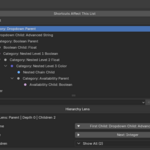
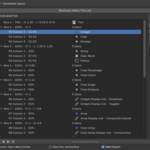
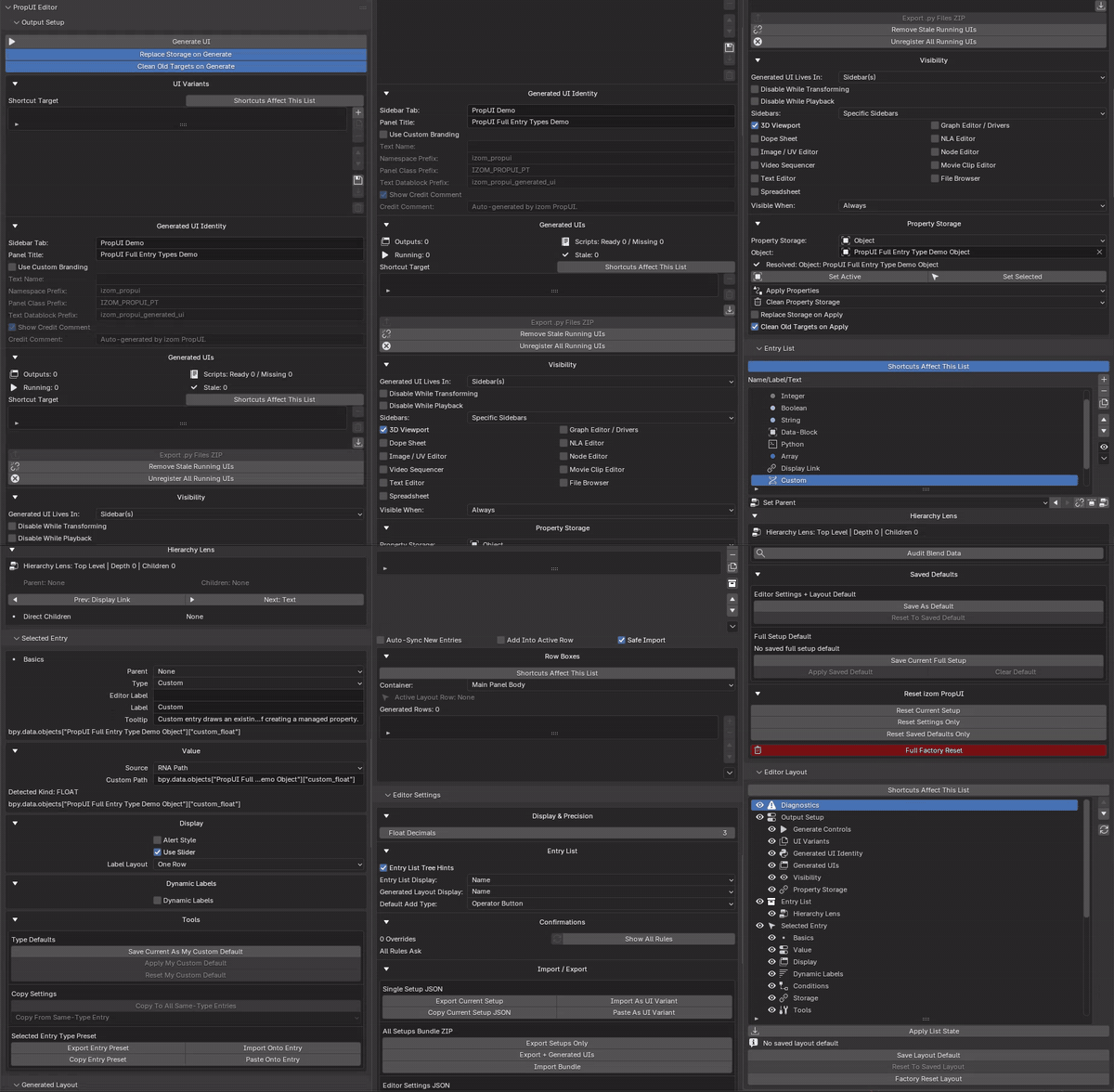
izom PropUI lets you build a control panel visually. Create custom controls or bring in existing Blender properties, arrange the layout, then generate a real Blender panel. Save it inside your .blend, or use Full’s portable Python export.
It is useful for rigs, animation controls, modifier setups, materials, tools, and any Blender file where custom properties need to be readable instead of buried.
• • •
Why I made it
I made PropUI because I kept running into the same problem on my own rigs.
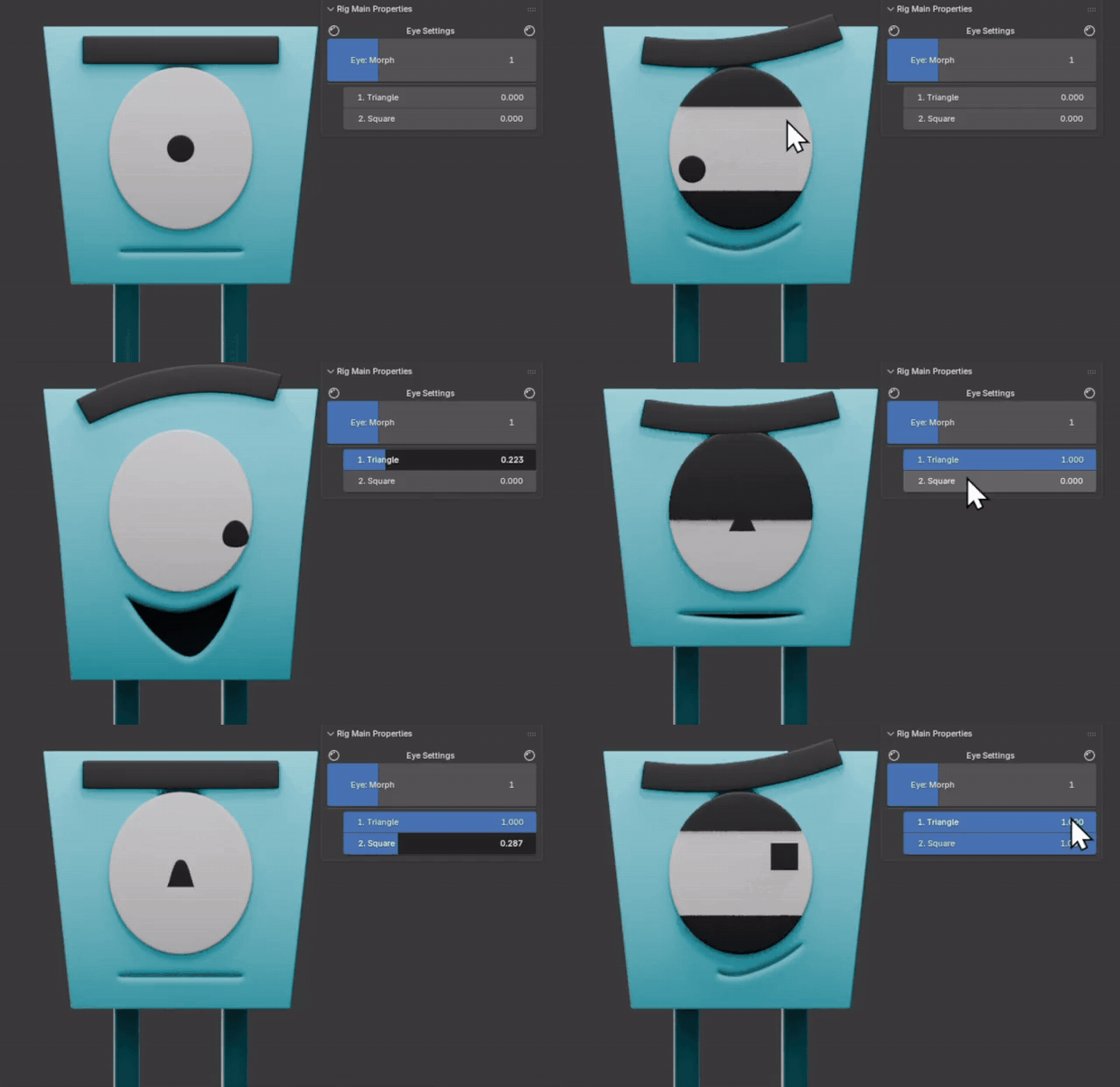
The controls worked, but the UI around them did not. I wanted clean labels, a better order, grouped controls, and sliders that made sense for the animator. Blender’s custom properties could store the values, but they were not enough for presenting them well.
At first, I handled it by naming things carefully, adding numbers to force an order, or writing small Python panels by hand. That was fine once or twice, but not on every project.
PropUI started as a way to make my own Rigify controls easier to manage. Over time, I kept adding the features I needed until it became a general panel builder.
• • •
What it does
With PropUI, you can:
- Create sliders, toggles, dropdowns and other controls with readable labels and separate property IDs for drivers.
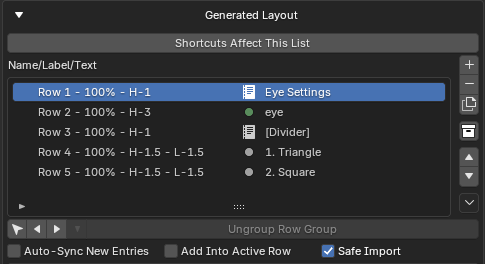
- Arrange controls into rows, Row Boxes and sub-panels, with optional compact layouts, popovers and foldouts.
- Right-click a supported Blender property to add it to PropUI, including native Color Ramp and Curve Mapping widgets.
- Use Dynamic Labels and conditions to show the right controls at the right time.
- Show one value in several places with Display Link, or add operator buttons for Blender tools.
- Add group Reset/Key buttons, save value presets, and create Bone Collection controls.
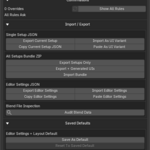
- Generate panels that work independently of the editor, and reuse designs through setup JSON and clipboard transfer.
Advanced controls and layouts are available in Full and Rigify; Free includes the core workflow described below. Managed properties use Blender’s normal animation and drivers where supported.
The main idea is simple: build the UI once, generate it, and give yourself or your animator a cleaner panel to work with.
• • •
Editions
All editions use the same basic author-and-generate workflow.
Free
I can’t list PropUI for free on Superhive right now, so you can grab it free on Gumroad or buy it here for $1 to support the project.
A smaller version for trying the core workflow.
- Five entry types: Float, Integer, Boolean, Array and Text.
- One 3D Viewport sidebar panel, with custom properties stored on one Object.
- Simple shared rows, Child Visibility conditions and labels that respond to their own value.
- Setup JSON import/export and clipboard transfer, including compatible setups from Full and Rigify.
Full
The complete standalone panel builder, for general Blender work as well as rigs and animation.
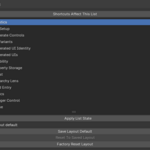
- All 12 entry types: Float, Integer, Boolean, Array, Text, Dropdown, String, Data-Block, Python, Custom, Display Link and Operator Button.
- Right-click capture, native Color Ramp and Curve Mapping widgets, and multiline text fields where supported.
- Rows, sub-panels, Row Boxes, compact controls, popovers and foldouts.
- Control Groups with reset/keying actions and value presets, plus Bone Collection controls.
- Flexible property storage, per-entry overrides, selection-based visibility and value-driven labels/conditions.
- Generated panels in supported sidebars and Properties tabs, with UI Variants and a Generated UIs manager.
- Reusable presets, saved defaults, setup import/export, editor customization, shortcuts and optional generated branding.
Rigify
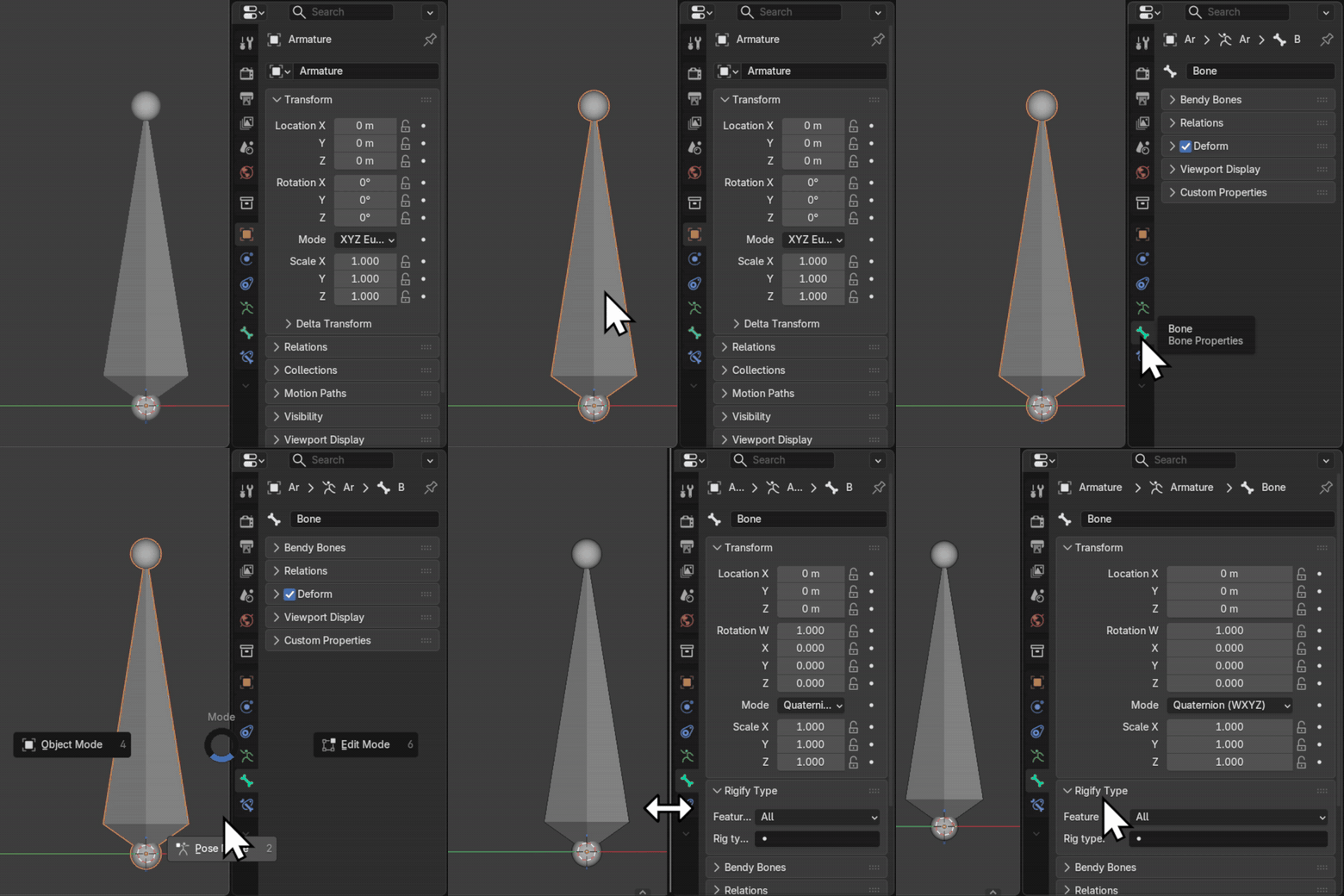
Build the control UI on your metarig and generate it with Rigify. Show it in Rig Main Properties or a separate 3D Viewport sidebar panel.
Includes all 12 entry types, advanced layouts, native widgets, group actions and value presets. Choose storage bones and show controls by bone selection or Always Visible.
Right-click capture lets you choose which metarig and PropUI host receives the control. Rigify handles the generated UI through its normal rig-generation workflow.
• • •
Requirements
Blender 5.0 or newer. The Rigify edition also requires Blender’s Rigify add-on.
GPL-3.0-or-later.
Documentation: https://propui.bigizom.com
Contact: [email protected]
