Proximityflow
 Blender Wave



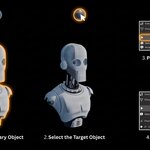
I deleted my Primary or Target object by mistake. Is the addon broken?
No. The panel resets automatically when objects are deleted. Simply select new objects and press Generate again.
Will I get updates?
Yes. All future updates are available from your Superhive order history at no extra cost.
Does this work with Geometry Nodes?
ProximityFlow uses the modifier stack. Geometry Nodes modifiers can coexist on the same object but may interact with ProximityFlow modifiers depending on their stack position.
Can I use multiple targets on the same object?
Yes. Press Generate again with a different target selected to add a second proximity layer. Each layer has its own influence distance and can drive different effects.
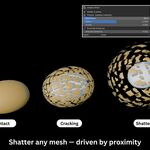
My shatter animation looks the same every time I change the settings.
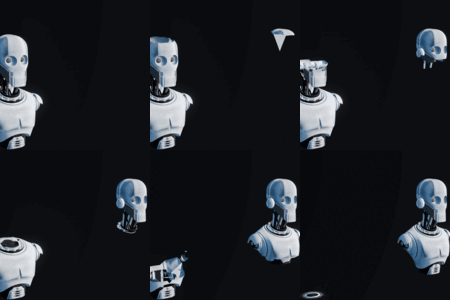
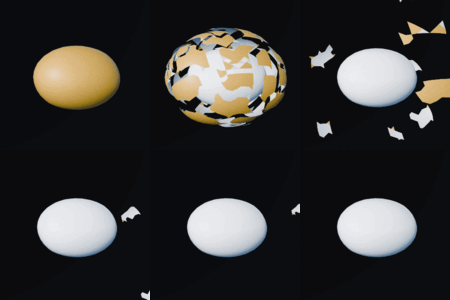
Press Rebuild Shatter after changing Fragment Count or timing. For Blast Power, Chaos, and Gravity you can adjust in real time without rebuilding.
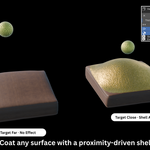
The solidify shell appears underneath my mesh instead of on top.
Enable the Flip Shell Direction toggle in the Variable Thickness section.
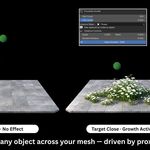
My flowers or instance objects appear upside down.
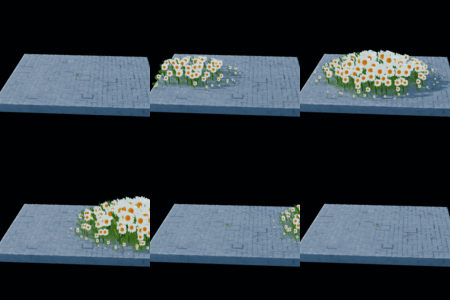
If your instance object is pointing up correctly in the viewport before assigning it, but appears upside down after applying as an instance, simply press +Y in the Rotate Instance Mesh section to fix it.
The wireframe covers the whole mesh, not just near the target.
Enable the Proximity Driven toggle in the Wireframe section. This assigns the vertex group to the modifier so the wireframe only appears where the target is close.
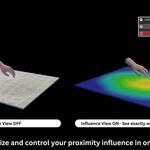
Why is my effect not reacting to the target?
Make sure you pressed Generate with both objects selected and the Target as the active object. Check that the Influence Distance is large enough to reach your mesh, if it is set to 0 the effect will not appear. Also make sure your mesh has enough geometry. Use the Mesh Density section to subdivide your object before applying effects. A mesh with too few faces will not show displacement, wireframe, or growth correctly.
Discover more products like this
proximity effects animation particles mesh effects procedural motion path wireframe hair growth displacement shatter masking