 espinosa746


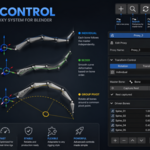
Blender Proxy Control — Advanced Rig Control Without Constraints
Blender Proxy Control is a plugin that lets you control multiple bones using a single controller, easily and flexibly, without the need for constraints.
With this system, you can create cleaner, easier-to-animate rigs while maintaining complete control over how the bones behave.
What can you do?
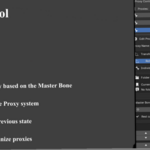
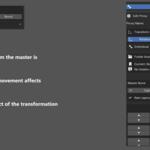
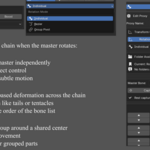
- Control multiple bones with a single Master Bone
- Create smooth, curved movements (ideal for tails, tentacles, wires, etc.)
- Make a group of bones move as a single unit
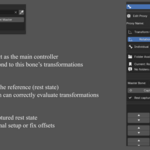
- Adjust the controller's influence on each bone
- Restrict movement per axis (X, Y, Z)
- Keep your rig organized with groups and folders
- Automatically generate symmetry (_L / _R)
Advantages:
- Doesn't break the rig hierarchy
- Doesn't use constraints → lighter and more stable rigs
- Works in real time while you animate.
- Easy to set up and adjust
- Ideal for animating characters and props.
New Feature: Proxy Configuration Export
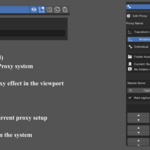
Proxy Control now lets you export all your proxy configurations to a standalone script, so you can sell or share complete rigs without the buyer needing to purchase the add-on.
This means you can create advanced proxy rigs, include the script with the character, and the user will only need to run it in Blender to automatically restore all the rig's controls and functions.
Ideal for:
- Selling rigged characters
- Delivering projects to clients
- Assets for marketplaces
- Transferring rigs between studios or teams
Advantages:
- The buyer doesn't need to purchase the add-on
- Quick and easy implementation
- Maintains full proxy functionality
- Makes your rigs more professional and ready for sale
