 DoitTsui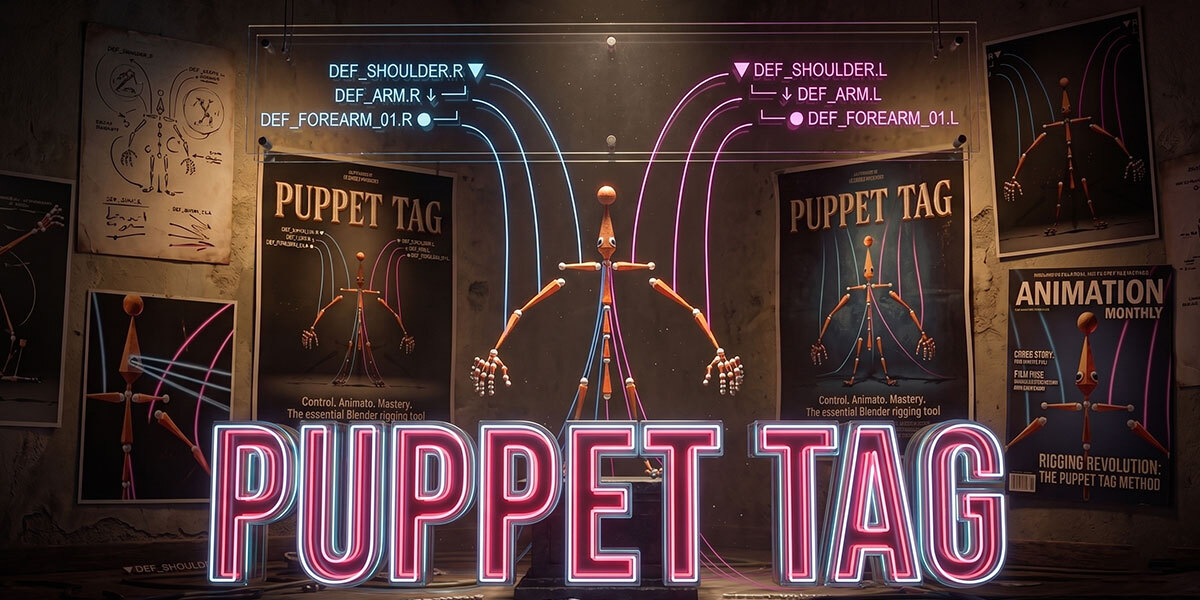



PuppetTag
Readable Bone Labels for Blender Rigs
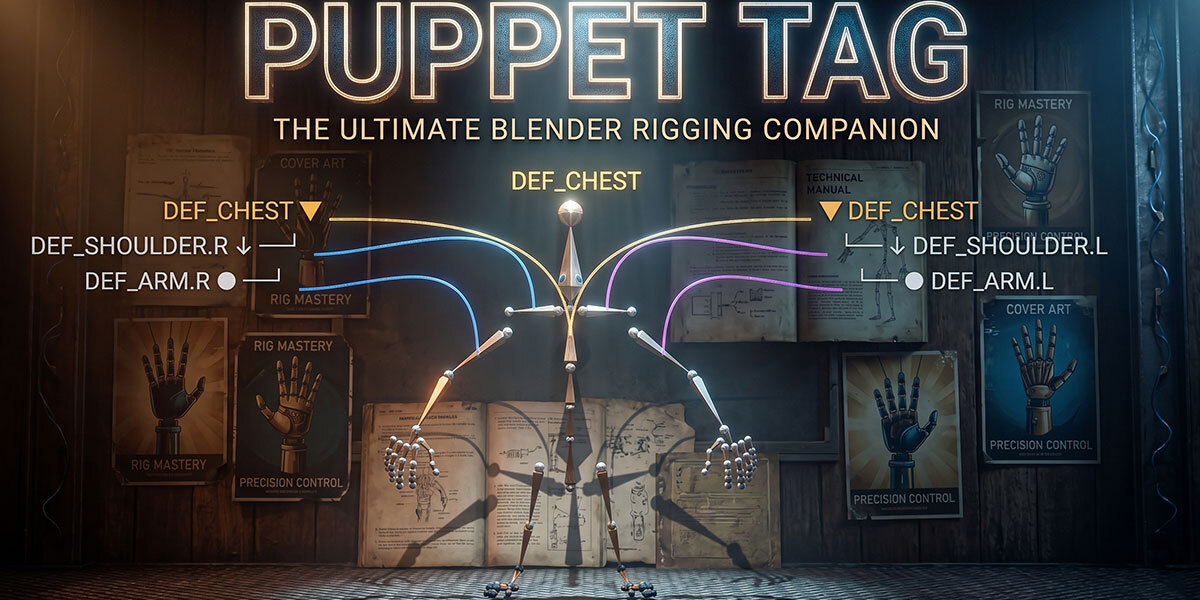
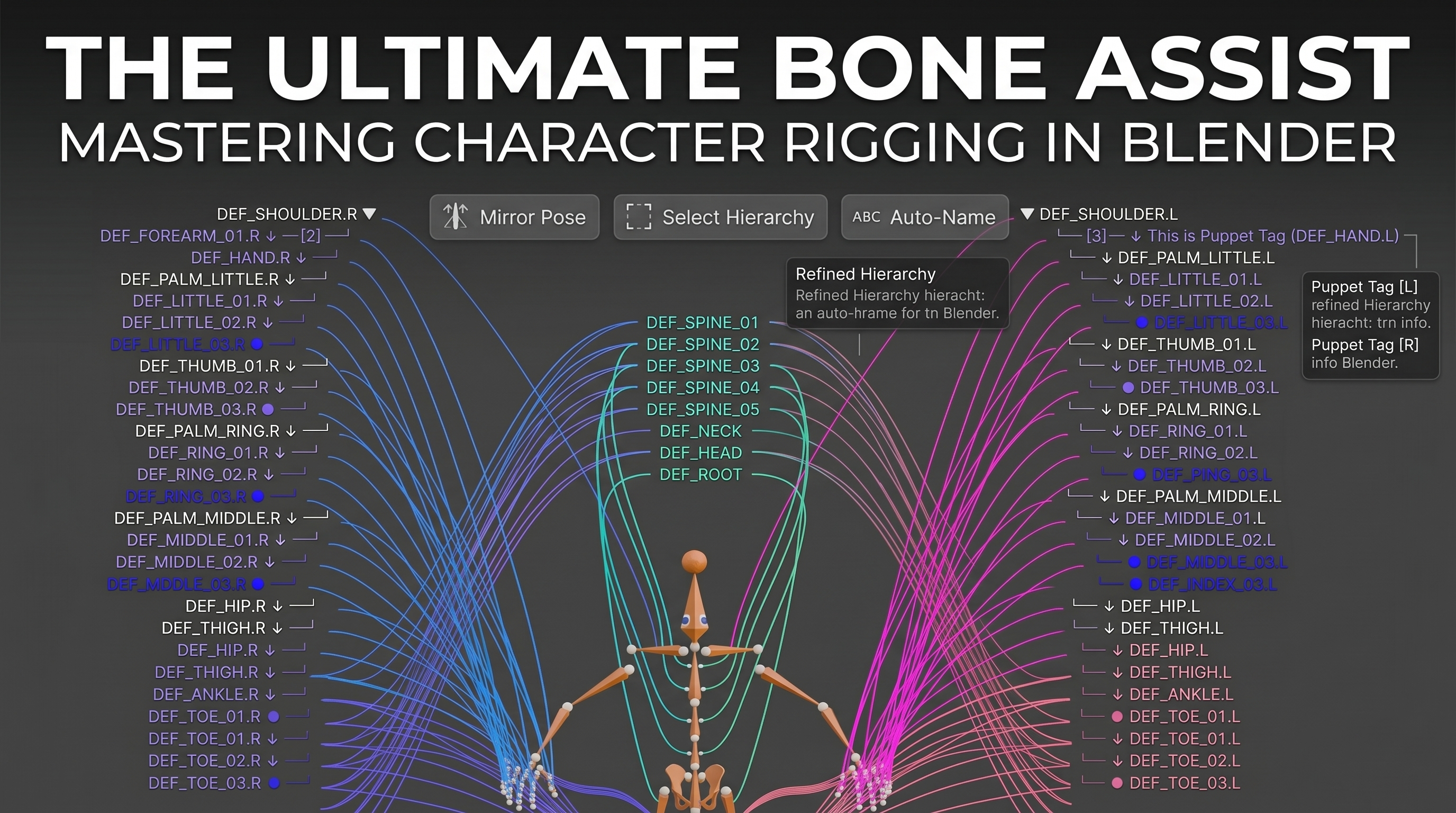
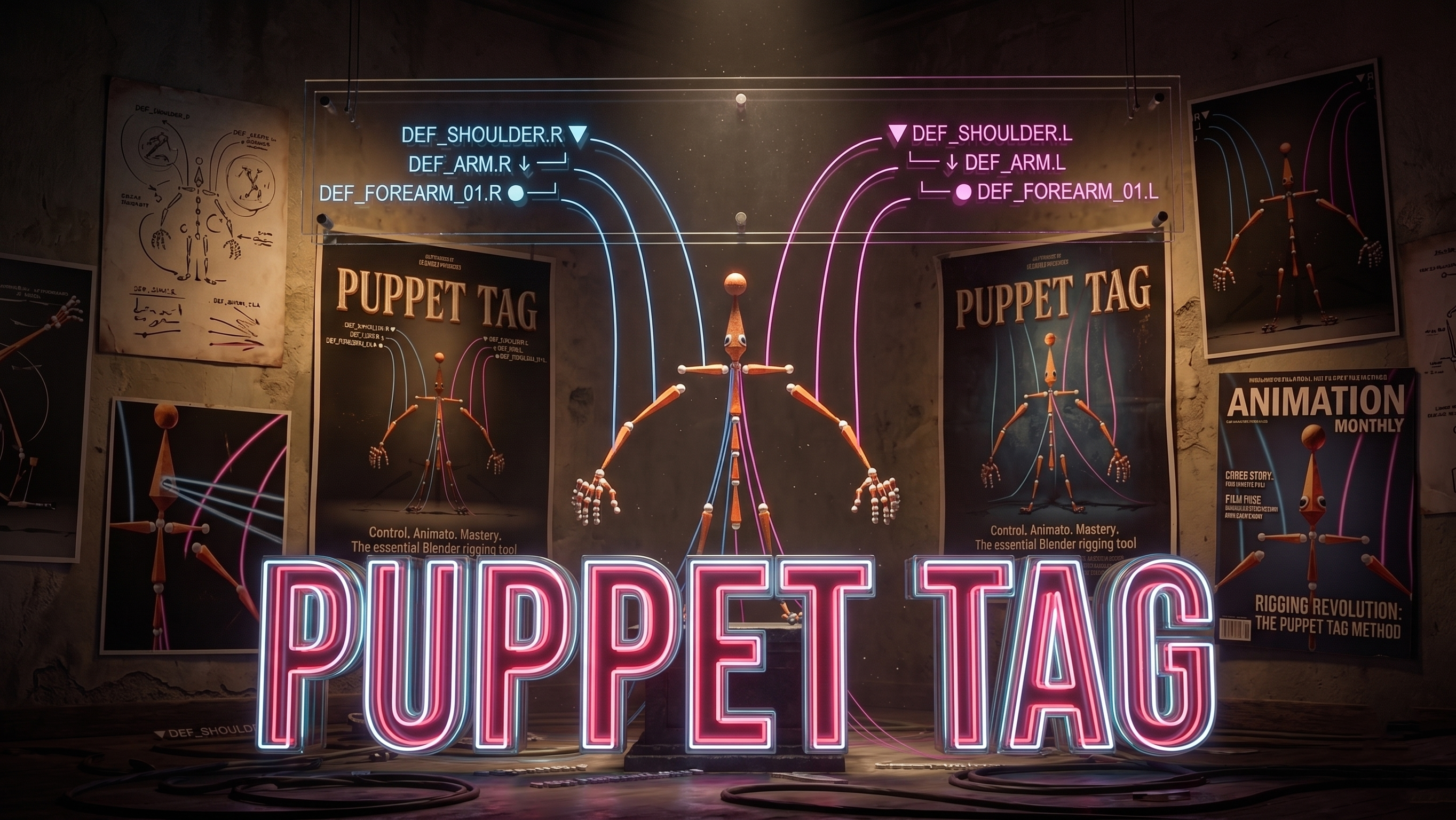
PuppetTag adds clear, editable rig labels directly inside Blender's 3D View.
It helps animators, riggers, teachers, and technical artists understand complex armatures faster without changing the real bone names.
Features
Clean 3D View Rig Labels
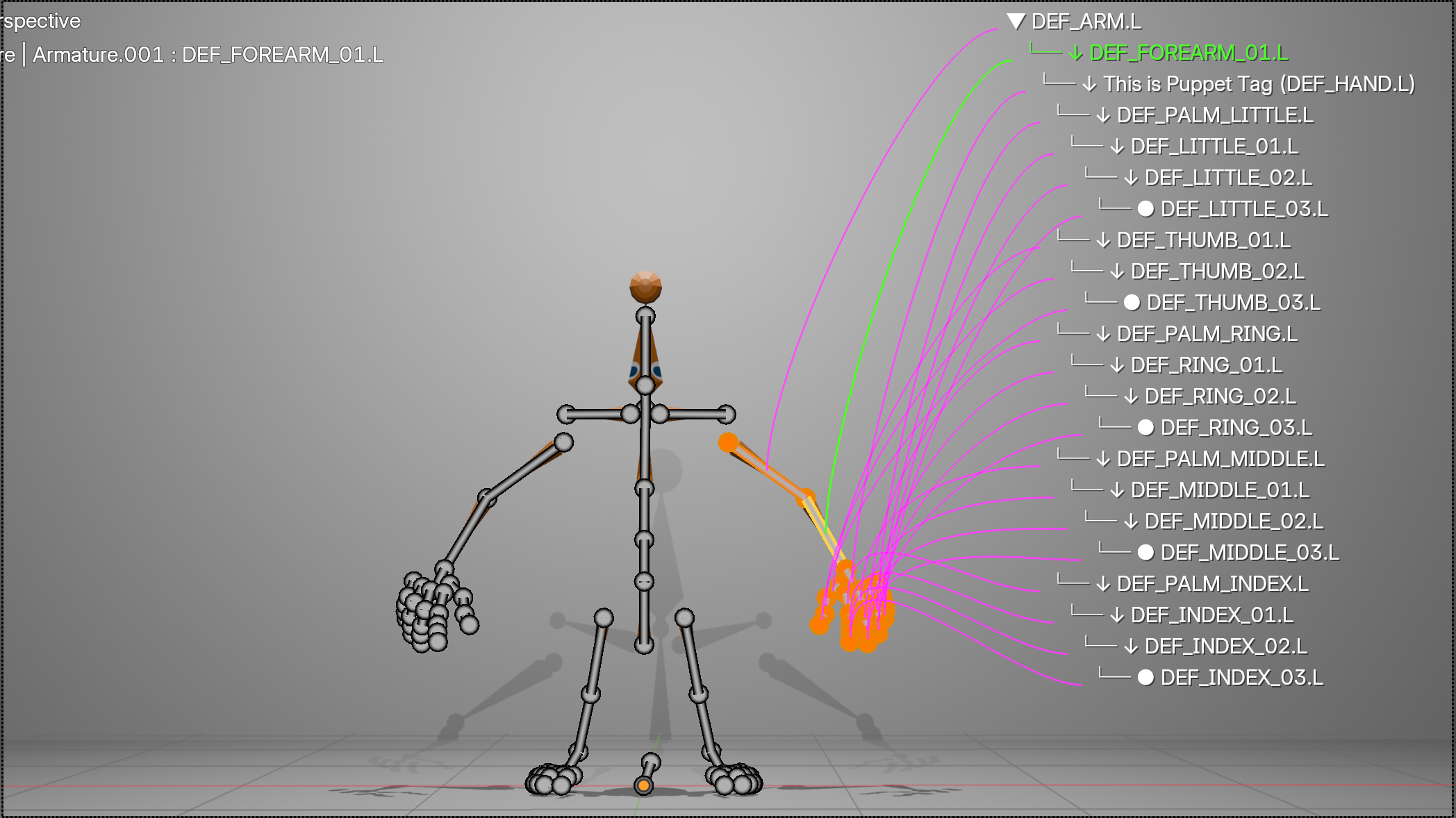
Display readable labels around selected or visible rig controls.
No more searching through long technical bone names while posing, debugging, or explaining a rig. 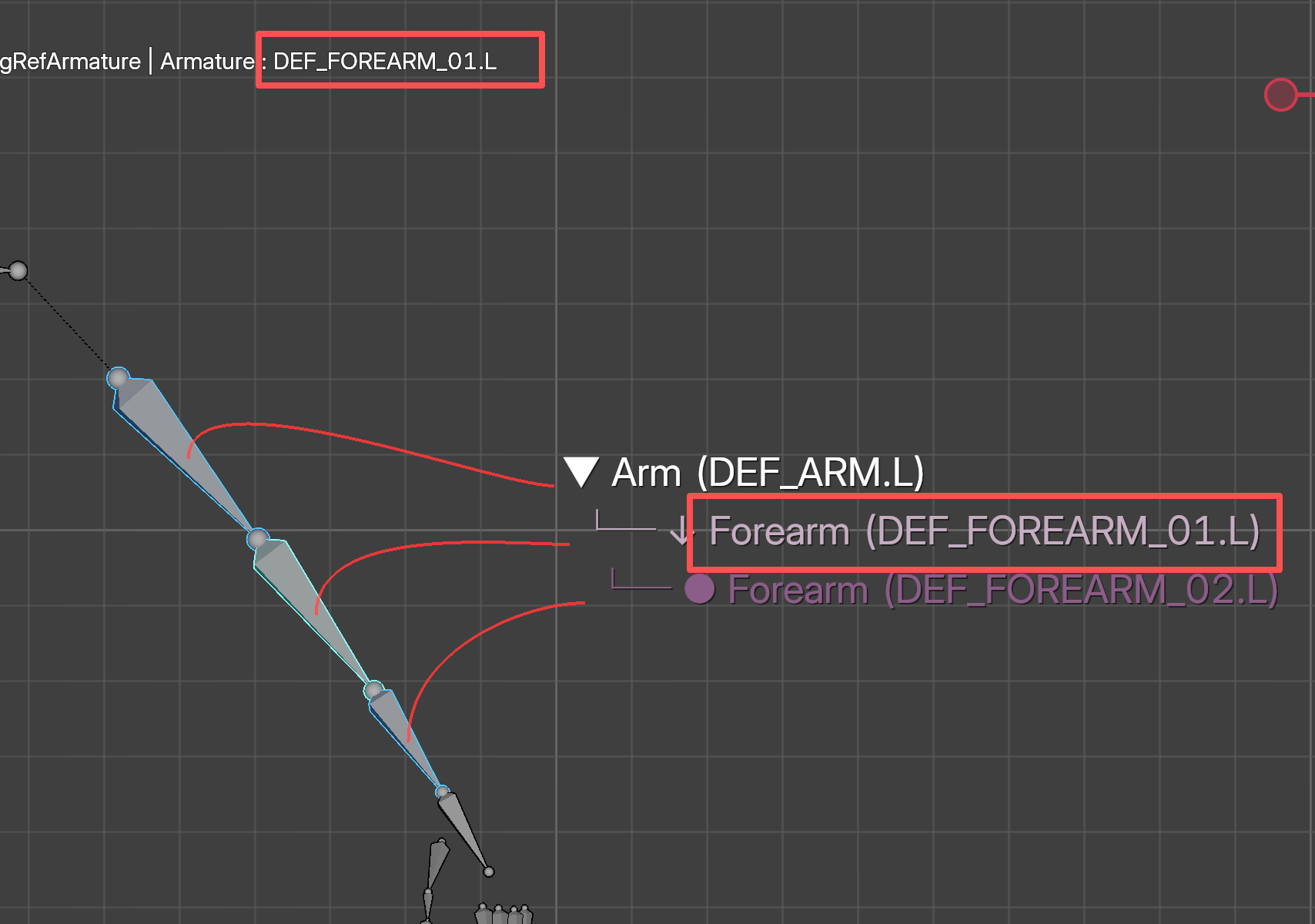
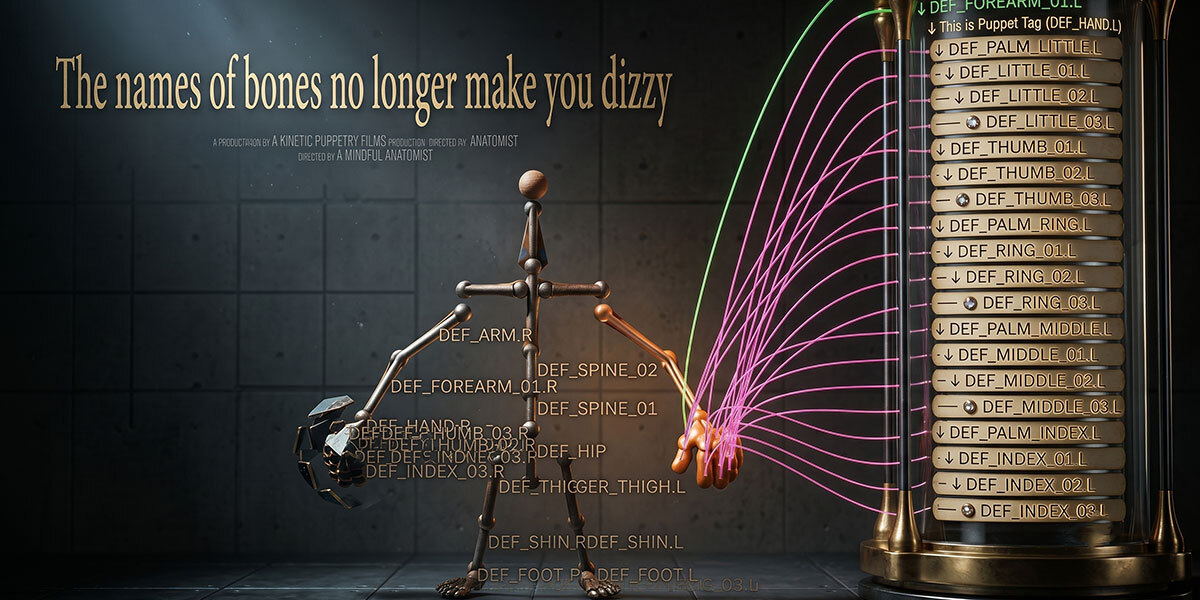
Safe Alias Names
Use display names for PuppetTag only.
The original Blender bone names stay untouched, so constraints, drivers, scripts, and pipeline naming remain safe.
- Real bone names are preserved
- Display names can be simplified
- Good for production rigs and teaching scenes
Drag Tags Without Moving Bones
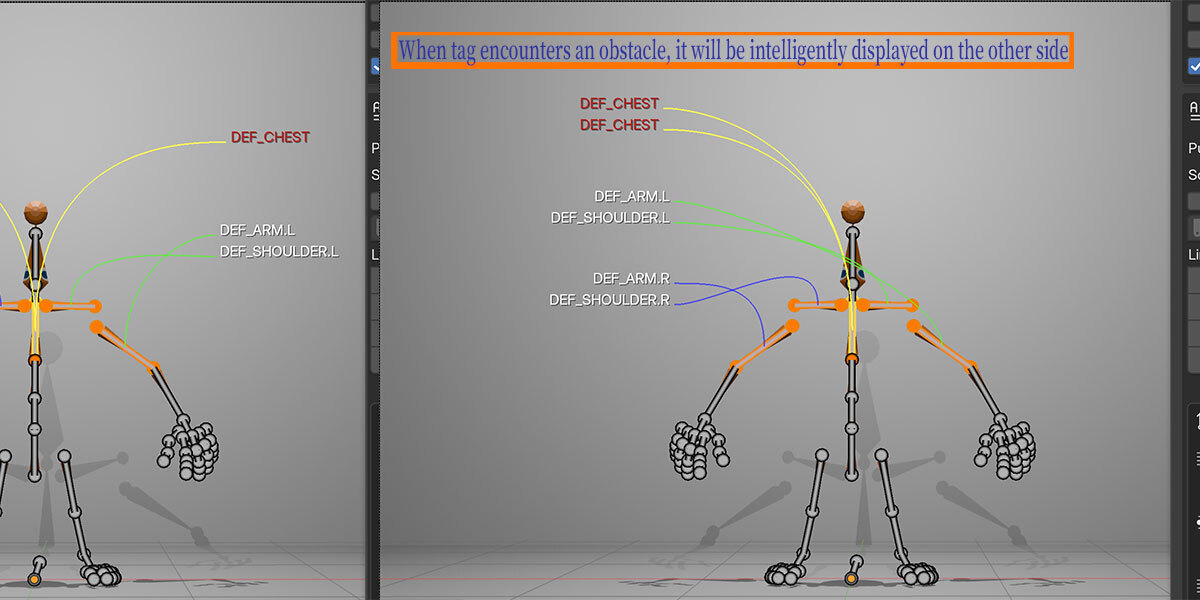
Move labels into cleaner positions without moving the actual rig controls.
This is useful when labels overlap, when a rig is dense, or when you need a cleaner screenshot for documentation.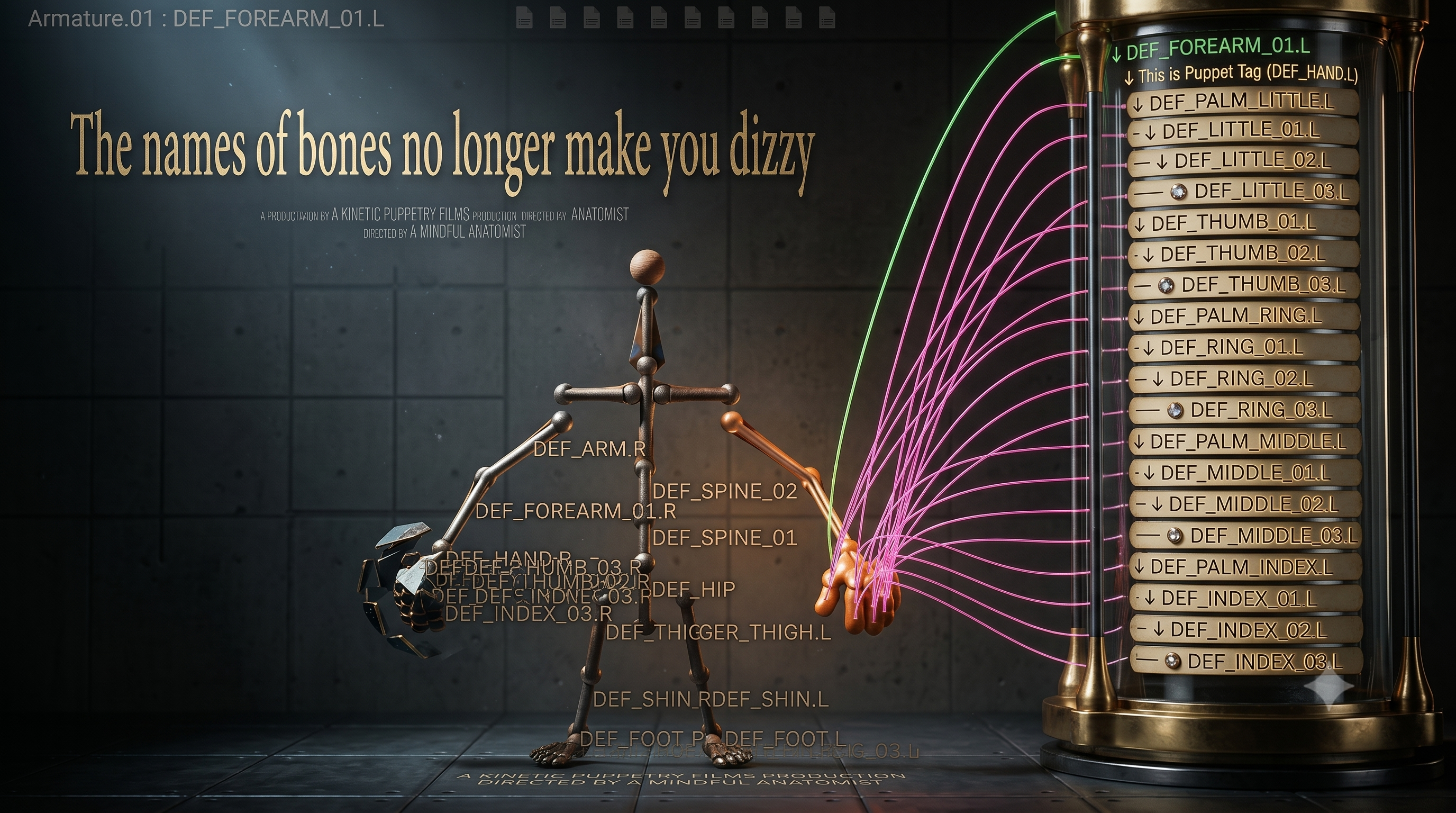
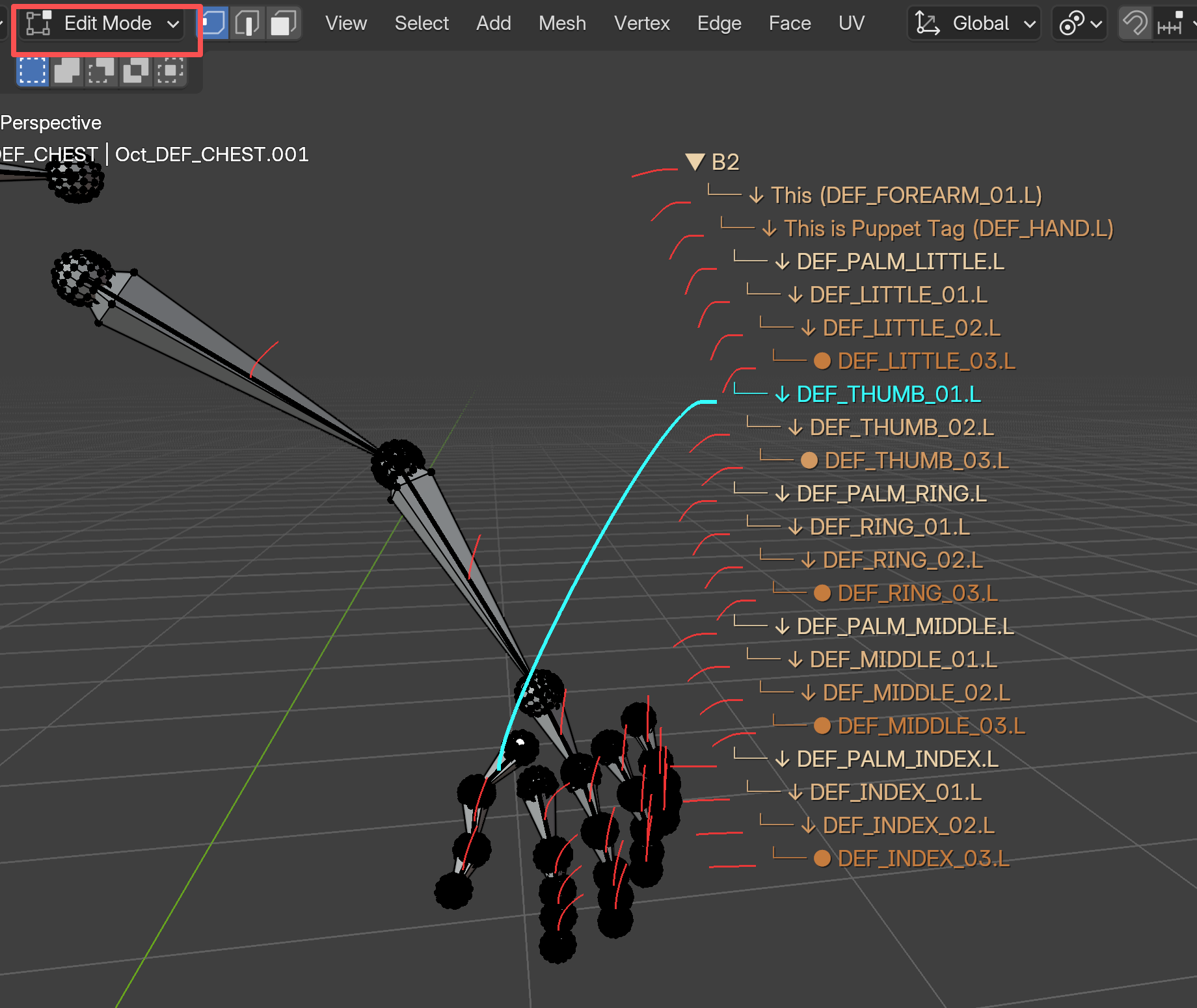
Pose / Object / Mesh Edit Workflows
PuppetTag is designed to stay useful across common rigging and animation contexts.
- Pose Mode for animation controls
- Object Mode interaction support
- Mesh edit related workflows
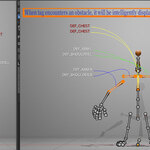
Persistent Floating Tags
Keep important labels visible even when the current selection changes.
This makes it easier to mark key controls, explain a rig, or keep reference points on screen during setup.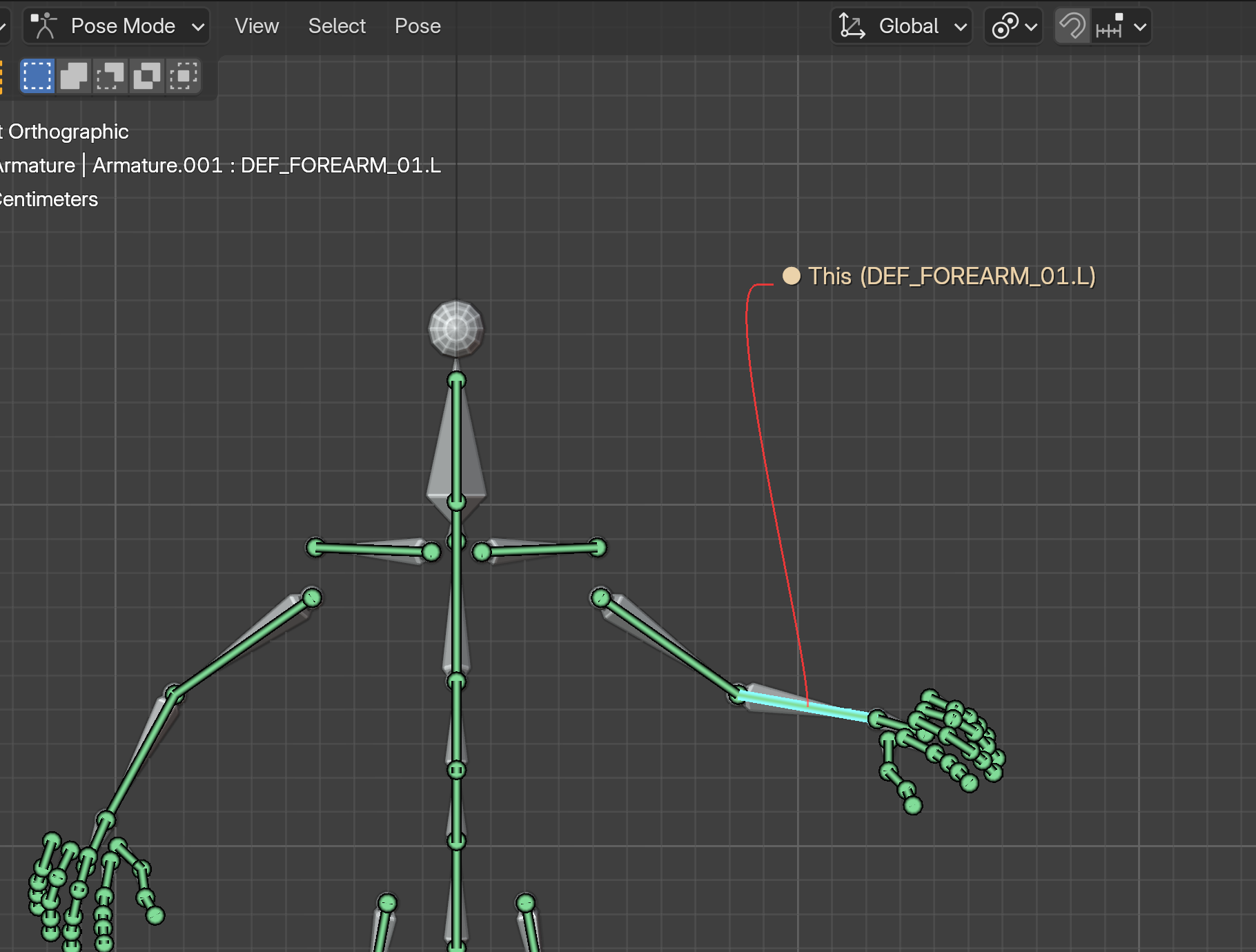
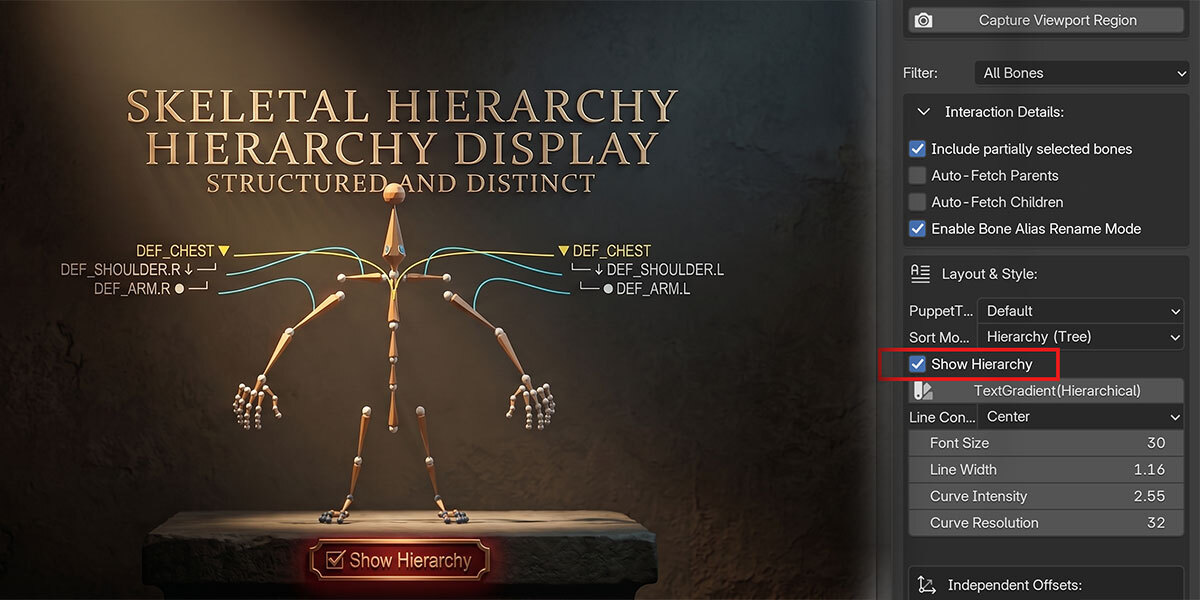
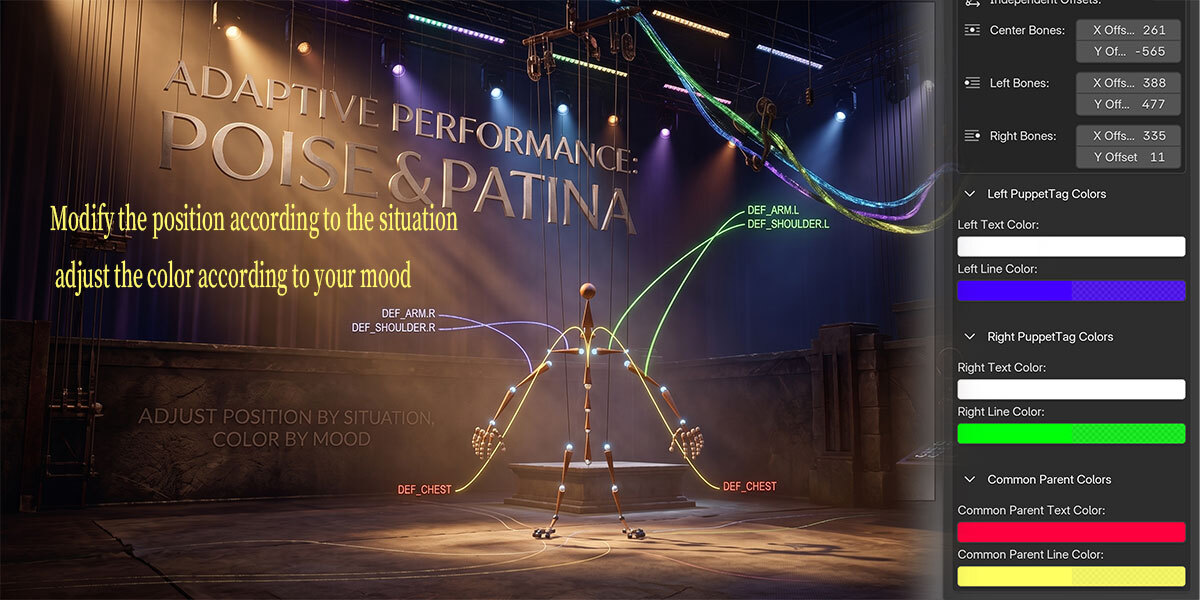
Flexible Layout and Styling
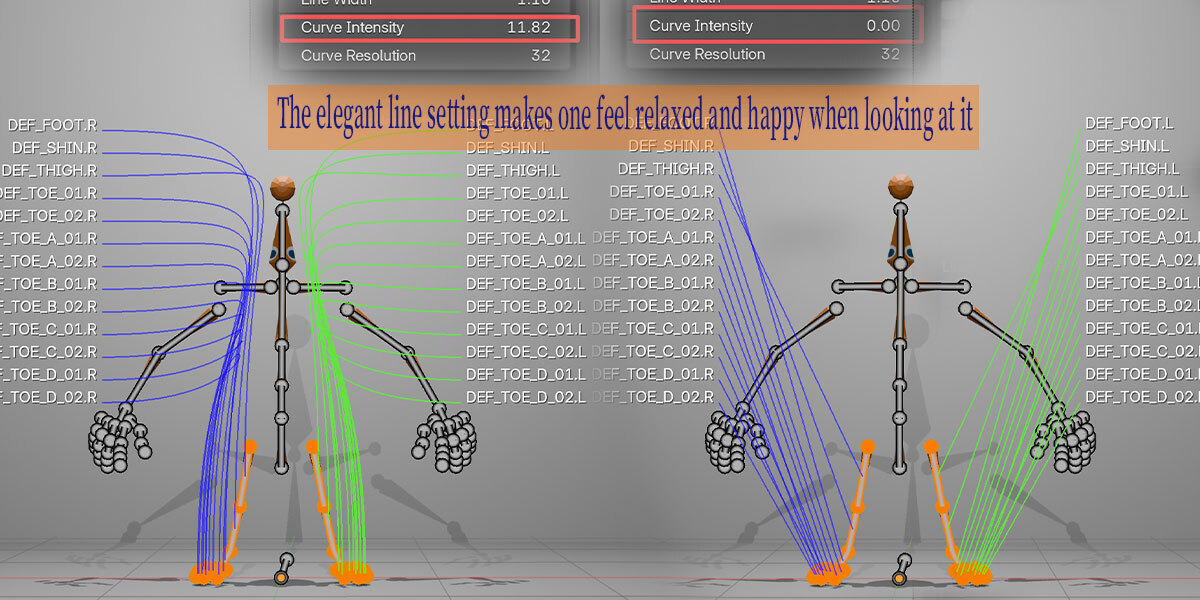
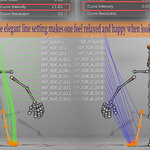
Adjust how labels look and how connector lines behave.
- Font size
- Line width
- Line style
- Curve amount
- Label spacing
- Left / right / parent colors
- Front or occluded line depth
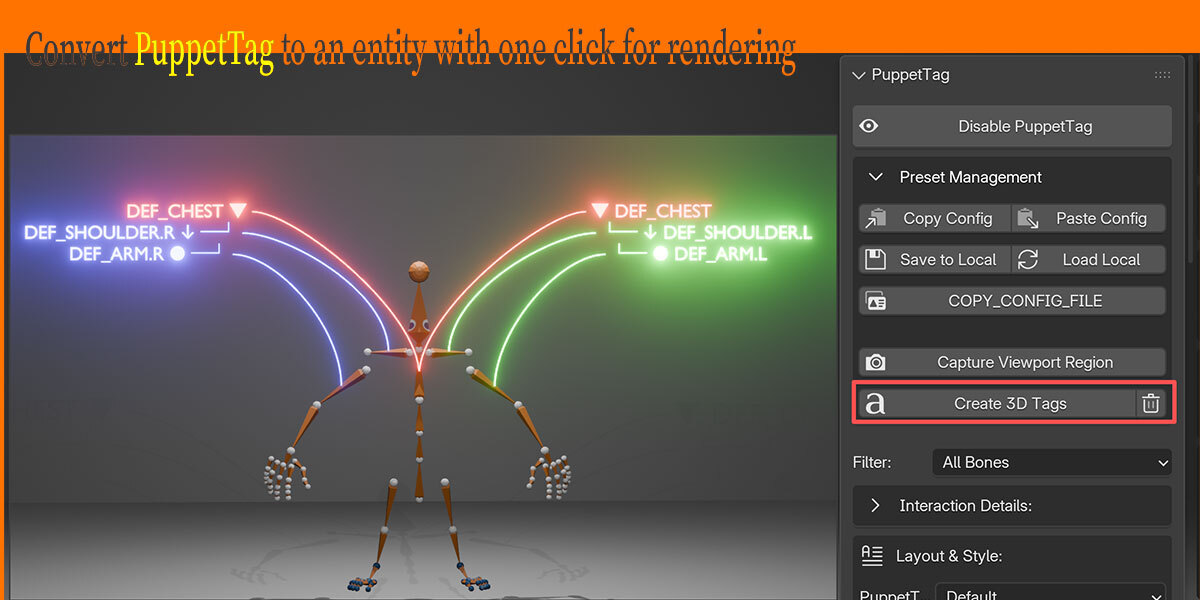
Fast Presets and Reusable Settings
Start quickly with presets, then copy, paste, save, or load your configuration.
This keeps label styling consistent across scenes and demo files.
Detailed Tutorial
Typical Uses
Character Animation
Make facial, hand, spine, IK, FK, and helper controls easier to find.
Mechanical Rigging
Label moving parts, pivots, drivers, constraints, and reference bones clearly.
Tutorials and Documentation
Create cleaner screenshots and demo scenes where the viewer can understand the rig at a glance.
Rig Debugging
Expose selected bones, parent chains, child chains, and important controls while inspecting a setup.
Workflow
- Select your armature or rig controls.
- Open
3D View > Sidebar / N Panel > PuppetTag. - Enable PuppetTag.
- Choose a preset or adjust the layout.
- Add aliases where needed.
- Drag labels into readable positions.
- Save or copy the configuration for reuse.
Location
3D View > Sidebar / N Panel > PuppetTag
Summary
PuppetTag focuses on one job:
Make rig controls easier to read inside Blender.
It gives you a clean visual label layer for animation, rigging, screenshots, teaching, and technical review without touching your original rig data.
