Quad Filler 1.0 (2026 New Update)
 Casey_Sheep



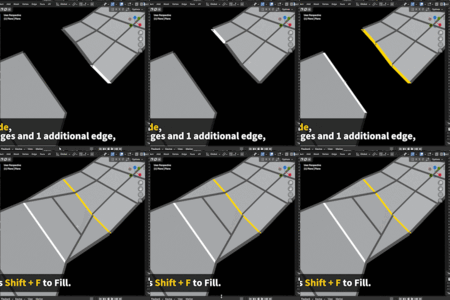

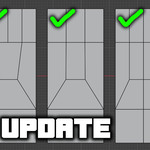
Quad Filler — Quick Documentation (v1.0)
1. Installation
-
Download the file:
Quad_Filler_V_1_0_x.zip -
In Blender, go to:
Edit → Preferences → Add-ons → Install… -
Select the ZIP file and enable the add-on.
2. Optional — Set Your Shortcut
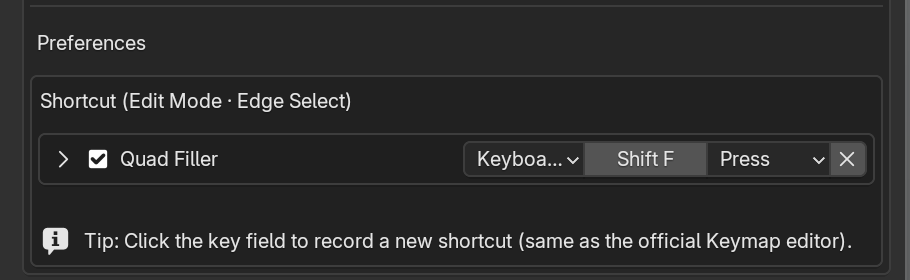
You can assign or change the shortcut in:
Edit → Preferences → Add-ons → Quad Filler
(Search for “Quad Filler” and click the key field to record a shortcut, just like Blender’s Keymap editor.)
3. How to Use
-
Enter Edit Mode
-
Switch to Edge Select Mode
-
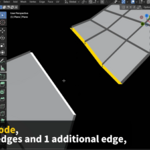
Select two open edge chains
Quad Filler 1.0 supports multiple edge-count combinations, including:
5 → 3, 4 → 2, 4 → 1, 3 → 2, 3 → 1, 2 → 1, and N → N (1–49).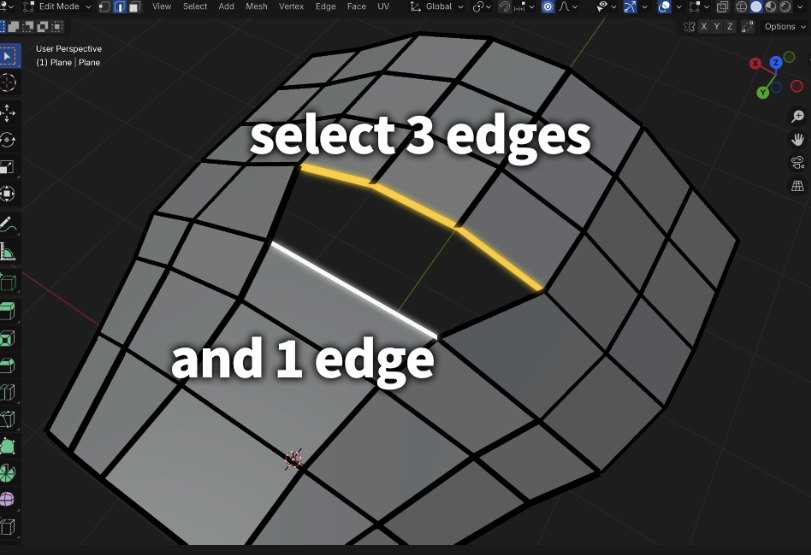
-
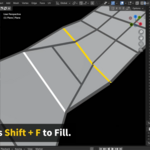
Press your shortcut (default: Shift + F)
or right-click and choose Quad Filler from the context menu. -
The add-on will automatically bridge and fill the gap with a quad-first result.
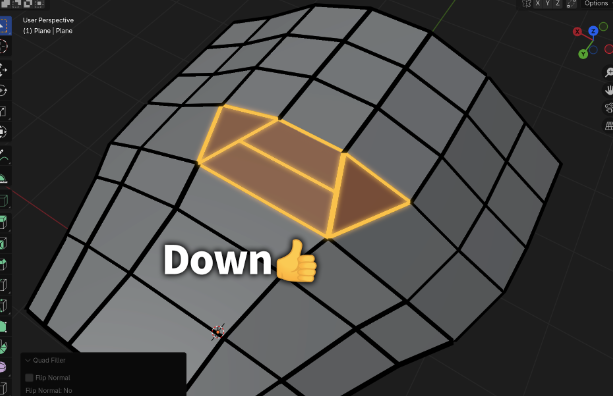
Notes & Limitations
- Only open edge chains are supported (closed loops are not supported).
- Some modes may produce triangles or a single n-gon depending on the edge-count combination.
- If face normals appear incorrect, use Blender’s native normal tools (Flip / Recalculate).
Done!
No extra settings, no complex steps — select, press, and fill.