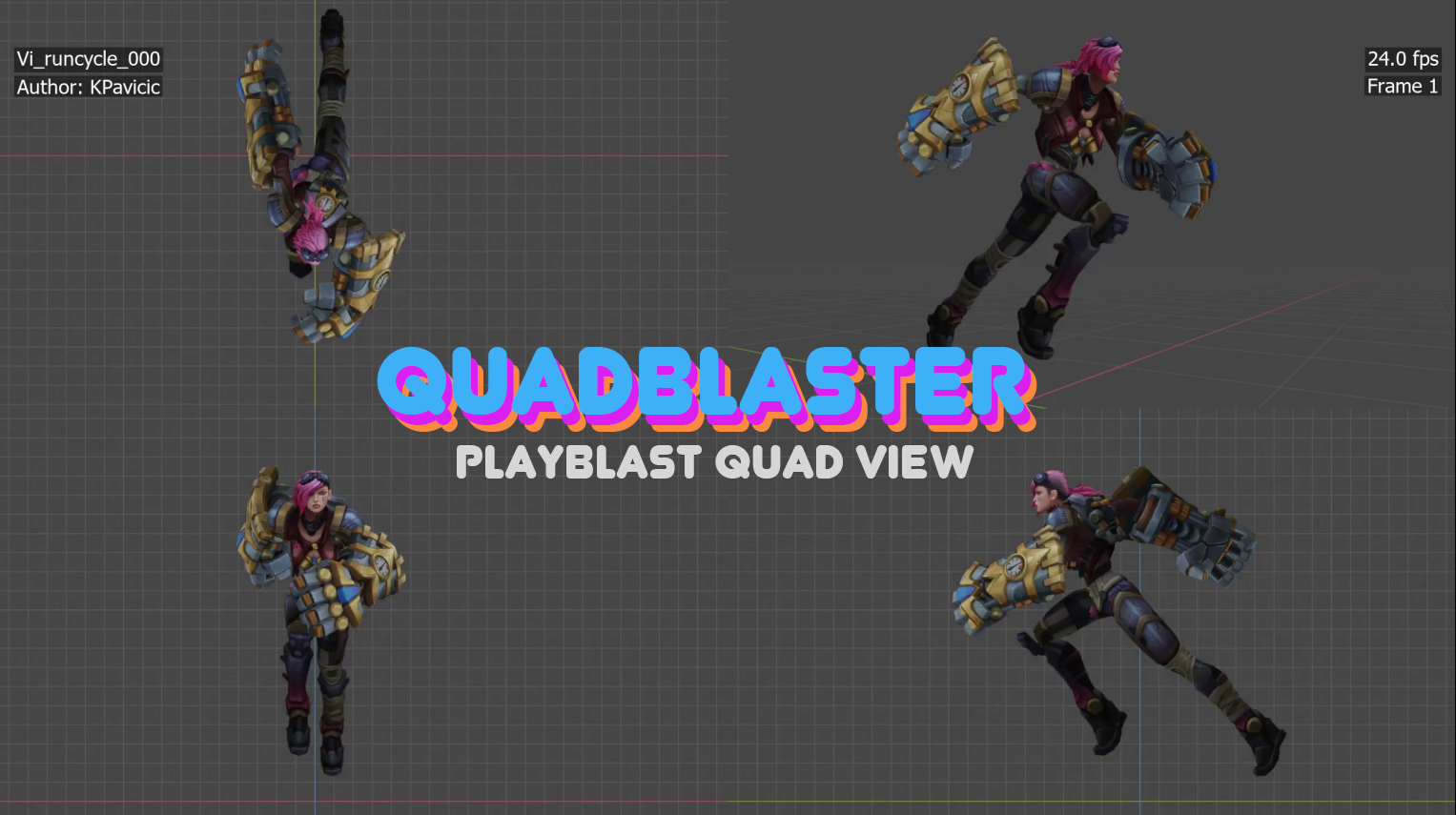
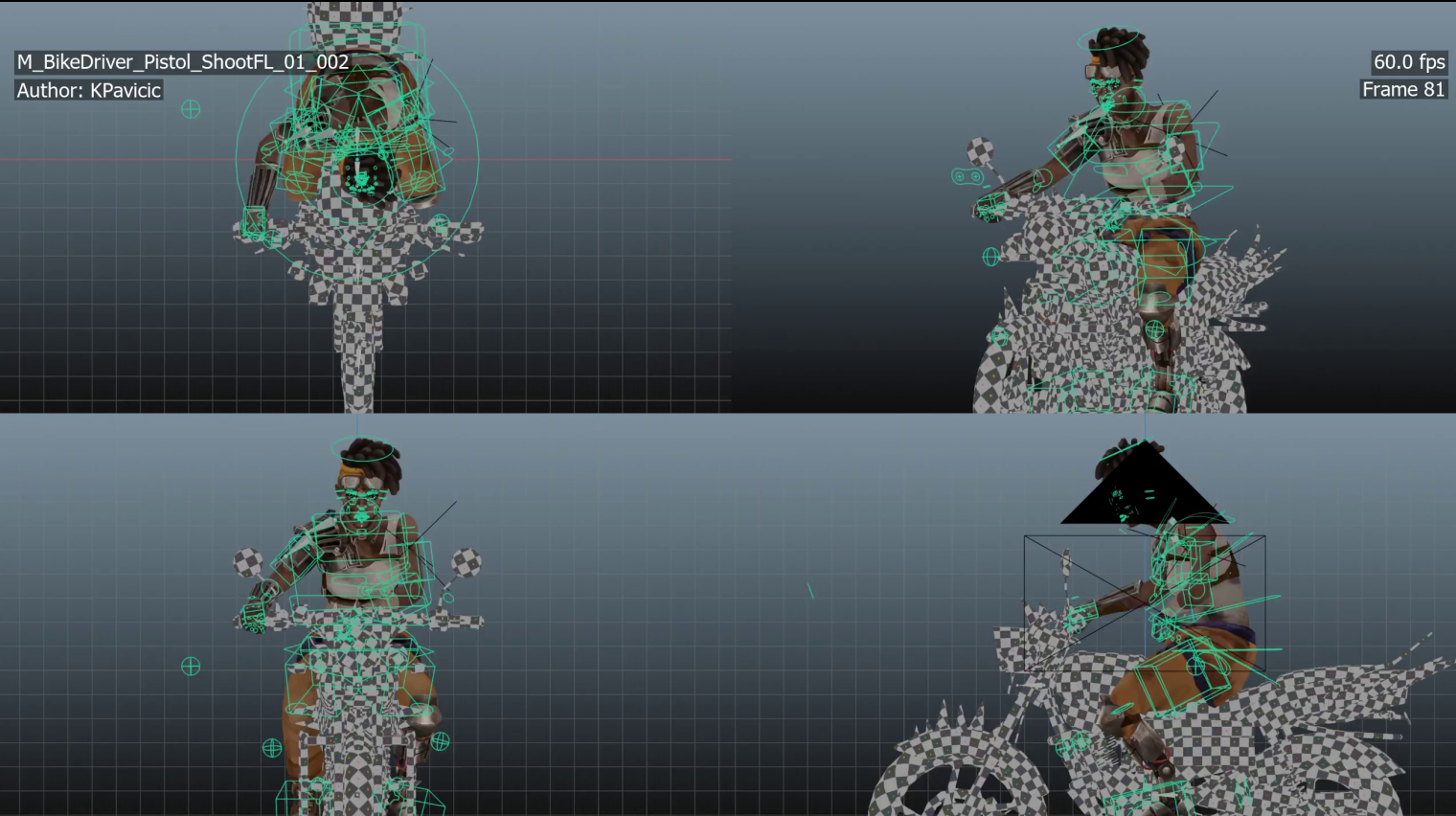
QuadBlaster | Professional Animation Playblasting
 karlo pavicic ravlic

Go to Window > Toggle System Console and look at the errors to get a better idea of what happened. If you still don't know, but see an error code, send me the output and describe the issue.
If the error is "Fontconfig error: Cannot load default config file: No such file: (null)" look at the other FAQ for help!
Most likely your build of FFMPEG doesn't have the flag --enable-libfontconfig which is required to parse the command properly.
Read more on how to fix in the solution posted here or just download the build from here and replace the files in your ffmpeg folder which is located in your program files folder (on windows)
Have questions about this product?
Login to message
| Rating | 1 ratings |
| Published | over 3 years ago |
| Blender Version | 4.4, 4.3, 4.2, 4.0, 3.6, 3.5, 3.4, 3.3 |
| License | Creative Commons |

Discover more products like this
review quad FilmProduction 3d animation spring24 playblast Production animation preview animation winter24