 Mendbox Studio
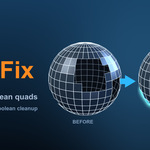
Full manual: https://mendboxstudio.com/docs/quadfix · Website: https://mendboxstudio.com/addons/quadfix
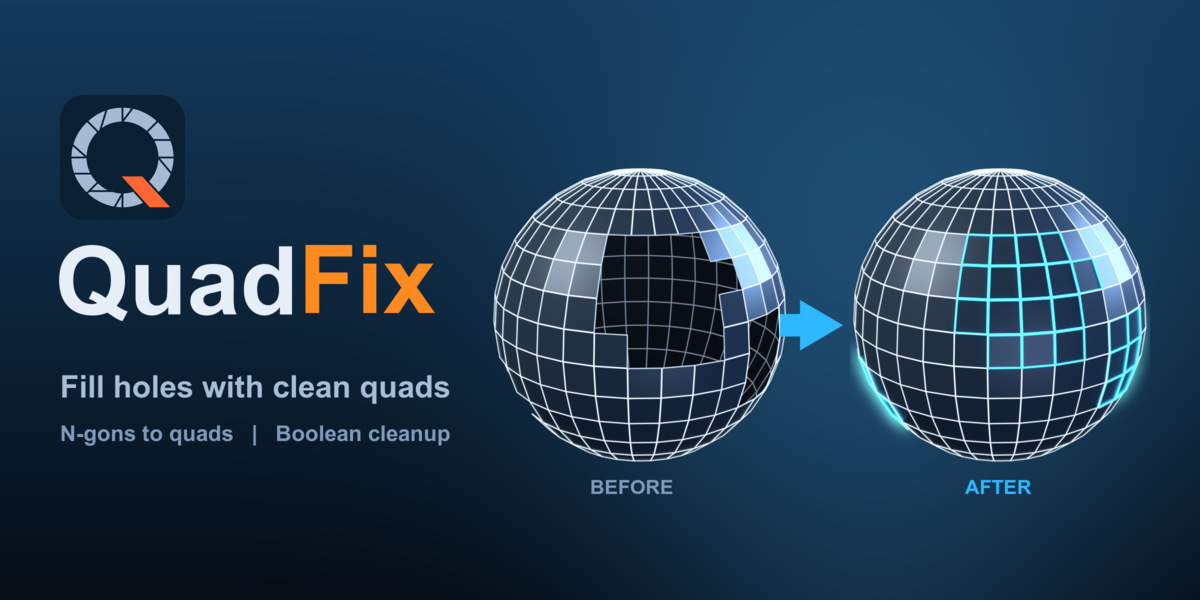
One click: holes → quad grid, n-gons → quads, boolean mess → clean. New in 1.4.6: Clean & Quad with Only Selected no longer changes faces outside your selection, and the normals of a partial selection follow the neighbouring faces. Clean and Select Non-Quads work on all objects in Edit Mode, hidden geometry is left alone, the "Nothing cleaned" message is clearer, and Select Non-Quads in Face mode also shows hole edges.
Free copies for testers. We give a few free copies to Blender users who will try QuadFix or Image Per Instance on real work and leave an honest review here, good or bad. Click Contact Creator, tell us which add-on you want and what you will use it for, and we will send you a coupon code. 10 places per add-on.
QuadFix repairs the things that break imported, booleaned and AI-generated meshes: holes, n-gons and triangle soup. Select the mess, press one button, get quads. No external binaries, pure Python on Blender's own bmesh. Works on Windows, macOS and Linux (Blender 4.2 LTS and newer). Tested on macOS, Windows 11 and Linux (x86-64).
What it does
-
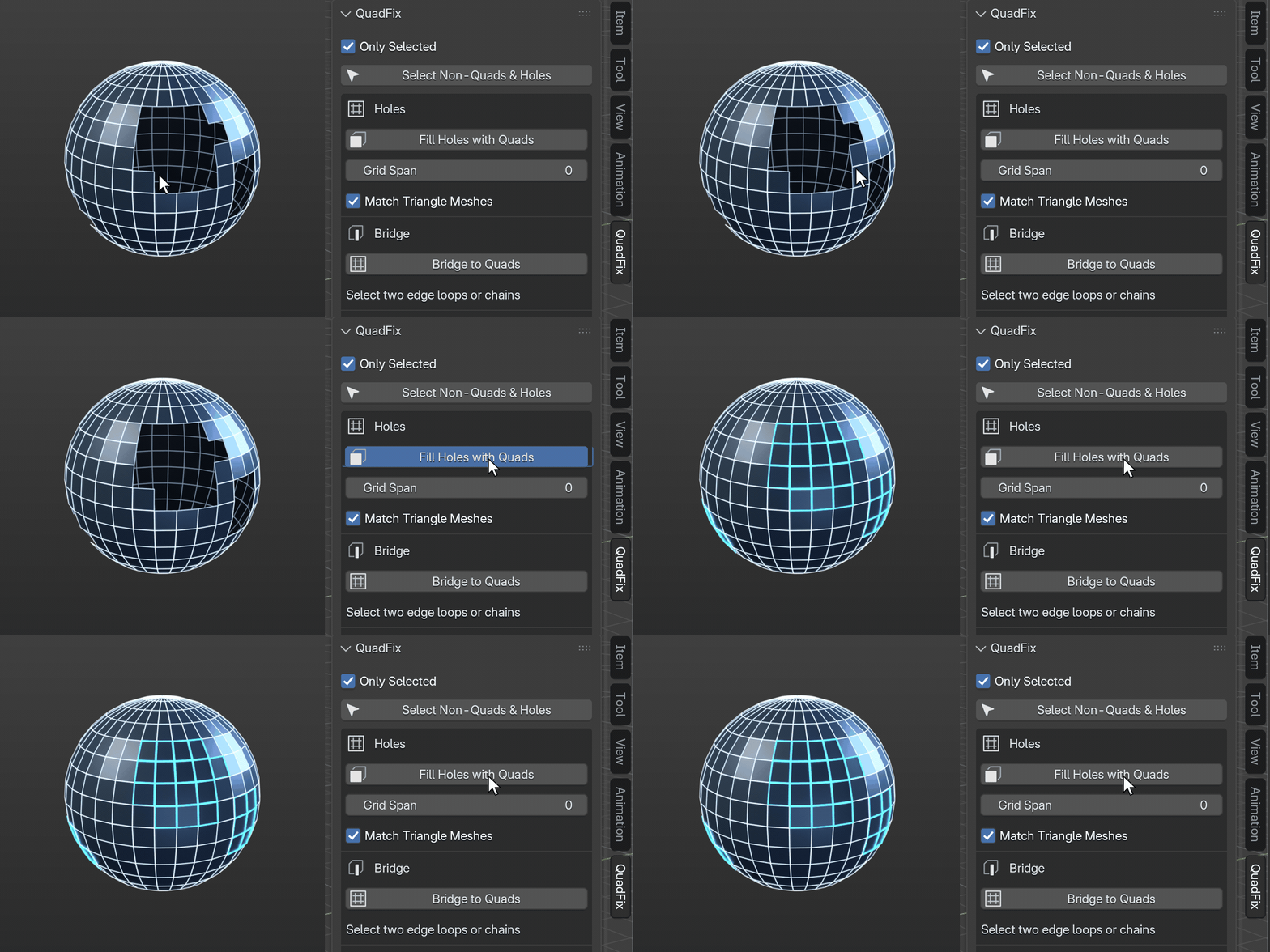
Fill Holes with Quads — closes holes with a proper quad grid, no triangle fans. Notched and L-shaped holes are split into rectangles and grid-filled.
-
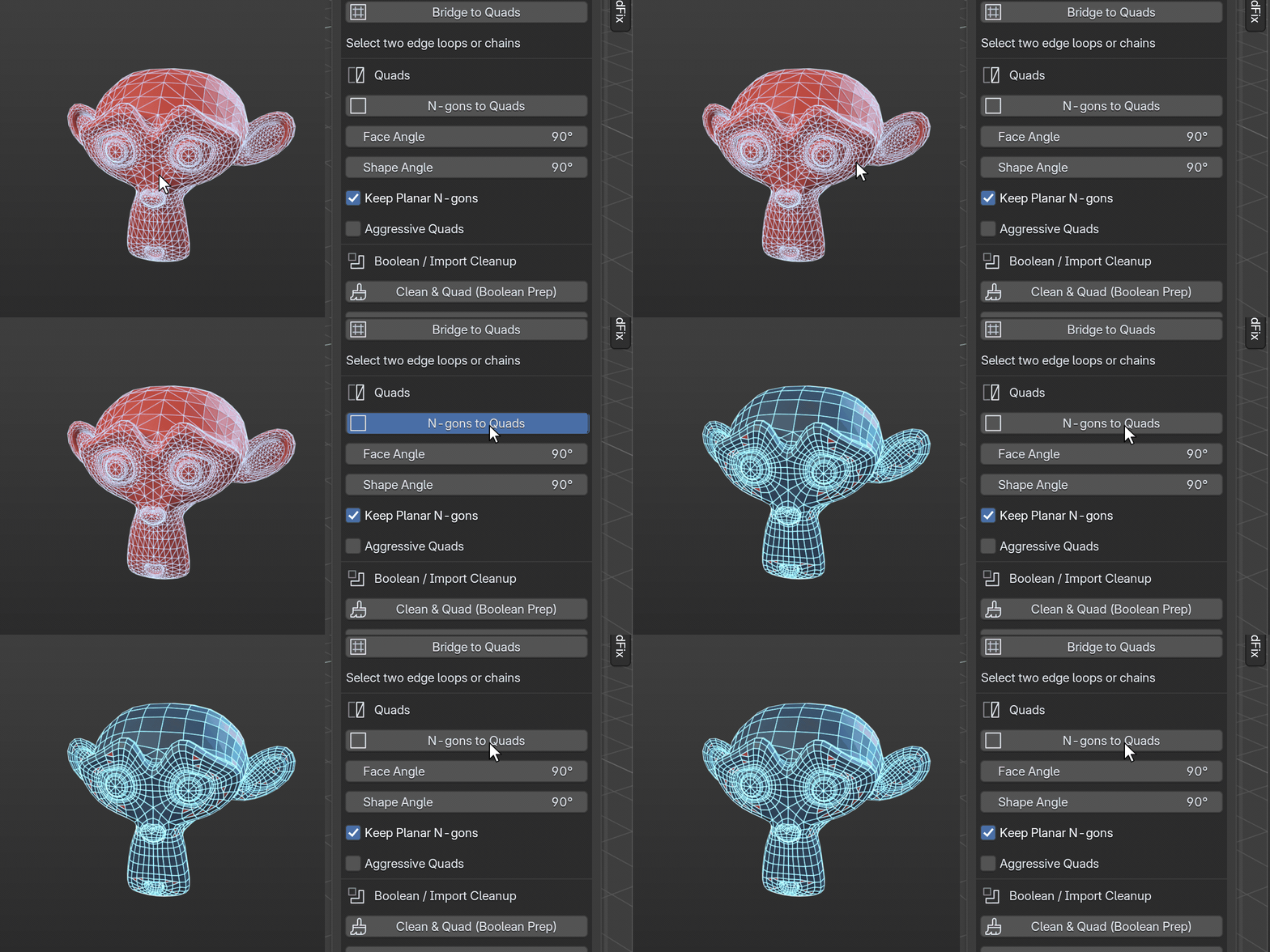
N-gons to Quads — converts curved n-gons and triangles to quads; flat CAD faces stay untouched. Grid-shaped n-gons are refilled like a hole.
-
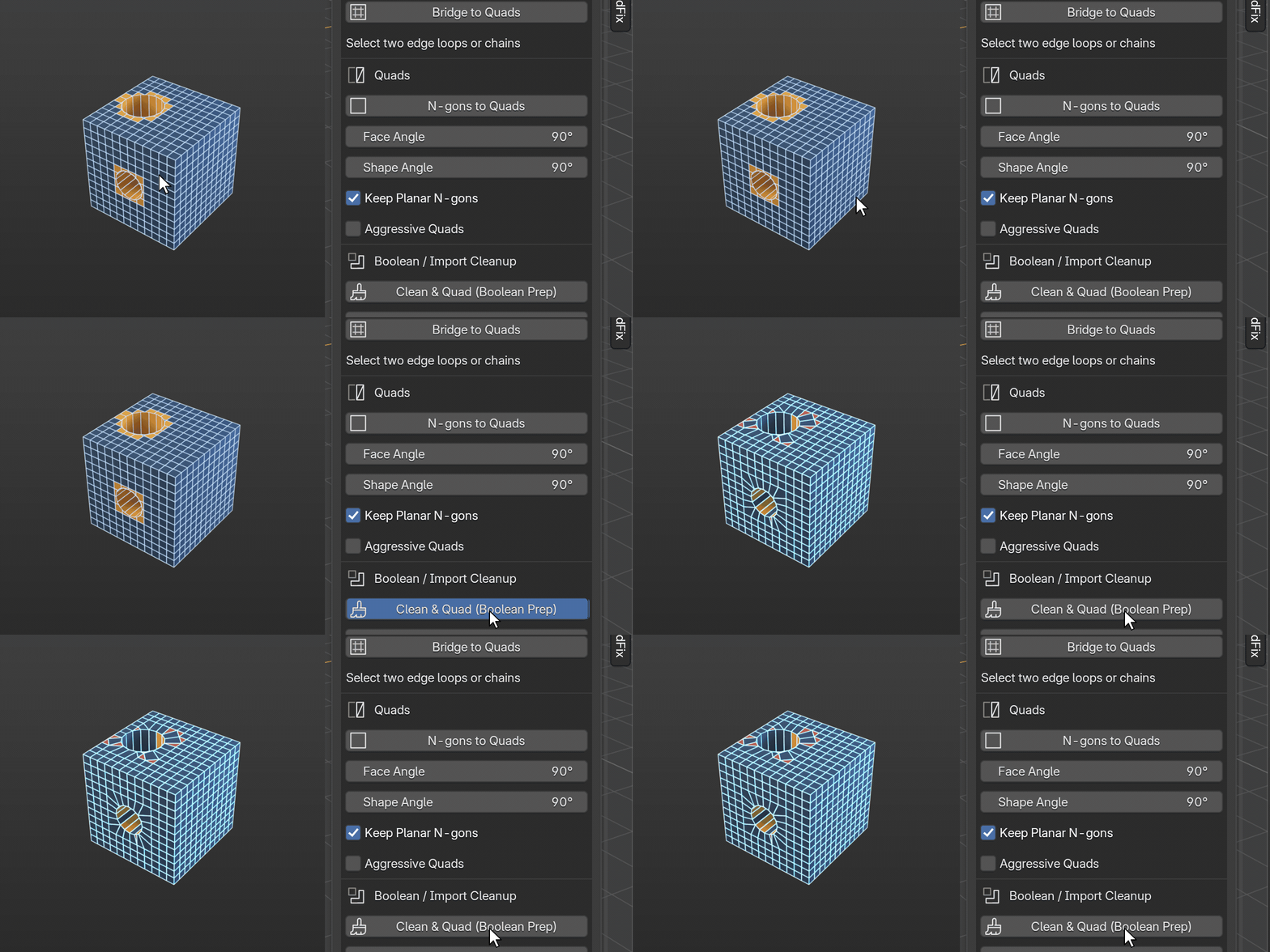
Clean & Quad (Boolean Prep) — merge doubles, remove junk geometry, limited dissolve (keeps sharp edges), tris-to-quads. One click after a boolean or an import. Clean quads and pole caps are left alone.
-
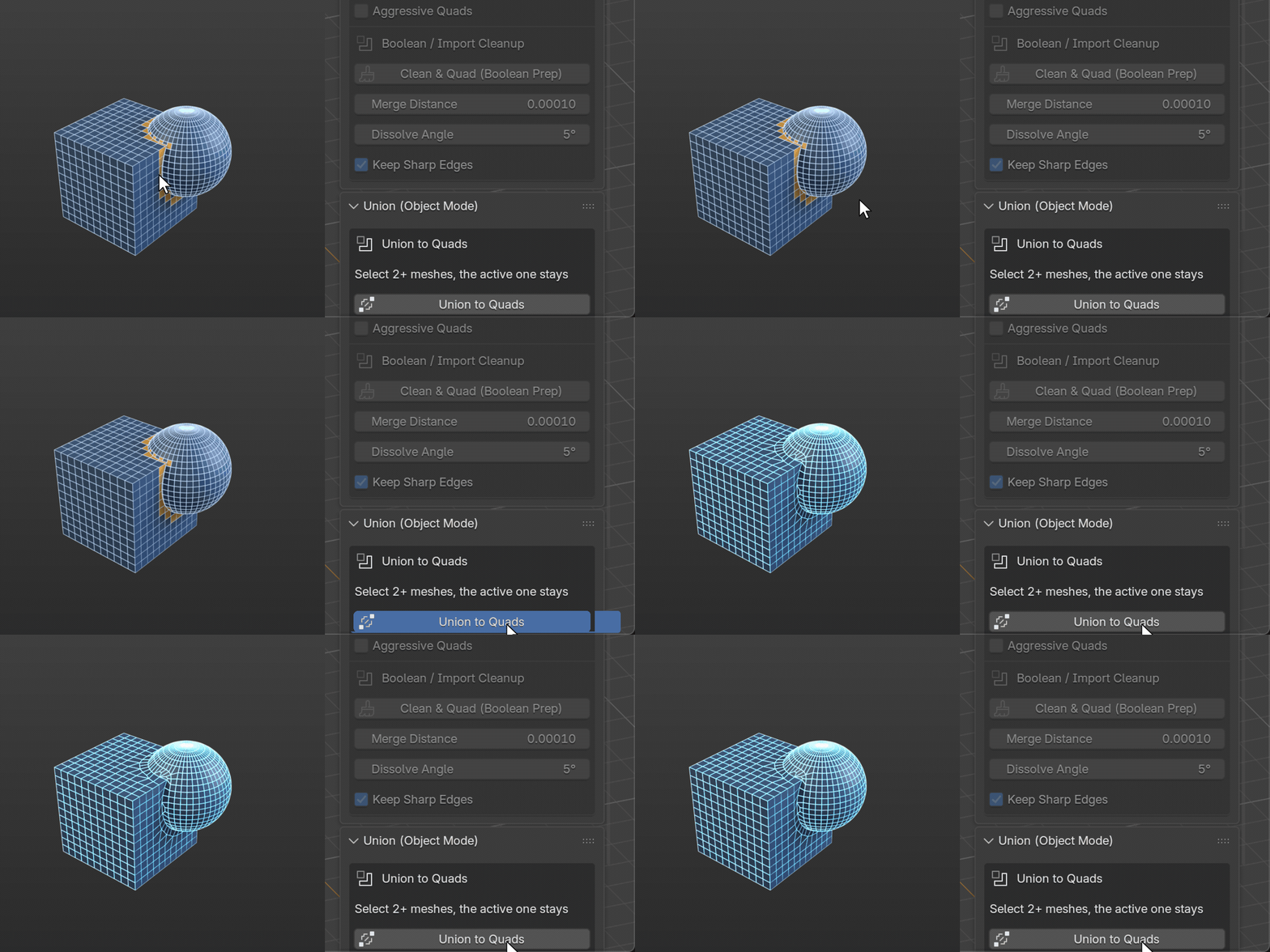
Union to Quads — exact Boolean union of two or more meshes, then the seam is rebuilt as a strip of quads instead of triangles and n-gons. Originals are hidden, not deleted. A shape-change limit protects your surface; seams it cannot rebuild cleanly stay a plain Boolean and are reported.
-
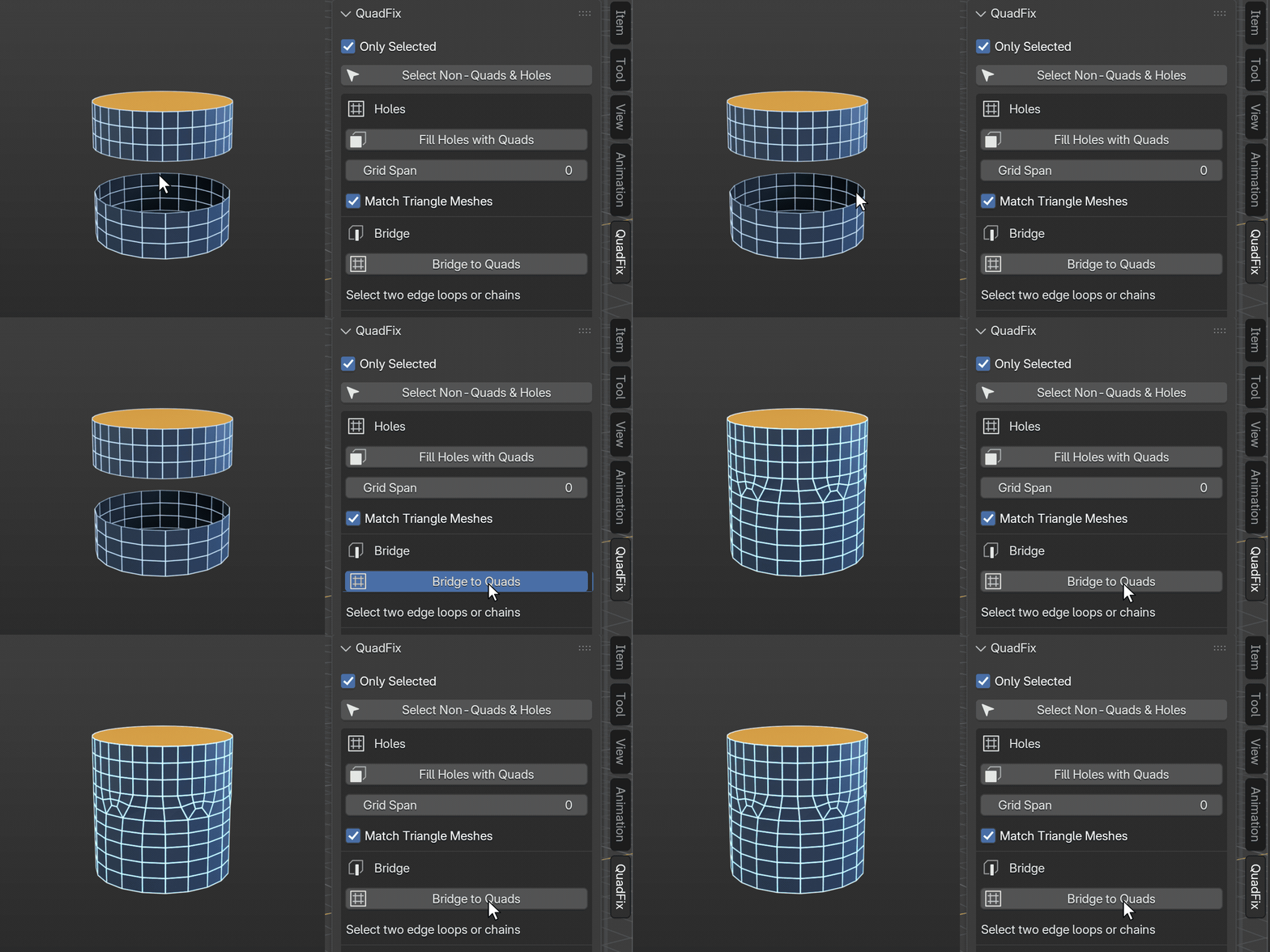
Bridge to Quads — joins two edge loops or open edge chains with a strip of quads instead of triangles. Set Auto Cuts (or the number of Cuts) and Smoothness in the Adjust Last Operation panel; works on loops of different length and tilted or offset loops. Square quads, no folds or self-intersections (checked before it keeps the result; otherwise it reverts and tells you why).
-
Select Non-Quads & Holes — shows what needs fixing, with a count.
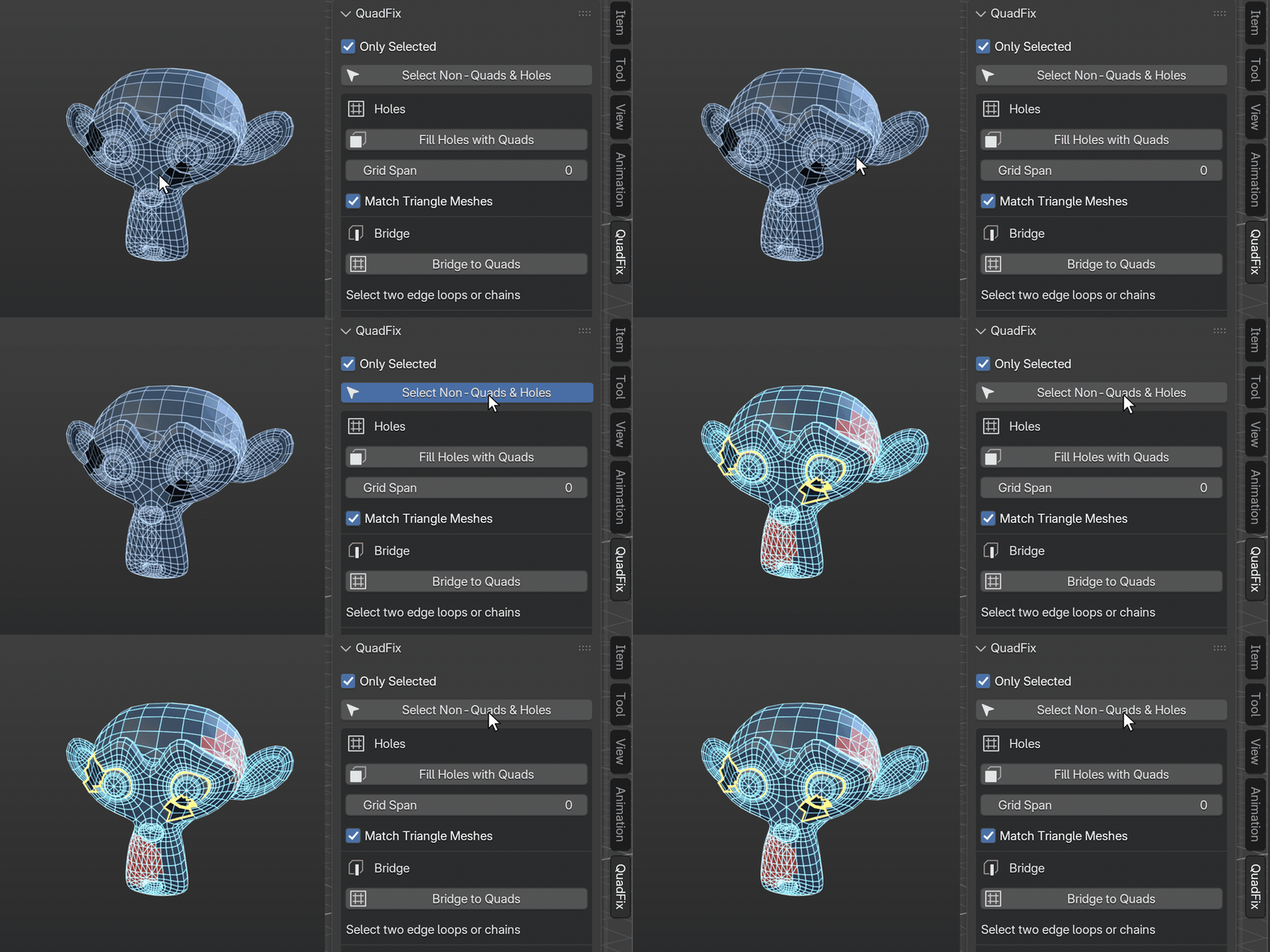
- Only Selected — fix one area without touching the rest.
- Undo-safe. Live before/after report of quads, triangles and n-gons.
Made for
Game artists cleaning AI meshes (Tripo, Meshy, Hunyuan), hard-surface modelers after booleans, 3D-print and CAD users repairing STL imports and scans.
Requirements
Blender 4.2 or newer (extension format). Tested on Blender 4.2.23, 4.5.14 and 5.2.2 on macOS, Windows 11 and Linux.
Install
Edit → Preferences → Get Extensions → ▾ (top right) → Install from Disk → pick the zip. Then press N in the 3D viewport and open the QuadFix tab. Mesh tools work in Edit Mode (Tab), Union to Quads in Object Mode. Tools that do not fit the current mode are shown greyed out.
Honest limits
Not an auto-retopology tool: it repairs what is there. Very irregular scans may keep a few triangles. A three-edge loop is better closed with Fill Holes. For Bridge to Quads the two sides may differ by at most 4:1 in edge count; an odd edge total can leave one triangle. Union to Quads rebuilds seams only: no UVs for the new strip, seams running through holes in your input stay a plain Boolean, and on dense meshes with very different density on both sides the strip is all quads but zig-zag.
Free version
A free subset (N-gons to Quads, Clean & Quad, Select Non-Quads) is on GitHub: github.com/mendbox/quadfix-lite
Free updates: QuadFix 1.x, Image Per Instance 0.x and 1.x, BedSplit 0.x and 1.x. Questions: [email protected] (Superhive buyers can also send a message here). Please include your Blender version, operating system and the report line from the panel. Full manual with screenshots: https://mendbox.github.io/docs/quadfix/
Get update notices and new add-ons by email: https://mendboxstudio.com/updates