Quadfix — Fill Holes With Quads, Clean Booleans & Imports
 QuadFix Tools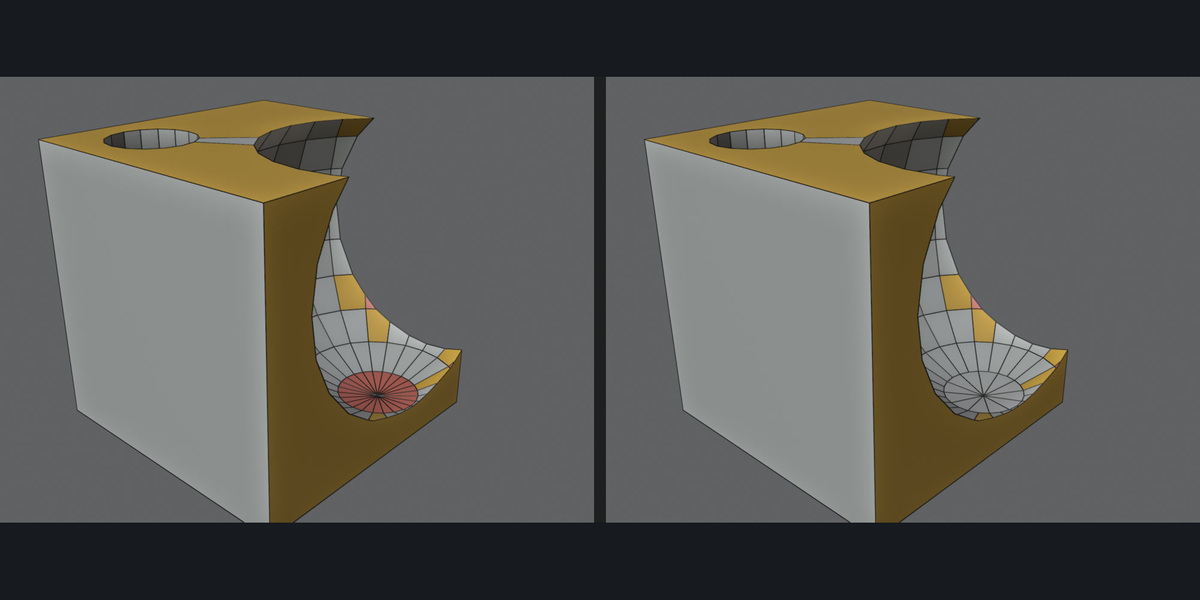
Install (Blender 4.2 and newer)
- Download the zip (do not unzip it).
- Edit → Preferences → Get Extensions → small arrow menu at the top right → Install from Disk → pick the zip.
- Press N in the 3D viewport and open the QuadFix tab. Mesh tools work in Edit Mode (Tab), Union to Quads works in Object Mode. Tools that do not fit the current mode are shown greyed out.
Quick start (Edit Mode tools)
- Press Select Non-Quads & Holes to see the problems and their counts.
- Select everything (A) or only the area to fix, then press the button you need.
- Read the report line at the bottom of the panel. Ctrl+Z (Cmd+Z on Mac) undoes any step.
Options
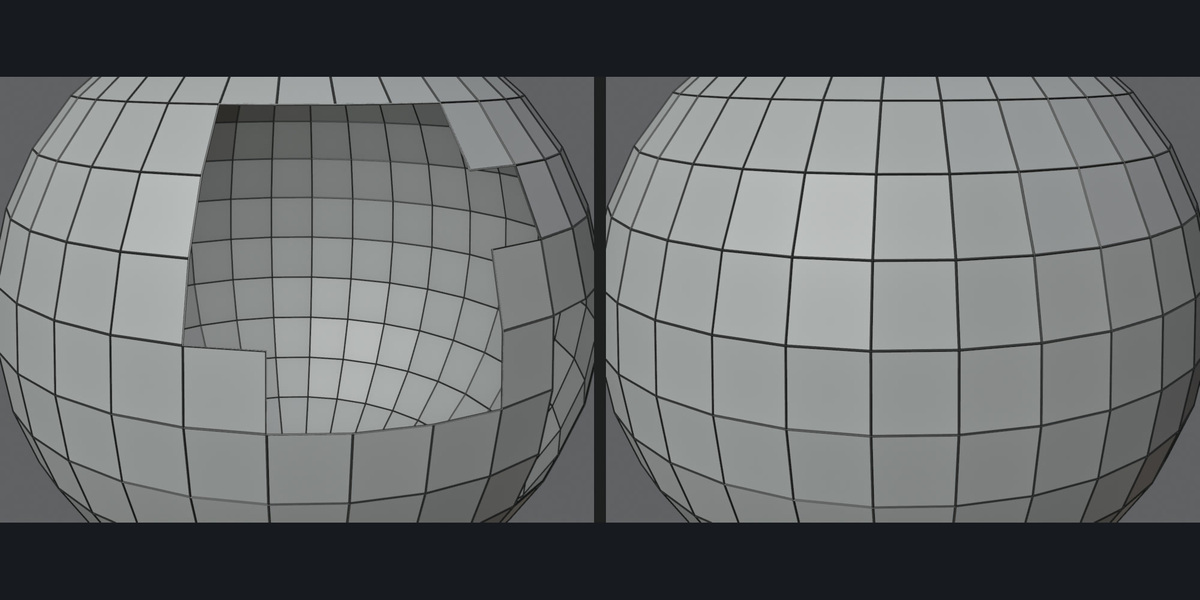
- Fill Holes with Quads — Grid Span: 0 = automatic, otherwise the number of columns for the grid fill.
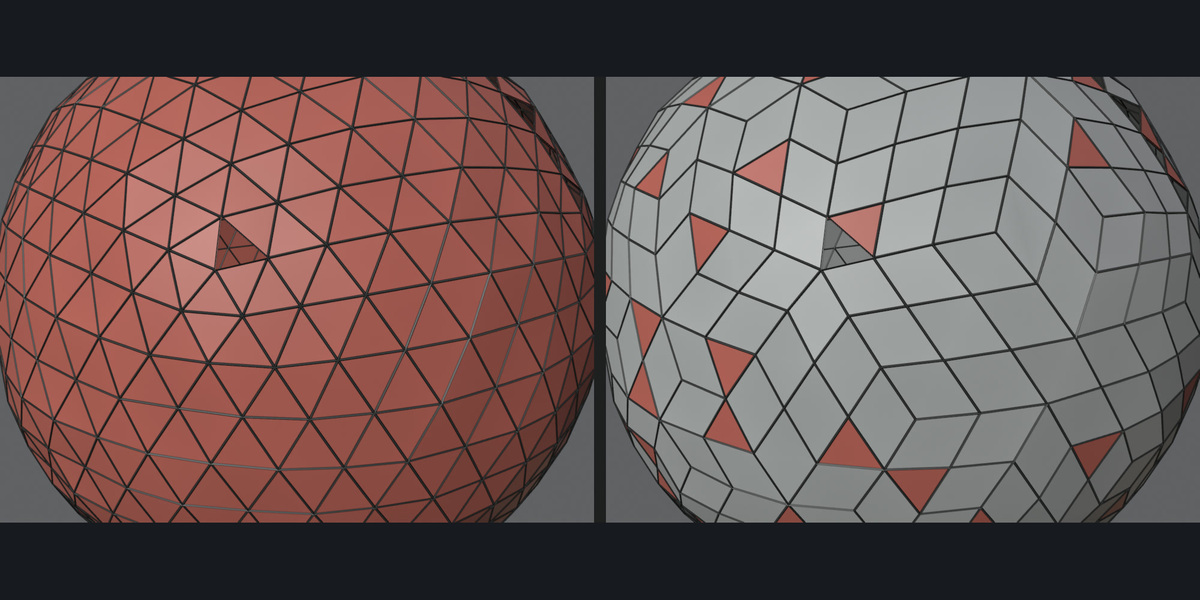
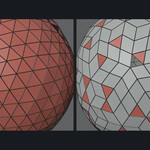
- Match Triangle Meshes: keep the patch triangulated when the surrounding mesh is triangles (scans).
- N-gons to Quads — Face Angle / Shape Angle: how freely triangles are joined into quads.
- Keep Planar N-gons: leave flat n-gons alone (turn off for scans). Aggressive Quads: join everything that can be joined.
- Clean & Quad — Merge Distance: doubles threshold. Dissolve Angle: coplanar cleanup threshold. Keep Sharp Edges: protect marked sharp and seam edges.
- Only Selected: operate on the selection instead of the whole mesh.
Union to Quads (Object Mode)
- Select two or more closed meshes that overlap. Make the one you want to keep the active object (click it last).
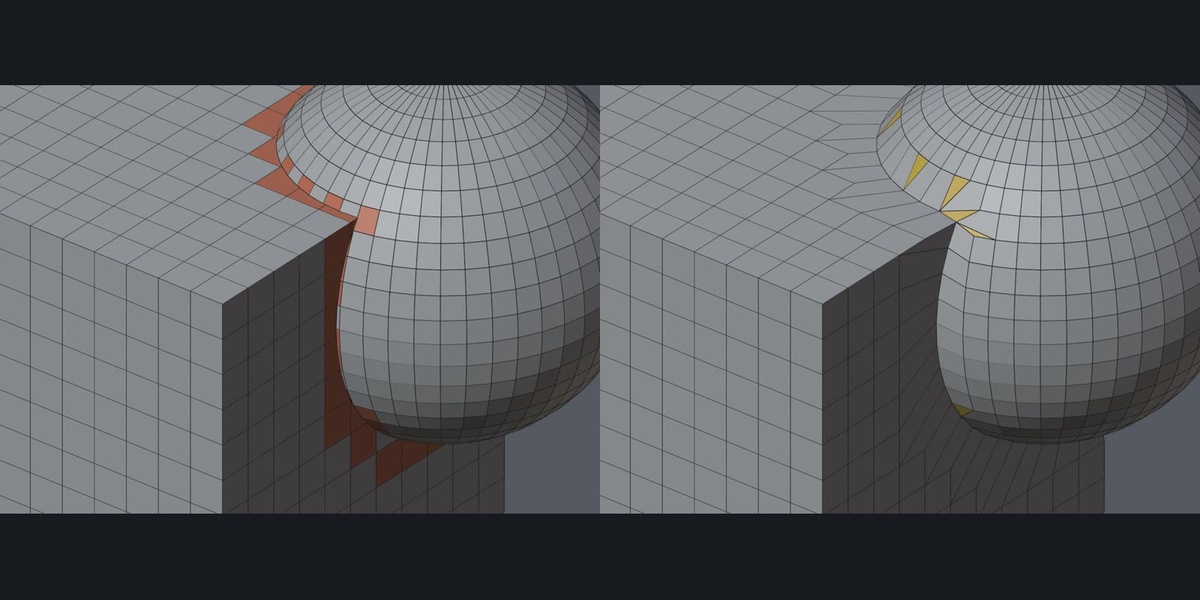
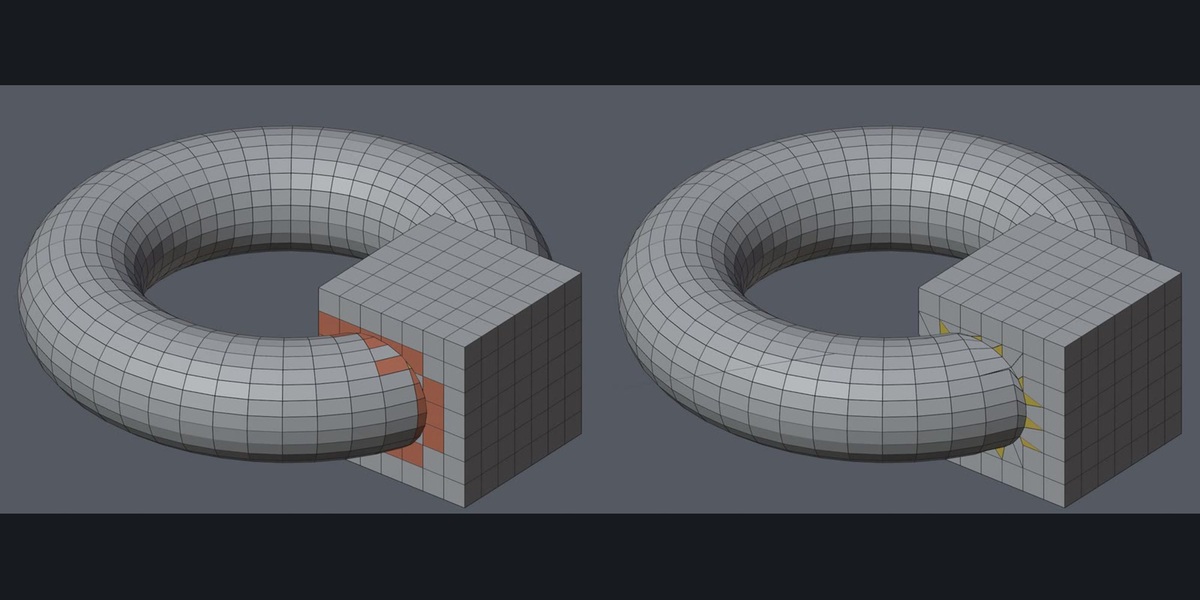
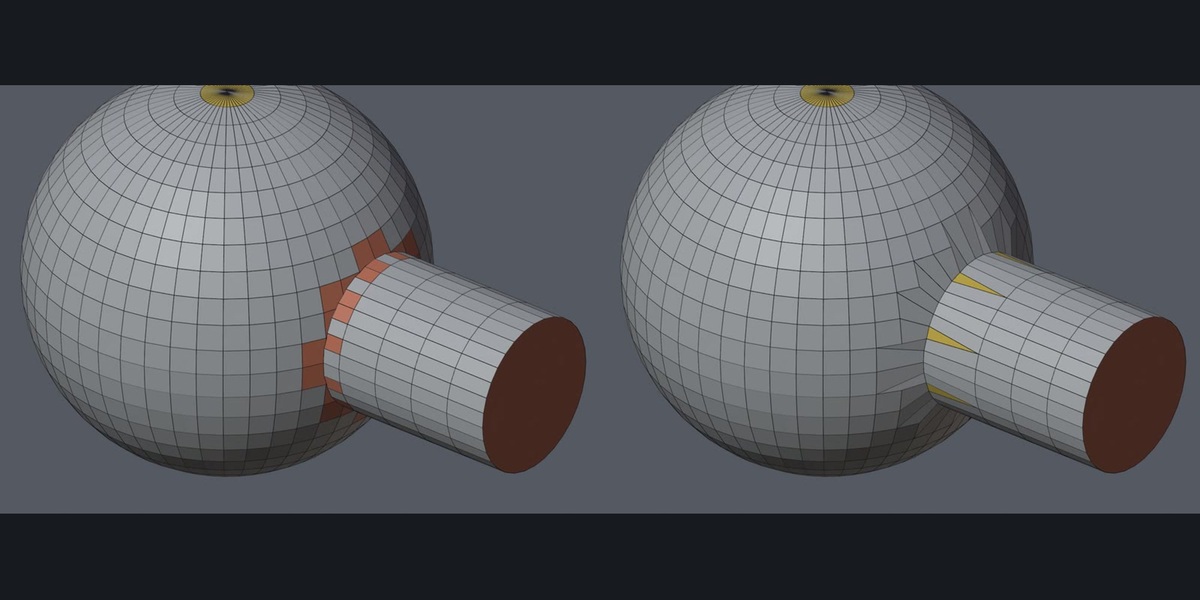
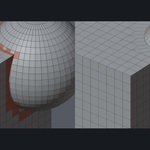
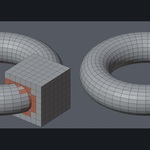
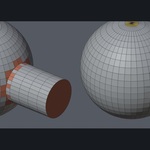
- Press Union to Quads. QuadFix runs an exact Boolean union and rebuilds the seam as a strip of quads. The result stays in the active object; the other objects are hidden, not deleted (Object → Show/Hide → Reveal Hidden brings them back). Ctrl+Z restores everything.
- Open the Adjust Last Operation panel (bottom left of the viewport) right after running it. Rings (Auto or 1-3) = how many face rings around the seam are rebuilt; Auto tries all and keeps the cleanest. Max Shape Change = a rebuilt strip that would move the surface by more than this percent of the object size is rejected and that seam stays a plain Boolean.
- Seams that could not be rebuilt cleanly are listed in the report line ("left as plain boolean").
Limits
QuadFix repairs what is there; it is not an auto-retopology tool. Very irregular scans may keep a few triangles. Union to Quads rebuilds seams only: no UVs for the new strip, seams running through holes in your input stay a plain Boolean, and on dense meshes with very different density on both sides the strip is all quads but zig-zag. Best on smooth shapes with similar mesh density.
$12
Have questions about this product?
Login to message
| Blender Extension Compatible | Yes |
| Published | about 20 hours ago |
| Blender Version | 4.2 - 5.2 |
| Extension Type | Add-on |
| Render Engine Used | Cycles |
| License | GPL |

Discover more products like this
Fill Holes scan cad tris-to-quads import cleanup boolean cleanup retopology quad mesh repair clean-mesh boolean union n-gon