blenderustad


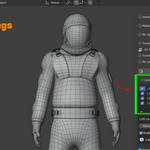
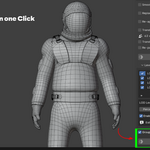
The Problem
Manual retopology takes hours. Sculpted meshes, scanned models, and meshes pulled from AI generators or photogrammetry tools come out as messy, uneven triangles. Before you can rig, animate, or ship them in a game engine, someone has to rebuild the topology into clean quads by hand, then redo the UVs, rebake the textures, and rebuild the vertex weights from scratch.
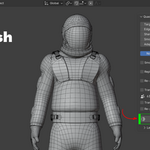
QuadForge removes that bottleneck. It runs an automatic quad-remeshing engine directly inside Blender's viewport and hands you back a production-ready mesh, complete with rebaked textures, transferred rig data, and optional LODs, without leaving your scene.
How It Works
- Select your triangle mesh in the viewport.
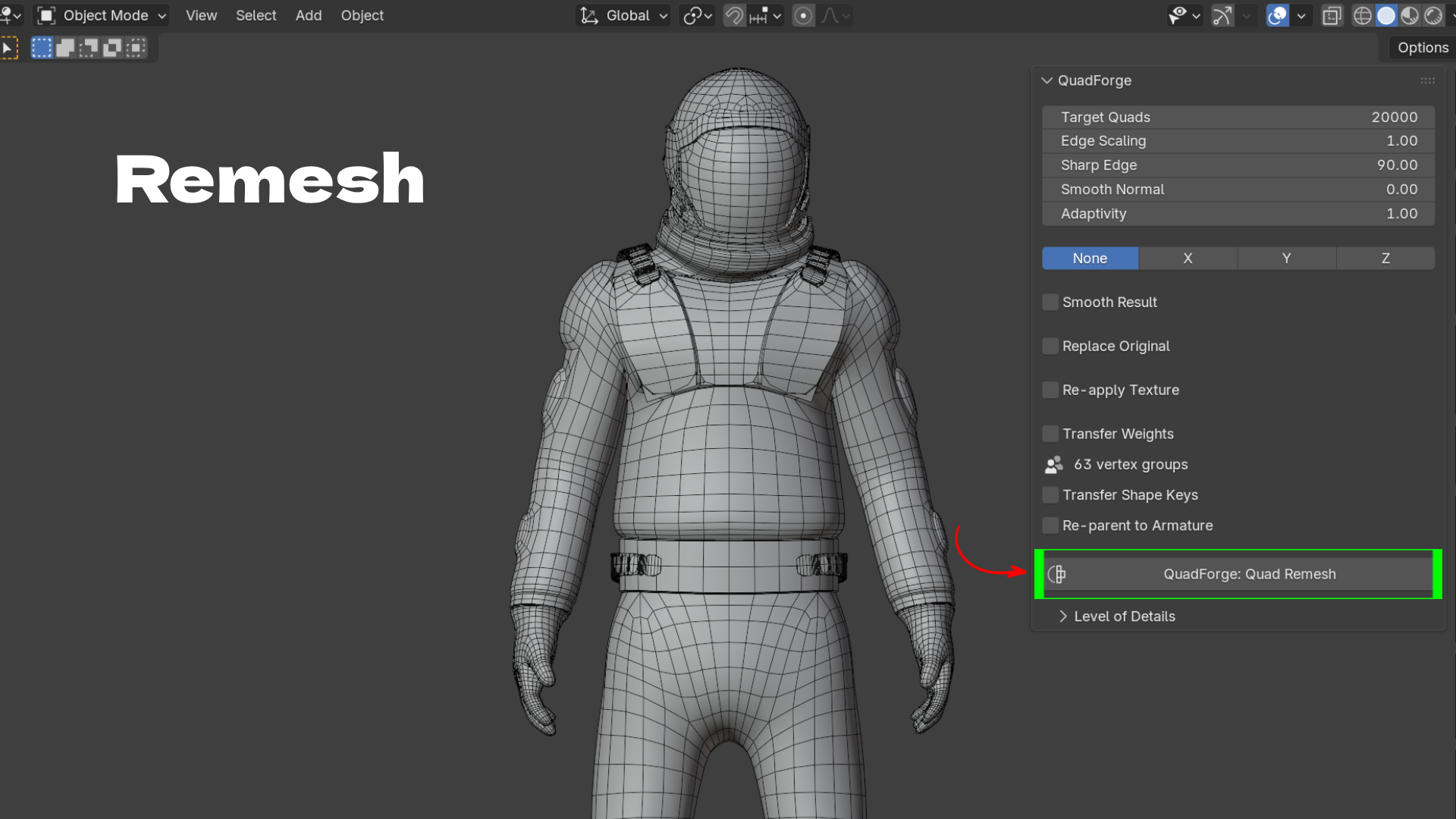
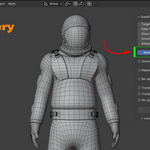
- Open the N-panel sidebar → QuadForge tab.
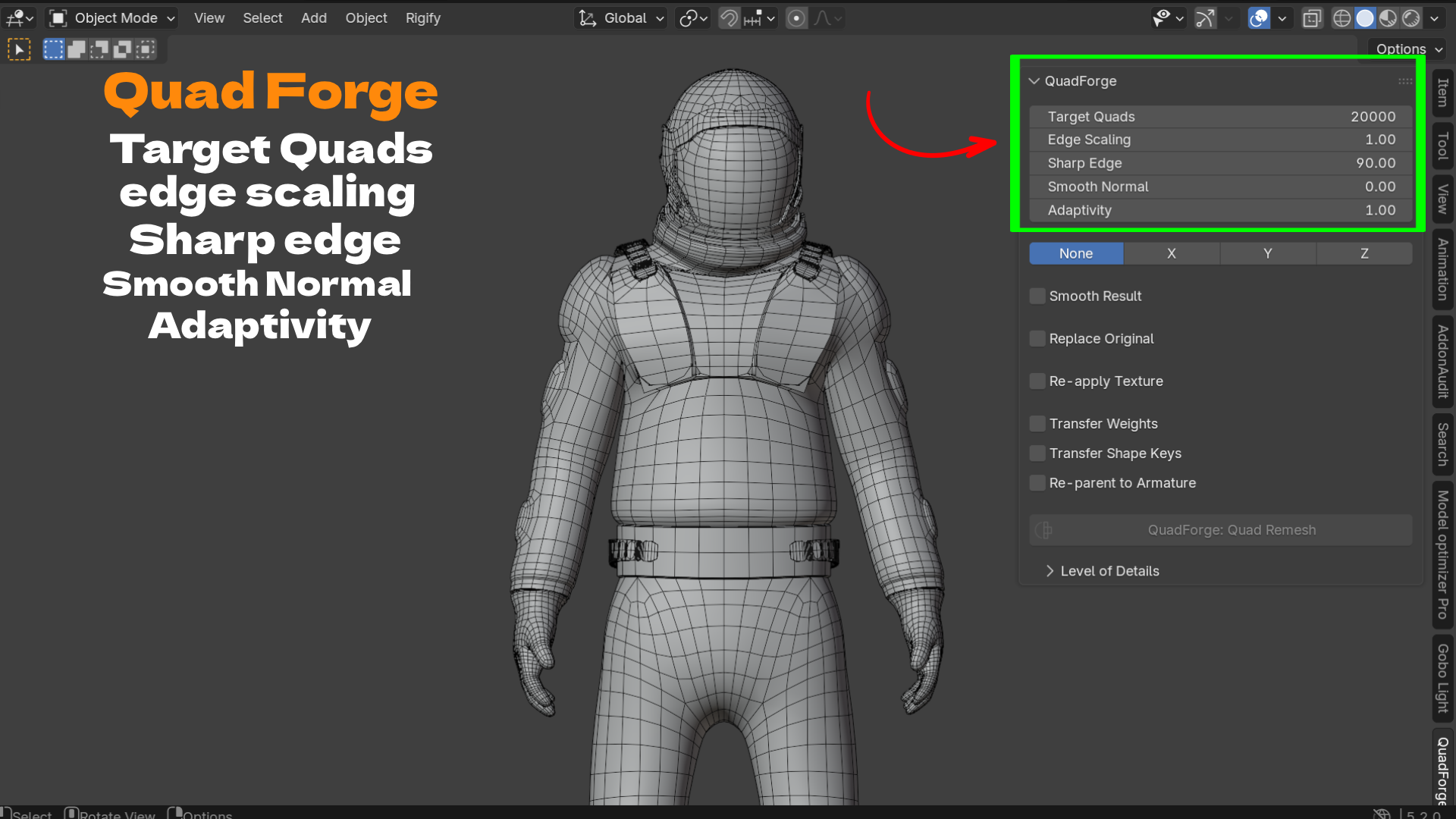
- Set your target quad count and click QuadForge: Quad Remesh.
The engine runs as a local subprocess on a background thread, so Blender's UI never freezes. You can keep working, and press Esc at any time to cancel. The mesh data streams through stdin/stdout only, nothing is written to disk, and nothing is sent over a network. Everything happens on your machine.
What Makes It Different
Most retopology tools stop at "make it quads." QuadForge treats retopology as one step in a full production pipeline:
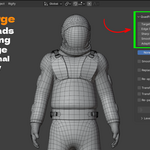
- It keeps genuine holes open (neck openings, eye sockets, sleeve cuffs) instead of capping them like generic remeshers often do.
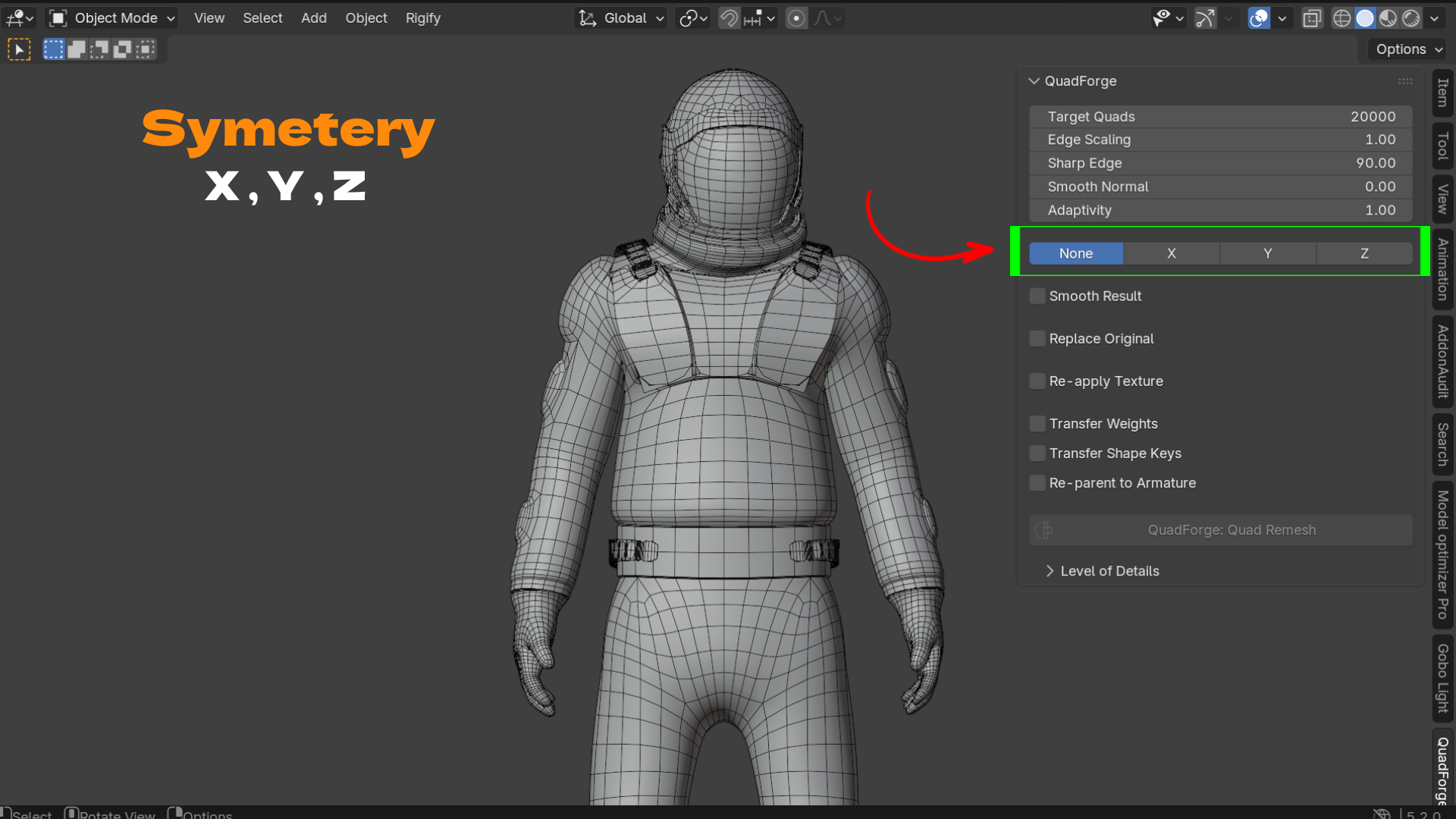
- It can remesh half your model and mirror it, so a character's left and right side get an identical, watertight quad layout.
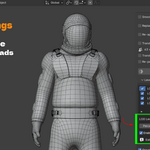
- It rebakes your original material onto the new UVs, including a full PBR set (Base Color, Normal, AO, Roughness, Metallic) assembled into a ready Principled BSDF material, so you don't lose your look after retopology.
- It carries your rig with it: vertex groups, armature deform weights, and shape keys transfer straight to the new mesh, and it can re-parent the result to your original armature automatically.
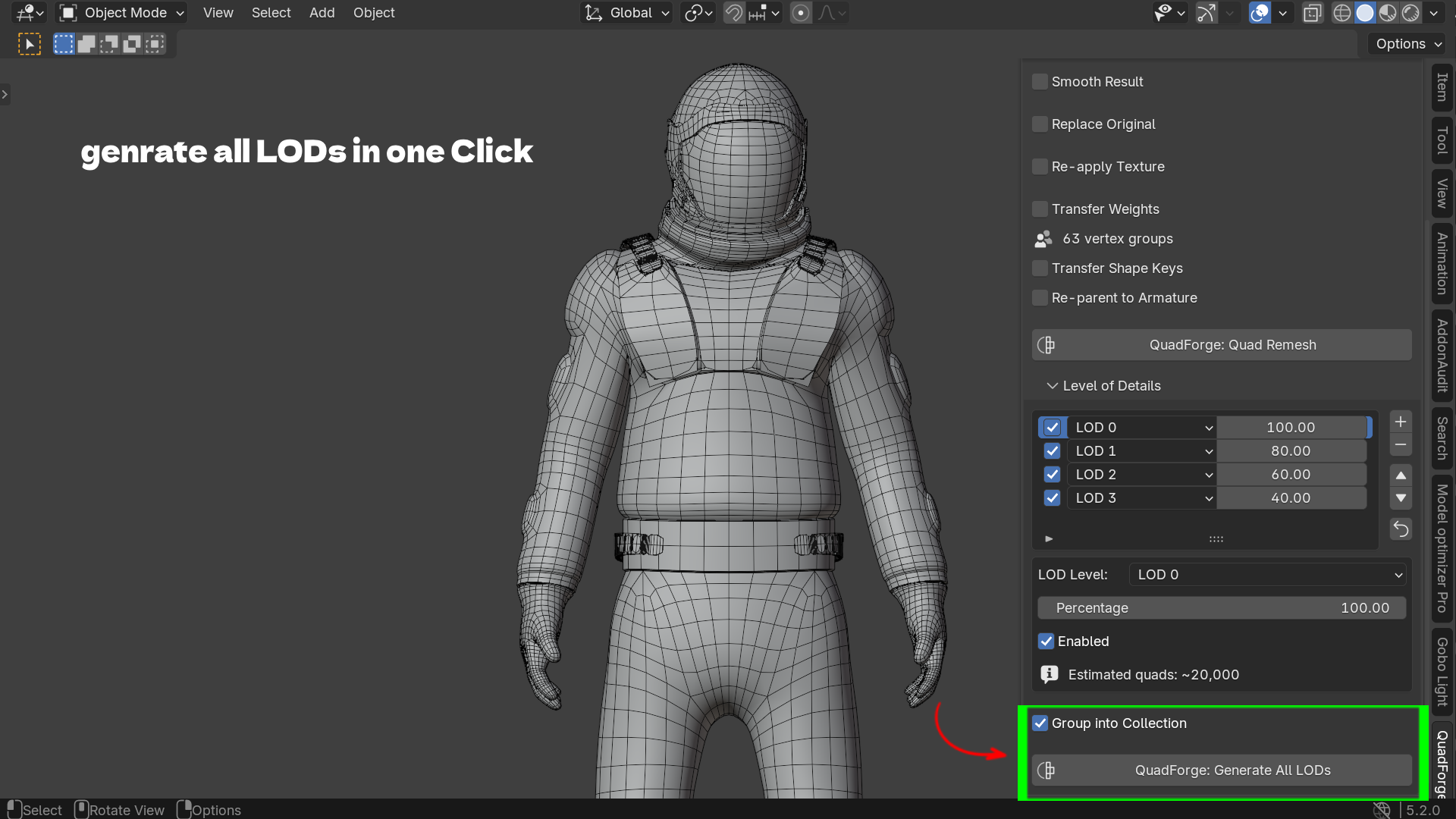
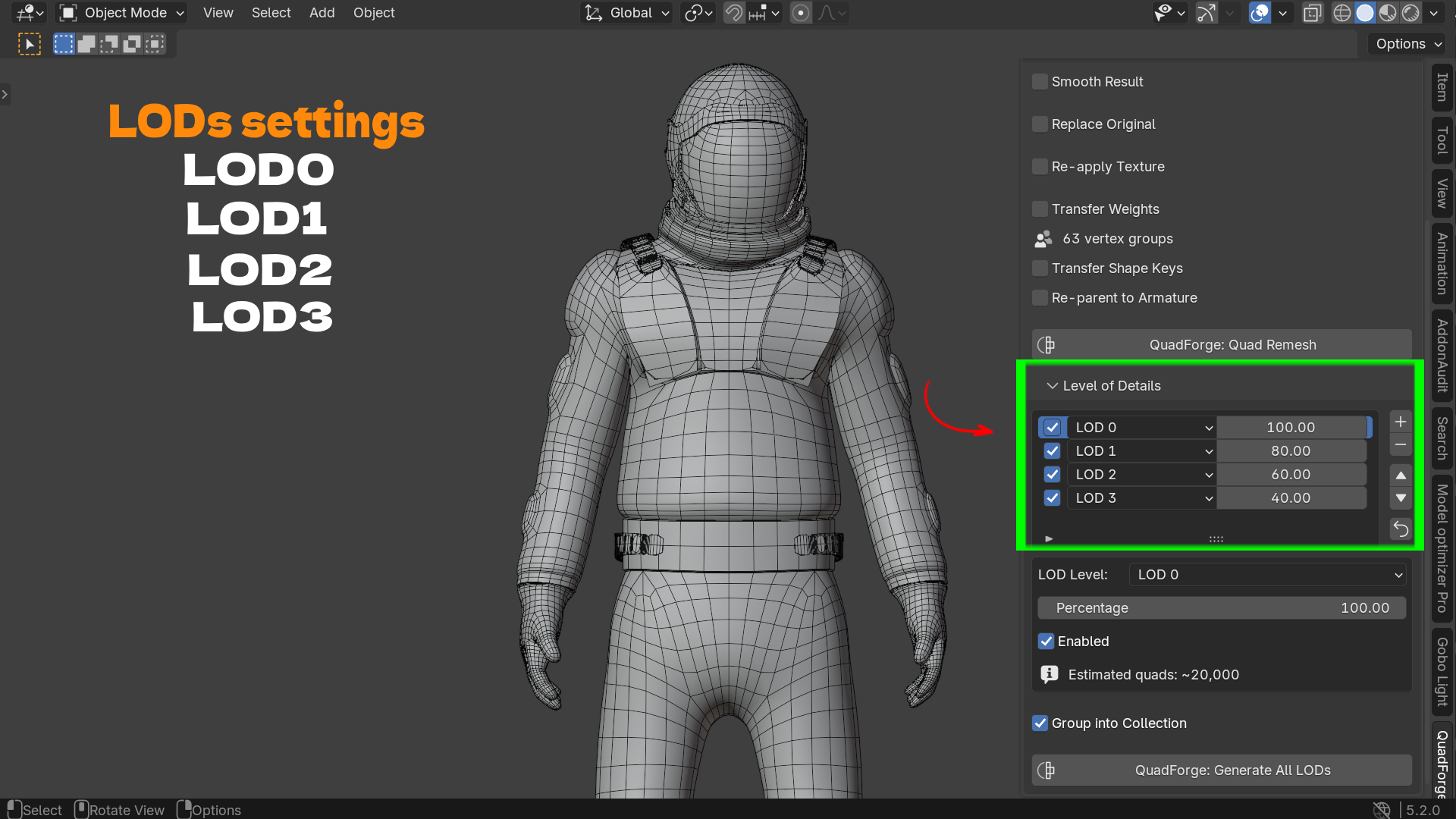
- It can generate multiple LODs from one source mesh in a single pass, each named and organized, for game engines that need level-of-detail switching.
Built for a Real Production Workflow
QuadForge is not a standalone app you export to and reimport from. It is a Blender add-on that reads your active object, does the work, and gives you back a usable object in the same scene, with its material, rig, and shape keys intact. For a character artist or technical artist working under deadline, that means one less round trip.
Key Features with Benefits
| Feature | Benefit |
|---|---|
| One-click quad remesh | Turn a triangle-soup mesh into clean quads without manually retopologizing, saving hours per asset. |
| Full PBR map baking (Base Color, Normal, AO, Roughness, Metallic) | Get a ready-to-render Principled BSDF material on the new mesh, no manual UV unwrap-and-rebake needed. |
| Diffuse-only bake option | Skip the full PBR pass when you only need color, for faster iteration on early-stage assets. |
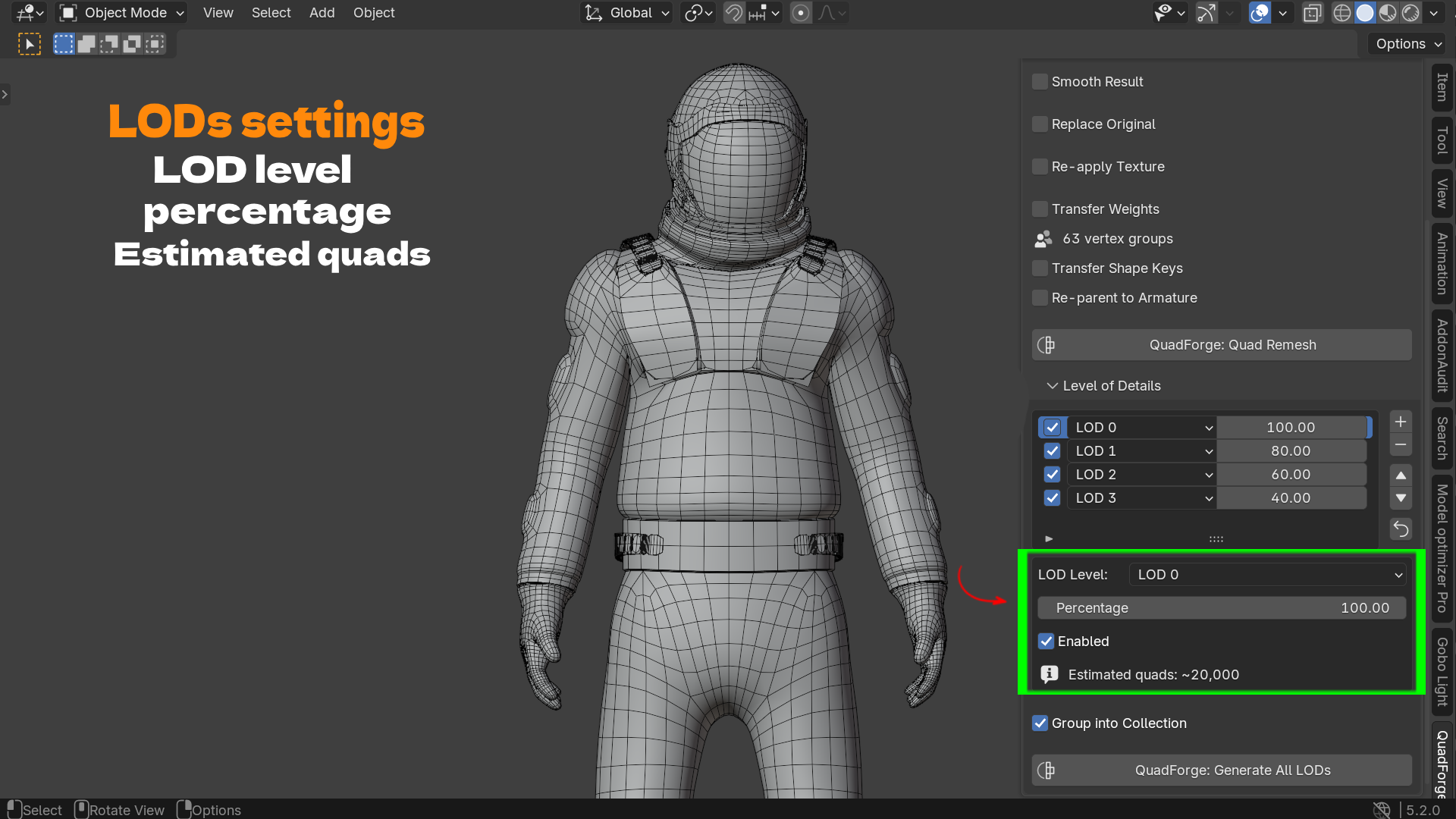
| Automatic LOD generation (LOD 0–3 or custom, percentage-based) | Produce a full set of game-ready detail levels from one source mesh in one click, each as its own named object. |
| Vertex group / armature weight transfer | Keep your character riggable after retopology, no re-weighting from scratch. |
| Shape key transfer | Facial blend shapes and other morph targets survive the remesh. |
| Re-parent to source armature | The new mesh drops straight into your existing rig, ready to pose. |
| Open boundary preservation | Eye sockets, neck openings, and sleeve holes stay open instead of getting capped shut. |
| X / Y / Z symmetry mode | Remesh one half and mirror it for a perfectly matched quad layout on both sides. |
| Optional smoothing passes | Regularize quad shape and size without distorting the model's silhouette. |
| Non-blocking, cancelable | The engine runs on a worker thread; Blender stays responsive and you can press Esc mid-process. |
| Fully local, no internet required | The engine binary ships inside the add-on. No account, no server, no upload of your mesh anywhere. |
Workflow Benefits
- Before QuadForge: sculpt or scan a mesh → manually retopologize for an hour or more → re-UV → rebake textures by hand → re-weight the rig from scratch → manually build LODs for the game engine.
- With QuadForge: sculpt or scan a mesh → select it → click one button → get a clean quad mesh with textures, weights, shape keys, and LODs already in place.
This turns retopology from a dedicated production stage into a single step you run between sculpting and rigging. For studios and freelancers billing by the hour, that is directly billable time saved on every character or prop.
Use Cases
- Character artists cleaning up ZBrush or Blender sculpts into an animation-ready quad topology without losing shape keys or skin weights.
- Game developers who need a full LOD chain (high-detail to low-poly) for real-time engines like Unity, Unreal, or Godot, generated from a single hero asset.
- Riggers and technical artists who need a deform-friendly quad mesh but don't want to rebuild vertex groups and armature parenting by hand.
- 3D scan and photogrammetry cleanup, where raw capture meshes are dense, irregular triangles that need retopologizing before they're usable in a rig or a game.
- AI-generated mesh cleanup, where meshes from tools like Meshy or Tripo come out as triangulated blobs that need a clean, textured quad pass before production use.
- Freelancers and small studios who need a fast, offline, one-time-purchase alternative to paid remeshing plugins with recurring costs or external dependencies.