QuadSketch – Interactive Retopology Add-on for Blender
 OMiD Mousakhani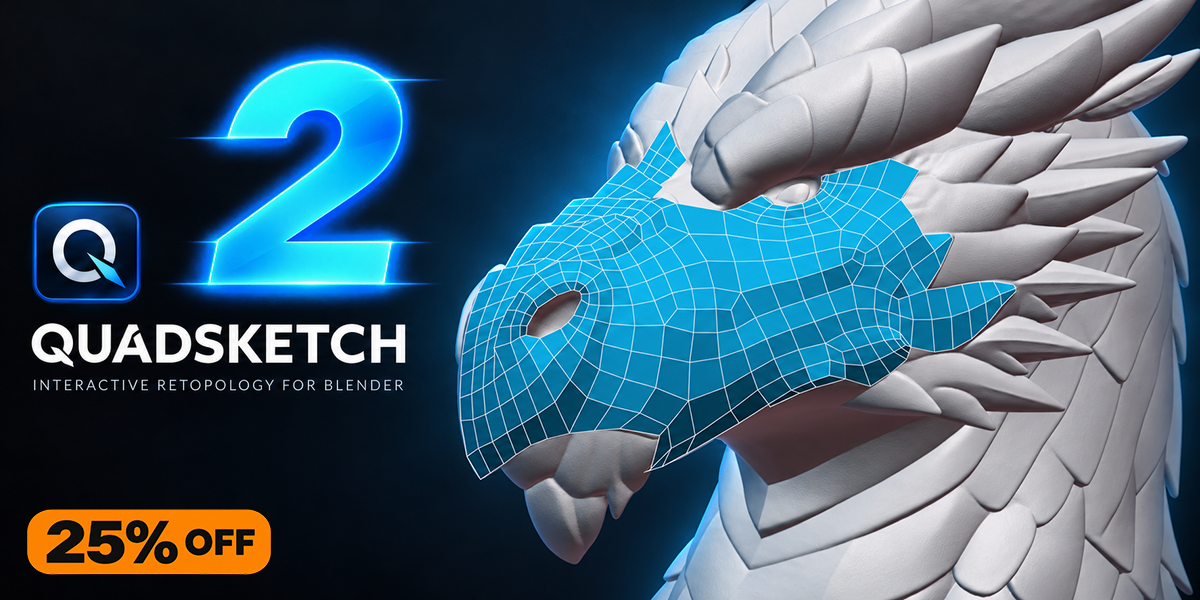



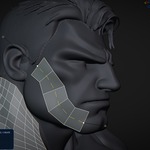
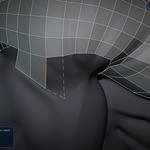
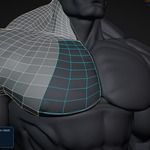
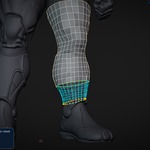
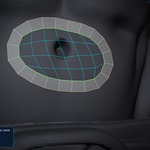
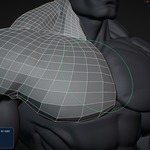
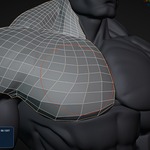
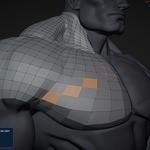
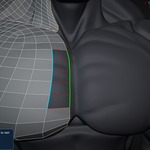
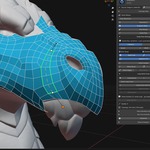
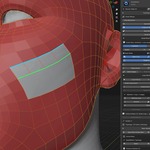
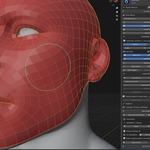
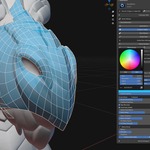
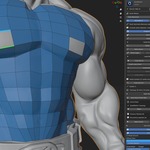
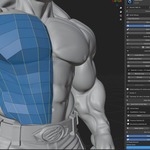
QuadSketch V2.0.0 — Blender Retopology Quick Start Guide
QuadSketch is an interactive Blender retopology add-on for creating, extending, connecting, and refining clean quad topology directly over complex source meshes while maintaining direct control over topology flow.
Requirements
- Blender 4.2 or newer
- Tested with Blender 4.2 and Blender 5.2.2
- Windows, macOS, and Linux
Installation
- Open Blender.
- Go to Edit > Preferences > Add-ons.
- Choose Install from Disk.
- Select QuadSketch_v2.0.0_Blender_4.2_Plus.zip.
- Enable QuadSketch.
- Open the 3D Viewport and press N.
- Open the QuadSketch tab.
Getting Started
- Select your high-resolution source mesh.
- Click Set Source in the QuadSketch panel.
- Use Start Retopo to begin creating topology from drawn strokes.
- Continue building and refining the topology using the tools that best suit each area of the model.
Main Tools
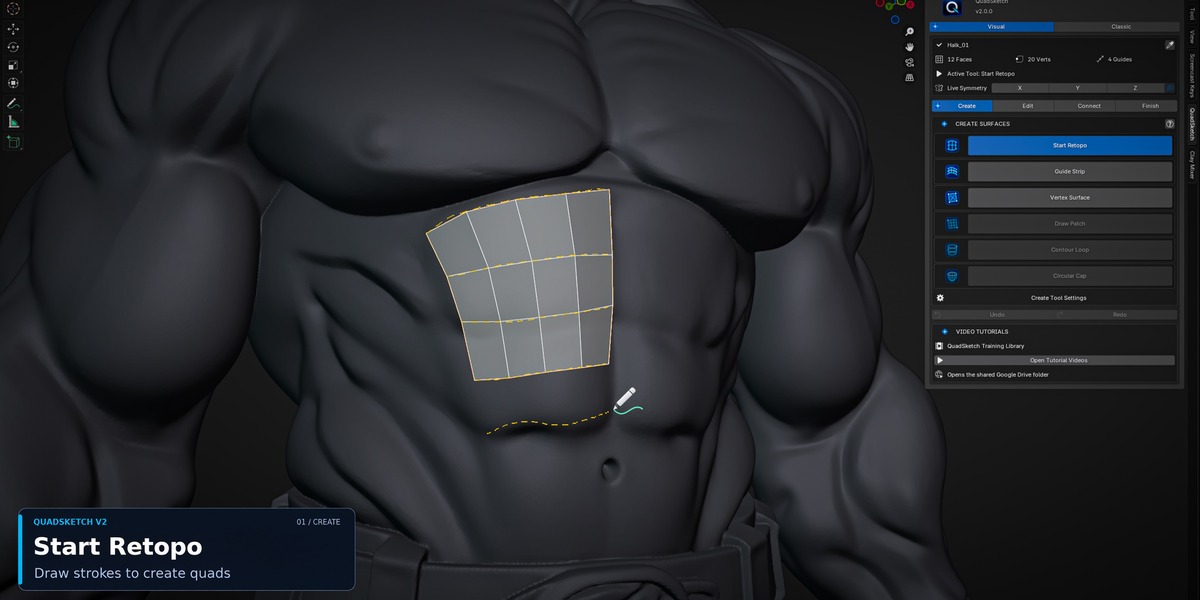
- Start Retopo
Draw strokes directly over the source mesh to generate clean quad-based topology with adjustable strip resolution.
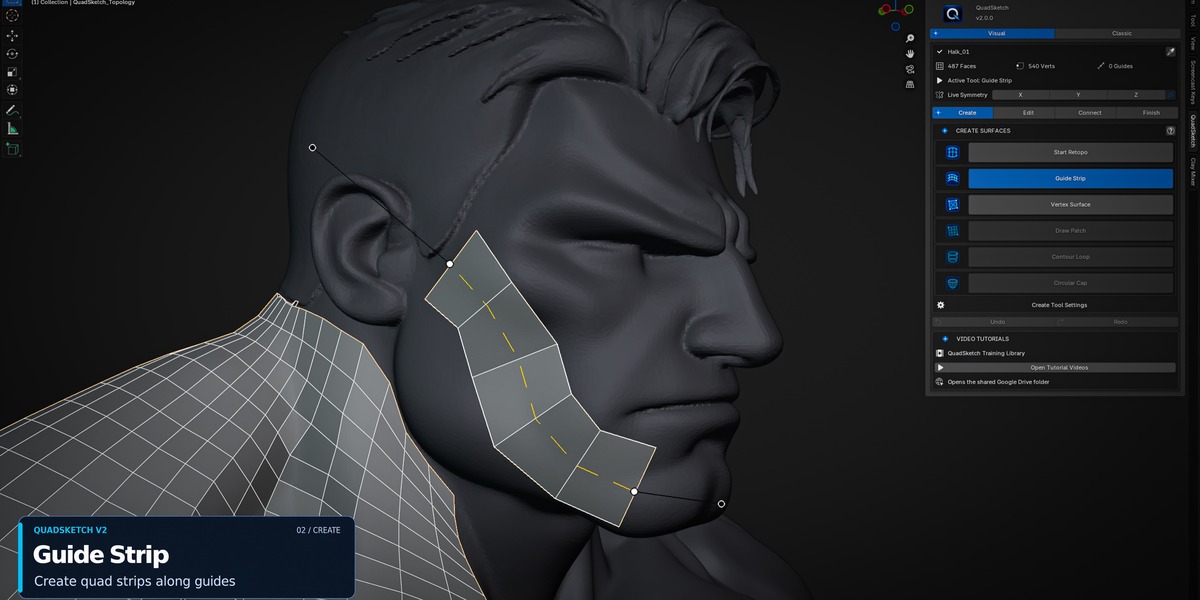
- Guide Strip
Create controlled quad strips across complex surfaces while defining direction, width, resolution, and continuity with surrounding topology.
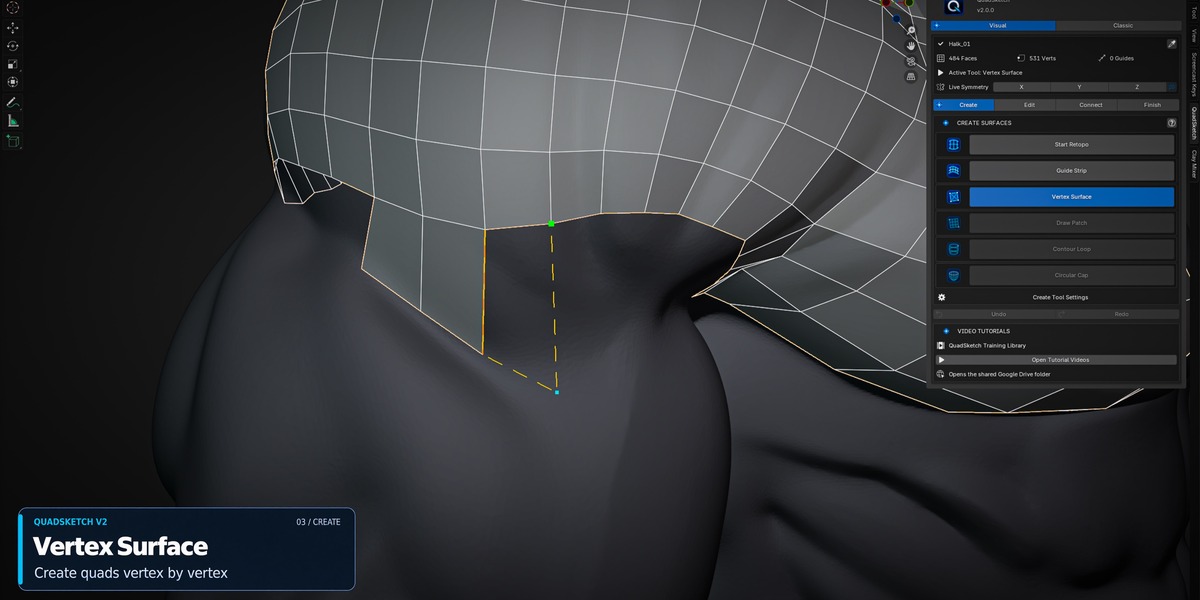
- Vertex Surface
Create and extend topology with precise vertex-based control in tight, curved, or complex areas.

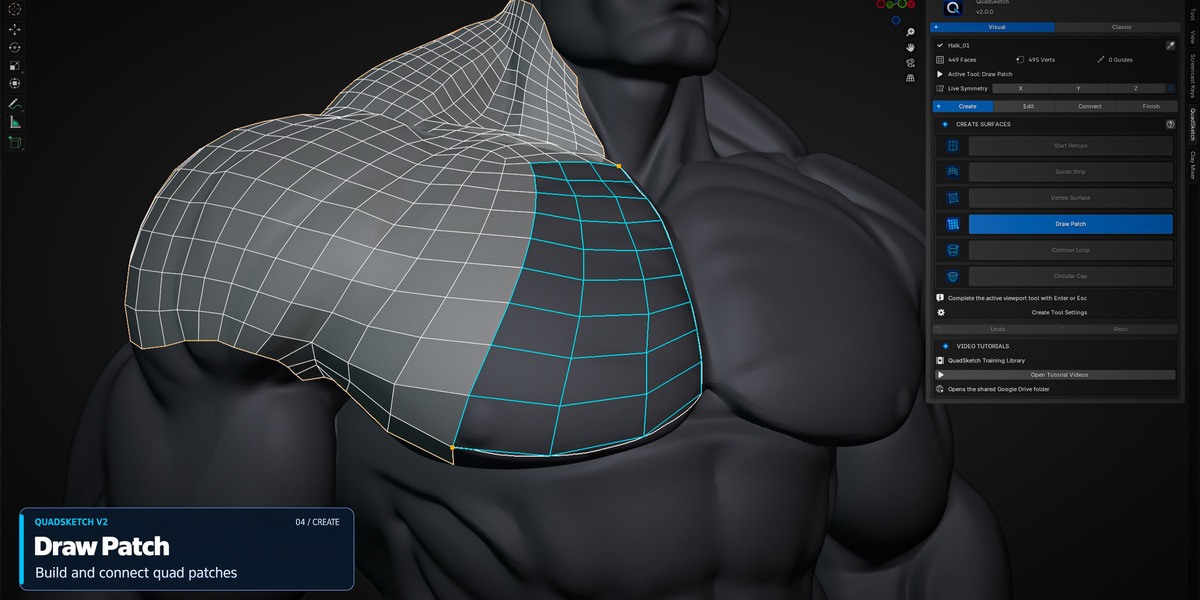
- Draw Patch
Create quad patches directly over the source surface and control the number of rows and columns interactively while drawing.

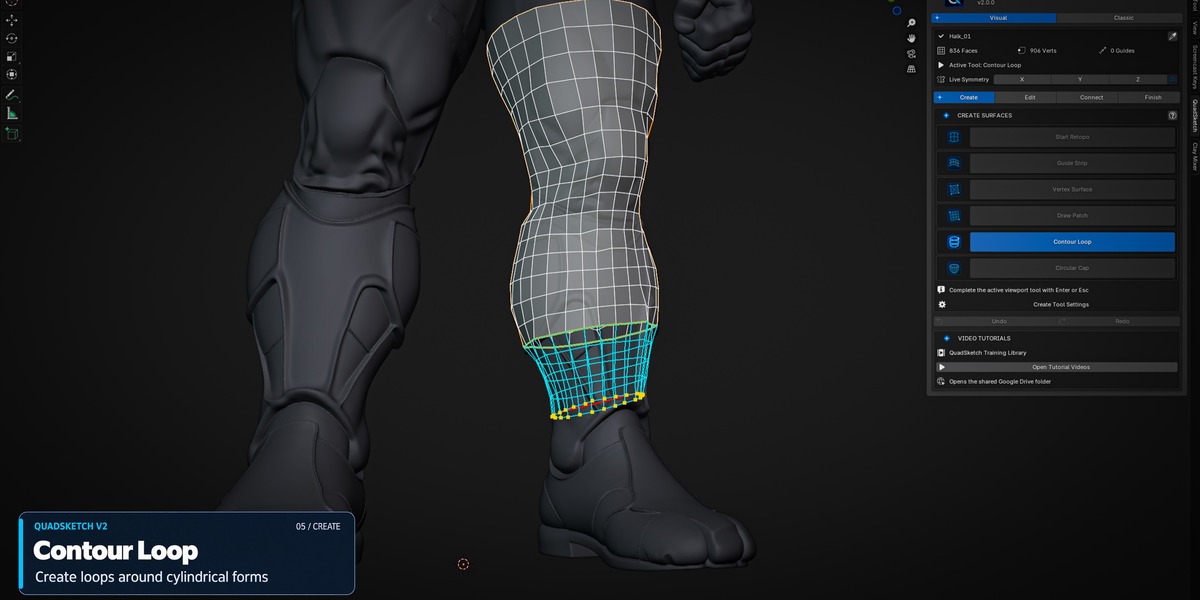
- Contour Loop
Create controlled topology loops around cylindrical or rounded forms with interactive segment control.
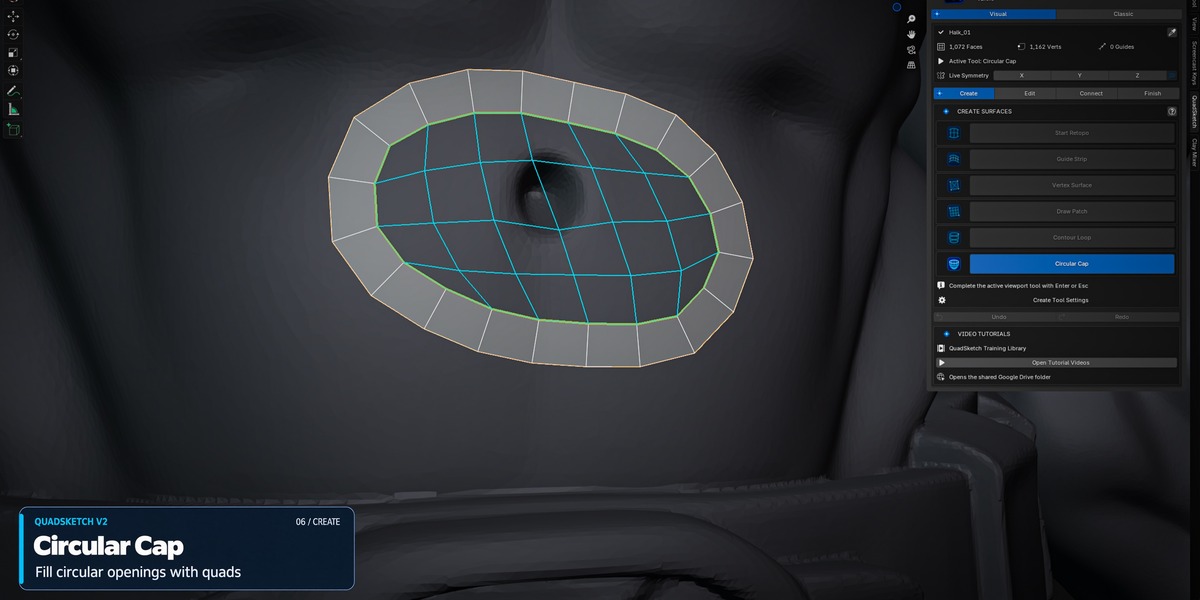
- Circular Cap
Create clean quad-based caps for compatible circular boundary areas.
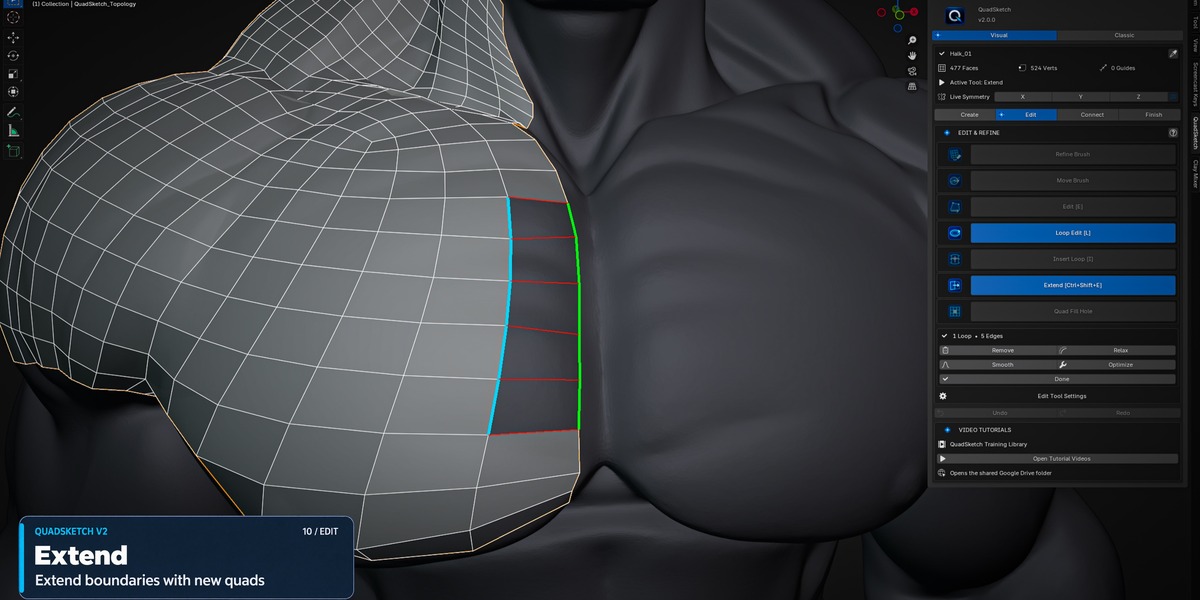
- Extend
Continue existing topology from selected boundaries while following the source surface.
- Stitch Edges
Connect compatible boundary edges between separate topology patches to build a continuous surface.
- Weld Vertex & Weld Edge
Merge compatible vertices and topology edges during the retopology workflow.
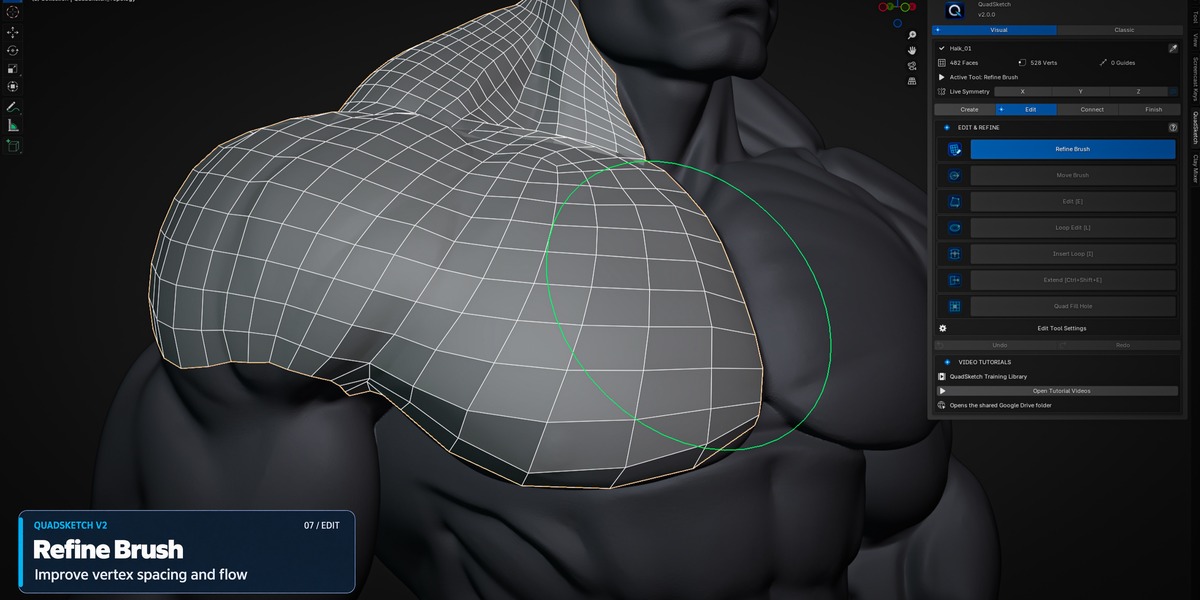
- Refine Brush
Smooth and refine topology directly over the source surface while preserving the overall structure.
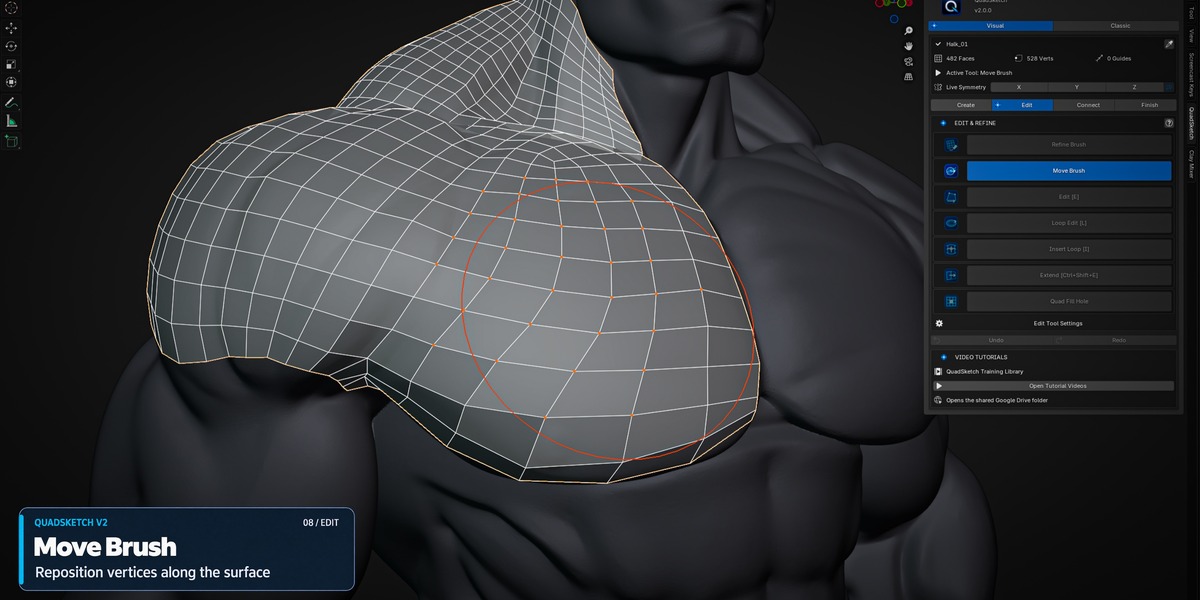
- Move Brush
Interactively reposition and adjust topology over the source surface for local shape and flow refinement.
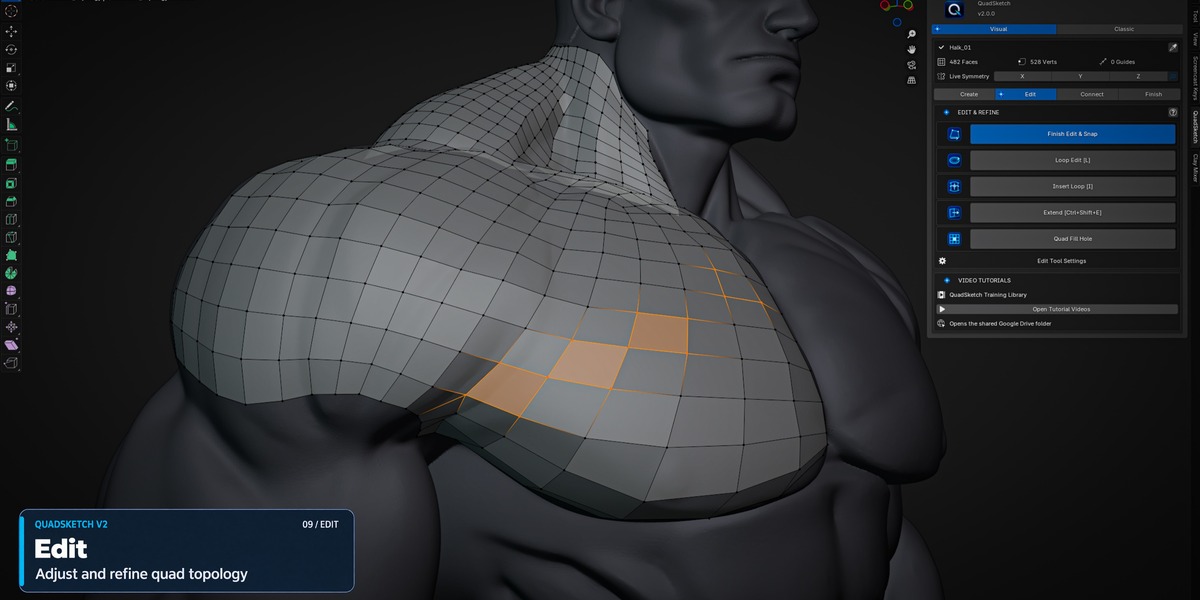
- Loop Edit & Tools
Insert, remove, smooth, relax, and optimize topology loops.
- Viewport Controls
Customize Diffuse Color and Surface Opacity for improved topology visibility while working.
Documentation & Training
QuadSketch includes built-in access to its video training and PDF documentation directly from inside the add-on.
Support
If you encounter an issue, please include your Blender version, QuadSketch version, a short description of the problem, and a screenshot or video when possible.
 Included
Includes 12 months of
- Support from OMiD Mousakhani
- Product updates
Extend this product’s Support Period +12 months: 50% of product price
Have questions before purchasing?
Login to message
Discover more products like this
quad_mesh edge_flow retopology_addon character_modeling organic_modeling manual_retopology retopology quad_topology topology Blender_Addon creature_modeling blender_retopology