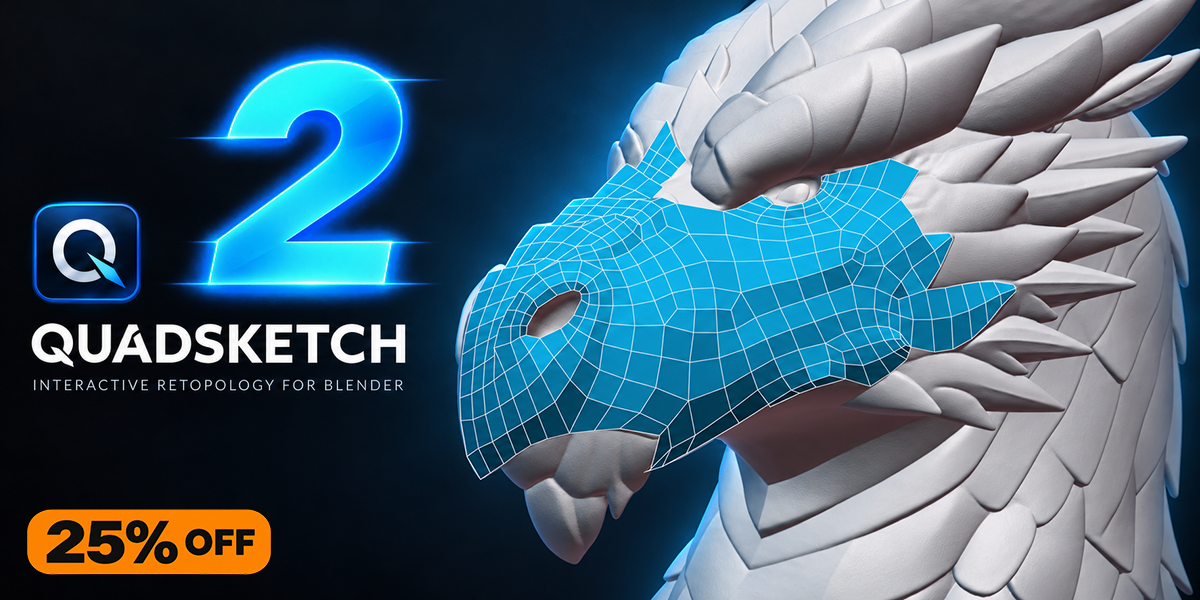


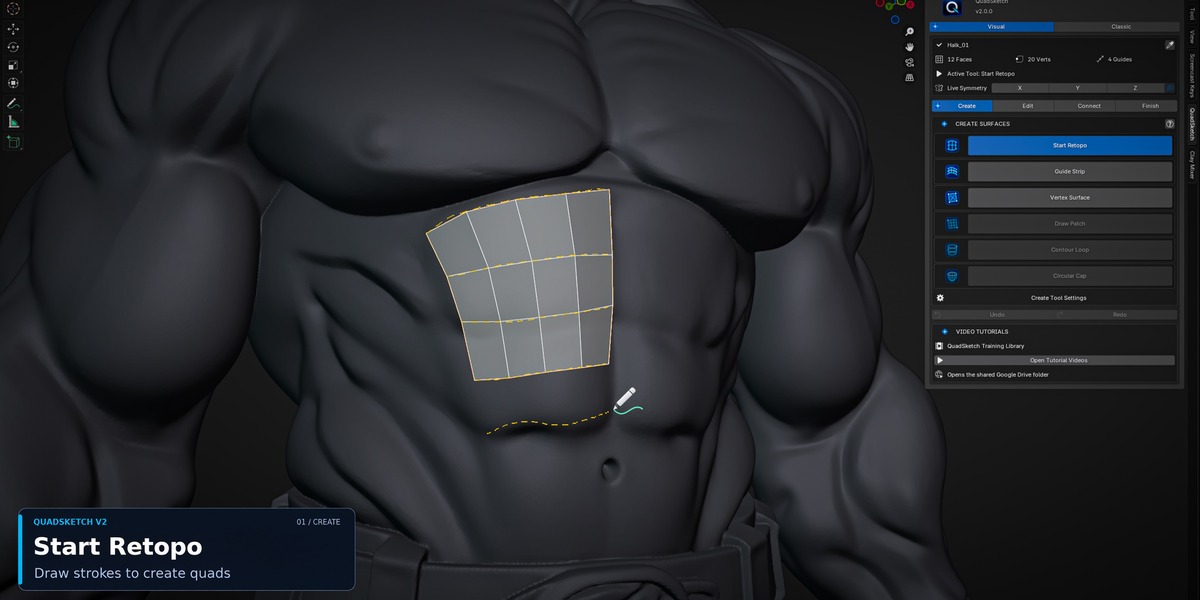
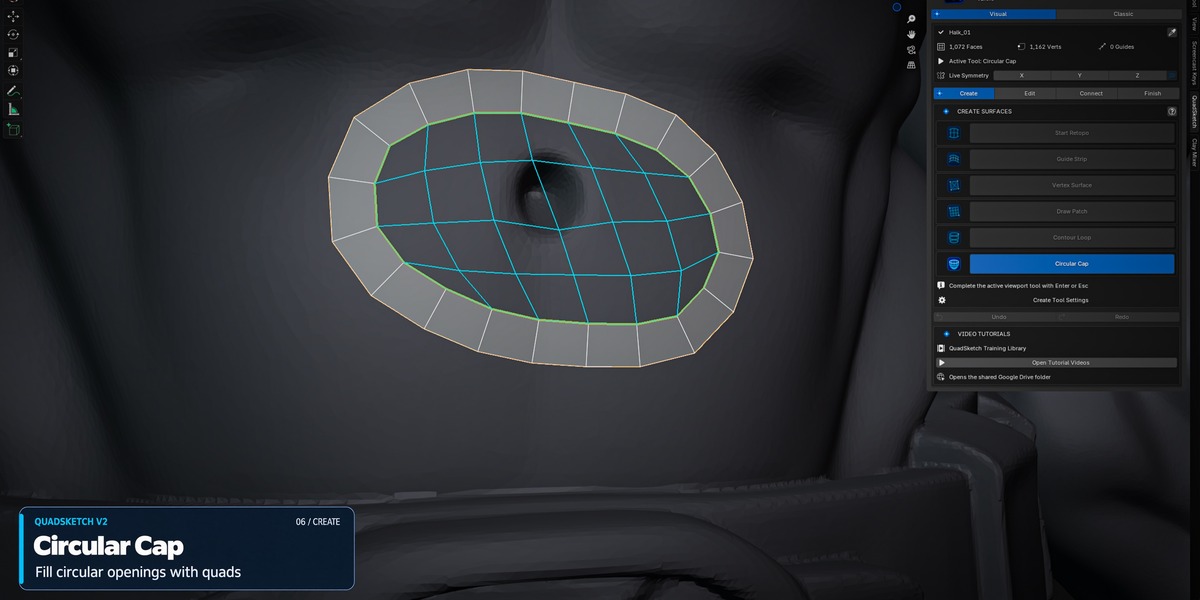
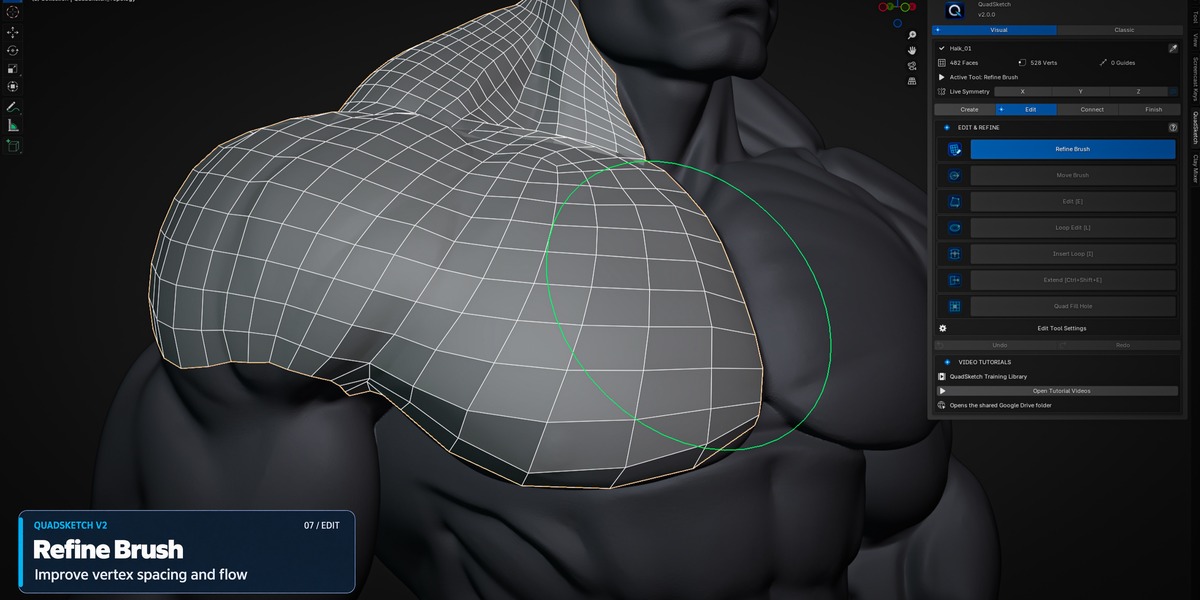
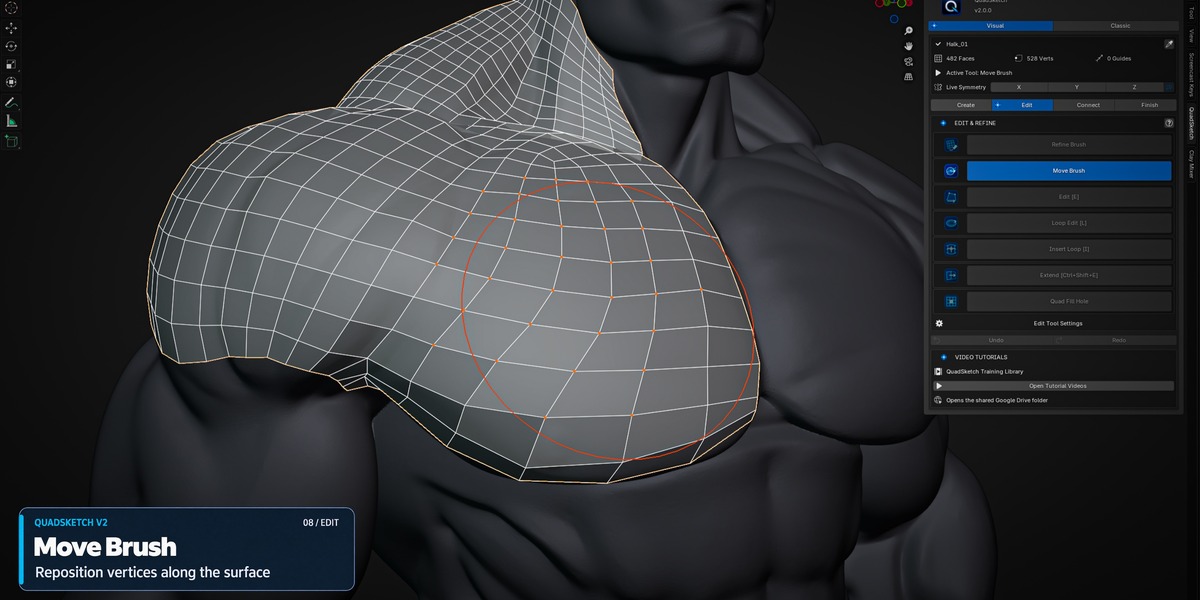
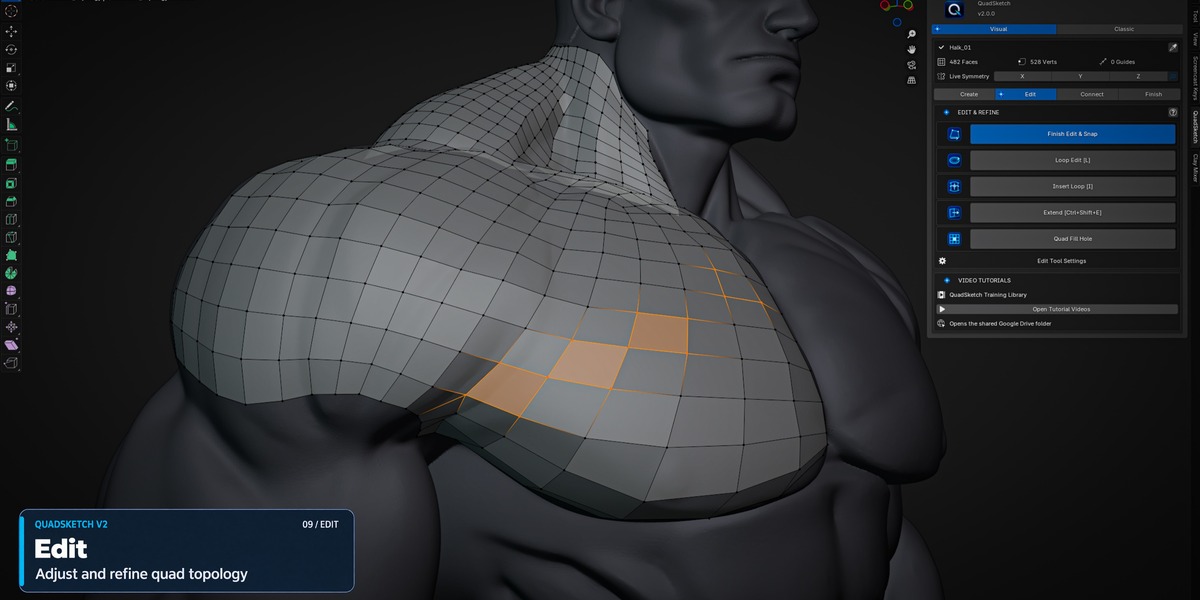
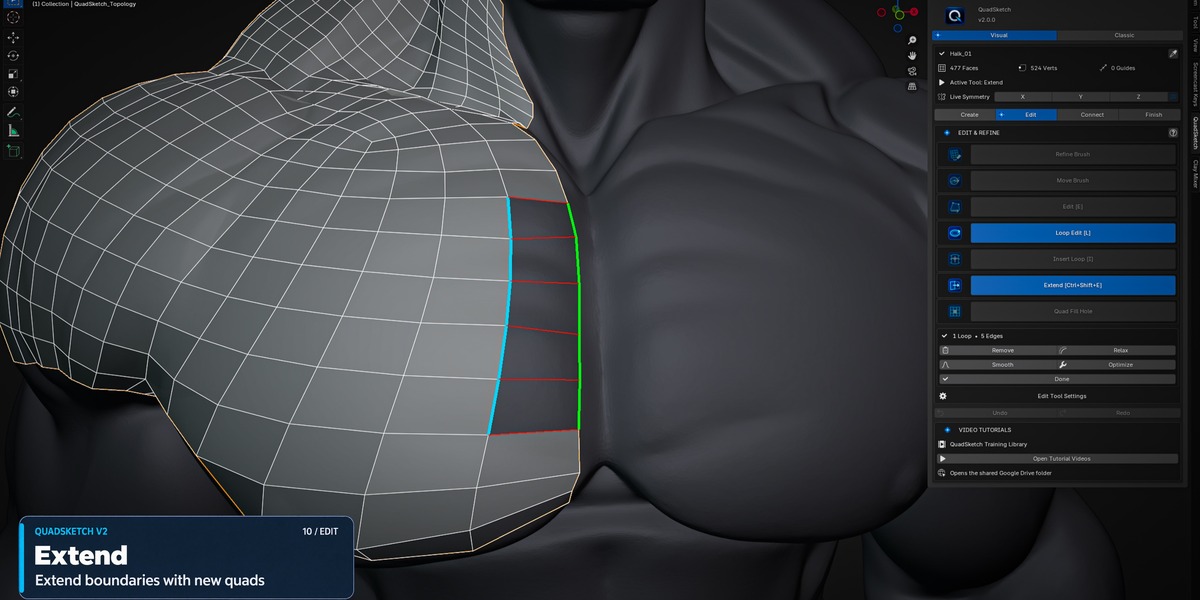
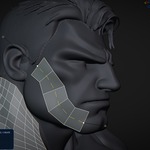
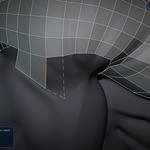
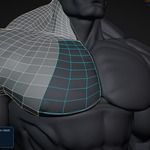
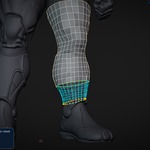
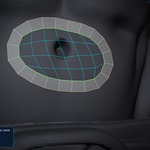
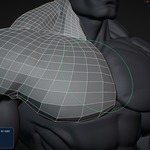
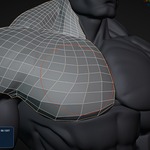
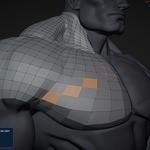
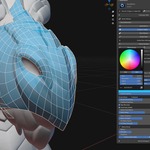
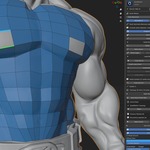
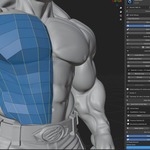

QuadSketch – Interactive Retopology Add-on for Blender

OMiD Mousakhani in Modeling


Item Rating

This item has an average rating of 4 from 3 ratings by the community.

67%
0%
0%
0%
34%

Purchase this item to leave a review!

  • andrey
    25 days ago

    Personally, I really liked the Quadsketch add-on—primarily for its simple interface and ease of use. I mastered working with the model in about two hours, and I’d say it’s essential for anyone just starting out with modeling. It’s great that there’s a tutorial included to get you up to speed; as a beginner, though, I’d appreciate a bit more control—for example, being able to see edge flows color-coded during retopology. A big thank you to the creator!

    • Omid Mousakhani

      25 days ago

      Thank you very much for the detailed review and the 5-star rating! I’m really glad you found QuadSketch easy to learn and use.
      Your suggestion about color-coded edge flow visualization is a great idea, especially for newer users, and I’ll definitely keep it in mind for future improvements. Thanks again for your support!

  • Whiskey
    about 2 months ago

    A great little add-on for high-quality manual retopology. It runs smoothly, performs well, and is quite efficient once you've had a bit of practice.

    A nice bonus: it comes with some high-quality tutorial videos on how to use it, which is a real plus.

    Given the price and quality, I highly recommend it :)

    • Omid Mousakhani

      about 2 months ago

      Thank you so much for your kind words and recommendation! I’m really happy to hear that QuadSketch is working well for you and that you found the tutorial videos useful. Your support and feedback mean a lot to me. 😊

  • Necropanik
    26 days ago

    This was very likely vibe coded using AI but the main bothersome aspects are: You waste too much time having to always press ''Start QuadSketch'' then select your model to click on ''Set Source'' then click on ''Start Retopo'' while all of this could be a single click and not only that, youre equally locked in Object Mode until you have to press ''Save Patch'' then redo the same annoying repetitive ritual everytime you'd go to edit mode to do some manual works while it all could be located in the Edit Mode itself without the full repetitive sides everytime you'd need to change tools.

    • Omid Mousakhani

      26 days ago

      Thanks for the feedback. I’d just like to clarify a few workflow points.
      Save Patch is not required every time you edit or switch tools. You can enter QuadSketch Edit Mode directly with Edit / E and use Finish Edit & Snap when done.
      Save Patch & Start New is only needed when you want to use Start Retopo again to create a new separate patch. It is there to prevent conflicts between independent patches.
      Also, Set Source does not need to be repeated after every patch — the source remains assigned unless you change it.
      I do understand the point about reducing clicks, and I’ll keep looking for ways to streamline the workflow further.

  • Displaying 3 ratings
  • $18 $24
$18

Support Period Included

Includes 12 months of

Extend this product’s Support Period +12 months: 50% of product price

Have questions before purchasing?
Login to message

Details
Blender Extension Compatible Yes
Sales 50+
Rating
3 ratings
Published about 2 months ago
Blender Version 4.2 - 5.2
Extension Type Add-on
License GPL